








Official Supplier
As official and authorized distributors, we supply you with legitimate licenses directly from 200+ software publishers.
See all our Brands.

Creating PDFs programmatically involves generating Portable Document Format files from application data, user input, or existing content such as text, images, or HTML. Developers implementing this capability allow the production of consistent, platform-independent documents that preserve layout and formatting across devices. It is widely used for reporting, document archiving, invoicing, and content distribution, offering benefits such as precise control over document structure, automation of document workflows, and the ability to integrate document generation directly into applications.
Several WPF PDF components allow you to create PDFs, including:
For an in-depth analysis of features and price, visit our comparison of WPF PDF components.
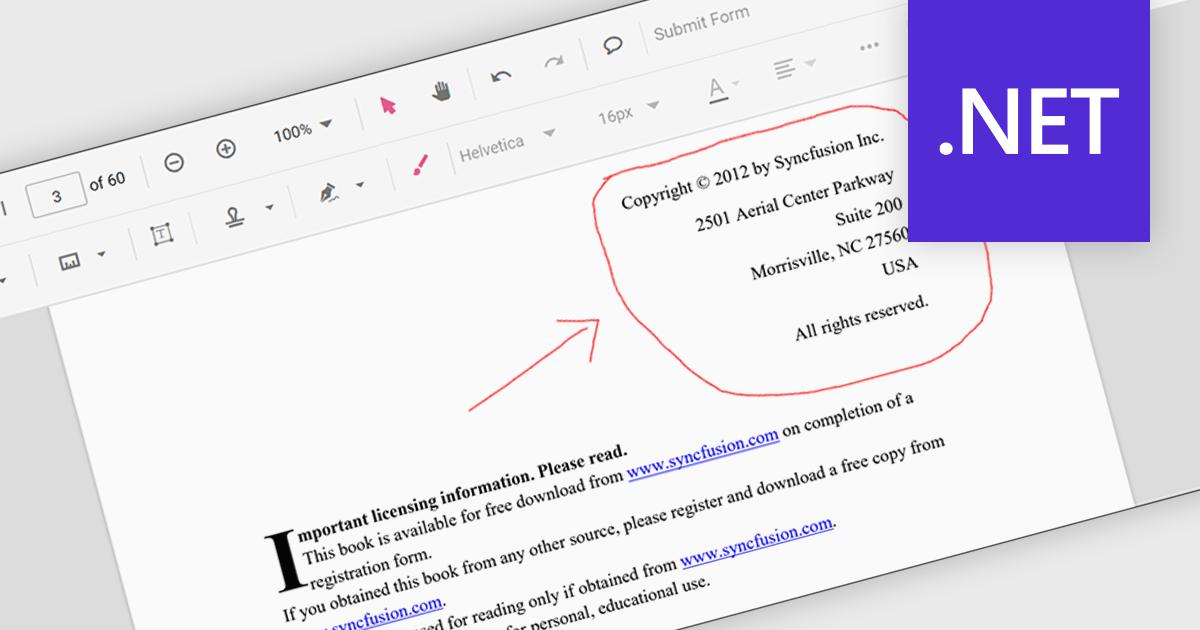
Freehand ink annotation support in a PDF component enables applications to capture and render freehand drawings directly on a PDF document, typically using input from a mouse, stylus, or touch device. It allows users to write, sketch, highlight, or mark up content in a natural way, with the annotations stored as standard PDF ink annotations that remain part of the document. For software developers, this capability adds interactive review and collaboration features to applications such as document viewers and form-processing systems, allowing users to provide visual feedback, sign documents, or annotate content without altering the original PDF structure.
Several .NET PDF components feature support for freehand ink annotations including:
For an in-depth analysis of features and price, visit our comparison of .NET PDF components.
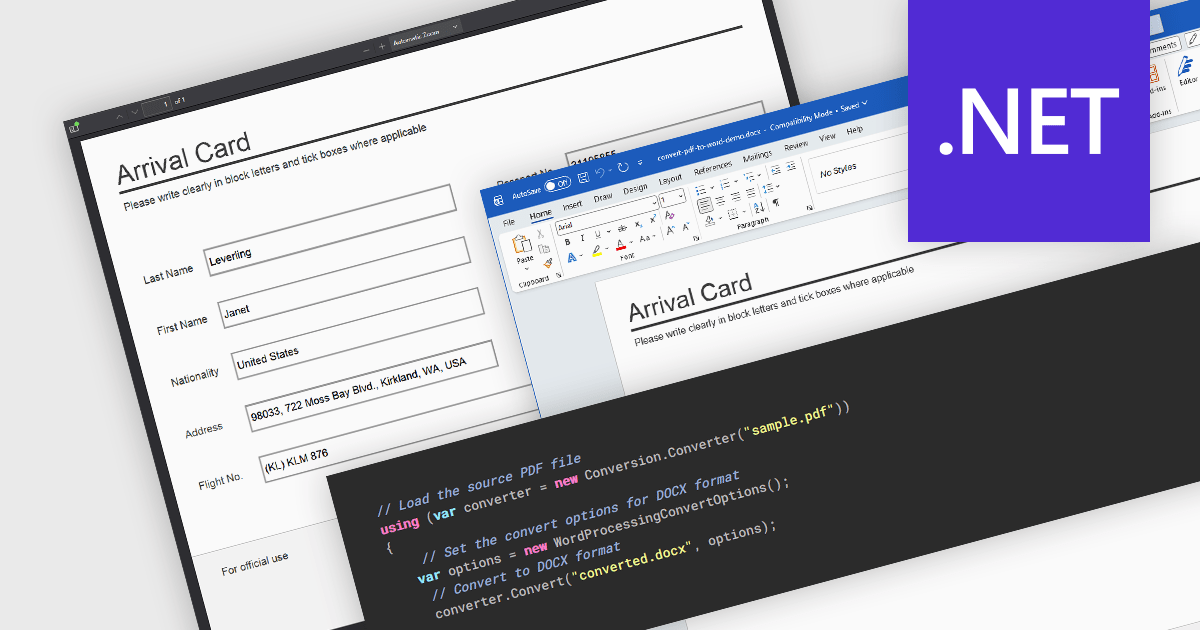
PDF to Word conversion is the process of transforming a Portable Document Format (PDF) file into an editable Microsoft Word document such as DOC or DOCX. This capability is widely used when content that was originally distributed in a fixed-layout format needs to be modified, reused, or incorporated into other documents. Converting PDFs to Word allows users to edit text, adjust formatting, and extract tables or images without manually recreating the original content. For developers and organizations that process large volumes of documents, automated conversion can improve productivity by enabling document reuse, simplifying content updates, and supporting processes that require editable formats.
Several .NET PDF components allow you to convert PDF to Word, including:
For an in-depth analysis of features and price, visit our comparison of .NET PDF components.
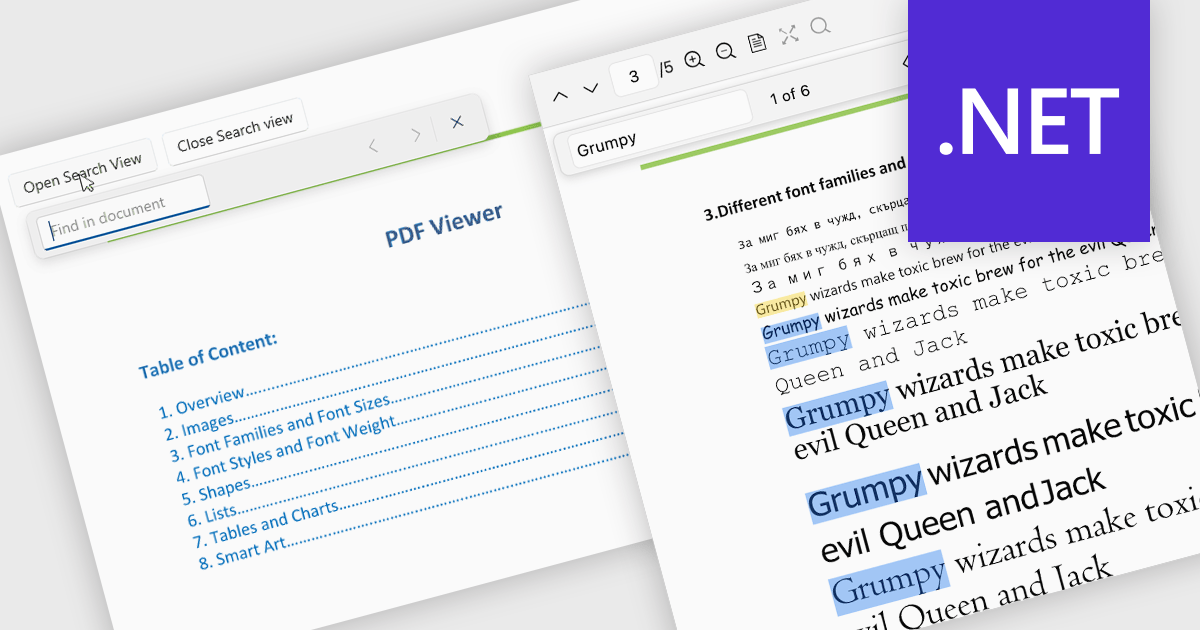
Search in a PDF viewer allows users to quickly locate specific words, phrases, or data within a document without manually scanning each page. By instantly highlighting and navigating between results, search makes it easier to work with large or complex PDFs such as reports, manuals, contracts, or research papers. This functionality improves productivity by helping users find relevant information faster, understand content in context, and move directly to important sections.
Several .NET PDF Viewer controls allow you to search for text in PDF files including:
For an in-depth analysis of features and price, visit our .NET PDF Viewer controls comparison.
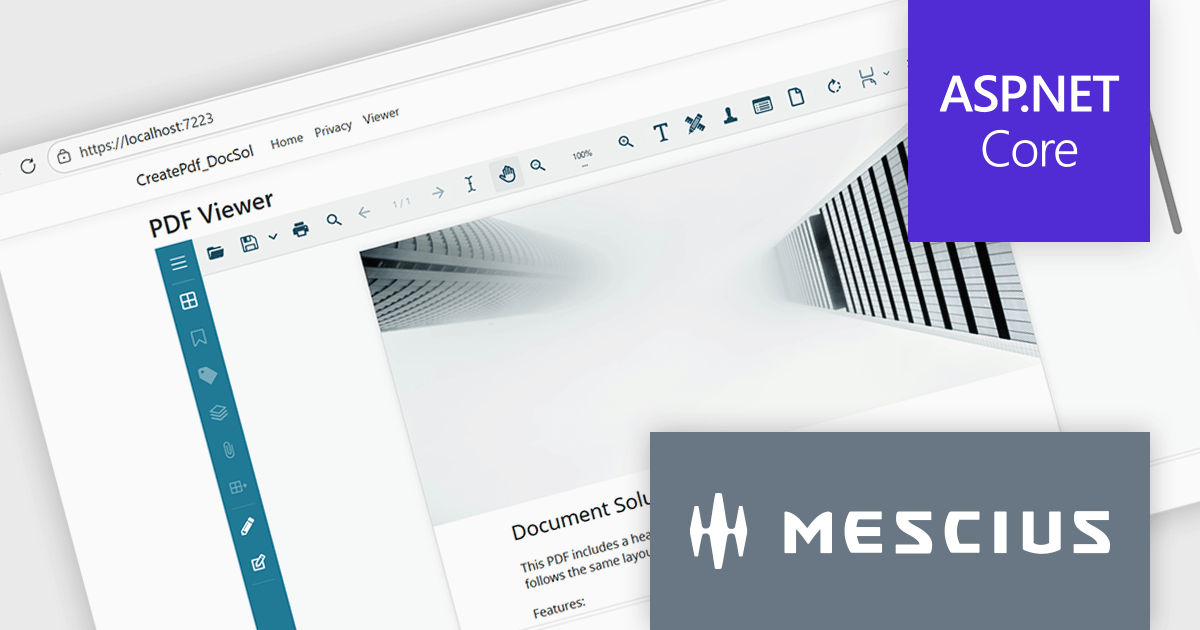
Document Solutions for PDF (DsPdf, formerly GcPdf) is a high-speed, feature-rich, server-side PDF API Library for .NET with no dependencies on Adobe Acrobat. DsPdf allows developers to programmatically create, manipulate, import/export, and deploy PDF documents, including AcroForms, across desktop and web applications at scale. With full .NET support, you can generate, load, modify, and convert PDFs in your app for .NET, Mono, Xamarin.iOS, and Xamarin.Android.
In this blog post, MESCIUS Product Specialist Kristina Ismail demonstrates how to integrate the DsPdf API library on the server side, along with the included JavaScript PDF Viewer to load, generate, and display PDF files in the browser inside an ASP.NET Core application. Steps include:
Read the complete blog to learn how to implement an end-to-end PDF workflow inside any ASP.NET Core application.
Document Solutions for PDF is licensed per developer and is available in several license options for differing distribution needs. Team licenses are also available for multiple developers within the same organization. See our Document Solutions for PDF licensing page for full details.
Document Solutions for PDF is available to buy individually or as part of Document Solutions .NET Bundle.





Tel: (888) 850 9911
Fax: +1 770 250 6199


