








Official Supplier
As official and authorized distributors, we supply you with legitimate licenses directly from 200+ software publishers.
See all our Brands.

PDF redaction is the process of permanently removing sensitive or confidential content from PDF documents, ensuring that the information cannot be recovered or exposed after the file is shared. This feature is essential in legal, financial, medical, and corporate environments where data privacy and compliance with regulations such as GDPR or HIPAA are critical. Redaction can include the deletion of text, images, annotations, or metadata, and often involves replacing the removed content with black bars or blank spaces to indicate intentional removal.
Several .NET PDF viewer components allow you to redact PDF content, including:
For an in-depth analysis of features and price, visit our comparison of .NET PDF viewer components.

Hyperlink navigation in a PDF component allows users to interact with clickable links embedded within a document, enabling transitions to other pages, external URLs or specific document sections. For software developers integrating PDF functionality, this capability enhances the user experience by supporting intuitive document navigation, reducing the need for manual scrolling or searching. It is particularly useful in technical documentation, forms or reports where references to related content are common, allowing for faster access to relevant information and improved usability in both web and desktop applications.
Several .NET PDF components offer hyperlink navigation including:
For an in-depth analysis of features and price, visit our comparison of .NET PDF components.
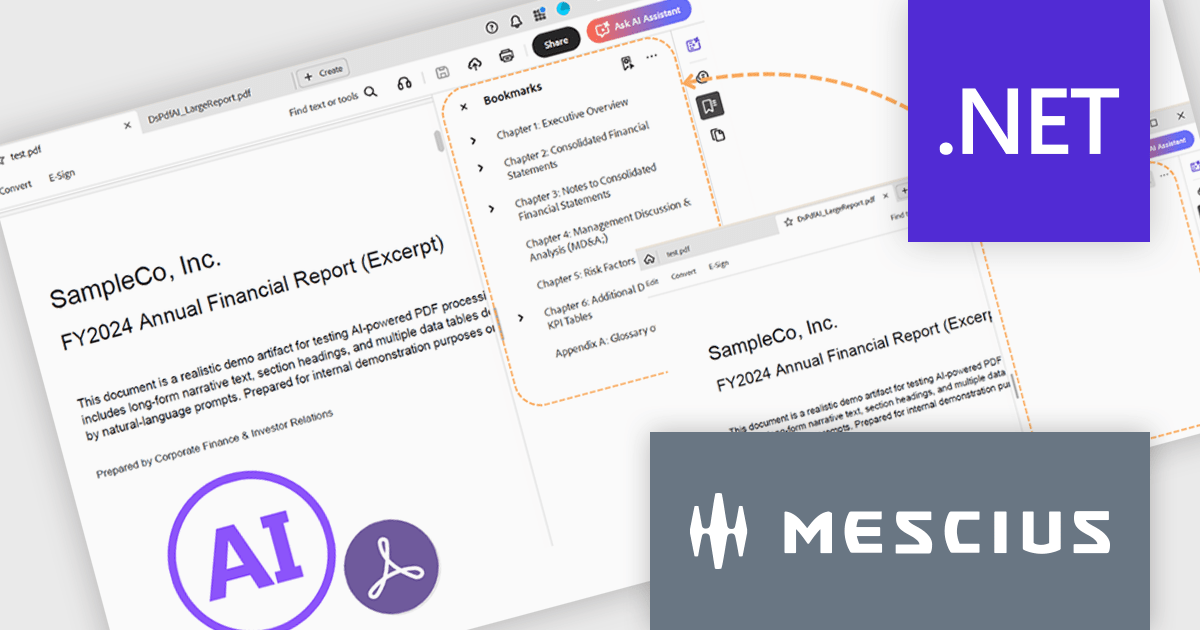
Document Solutions for PDF (DsPdf, formerly GcPdf) is a high-speed, feature-rich, server-side PDF API Library for .NET with no dependencies on Adobe Acrobat. It allows developers to programmatically create, manipulate, import/export, and deploy PDF documents, including AcroForms, across desktop and web applications at scale. Apps using this .NET PDF API can be deployed to the cloud, Windows, Mac, or Linux. It also includes a fast JavaScript-based client-side viewer/editor that allows users to view or optionally edit PDF documents in desktop/web applications.
To go along with the release of v9.0.0, MESCIUS is presenting a CodeClinic Live Webinar on January 20th at 11:00 AM EST. Led by Product Manager Hunter Haaf and Technical Engagement Engineer Tye Glenz, this Code Clinic will dive into the newest AI-powered capabilities included in Document Solutions for PDF .NET. They’ll walk you through creating a .NET project from scratch, generating PDFs programmatically in C#, and then enhancing them with AI-driven summarization, outline generation, and table extraction.
Register for the Live Webinar today, and mark your calendar for January 20.
To see a full list of what's new in v9.0.0, see our release notes.
Document Solutions for PDF is licensed per developer and is available in several license options for differing distribution needs. Team licenses are also available for multiple developers within the same organization. See our Document Solutions for PDF licensing page for full details.
Document Solutions for PDF is available to buy individually or as part of Document Solutions .NET Bundle.
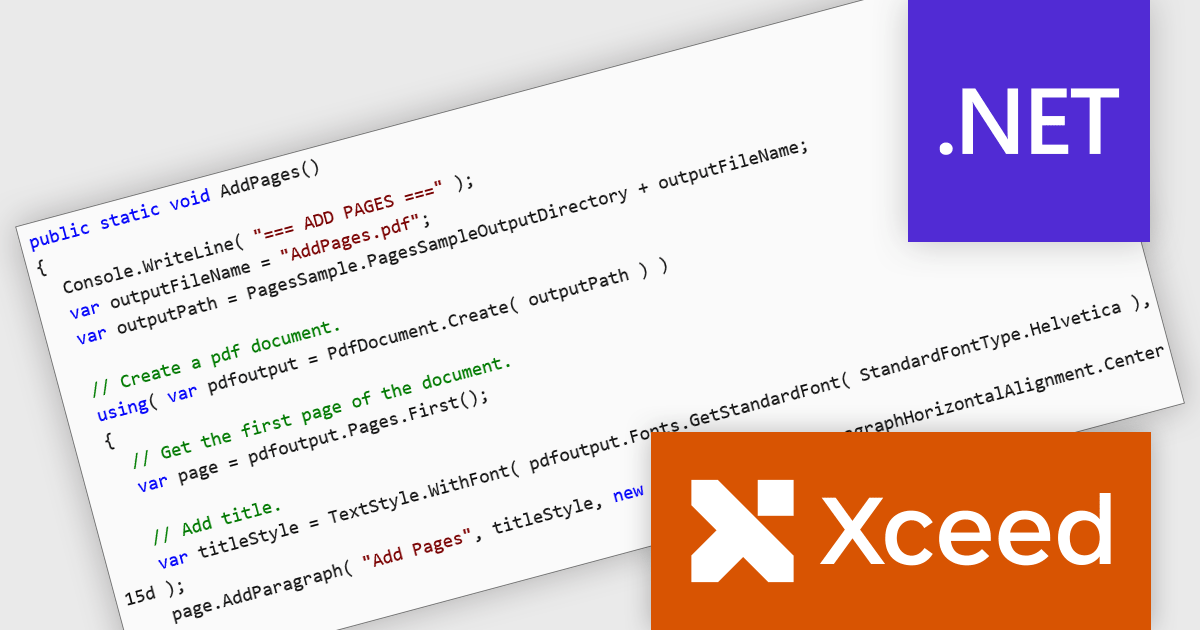
Xceed PDF Library for .NET by Xceed Software is a developer-focused component that enables interaction with PDF documents directly within .NET applications. It provides a clean, intuitive API for creating, editing, and processing PDFs, allowing users to add, modify, or extract content such as text and images without relying on external tools or dependencies.
Designed for reliability and ease of integration, the library supports key features including digital signatures, document encryption, and permission controls to help secure sensitive information. These capabilities make it well suited for a wide range of use cases, from automating document generation and updating existing PDFs to applying security policies and extracting data for reporting or archiving. Ideal for both desktop and server-side applications, Xceed PDF Library for .NET helps teams improve PDF processes while maintaining control and consistency.
Xceed PDF Library for .NET is licensed per developer and is available as a perpetual license with 1 year of updates and support. See our Xceed PDF Library for .NET licensing page for full details.
For more information, visit our Xceed PDF Library for .NET product page.
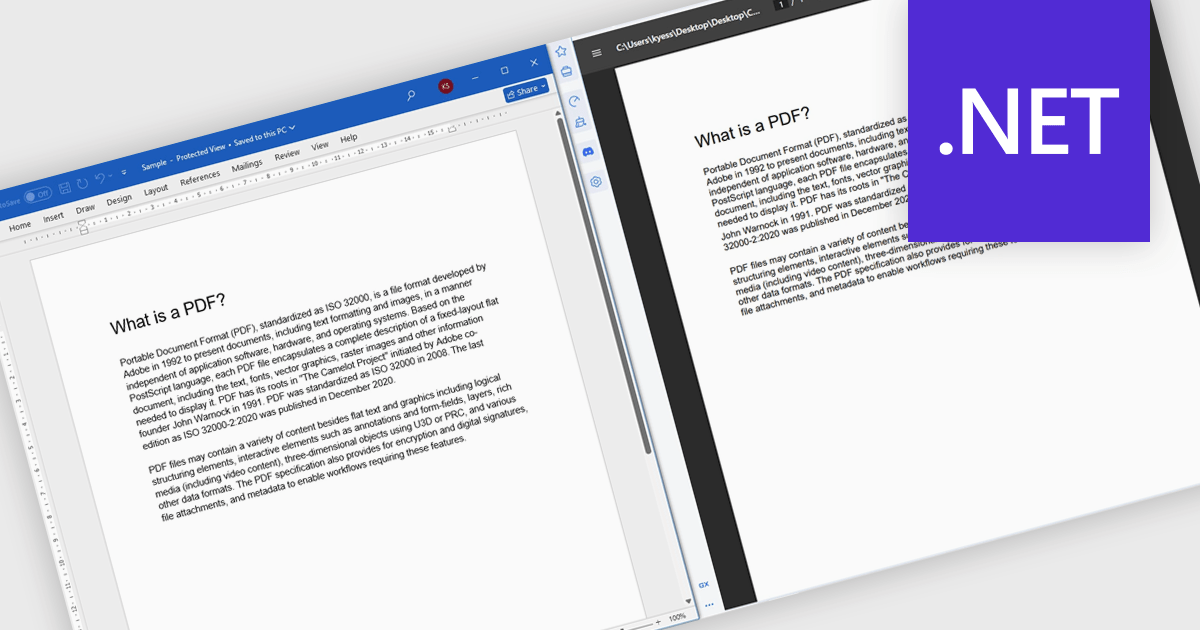
Converting Word to PDF involves transforming DOC or DOCX documents into a fixed, universally supported format that preserves formatting, layout, fonts, and images. This process ensures documents display consistently across different devices, operating systems, and applications, regardless of whether the recipient has Microsoft Word installed. By reducing the risk of unintended edits and layout changes, PDF output provides a more secure and professional way to share finalized content. Typical use cases include distributing reports, proposals, and contracts, preparing documents for printing, sharing files with external stakeholders, and archiving important records for long-term storage or compliance purposes.
Several .NET components offer Word to PDF conversion including:
For an in-depth analysis of features and price, visit our comparison of .NET PDF components.





Tel: (888) 850 9911
Fax: +1 770 250 6199


