








Official Supplier
As official and authorized distributors, we supply you with legitimate licenses directly from 200+ software publishers.
See all our Brands.
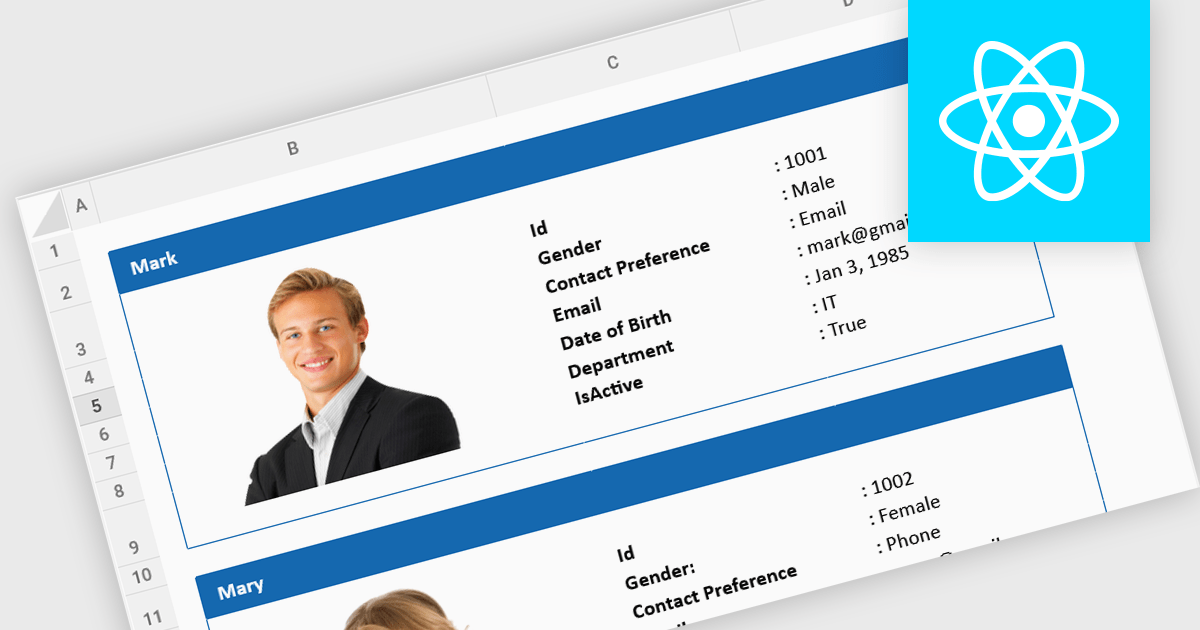
Cell image support refers to the capability of a spreadsheet component to incorporate and manipulate images directly within individual cells. This feature allows developers to visually represent data, such as charts, diagrams, or photographs, within the spreadsheet interface. By integrating images into cells, developers can enhance the overall effectiveness of their spreadsheet-based applications as well as making them more engaging for users, facilitating data visualization and analysis.
Several React spreadsheet controls offer support for cell images, including:
For an in-depth analysis of features and price, visit our React spreadsheet controls comparison.
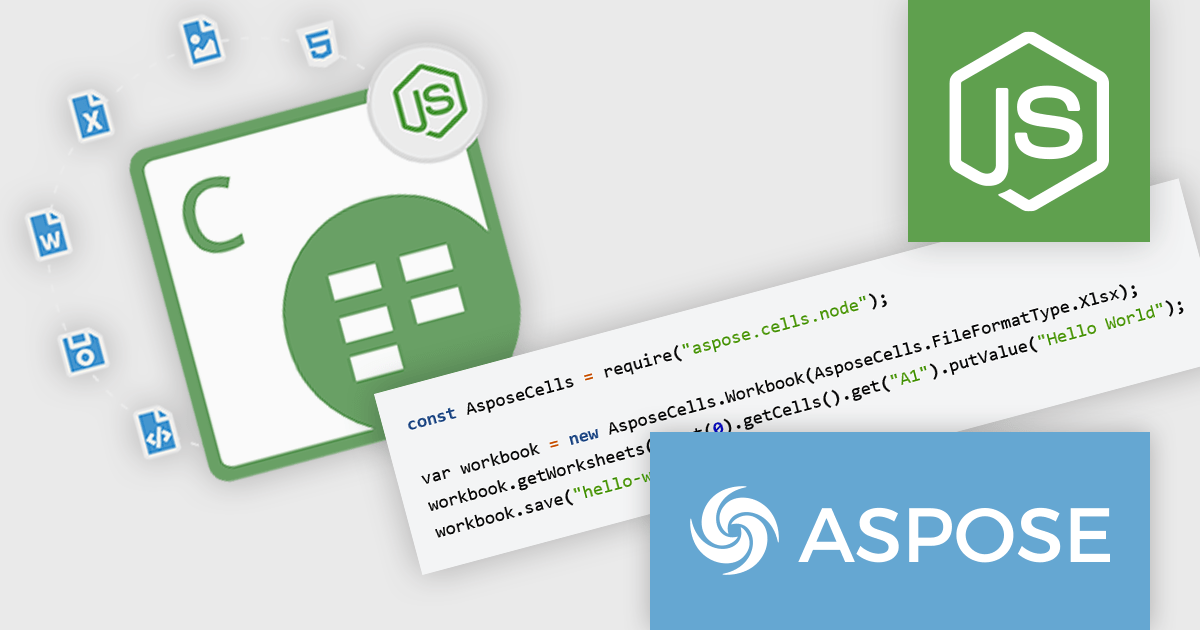
Aspose.Cells for Node.js via C++ is a powerful and comprehensive API that enables developers to work with Microsoft Excel files within Node.js applications, leveraging the robust capabilities of C++. This product allows for the creation, manipulation, conversion, and rendering of Excel spreadsheets, all without requiring Microsoft Excel to be installed. With support for a wide range of Excel file formats, including XLS, XLSX, CSV, and more, Aspose.Cells for Node.js via C++ provides developers with the flexibility to handle complex spreadsheet tasks in their applications efficiently.
The key benefits of Aspose.Cells for Node.js via C++ include its high performance, ease of integration, and extensive feature set. Developers can automate complex spreadsheet processing tasks, such as data analysis, formula calculations, and chart creation, directly within their Node.js applications. This makes it particularly useful for scenarios where server-side spreadsheet processing is needed, such as in web-based data analysis tools, reporting systems, and enterprise-level applications. By offloading heavy Excel processing tasks to Aspose.Cells, developers can significantly enhance the performance and scalability of their applications while maintaining full control over spreadsheet operations.
Aspose.Cells for Node.js via C++ is offered as Developer Small Business, Developer OEM, Developer SDK, Site Small Business, Site OEM, and Site SDK licenses catering to a range of business needs. Licenses are perpetual, and include 1 year of support and maintenance. Subscription renewals are also available. See our Aspose.Cells for Node.js via C++ licensing page for full details.
Aspose.Cells for Node.js via C++ is available in the following products:
Document Solutions for Excel, Java Edition by MESCIUS is designed to enable developers to create and manipulate Excel documents programmatically within Java applications. It provides a robust API for interacting with Excel spreadsheets, allowing developers to automate tasks such as data extraction, formatting, and generation of reports. The framework offers comprehensive support for various Excel features, including formulas, charts, conditional formatting, and data validation. Additionally, it provides tools for handling large datasets and optimizing performance, making it suitable for both small-scale and enterprise-level applications.
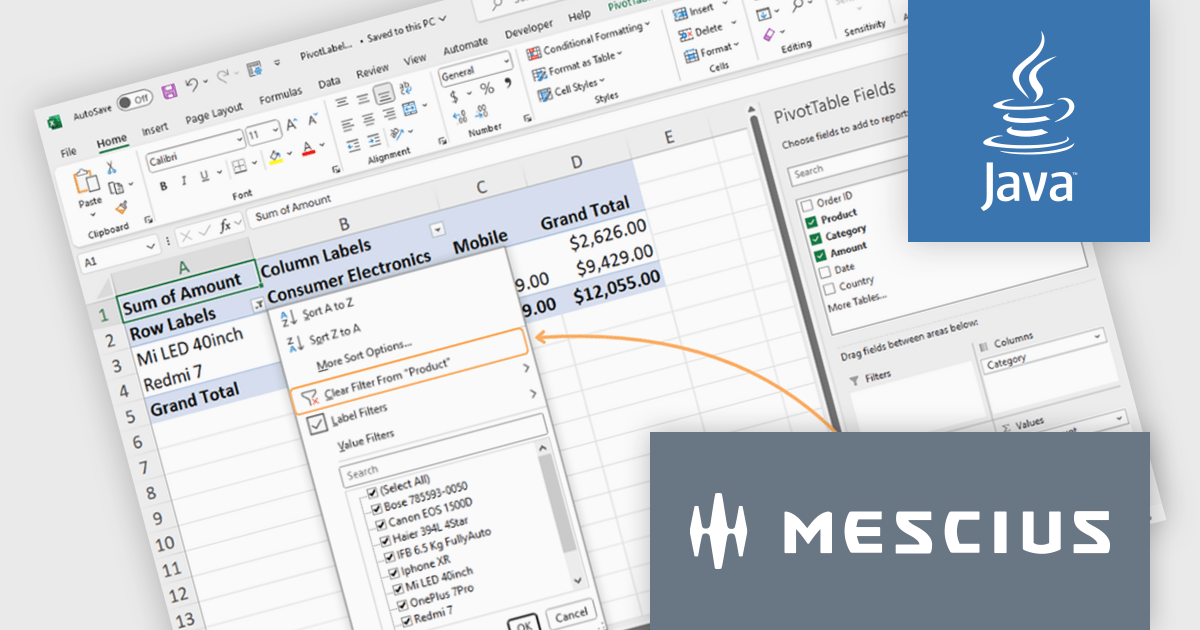
The Document Solutions for Excel v7.2 release introduces a powerful new feature for pivot tables: Label and Value Filters. This enhancement empowers developers to programmatically refine and manage extensive datasets within pivot tables, enabling more precise and relevant analysis. By applying label and value filters to their pivot tables, developers can narrow down data to focus on specific criteria, streamlining the process of extracting meaningful insights from complex information.
To see a full list of what's new in version 7.2, see our release notes.
Document Solutions for Excel, Java Edition is licensed per developer and is available in several license options for differing distribution needs. Team licenses are also available for multiple developers within the same organization. See our Document Solutions for Excel, Java Edition licensing page for full details.
Learn more on our Document Solutions for Excel, Java Edition product page.
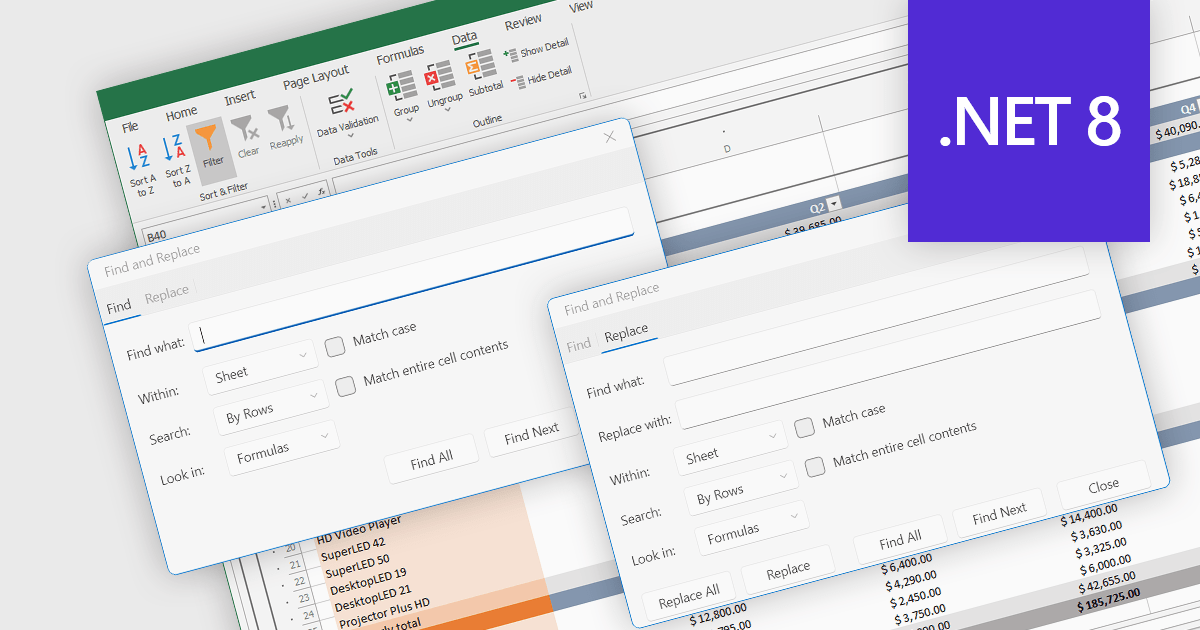
Find and replace is a useful feature found in spreadsheet applications that allows users to quickly locate specific values, i.e. text, numbers, or formulas, identifying all instances of that search term within a spreadsheet and then being able to replace them with a new value. By automating the process of manually searching for and modifying each occurrence individually, find and replace enhances productivity, reduces the likelihood of human error, and ensures consistency throughout the spreadsheet. This functionality is especially beneficial for tasks that involve managing large volumes of data, updating outdated information, correcting mistakes, or standardizing data formats.
Several .NET 8 spreadsheet components allow you to find and replace, including:
For an in-depth analysis of features and price, visit our comparison of .NET 8 spreadsheet components.
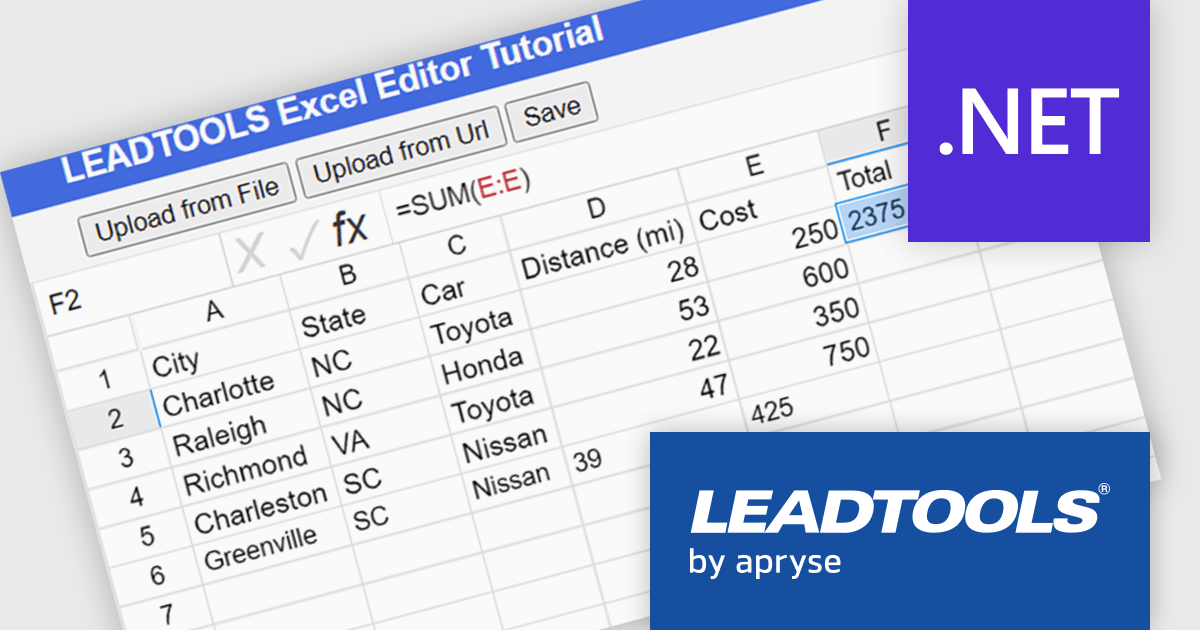
LEADTOOLS Document SDK is ideal for developing document and document imaging applications. Features include PDF viewing, comprehensive annotation and markup, specialized bitonal image displaying, and image processing. Other features include performance and memory optimizations for bitonal images, document image cleanup, including inverted text, border, hole-punch, and line removal, and scanning with LEADTOOLS Fast TWAIN and WIA. The LEADTOOLS Excel SDK - included in the Document SDK - gives developers the power to load, create, edit, and save Excel sheets programmatically.
In this blog post (the second in a 3-part series on the Excel SDK), LEADTOOLS Associate Marketing Web Developer Ryan Fritz shows you how to use the new Excel Web Editor to load an XLS/XLSX file, implement a common Excel function, and then save the updated file.
Read the complete blog and learn how to give your web applications this powerful and useful capability.
LEADTOOLS Document SDK is licensed as Development Licenses, for developers to use the SDKs, and Deployment Licenses, for the right to distribute end user solutions. See our LEADTOOLS Document SDK licensing page for full details.
Learn more on our LEADTOOLS Document SDK product page.





Tel: (888) 850 9911
Fax: +1 770 250 6199


