








Official Supplier
As official and authorized distributors, we supply you with legitimate licenses directly from 200+ software publishers.
See all our Brands.
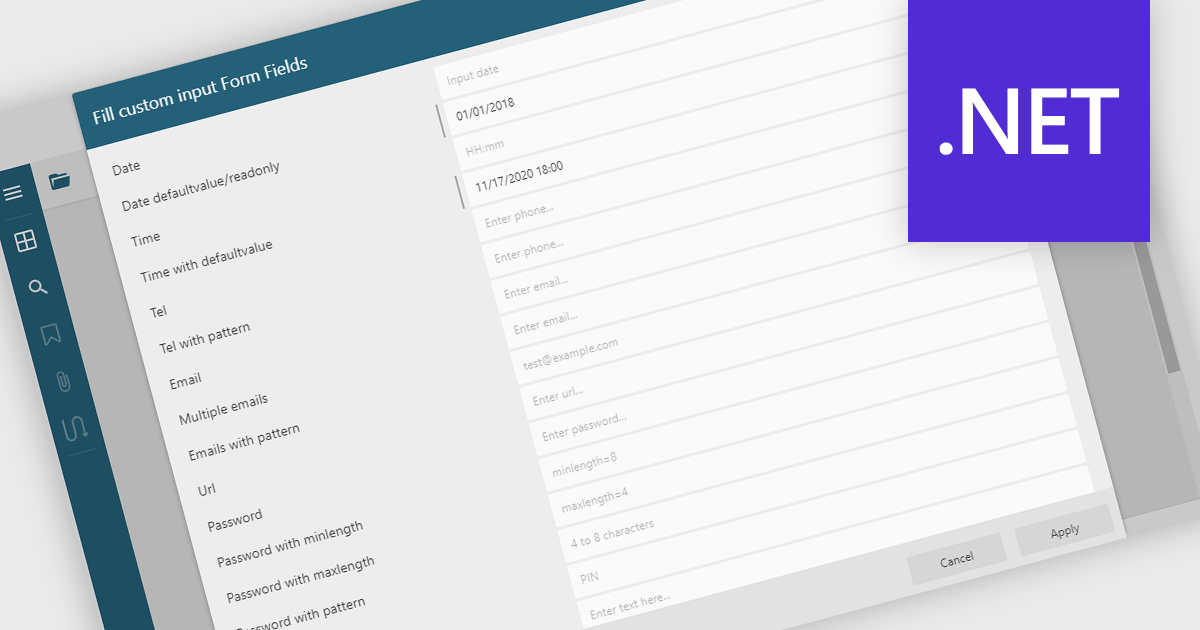
Filling out PDF form fields allows users to enter information directly into interactive elements within a PDF document such as text boxes, checkboxes, dropdowns, and signature fields. This functionality transforms static PDFs into dynamic fillable forms that can be completed digitally, reducing the need for printing or manual data entry. The ability to fill, validate, and submit forms directly within a PDF viewer improves efficiency, accuracy, and user experience while supporting accessibility and cross-platform use. Common use cases include completing applications, registration forms, surveys, contracts, and approval documents, making it an essential feature for businesses looking to streamline document-driven workflows.
Several .NET WinForms PDF Viewers feature support for form filling, including:
For an in-depth analysis of features and price, visit our comparison of .NET WinForms PDF viewers.

LightningChart Python is a high-performance visualization library designed for real-time analytics and large-scale data rendering. Utilizing GPU acceleration and WebGL, it efficiently processes millions of data points in 2D and 3D with smooth, interactive visuals. Some example chart types include Line graphs, Scatter plots, Heatmaps, Area plots, Box plots, 3D Surface graphs and Mesh plots, and it supports UI elements such as CustomTicks, interval Bands and Constant Lines. It seamlessly integrates with Python’s data ecosystem, including numpy, pandas, and GUI frameworks like PyQt and PySide, making it a powerful tool for interactive dashboards, financial analytics, scientific simulations, and engineering applications.
The LightningChart Python v2.0 update introduces flexible legend positioning, giving developers precise control over where legends appear within their charts. This enhancement allows legends to be placed above, below, beside, or inside the chart area, enabling better use of available space and improved readability across different layouts. By adapting legend placement to suit varying screen sizes, data densities, and design requirements, developers can create cleaner, more efficient visualizations that align seamlessly with their application’s user interface and presentation goals.
To see a full list of what's new in v2.0, see our release notes.
LightningChart Python offers two licensing options: the subscription-based Data Scientist License for internal, non-public facing usage and the perpetual, per-seat Software Developer License for commercial use with professional support and deployment keys. Both licenses allow one active session per user, with developer licenses assigned individually. See our LightningChart Python licensing page for full details.
For more information, see our LightningChart Python product page.
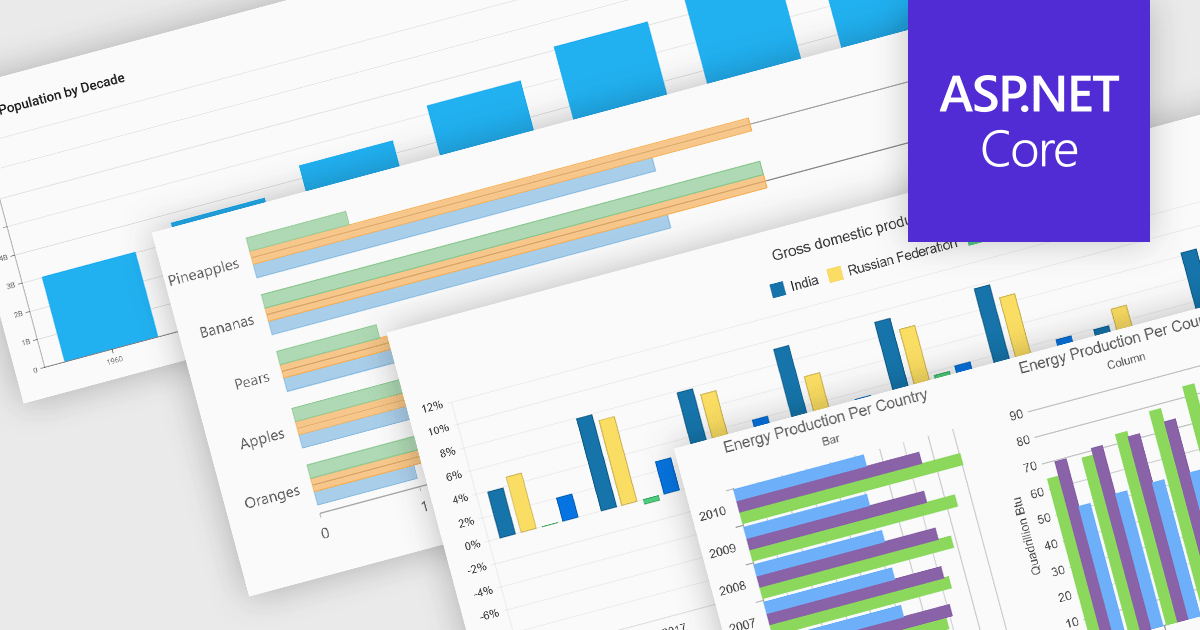
Column and bar charts form fundamental visualization tools in many charting suites. These chart types use vertical (column) or horizontal (bar) bars to represent quantitative data across categories, making them ideal for straightforward comparisons. Typically, you can display single or multiple series, stack values to show cumulative totals, or group categories to highlight differences. Their simplicity and clarity make column and bar charts a staple in dashboards, business reports, and analytics applications where rapid insight is required.
Several ASP.NET Core chart controls offer support for column & bar charts including:
For an in-depth analysis of features and price, visit our ASP.NET Core chart controls comparison.
Remote Desktop Manager (RDM) by Devolutions (available in Windows, macOS or Linux editions) is a centralized platform designed for managing and securing remote connections and credentials for authorized users across various environments. It supports an extensive list of technologies, including remote desktops, virtual private networks (VPNs), and secure shell (SSH) tunnels, and features centralized password vaults, user-specific vaults, and administrative password sharing. This cross-platform management tool also allows you to perform audits and create reports, as well as offering mobile and offline access, and integrated virtualization consoles. RDM provides a comprehensive solution for IT professionals and developers who need to streamline access to servers, virtual machines, and network devices.
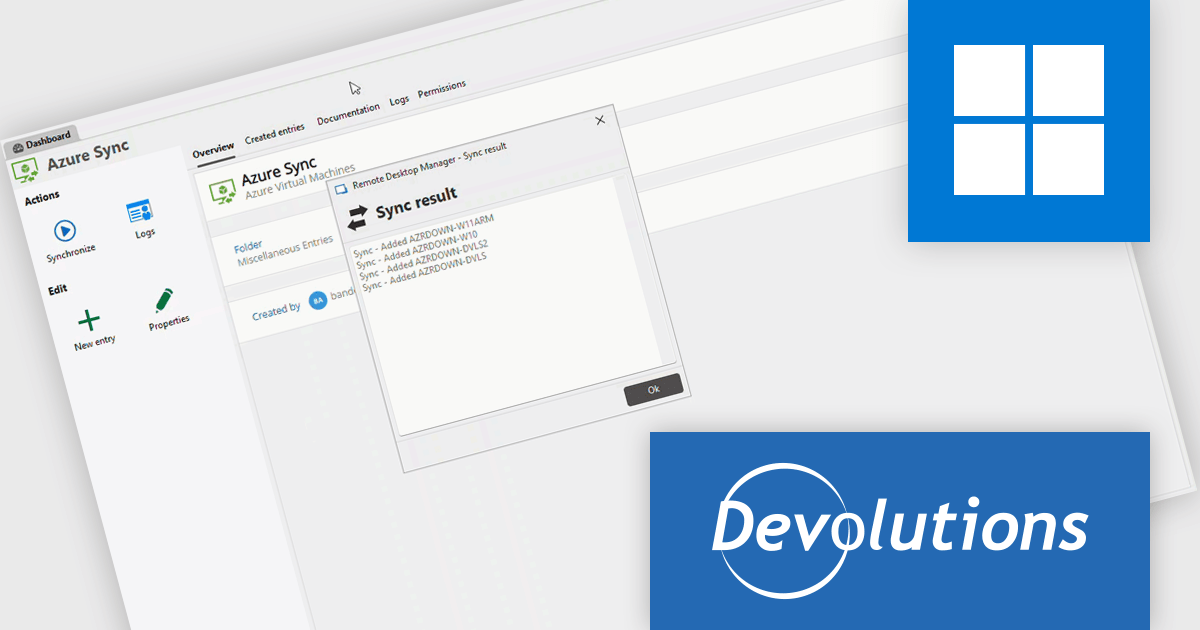
The Remote Desktop Manager 2025.3 update introduces new synchronizers for Azure VMs, JAMF, and NetBox. These integrations allow developers to automatically keep their virtual machines, devices, and network assets synchronized within RDM, ensuring that all environments reflect the latest configurations and resource details. By centralizing data from multiple sources, the update reduces manual management overhead, minimizes configuration discrepancies, and helps maintain an accurate, up-to-date inventory across complex infrastructure setups.
To see a full list of what's new in 2025.3 , see our release notes.
Remote Desktop Manager is available as part of the Devolutions Starter Pack, which is licensed per user and offered as an annual subscription. See our Remote Desktop Manager licensing page for full details.
For more information, visit our Remote Desktop Manager product page.
All-About-PDF is a comprehensive PDF management solution that gives users complete control over their digital documents. It allows individuals and organizations to create, protect, convert, merge, split, and compare PDFs with ease while maintaining the highest level of security. Using advanced Digital Rights Management technology, users can specify when, how, and where their shared files are accessed. Features such as password protection, expiry dates, print restrictions, and location-based locking help safeguard sensitive information. With its precision comparison tools and strong access controls, All-About-PDF is ideal for professionals who need to share documents confidently and maintain full ownership of their intellectual property.
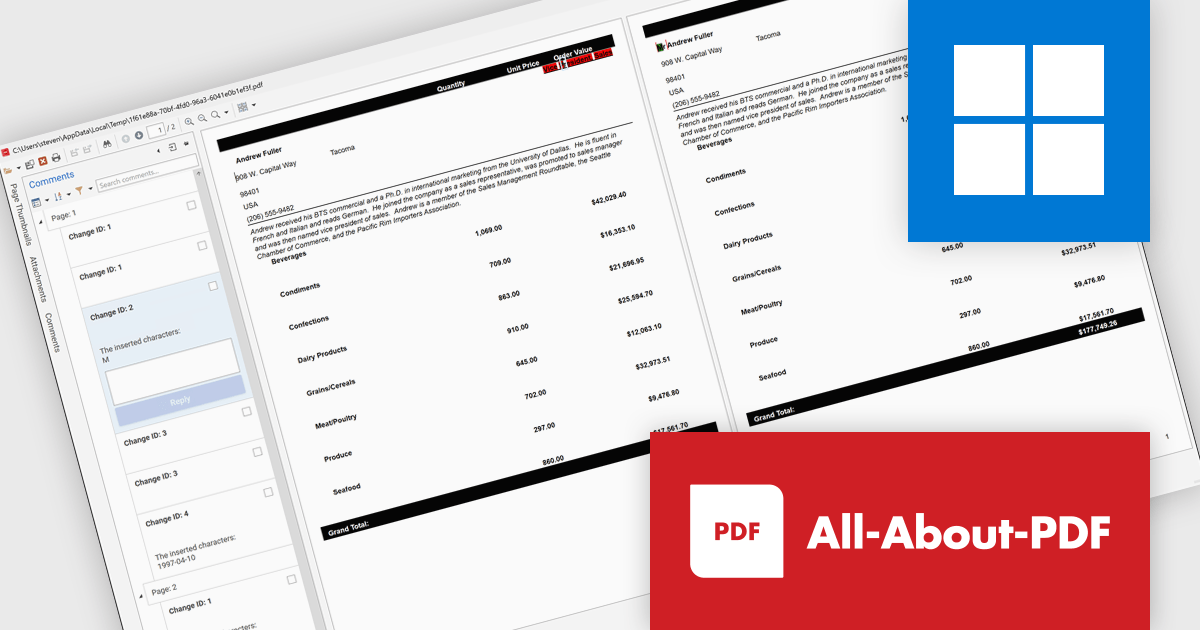
The All-About-PDF Build 2035 update introduces a precise PDF comparison feature that enables developers to quickly identify differences between document versions with high accuracy. This enhancement improves version control and quality assurance by automatically detecting and highlighting text, formatting, and structural changes. It eliminates the need for manual reviews, reduces the risk of overlooking small edits, and helps maintain consistency across project documentation, reports, and deliverables. For development teams handling frequent revisions or compliance-sensitive content, this feature provides an efficient way to validate updates and ensure the integrity of shared files throughout the development lifecycle.
To see a full list of what's new in Build number 2035 , see our release notes.
All-About-PDF is licensed per machine, and is available as a perpetual license. We can supply Internal, External and OEM licenses. See our All-About-PDF licensing page for full details.
For more information, visit our All-About-PDF product page.





Tel: (888) 850 9911
Fax: +1 770 250 6199


