








Official Supplier
As official and authorized distributors, we supply you with legitimate licenses directly from 200+ software publishers.
See all our Brands.
List & Label by combit is a software development toolkit that empowers developers to integrate comprehensive reporting functionalities into their desktop, web, and cloud applications. It offers features such as data binding, complex data visualization, and a user-friendly report designer, along with printing, exporting, and previewing capabilities. List & Label operates independently of programming languages and data sources, providing developers with the flexibility to design and deliver informative reports within their development environment.
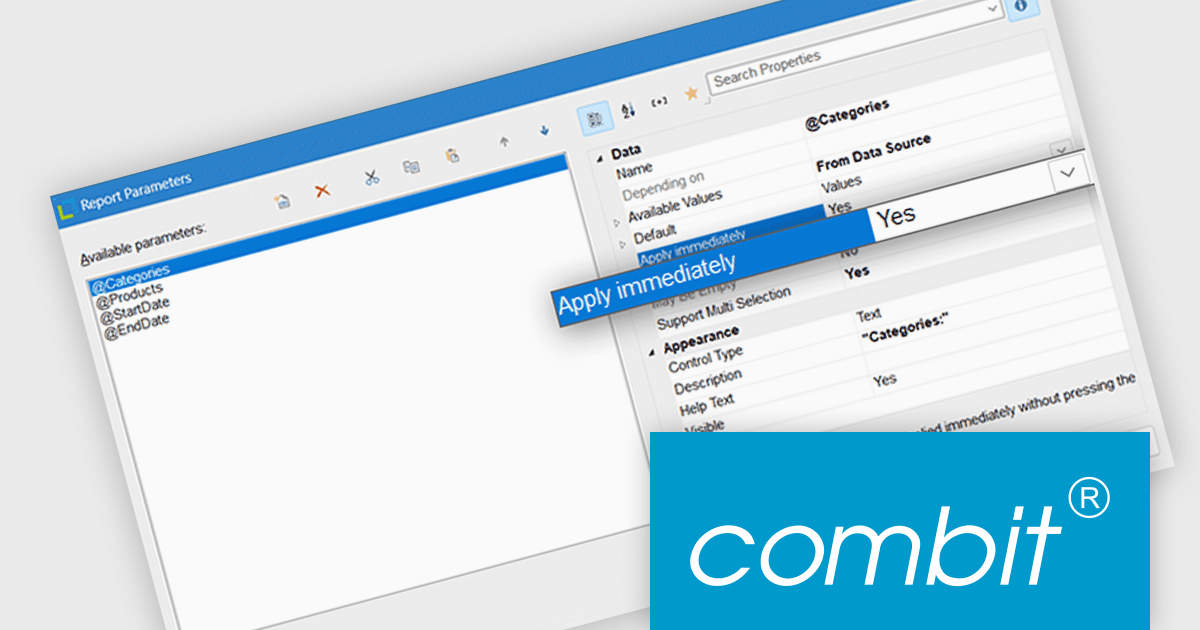
List & Label now includes an "Apply immediately" property for report parameters, which when set, automatically re-renders the report immediately after the property in question is changed. This feature removes the need to manually refresh the report when updating the parameters, making it particularly useful in interactive reporting scenarios where users need to see updated results as they adjust filters or settings in real time.
List & Label is licensed per developer and is available as a Perpetual License with a 12 month support and maintenance subscription. See our List & Label licensing page for full details.
List & Label is available in the following products:
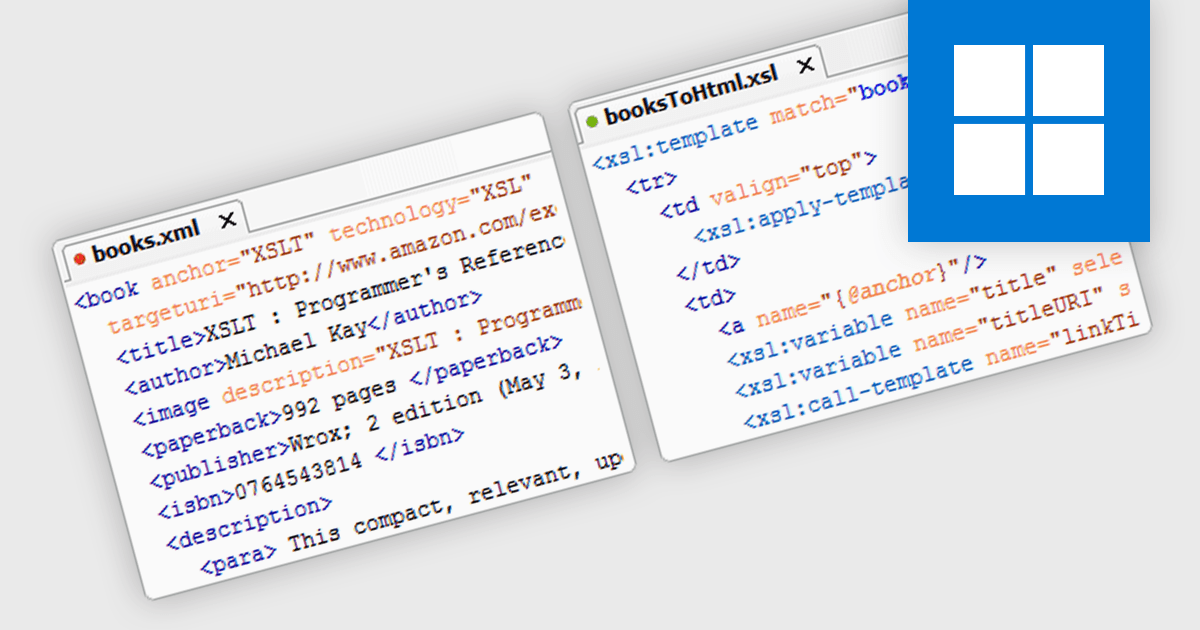
XSLT support in a structured document tool enables developers to define transformations of XML data into other formats such as HTML, plain text, or different XML structures using the XSLT (Extensible Stylesheet Language Transformations) standard. This capability allows for automated document formatting, data extraction, and content adaptation without manual intervention, which is particularly useful in environments where consistent and repeatable processing of structured data is required. By supporting XSLT, the tool facilitates integration with existing XML-based workflows and enhances the ability to manipulate complex document structures programmatically, improving maintainability and reusability of data transformations.
XSLT has evolved through three main versions, each expanding its capabilities for transforming XML data. XSLT 1.0, the original W3C standard, provides core transformation features and is widely supported. XSLT 2.0 introduced significant enhancements including strong data typing, regular expressions, grouping, and better XPath support, allowing more powerful and maintainable transformations. XSLT 3.0 builds on this with support for streaming large documents, higher-order functions, and integration with JSON and maps, offering improved performance and flexibility for complex or high-volume processing tasks.
Several Structured Document tools offer support for XSLT 1.0, 2.0 and 3.0 including:
For an in-depth analysis of features and price, visit our comparison of Structured Document tools.
Syncfusion Essential Studio Windows Forms (available as part of Syncfusion Essential Studio Enterprise) is a powerful UI component suite designed to enhance your WinForms development. It boasts over 100 high-performance controls, ranging from essential grids and charts to advanced schedulers and diagrams, enabling you to craft visually appealing and feature-rich applications with ease. Its extensive customization options and built-in themes allow for tailored user experiences, while touch-friendly design ensures seamless interaction across devices.
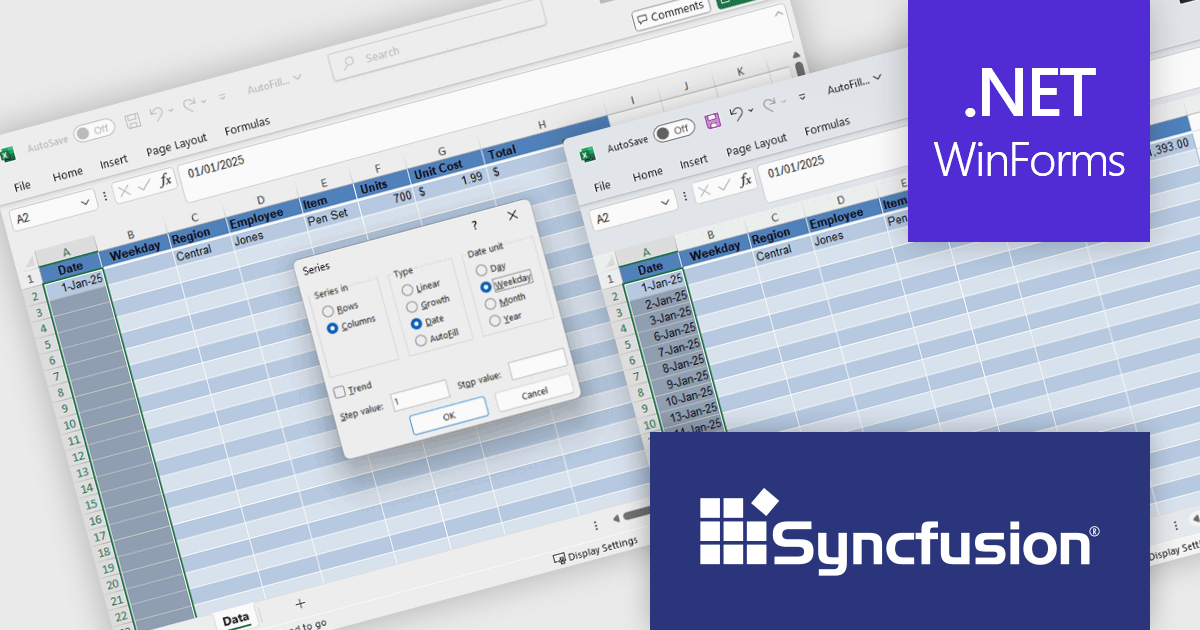
The Syncfusion Essential Studio Windows Forms 2025 Volume 2 update introduces Auto Fill and Fill Series support in the Excel Library, enabling developers to programmatically populate cell ranges based on detected patterns, sequences, or trends. This enhancement improves spreadsheet generation by reducing manual data entry and allows for efficient creation of structured data such as incremental numbers, dates, or custom-defined sequences. It improves automation in Excel-based workflows, supports consistent data output, and integrates smoothly into existing .NET applications for more dynamic and intelligent document processing.
To see a full list of what's new in 2025 Volume 2 (30.1.37), see our release notes.
Syncfusion Essential Studio Windows Forms is available as part of Syncfusion Essential Studio Enterprise which is licensed per developer starting with a Team License of up to five developers. It is available as a 12 Month Timed Subscription License which includes support and maintenance. See our Syncfusion Essential Studio Enterprise licensing page for full details.
Learn more on our Syncfusion Essential Studio Windows Forms product page.
PrimalScript by SAPIEN Technologies is a comprehensive integrated development environment (IDE) designed for scripting and automation tasks. Offering a powerful platform for various scripting languages, PrimalScript improves the development process by providing robust editing, debugging, and deployment tools. Its user-friendly interface caters to both novice and experienced developers, fostering efficient script creation. With features like script packagers and advanced debugging capabilities, PrimalScript empowers users to enhance productivity in tasks ranging from small automation scripts to complex software development projects.
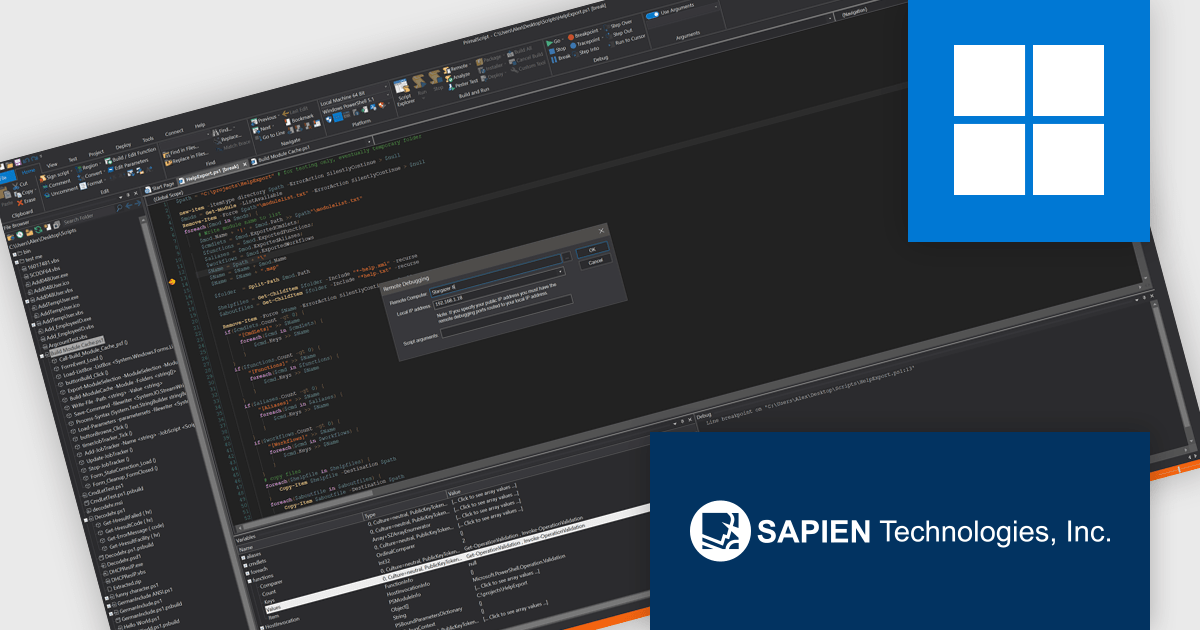
PrimalScript provides a robust remote debugger that allows developers to debug scripts across networks with the same level of control as local debugging. It supports breakpoints, variable inspection, and call stack visibility in real time, enabling accurate issue diagnosis in complex or distributed environments. By allowing direct debugging on remote machines, servers, or virtual environments, it eliminates the need to replicate conditions locally or transfer scripts between systems. This functionality enhances the debugging process, reduces downtime, and improves the reliability of script deployment in multi-system infrastructures.
PrimalScript is licensed per user and includes 1 year of product updates and support. Annual Premium Support is available and provides 1 Year of access to SAPIEN Technologies direct technical support ticketing system and a guaranteed response within 24 hours. The premium support package must be purchased at the same time as the initial software purchase, subscription renewal, or upgrade, and can be renewed on an annual basis. See our PrimalScript licensing page for full details.
For more information, visit our PrimalScript product page.
Stimulsoft Dashboards.PYTHON is a data visualization tool specifically designed for building interactive dashboards within Python applications. It combines a client-side JavaScript engine for data processing with a designer component to craft dashboards and a viewer for displaying them. This empowers developers to create clear and informative visual representations of data directly within their Python projects.
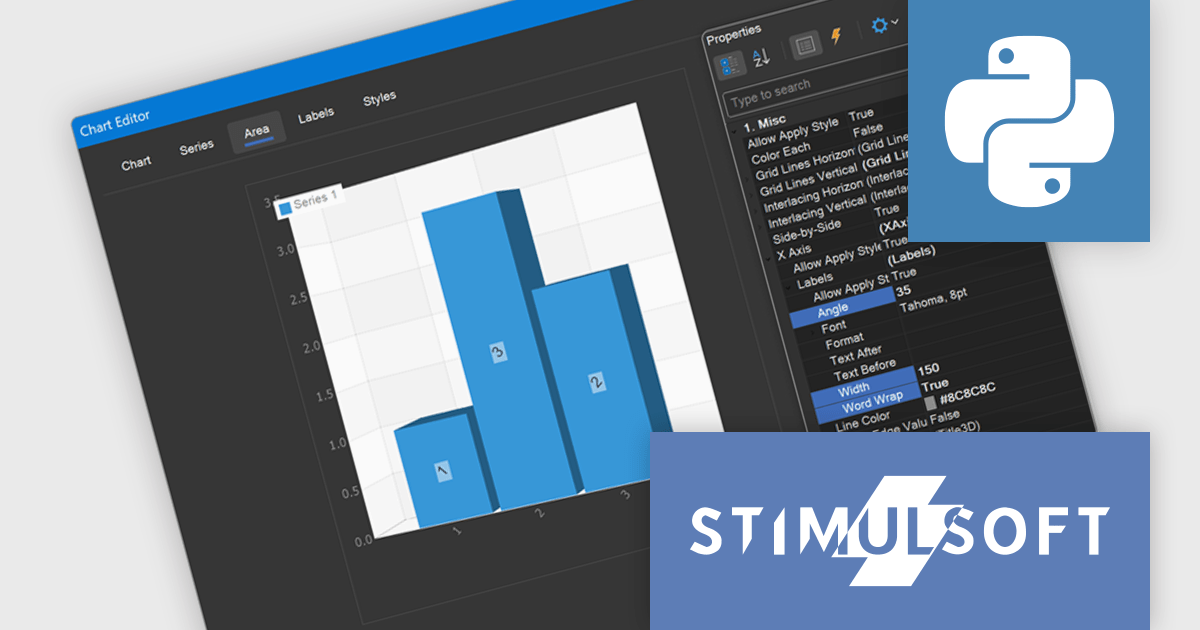
The Stimulsoft Dashboards.PYTHON 2025.3.1 update enhances 3D chart usability by introducing new axis label settings that improve how labels are displayed in complex data visualizations. Developers can now rotate labels to align with chart angles, define a maximum width to prevent overlap, and enable word wrap to maintain readability in constrained spaces. These additions provide greater control over chart formatting, allowing for clearer presentation of axis data, especially in dashboards with dense or multilingual content.
To see a full list of what's new in 2025.3.1, see our release notes.
Stimulsoft Dashboards.PYTHON is licensed per developer and is available as a perpetual license with 1 year support and maintenance. See our Stimulsoft Dashboards.PYTHON licensing page for full details.
Stimulsoft Dashboards.PYTHON is available individually or as part of Stimulsoft Ultimate.





Tel: (888) 850 9911
Fax: +1 770 250 6199


