








Official Supplier
As official and authorized distributors, we supply you with legitimate licenses directly from 200+ software publishers.
See all our Brands.
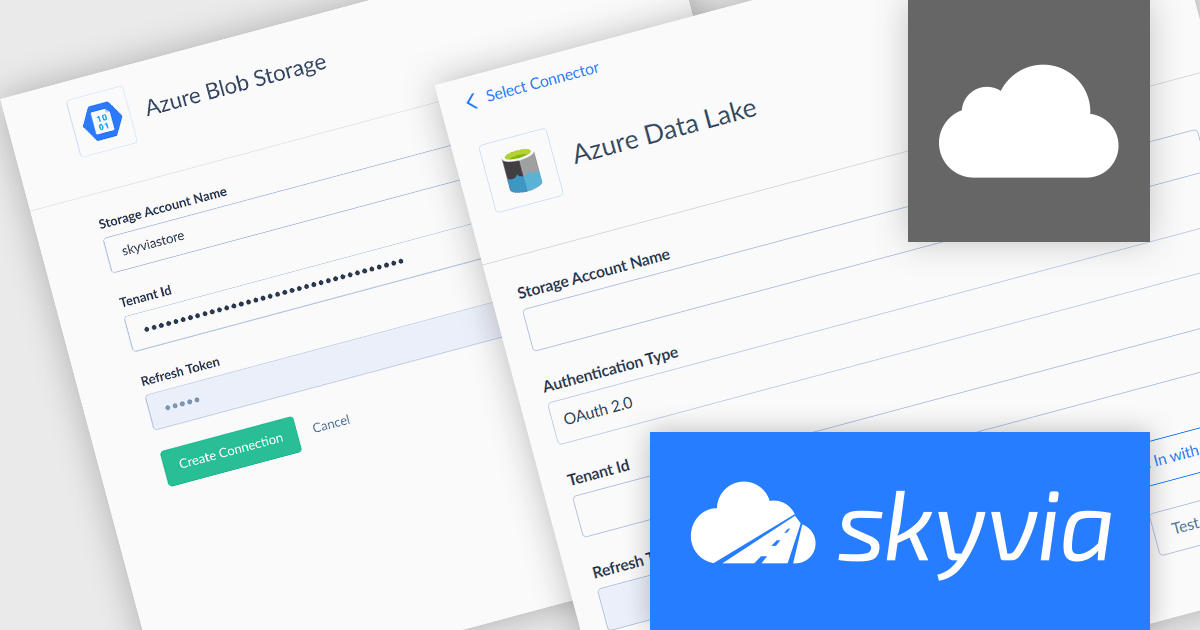
Skyvia Connect is a cloud-based integration platform that enables developers to connect and synchronize data between various applications and databases. It offers a flexible and scalable solution for building data pipelines and automating data workflows, supporting a wide range of data sources and formats. By providing a user-friendly interface and pre-built connectors, Skyvia Connect simplifies the process of integrating data systems, allowing developers to focus on core application development and data management tasks.
The latest release of Skyvia Connect adds new connectors for Azure Blob Storage and Azure Data Lake Storage. The Azure Blob Storage connector enables users to access and query data stored as objects in containers, typically used for backup, archive, and media content. The Azure Data Lake Storage connector is tailored for big data analytics, allowing structured and unstructured data to be accessed in a hierarchical file system optimized for performance and scalability. These connectors make it easy for organizations using Microsoft Azure to expose their storage assets via OData, streamlining integration with analytics platforms, custom apps, and business workflows, without the overhead of data replication or manual configuration.
To see a full list of what's new, see our release notes.
Skyvia Connect is licensed based on volume of traffic per month and is available as an Annual License. See our Skyvia Connect licensing page for full details.
Learn more on our Skyvia Connect product page.
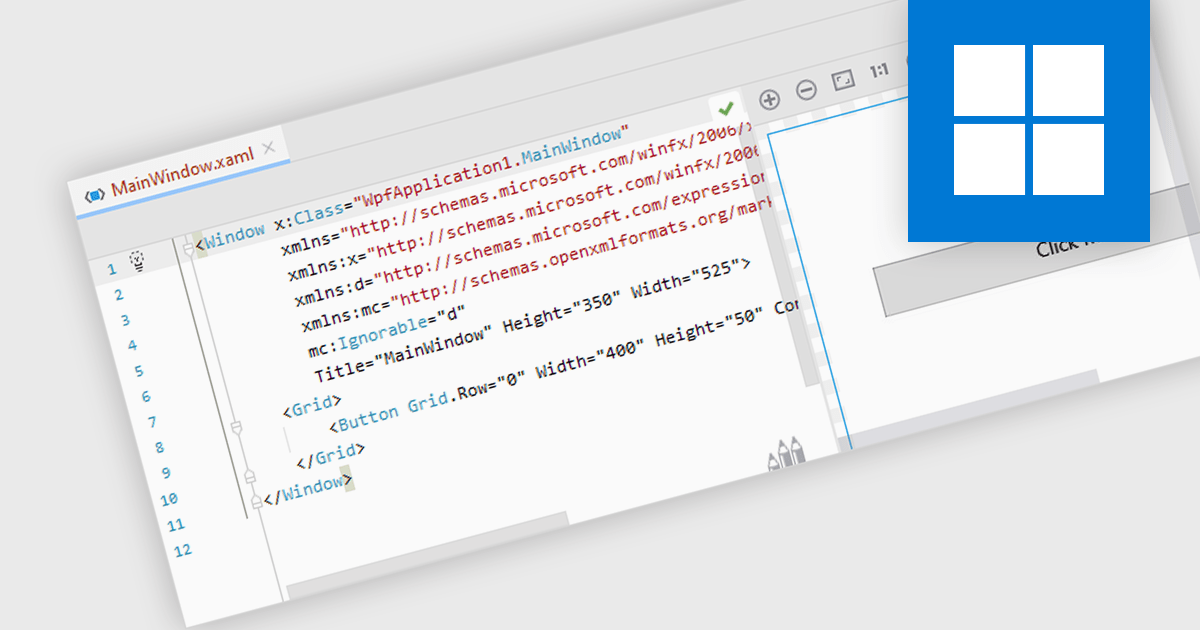
.NET WPF support in an IDE refers to the integrated development environment's ability to facilitate the development, design, debugging, and maintenance of Windows Presentation Foundation (WPF) applications built on the .NET platform. This support typically includes features such as XAML editing with syntax highlighting and IntelliSense, visual designers for UI layout, data binding tools, project templates, and integrated debugging for both managed code and the UI. It aids the development process by allowing developers to design responsive and modern desktop interfaces efficiently, maintain a clear separation of concerns using MVVM (Model-View-ViewModel), and take advantage of .NET's rich libraries and performance optimizations.
Several IDEs offer support for .NET WPF including:
For an in-depth analysis of features and price, visit our comparison of Integrated Development Environments (IDEs).
ActiveState Platform is a cloud-based solution that streamlines the secure development, management, and deployment of applications built on Python, Perl, Tcl and Ruby. It offers a curated catalog of open-source packages vetted for security and licensing, along with secure build services that create isolated and verifiable runtime environments. The platform ensures application integrity throughout the development process, from dev environments to CI/CD pipelines, and provides visibility and control over your open source from discovery to deployment. By using ActiveState Platform, you can secure your open source software supply chain in one unified place.
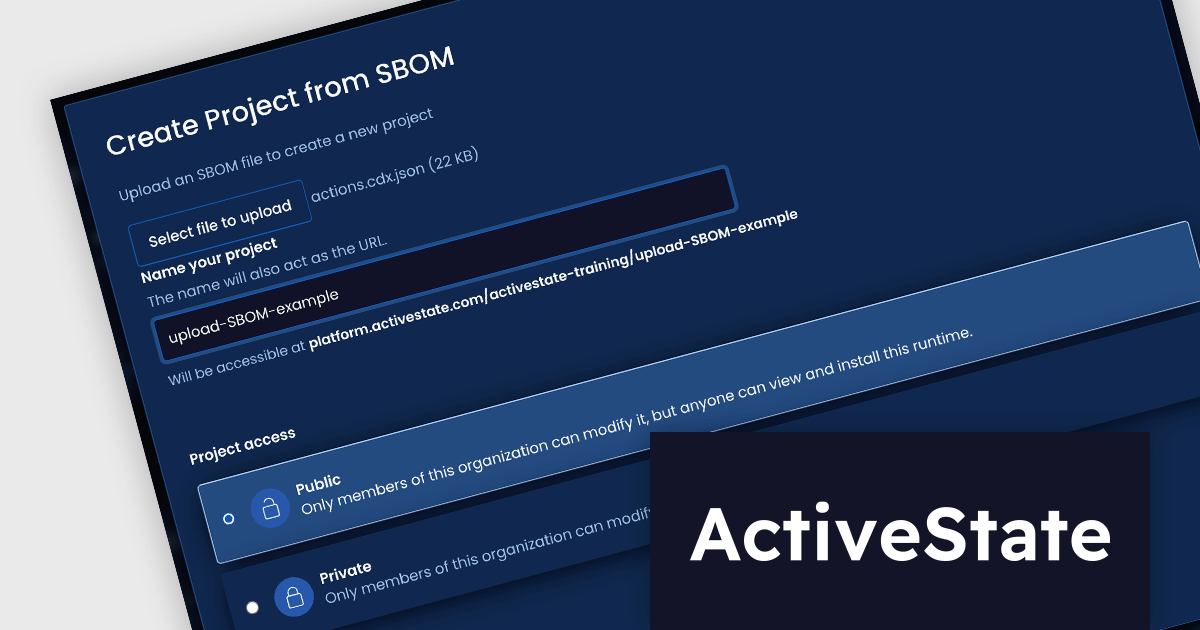
The latest release of ActiveState Platform adds the ability to create ActiveState projects from a software bill of materials (SBOM) file. Such a file lists all the components that make up a software application, covering both open-source and proprietary elements. It helps development teams verify that third-party and open-source dependencies are current, enabling swift action when new security issues arise, and can be used by users and stakeholders to evaluate and manage risk. Compatible SBOMs can now be used to create projects in ActiveState Platform, and are either generated by ActiveState or via a third-party such as Synk or Trivy. This functionality enables developers to convert a static inventory of software components into a fully managed, reproducible runtime environment.
To see a full list of what's new, see our release notes.
ActiveState Platform is licensed per developer as an annual license. See our ActiveState Platform licensing page for full details.
Learn more on our ActiveState Platform product page.

Investintech is a Canadian software company founded in 2000, dedicated to developing cutting-edge PDF technologies. Its flagship product, Able2Extract Professional, is a comprehensive solution for converting, editing, signing, and managing PDF files. Known for its precision and speed, Able2Extract supports a broad range of formats - from Microsoft Office and AutoCAD to HTML - and features robust tools such as batch conversion and optical character recognition (OCR). These capabilities make it a vital tool in sectors like finance, legal services, and education, where accurate document handling is critical.
Since 2020, Investintech has partnered with ComponentSource to expand its global reach and better serve the software development community. ComponentSource, as an established reseller serving over 125,000 customers in 180+ countries, has enabled Investintech to connect with new markets and offer seamless access to its software. Through this relationship, ComponentSource has provided a reliable channel for developers and IT teams to purchase Investintech licenses, along with expert customer support and trusted delivery.
As they celebrate this milestone, both companies remain committed to driving innovation and delivering high-quality solutions that solve real-world challenges for software professionals. The future of this partnership promises even more value for developers looking for dependable, high-performance PDF technology.
Investintech's flagship product, Able2Extract Professional, is licensed per user and is available with Investintech's Software Advantage Plan (SAP), an annual subscription which provides priority support, software updates and other benefits. See our Able2Extract Professional licensing page for full details.
For more information, visit our Investintech brand page.
PDF components provide developers with a set of tools for programmatically handling Portable Document Format (PDF) files within applications. These components enable both the creation and manipulation of PDF documents, supporting a wide range of document workflows across platforms and industries. By integrating such components, developers can build features for generating reports, rendering documents for viewing, or embedding print-ready files in business applications, often without relying on external software or services.
Common features include:
For an in-depth analysis of features and price, visit our ASP.NET Core PDF components comparison.





Tel: (888) 850 9911
Fax: +1 770 250 6199


