








Official Supplier
As official and authorized distributors, we supply you with legitimate licenses directly from 200+ software publishers.
See all our Brands.
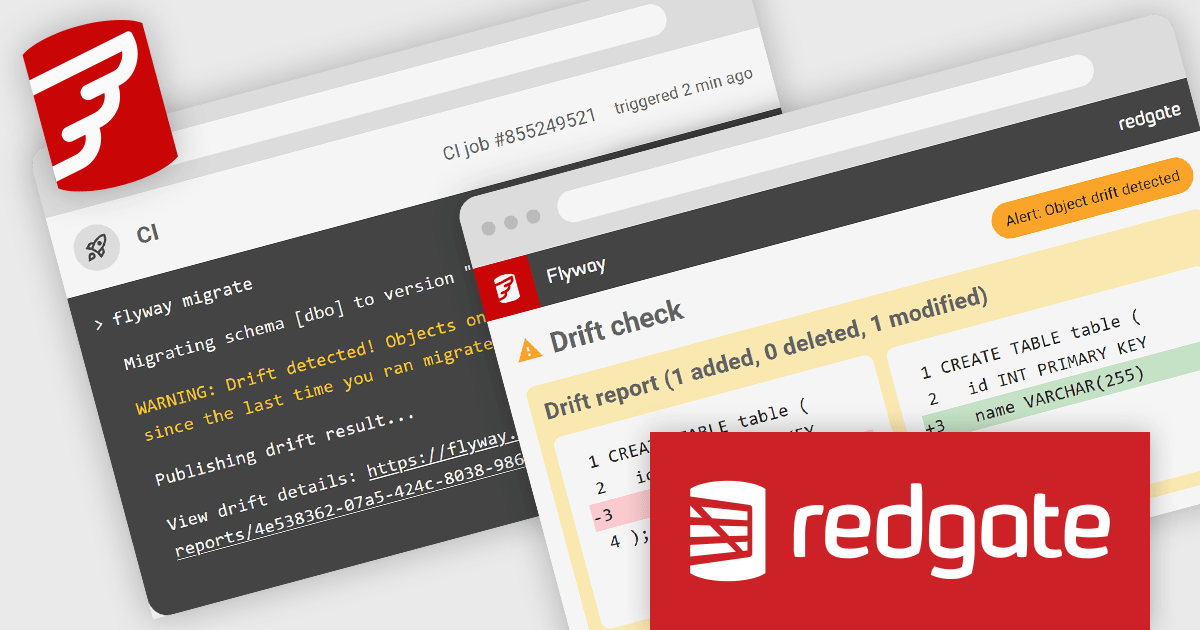
Redgate Software is a leading provider of database development and deployment solutions designed to simplify and enhance database management for organizations of all sizes. With a focus on simplifying complex workflows, Redgate delivers tools that ensure consistency, control, and visibility across database environments. Key features include comprehensive change tracking, deployment automation, and detailed audit logs to maintain compliance and accountability. These capabilities enable teams to prevent errors, improve collaboration, and ensure the reliability of database systems in fast-paced industries like finance, healthcare, and technology. By integrating seamlessly into existing workflows, Redgate supports businesses in achieving their goals with efficiency, security, and confidence.
Flyway Pipelines provides a powerful drift check feature that enhances database deployment workflows by ensuring consistency and control. This enables software developers to detect unauthorized or out-of-process schema changes early in the pipeline, reducing risks associated with unexpected modifications. By providing detailed object-level change reports, the drift check allows teams to understand what has changed, why it matters, and how to resolve discrepancies efficiently. This fosters greater accountability, streamlines debugging, and helps maintain the integrity of deployments across development, staging, and production environments, ultimately supporting more reliable and predictable database operations.
Flyway is licensed per user, per year and is available as a commercial annual subscription license for Teams or Enterprises. See our Flyway licensing page for full details.
For more information, visit our Flyway product page.
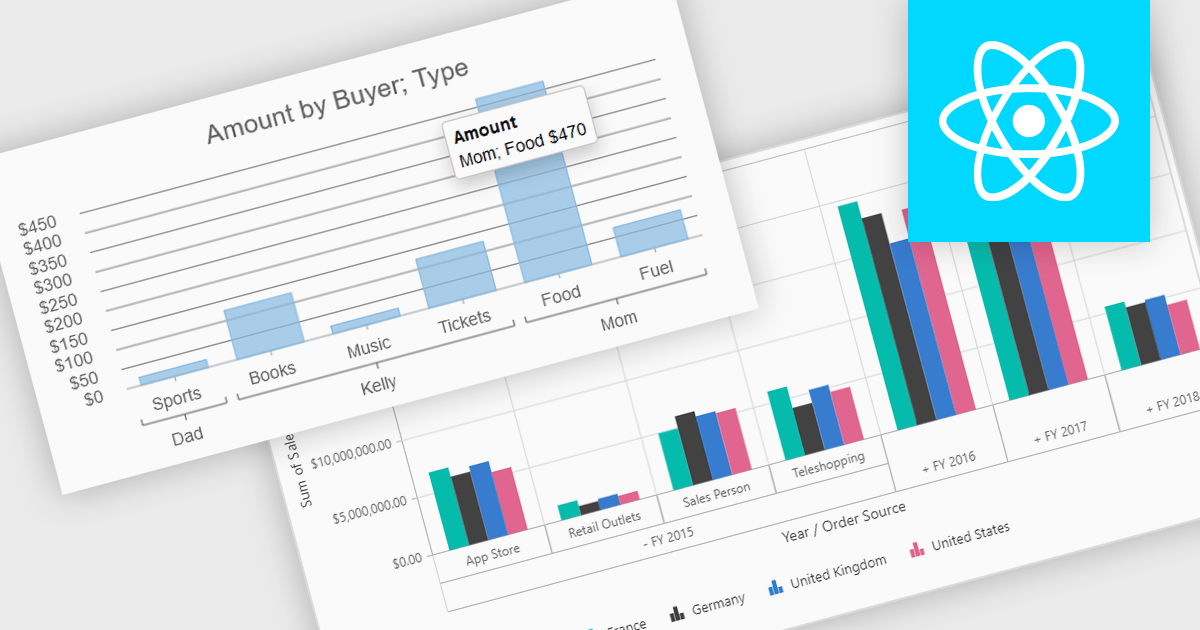
Pivot charts are dynamic visualization tools that enable users to interact with and analyze data in a highly flexible manner. They extend the capabilities of pivot tables by providing visual representations of aggregated data, making it easier to identify trends, patterns, and outliers. Key benefits include real-time updates, intuitive interactivity, and support for multi-dimensional data analysis, which simplifies complex datasets into actionable insights. Integrating pivot charts into your applications empowers end-users to explore and present data in a way that is both visually compelling and deeply informative.
Several React UI suites offer pivot chart components including:
For an in-depth analysis of features and price, visit our comparison of React UI Suites.
dbWatch is a comprehensive database monitoring and management solution designed to optimize the performance, reliability, and scalability of database environments. It provides features such as real-time monitoring, automated maintenance, detailed reporting, and robust authentication management. These capabilities help database administrators save time, ensure consistency, and enhance security across multiple database instances. dbWatch is ideal for organizations managing complex database infrastructures, supporting use cases such as proactive performance tuning, compliance monitoring, and streamlined database maintenance. With its user-friendly interface and automation tools, dbWatch empowers teams to efficiently manage their databases, reduce operational overhead, and focus on strategic initiatives.
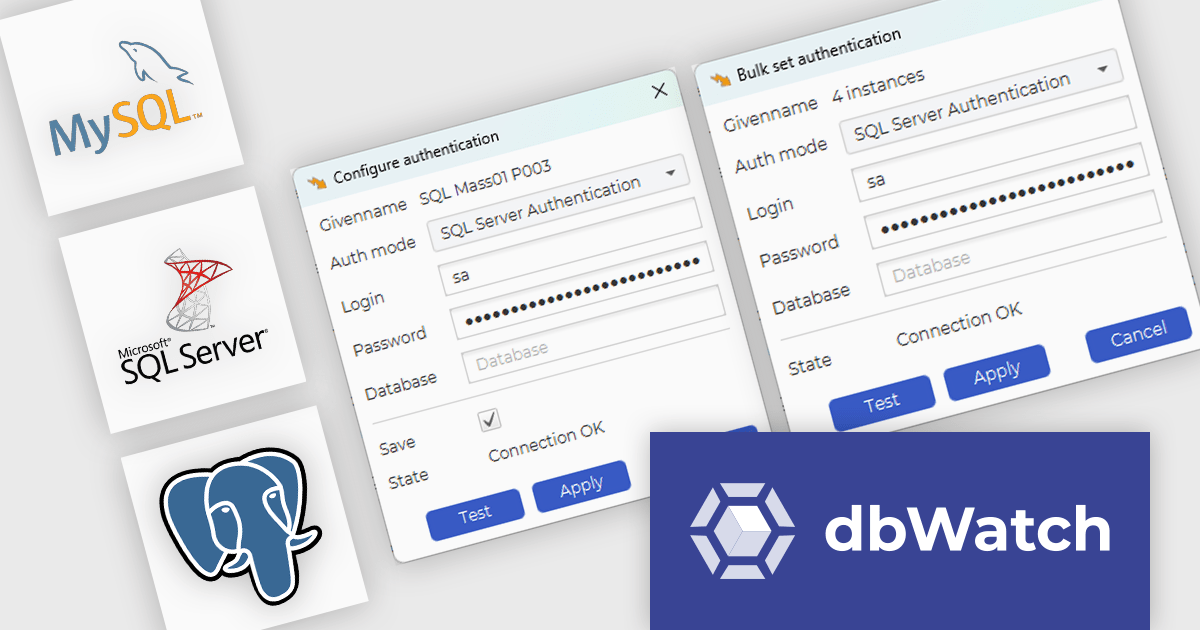
The dbWatch Control Center November 2024 update introduces the bulk authentication feature, providing software developers with a streamlined solution for managing SQL Worksheet authentications across multiple database instances. This feature enhances efficiency by reducing the time and effort required to configure authentication settings manually, ensures uniformity to minimize the risk of errors, and simplifies large-scale database management. By enabling quick and consistent updates to authentication configurations, this enhancement helps maintain security compliance while optimizing workflows in complex development and operational environments.
To see a full list of what's new in the November 2024 update see our release notes.
dbWatch Control Center is licensed per instance and is offered as a 12 month subscription license. Licenses are available for MS SQL Server, Oracle, MySQL, PostgreSQL, MariaDB, and Sybase. For further information see our dbWatch Control Center licensing page.
For more information, visit our dbWatch Control Center product page.
PyCharm by JetBrains is a comprehensive Integrated Development Environment (IDE) specifically designed for Python programming. It offers a range of features to enhance productivity, including code analysis for error detection, a visual debugger for troubleshooting, integrated unit testing for code verification, and support for version control systems to manage code changes. PyCharm also caters to web development using frameworks like Django, making it a powerful tool for both experienced developers and beginners in the Python world.
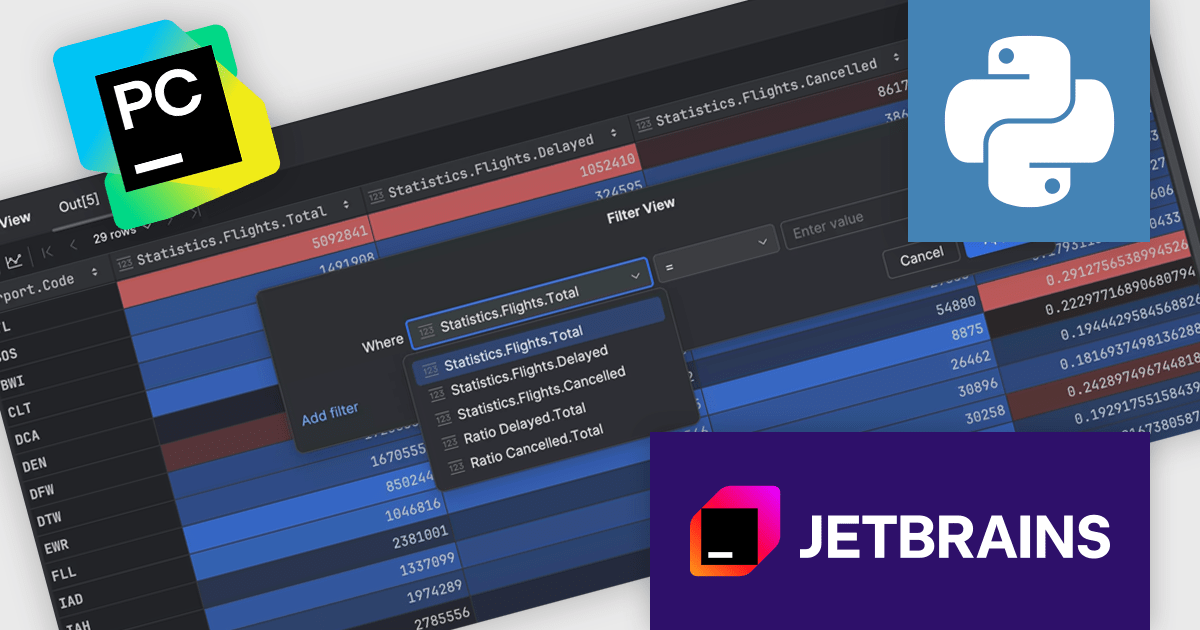
The PyCharm 2024.3 release introduces a powerful no-code data filtering feature, allowing users to seamlessly filter and analyze data directly within the Data View tool window or dataframes using an intuitive Filter icon. This update eliminates the need for coding, providing immediate, in-window results, and supports popular Python frameworks like pandas, Polars, NumPy, PyTorch, TensorFlow, and Hugging Face Datasets. Ideal for data scientists, analysts, and developers, this feature enhances productivity, simplifies data exploration, and enables rapid iteration on datasets, making it particularly useful for tasks like preprocessing, cleaning, and extracting insights from complex data.
To see a full list of what's new in version 2024.3, see our release notes.
PyCharm is licensed per user, and is available as a commercial annual subscription license. We can supply new subscriptions, subscription renewals (including continuity discounts), lapsed renewals, and additional user licenses. See our PyCharm licensing page for full details.
PyCharm is available to buy in the following products:
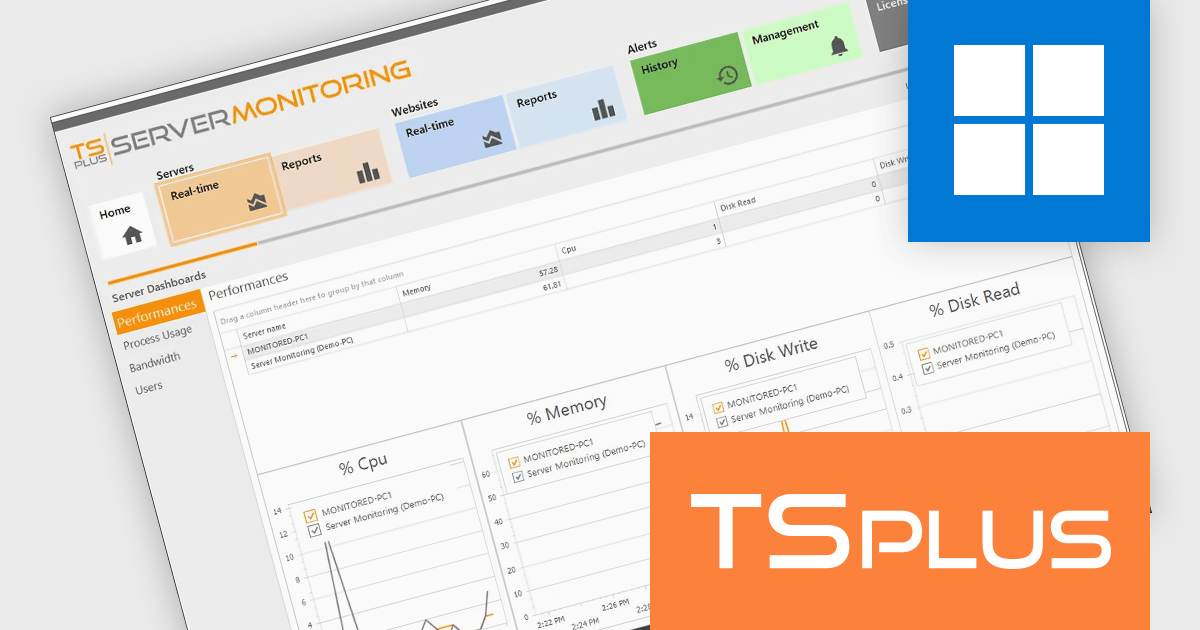
TSplus Server Monitoring is a powerful solution designed to provide real-time and historical insights into the performance of servers, websites, applications, and user activity. With features like real-time monitoring, performance tracking of key metrics such as CPU, memory, and disk usage, and detailed user analytics, it equips IT administrators with the tools needed to ensure smooth and efficient operations. By offering instant visibility into potential bottlenecks or issues, it enables proactive problem resolution and optimizes resource utilization. Ideal for remote work infrastructures, TSplus Server Monitoring supports distributed teams by ensuring reliable connectivity and uptime. Whether for troubleshooting, performance optimization, or capacity planning, it serves as an essential tool for maintaining seamless remote operations.
The TSplus Server Monitoring performance monitoring capabilities provide software developers with precise, real-time metrics on server CPU, memory usage, and disk operations. This improvement enables developers to identify performance bottlenecks and optimize resource allocation with greater efficiency. By delivering detailed, time-specific data insights, the update simplifies diagnosing system issues and helps maintain seamless application performance. This advancement supports developers in ensuring stability and reliability for remote work infrastructures, meeting the demands of modern, distributed teams.
TSplus Server Monitoring is licensed per server. Licenses are perpetual and include 1 year of updates and support. See our TSplus Server Monitoring licensing page for full details.
For more information, visit our TSplus Server Monitoring product page.





Tel: (888) 850 9911
Fax: +1 770 250 6199


