








Official Supplier
As official and authorized distributors, we supply you with legitimate licenses directly from 200+ software publishers.
See all our Brands.
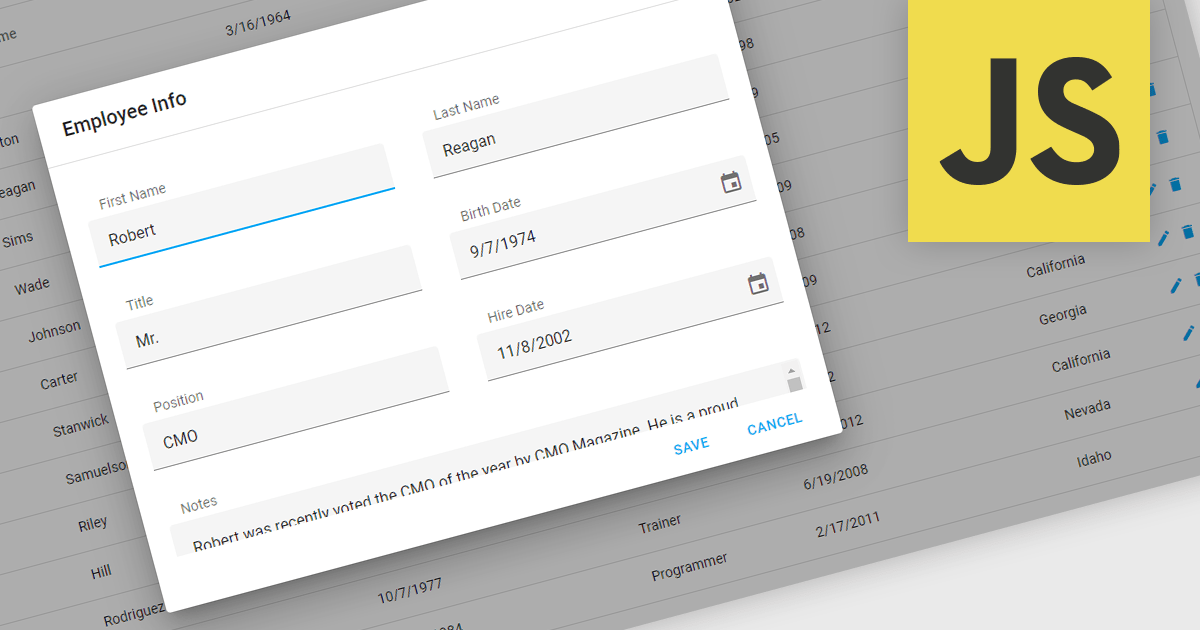
Popup Editors are a common user interface paradigm for editing data within JavaScript grid components. They provide a modal window that appears on top of the grid, containing dedicated input fields for modifying a specific cell or row. This approach enhances data manipulation by offering a focused editing environment with ample space for complex editors or detailed information, improving usability and reducing the risk of errors during data entry.
Many JavaScript grid controls offer popup editors including:
For an in-depth analysis of features and price, visit our comparison of JavaScript Grid Controls.
Red Carpet Subscription by /n software is an all-inclusive developer toolkit offering a comprehensive library of development tools, network management utilities, and enterprise adapters. This subscription grants access to all products and updates, including new releases, for a flat fee per developer, streamlining your workflow and ensuring your team has the latest resources to tackle any communication or security protocol challenge.
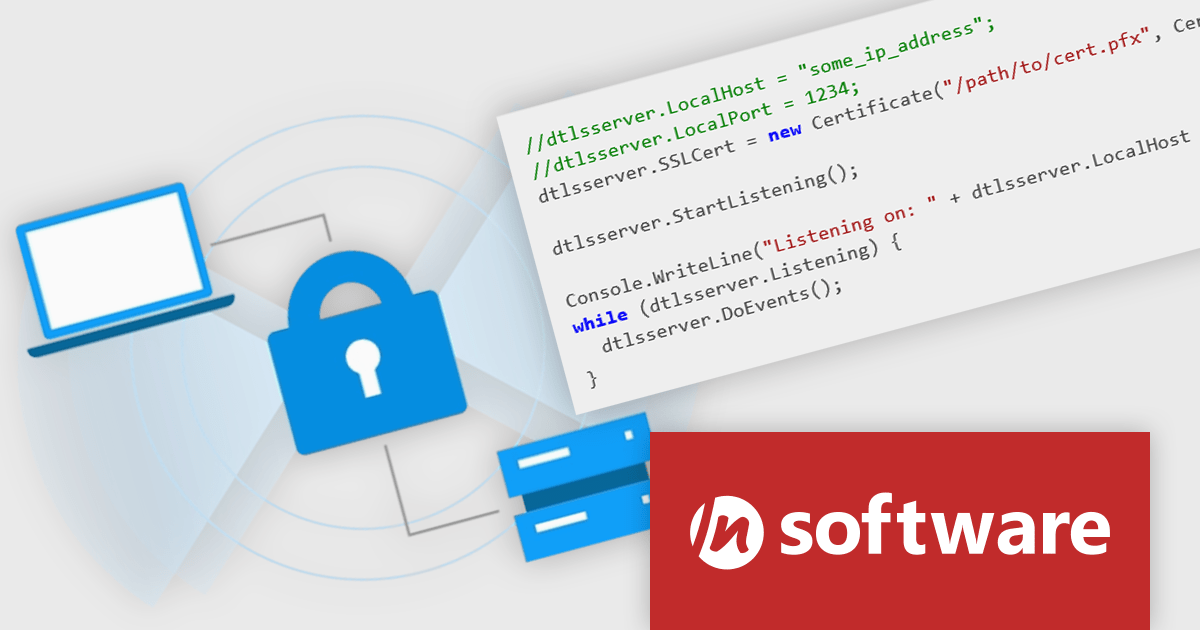
The Red Carpet Subscription Vol. 2 2024 release adds IPWorks DTLS client and server component that allows for secure communication and streaming with Datagram Transport Layer Security. This new compatibility is perfect for time-sensitive applications such as video or audio streaming, gaming, and VPNs. IPWorks DTLS upports all modern TLS versions and integrates well with a variety of development technologies. Benefits include low overhead, making it efficient for time-sensitive applications, a uniform and extensible design, and fully integrated components. IPWorks DTLS is available for a broad range of platforms including .NET, Java, C++, macOS, JavaScript, Node.js, Delphi, C++ Builder, PHP, Python, Android, iOS, Swift, Linux, and Qt. DTLS support is available in the following /n software toolkits and components:
To see a full list of what's new in Red Carpet Subscription Vol. 2 2024, see our release notes.
Red Carpet Subscription is licensed per developer and is available as a Perpetual License with a 12 month support and maintenance subscription. See our Red Carpet Subscription licensing page for full details.
For more information, visit our /n software Red Carpet Subscription product page.
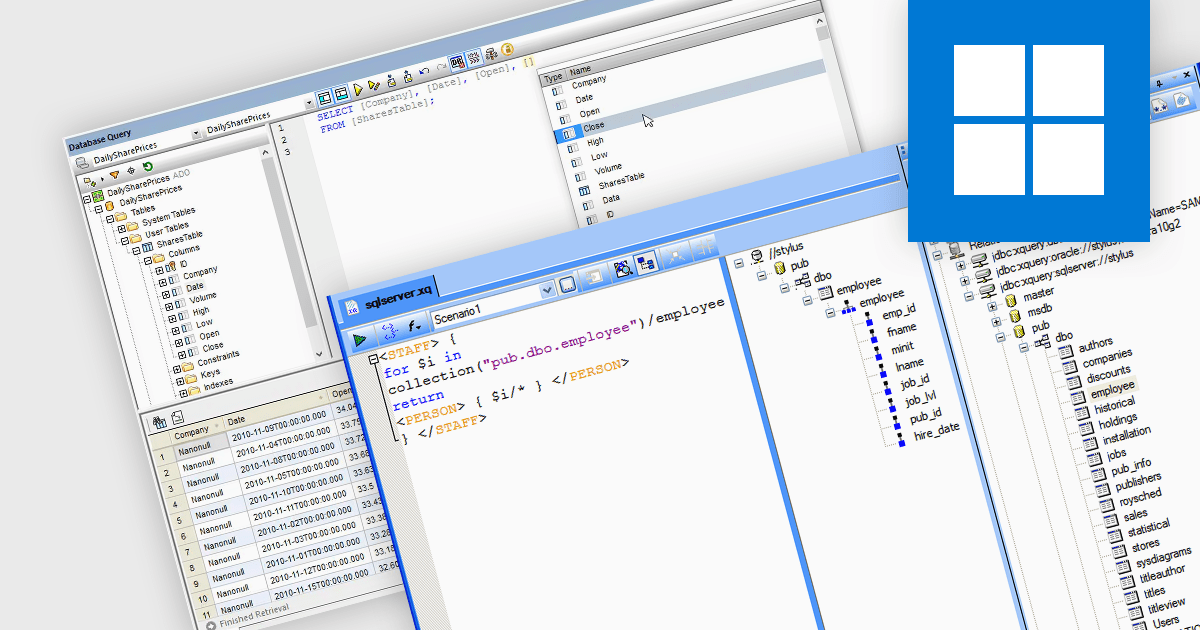
Many dedicated XML tools offer functionality that augments SQL Server's native XML capabilities. These tools facilitate tasks like complex data transformations, advanced querying with XQuery and XPath, and seamless integration with other data sources. This expanded functionality empowers developers to manage and manipulate XML data within SQL Server environments, streamlining data exchange, and simplifying complex data integration scenarios.
Several structured document tools support Microsoft SQL Server, including:
For an in-depth analysis of features and price, visit our structured document tools comparison.

Sencha Ext JS is a comprehensive JavaScript framework designed for building data-intensive, cross-platform web applications with rich user interfaces. It offers a robust set of components and tools for developing feature-rich applications, including a powerful grid system, advanced data handling capabilities, and an extensive library of UI components. With a focus on high performance and flexibility, Ext JS allows developers to create responsive applications that run seamlessly on various devices and browsers.
The Sencha Ext JS 7.8 update introduces the integration of the Froala Editor with the classic toolkit, enhancing the web development experience by providing a powerful and user-friendly rich text editor. This addition enables developers to easily incorporate advanced text editing features into their applications, offering end users a seamless and intuitive interface for content creation and formatting. The Froala Editor's modern capabilities, such as inline editing, real-time collaboration, and a variety of formatting options, streamline the process of managing and displaying content within applications, thereby improving overall productivity and user engagement. This integration exemplifies Sencha's commitment to providing robust, efficient tools for modern web development.
To see a full list of what's new in 7.8, see our release notes.
Sencha Ext JS is available in Pro, Enterprise and Ultimate editions, as Annual Subscription or Perpetual Licenses. See our Sencha Ext JS licensing page for full details.
For more information, see our Sencha Ext JS product page.
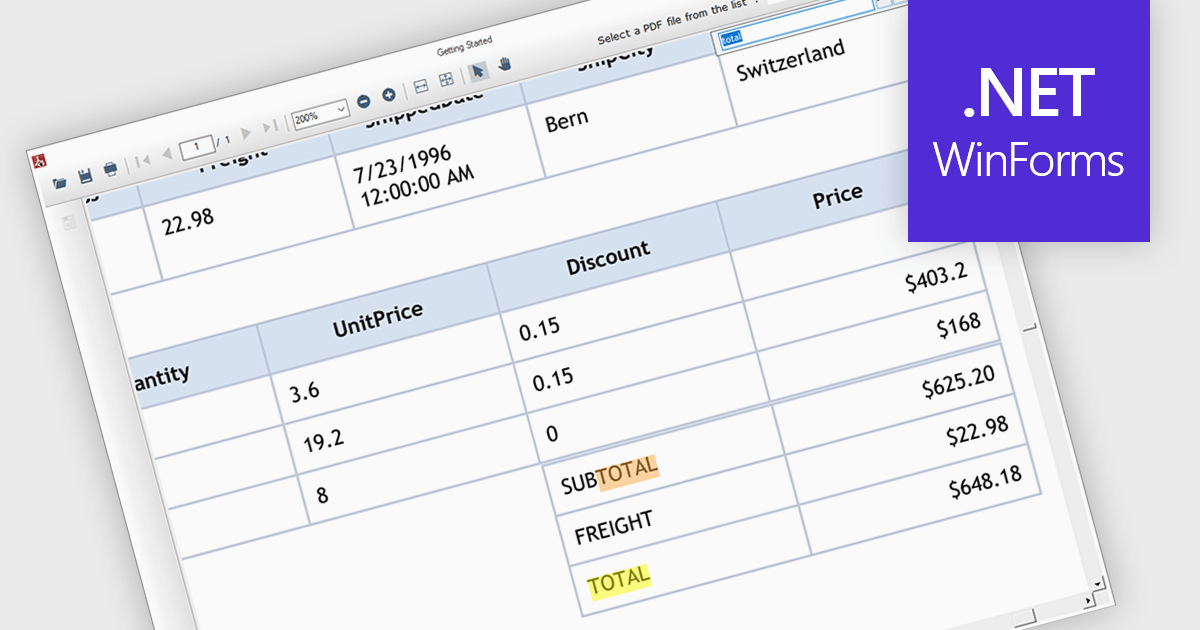
Text search functionality in PDF components enables developers to integrate a search bar or button within their application, allowing users to find specific terms or phrases within a loaded PDF document. This empowers users to quickly locate relevant information, improving efficiency and user experience. Text search is particularly beneficial for applications dealing with large or complex PDFs, such as legal documents, research papers, or technical manuals.
Several .NET WinForms PDF components offer support for text searching including:
For an in-depth analysis of features and price, visit our WinForms PDF Components comparison.





Tel: (888) 850 9911
Fax: +1 770 250 6199


