








Official Supplier
As official and authorized distributors, we supply you with legitimate licenses directly from 200+ software publishers.
See all our Brands.
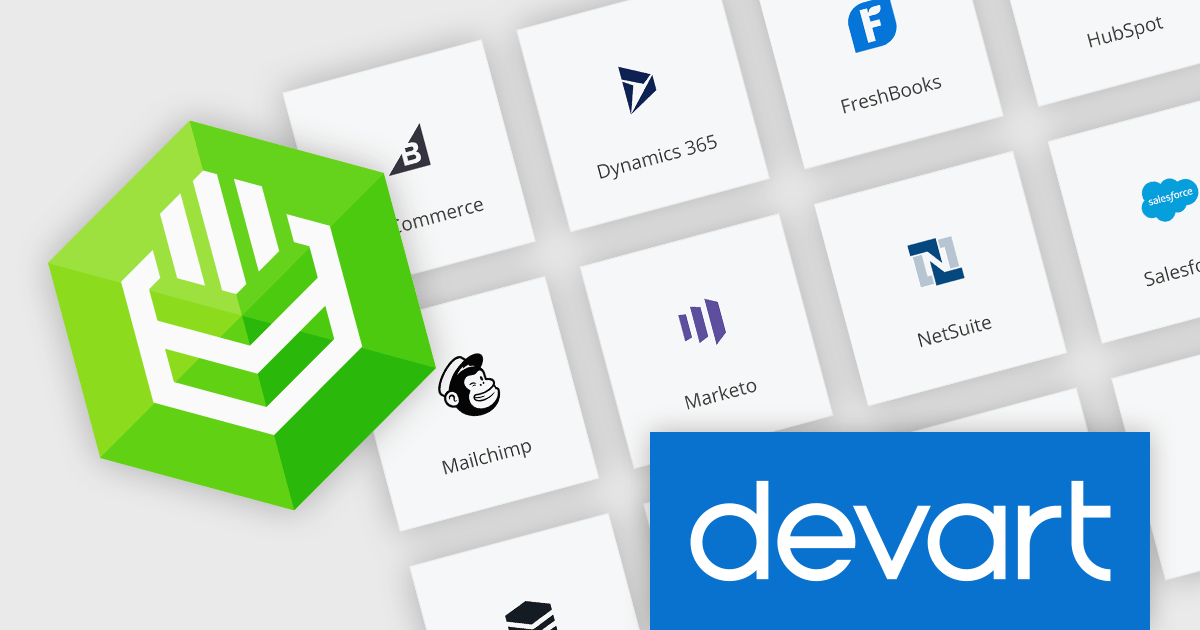
Devart's ODBC Drivers are software tools that bridge the gap between various databases and ODBC-compliant applications like reporting tools and analytics software. They provide high-performance and secure connections for accessing data from popular databases like SQL Server and Oracle on Windows, macOS, and Linux. Devart's drivers boast extensive functionality, allowing you to leverage features like stored procedures and data encryption for a seamless data transfer experience.
With this latest release, metadata caching has been added to several Devart ODBC Drivers, improving application performance by reducing the frequency of database roundtrips. By storing frequently accessed database structure information (metadata) locally, the driver can retrieve it instantly instead of constantly querying the database, leading to faster application response times and a smoother user experience.
To see a full list of what's new in this latest release, see our release notes.
The ODBC Drivers are licensed per developer and are available as an Annual or Perpetual License with a 12 month support and maintenance subscription. See our Devart ODBC Driver Universal Bundle licensing page.
Devart's ODBC Drivers are available for the following Cloud Services: Adobe Commerce, BigCommerce, Dynamics 365, FreshBooks, HubSpot, Mailchimp, Marketo, NetSuite, Salesforce, Salesforce Marketing Cloud, SugarCRM, Zendesk, Zoho CRM, and Zoho Desk
Devart ODBC Driver Universal Bundle includes ODBC drivers for a wide range of Cloud Services and databases in one package.
GroupDocs.Metadata for .NET is a powerful API that grants developers granular control over the hidden information within various document formats, like Word, Excel, PDFs, and even images and audio. It seamlessly enables reading, editing, and removal of metadata properties, empowering you to organize, categorize, and extract valuable insights from your file collection with ease. This metadata manipulation capability unlocks enhanced document searchability, automated classification, and streamlined information retrieval, boosting the efficiency and organization of your data ecosystem.
The GroupDocs.Metadata for .NET V24.3 release adds support several GIS formats including SHP, GEOJSON, TOPOJSON, GML, OSM, KML and GPX. This allows you to extract and analyze geospatial data embedded within these document formats such as property boundaries, transportation networks, or environmental features.
To see a full list of what's new in V24.3, see our release notes.
GroupDocs.Metadata for .NET is offered as Developer Small Business, Developer OEM, Site Small Business, and Site OEM licenses catering to a range of business needs. Licenses are perpetual, and include 1 year of support and maintenance. Subscription renewals are also available. See our GroupDocs.Metadata for .NET licensing page for full details.
GroupDocs.Metadata for .NET is available in the following products:
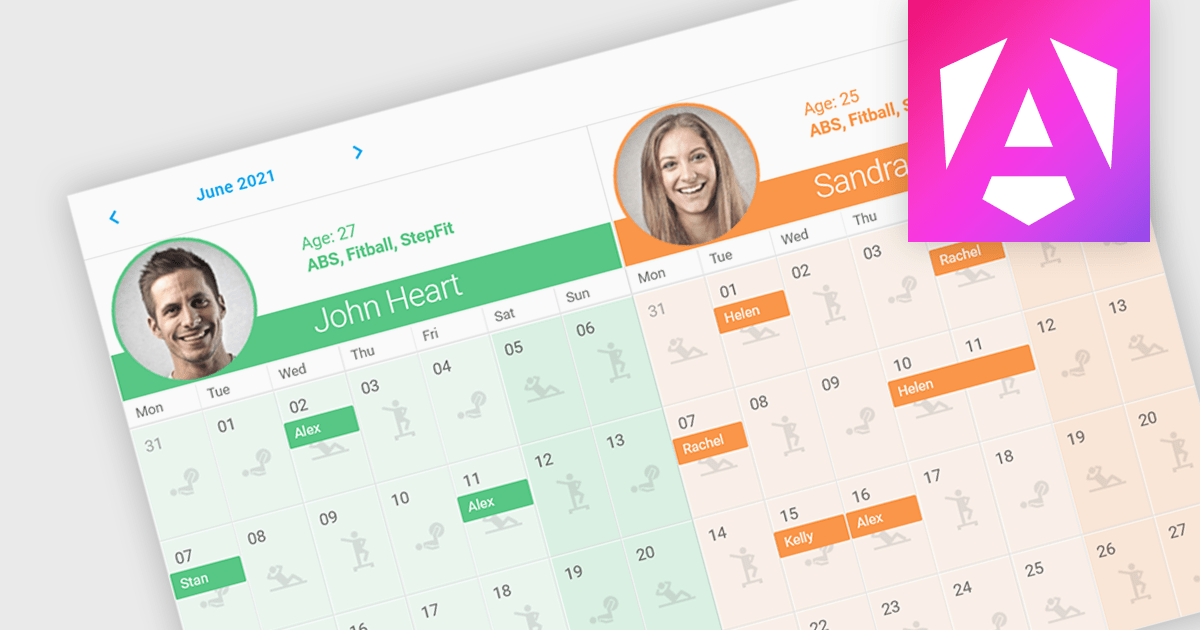
Scheduler components in UI Suites offer software developers a pre-built solution for integrating schedulers into applications. These components visually represent calendars or timelines for scheduling appointments, events, or resource allocation. These components often integrate with project management or resource management software.
Several Angular UI Suites feature a scheduler component including:
For an in-depth analysis of features and price, visit our Angular UI Suites comparison.
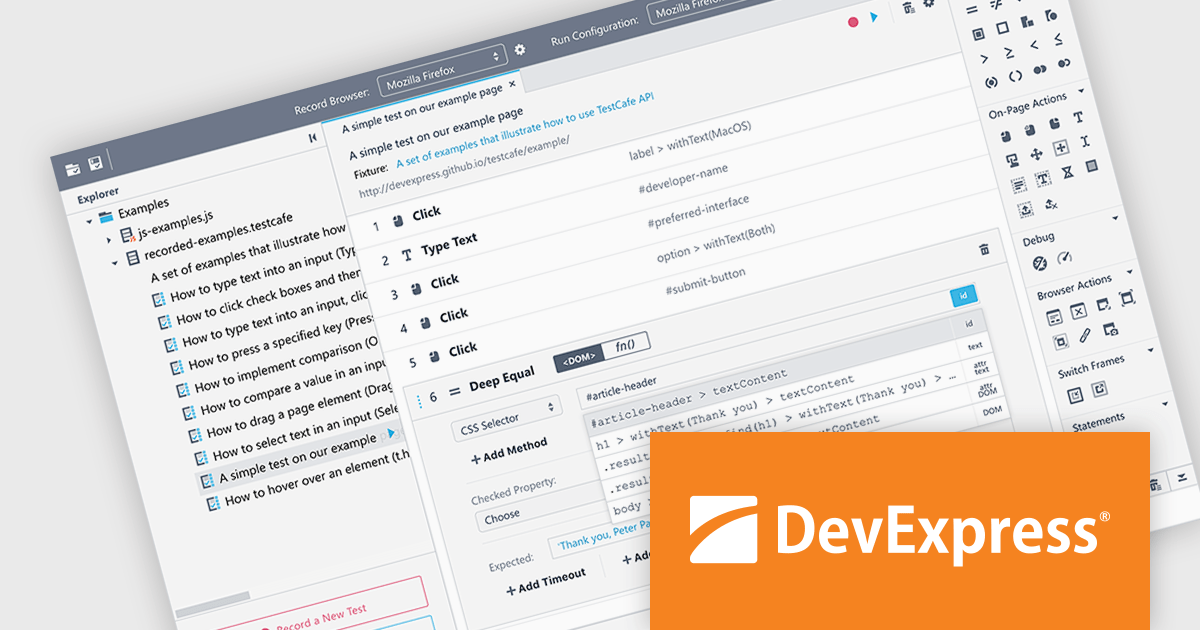
TestCafé Studio is a cross-platform Integrated Development Environment (IDE) specifically designed for automating end-to-end web testing. It offers a user-friendly approach by allowing you to visually record your interactions with a web application through its built-in recorder. This eliminates the need for manual coding, making it accessible to testers with varying levels of programming experience.
The TestCafé Studio 2.0.0 release introduces a built-in, native automation engine that directly controls Chromium browsers, such as Google Chrome and Microsoft Edge, through the Chrome DevTools Protocol. This native approach boosts test speed and stability for popular browsers, eliminating the need for external tools.
To see a full list of what's new in version TestCafé Studio 2.0.0, see our release notes.
TestCafé Studio is licensed per user and is available as a Perpetual License with a 12 month support and maintenance subscription. See our TestCafé Studio licensing page for full details.
TestCafé Studio is available to buy in the following products:
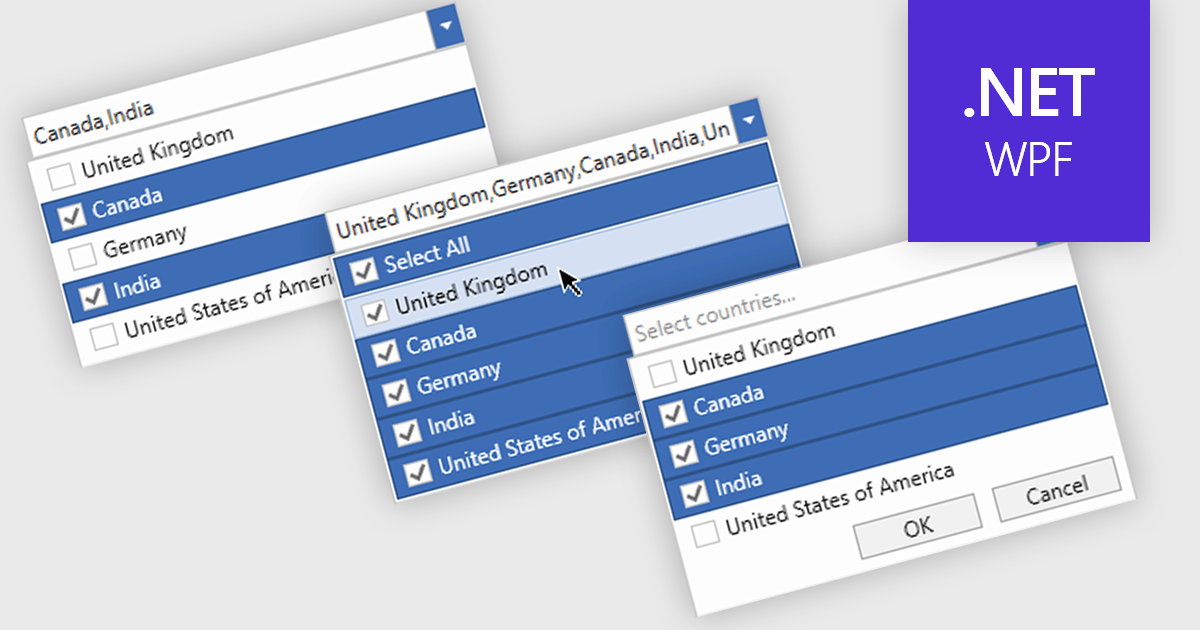
Checked combobox controls are data editor user interface elements that allow users to select multiple options from a dropdown list while visually indicating their choices through checkboxes. These controls provide developers with a convenient way to implement multi-select functionality within their applications, enhancing the user experience by offering intuitive selection methods. By integrating checked combobox controls, developers can streamline data entry processes, improve usability, and increase productivity within their software applications, ultimately leading to more efficient and user-friendly interfaces.
Many .NET WPF Data Editor collections contain checked combobox components including:
For an in-depth analysis of features and price, visit our comparison of .NET WPF Data Editors.





Tel: (888) 850 9911
Fax: +1 770 250 6199


