








Official Supplier
As official and authorized distributors, we supply you with legitimate licenses directly from 200+ software publishers.
See all our Brands.
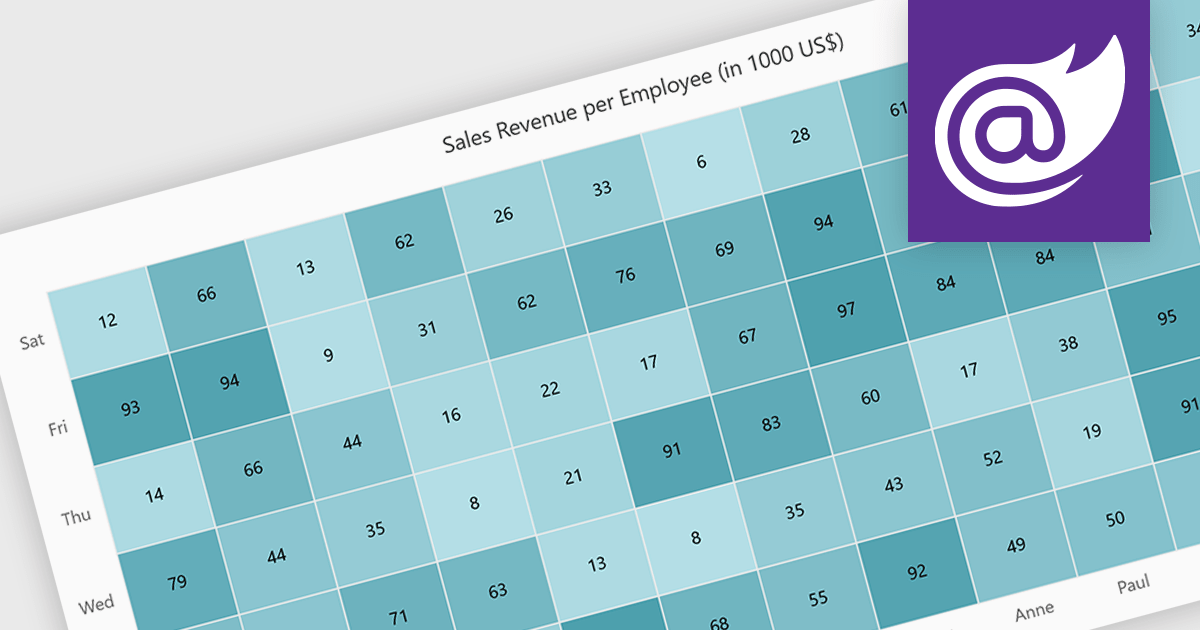
A heatmap is a data visualization tool that uses color intensity to represent magnitude within a dataset. This allows for quick identification of patterns and trends across two variables, depicted on the map's axes. Heatmaps are valuable for analyzing geographic data, user website interaction, and any other scenario where you need to visually grasp the distribution of data points.
Several Blazor chart controls offer Heatmaps including:
For an in-depth analysis of features and price, visit our Blazor chart controls comparison.
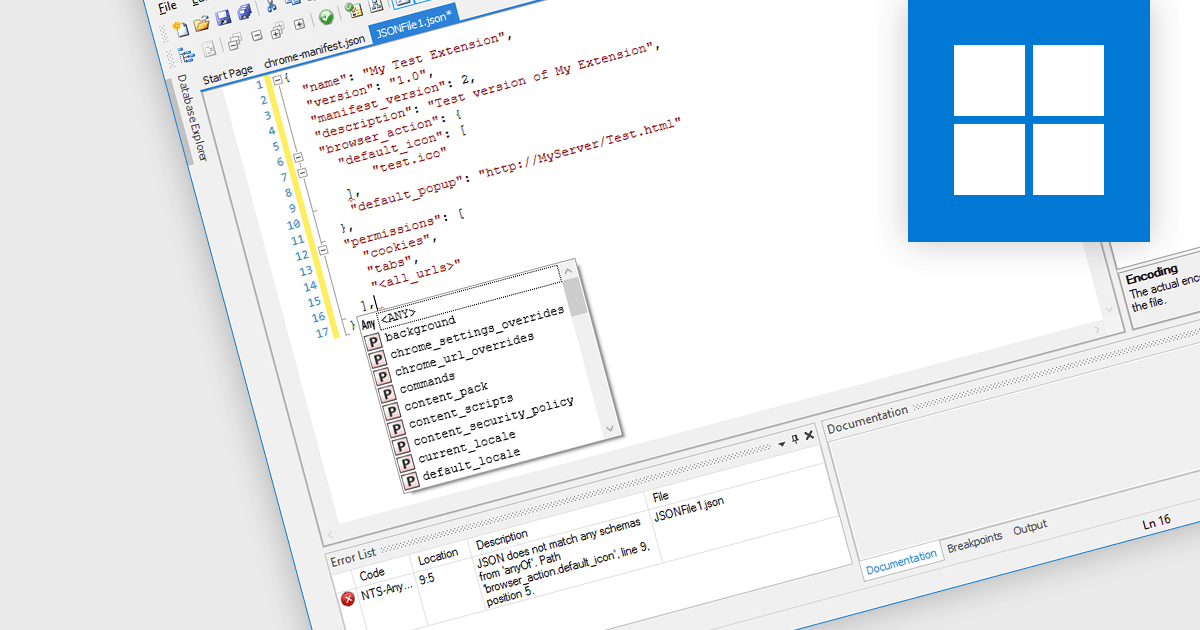
A JSON (JavaScript Object Notation) editor is a specialized tool designed to facilitate the manipulation and modification of JSON data within structured documents. It provides developers with an intuitive interface to directly interact with JSON objects, allowing for seamless editing, validation, and visualization of JSON data embedded within documents.
JSON is frequently used for transmitting data between a server and a client in web applications. JSON's lightweight and human-readable format makes it ideal for transmitting structured data over networks, minimizing bandwidth usage and simplifying data exchange. Widely employed across diverse domains, its platform-agnostic design and broad programming language and framework support contribute to its popularity, serving as a preferred option for facilitating interoperability among various systems and technologies.
Several Structured Document Tools offer JSON editors including:
For an in-depth analysis of features and price, visit our comparison of Structured Document Tools.

Thumbnail navigation in JavaScript PDF Viewers enables users to view miniature previews of pages within a PDF document, typically displayed in a sidebar or grid layout. These thumbnails provide users with a visual overview of the document's content, allowing for quick navigation and selection of specific pages.
Several JavaScript PDF Viewer components offer thumbnail navigation including:
For an in-depth analysis of features and price, visit our comparison of JavaScript/HTML5 PDF Viewer Components.
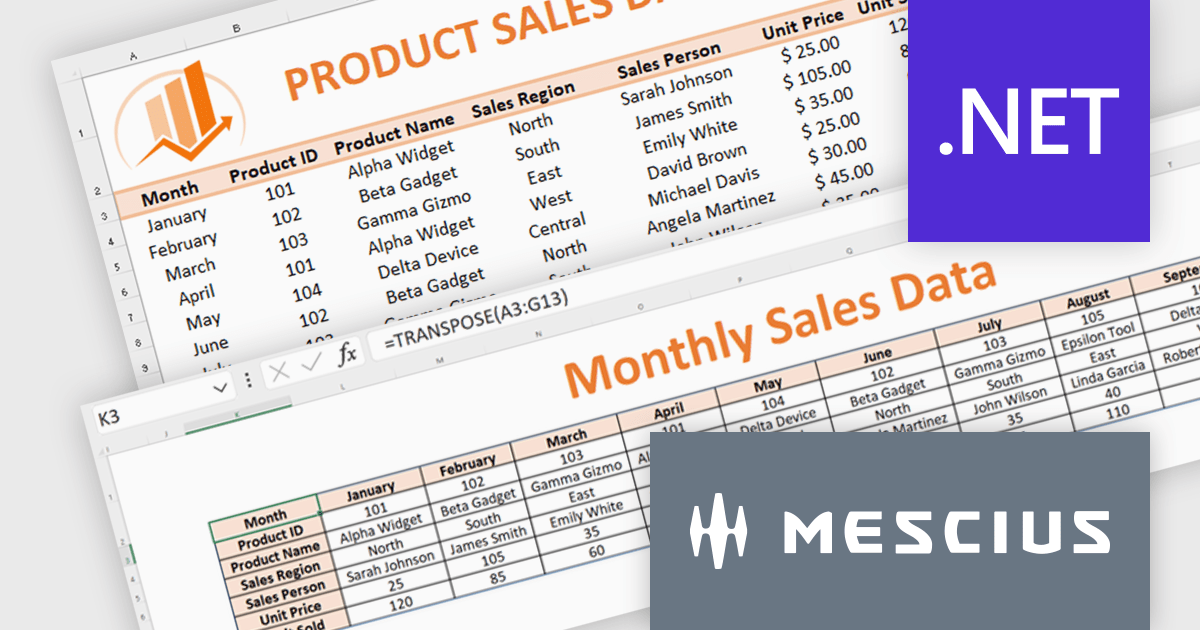
Document Solutions for Excel, .NET Edition (DsExcel, previously GcExcel) is a high-speed, small-footprint, server-side spreadsheet API that requires no dependencies on Excel. With full .NET support, you can generate, load, modify, and convert spreadsheets in .NET, .NET Framework, .NET Core, Mono, and Xamarin. Apps using the spreadsheet API can be deployed to cloud, Windows, Mac, or Linux. Its powerful calculation engine and breadth of features means you'll never have to compromise design or requirements. The interface-based API is modeled on Microsoft Excel's document object model which means you can import, calculate, query, generate, and export any spreadsheet scenario.
Formulas and functions play an important role in data analysis. Microsoft Excel provides a range of functions that simplify the extraction of key metrics during data analysis. In this pair of blog posts from MESCIUS, Software Engineer Prabhat Sharma demonstrates how to use DsExcel to implement Excel functions and other Excel-like functionalities.
Part 1 of the blog shows you how to drill into sales data and integrate the following functions:
Part 2 of the blog digs into monthly budget data to show you how to use:
Document Solutions for Excel is licensed per developer for either one distribution location or unlimited distribution locations. Licenses are perpetual, and include a one year subscription for all software releases (including hotfixes and major releases) plus Platinum Support. See our Document Solutions for Excel, .NET Edition licensing page for full details.
Learn more about Document Solutions for Excel, .NET Edition.

Heimdall Database Proxy intelligently manages connections for improved response times and database scale. Features include query caching, read/write splitting and connection pooling.
The new Heimdall Database Proxy for Greenplum offers developers enhanced optimization capabilities tailored for Greenplum databases. Greenplum is an open-source, massively parallel processing (MPP) database designed for large-scale data warehousing and analytics. With seamless integration, Heimdall Database Proxy for Greenplum improves query performance, reduces latency, and streamlines database operations. Advanced caching and intelligent query routing ensure faster execution and efficient resource utilization, enhancing application responsiveness and scalability. Comprehensive monitoring tools enable quick identification and resolution of performance issues. Overall, this edition simplifies database management, allowing developers to focus on building robust applications confidently.
Heimdall Database Proxy for Greenplum is licensed on an annual subscription basis, priced per Greenplum CPU core. The initial license fee covers up to 90 Greenplum CPU cores, additional CPU core licenses can be added as required. See our Heimdall Database Proxy licensing page for full details.
Learn more on our Heimdall Database Proxy product page.





Tel: (888) 850 9911
Fax: +1 770 250 6199


