








Official Supplier
As official and authorized distributors, we supply you with legitimate licenses directly from 200+ software publishers.
See all our Brands.

Aspose.BarCode is a barcode generation and recognition library. It supports over 70 1D and 2D barcode symbologies, including QR, EAN, UPC, and ISBN.
Aspose.BarCode 23.9 adds recognition support for the GS1 Composite symbology which combines multiple barcodes into one. Designed to improve the efficiency of scanning and data processing, a GS1 Composite barcode could be used to combine a product code and a serial number into a single barcode. This symbology is often used in industries such as retail, logistics, and manufacturing.
With the addition of GS1 Composite barcode support, Aspose now offers developers a more comprehensive solution for generating and recognizing the most popular barcode symbologies. This makes Aspose.BarCode an ideal choice for developers who need to add barcode functionality to their applications.
To see a full list of what’s new in version 23.9, see our release notes.
Support for GS1 Composite barcodes is now available in the following products:
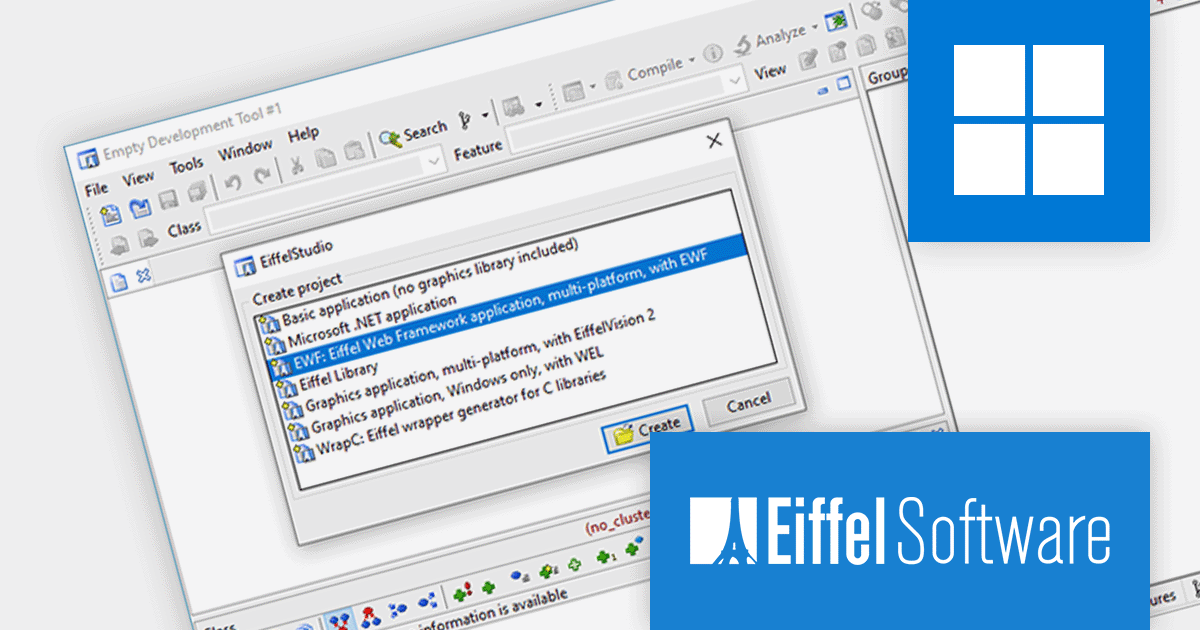
EiffelStudio is an integrated development environment (IDE) for the Eiffel programming language. It provides a comprehensive set of tools and services for developing, testing, and deploying Eiffel applications. EiffelStudio includes a compiler, interpreter, debugger, browser, metrics tool, profiler, diagram and code inspector tool, and more. EiffelStudio provides Eiffel programmers with everything they need to write, test, and deploy their applications.
EiffelStudio 23.09 offers a major improvement with full cross-platform support thanks to a new .NET implementation. This allows developers to create Eiffel applications that run on any device, from the Web to desktops to mobile platforms. The Eiffel .NET compiler now supports .NET Core (targeting .NET 6 and .NET 7) on Microsoft Windows, Linux, and other platforms. This opens up a whole new ecosystem to Eiffel developers, enabling them to build applications that will deploy and run on all major platforms without any changes.
To see a full list of what's new in version 23.09, see our release notes.
For more information, visit our EiffelStudio product page.
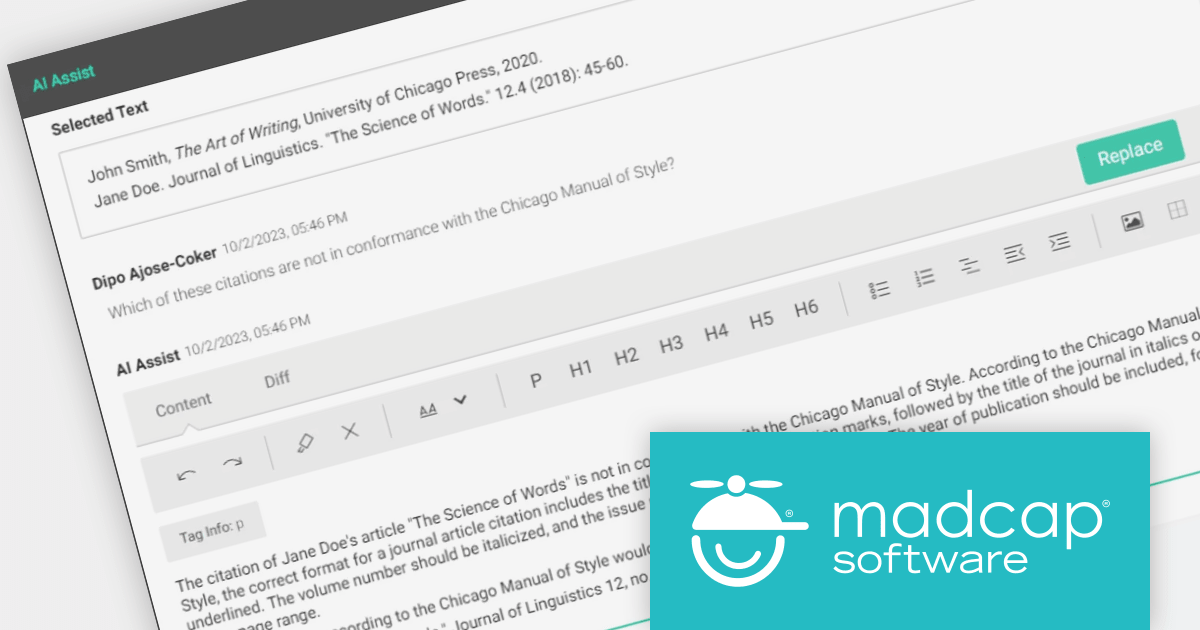
MadCap Central is a cloud-based content experience management (CXM) platform that helps teams to create, manage and publish technical documentation and other types of content.
The latest release adds AI Assist which uses ChatGPT integration to enhance and improve your existing content. You can use it to rewrite content, enforce style guides, summarize lengthy text and authenticate facts. Quickly visualize AI Assist text improvements and instantly insert them into your topics or snippets with a single click.
By making suggestions based on previously approved content in your repositories, AI Assist helps your authors stay true to your brand's voice, reducing unnecessary editor reviews and harmonizing your content across the organization.
To see a full list of what’s new in the latest version, see our release notes.
For more information, visit our MadCap Central product page.
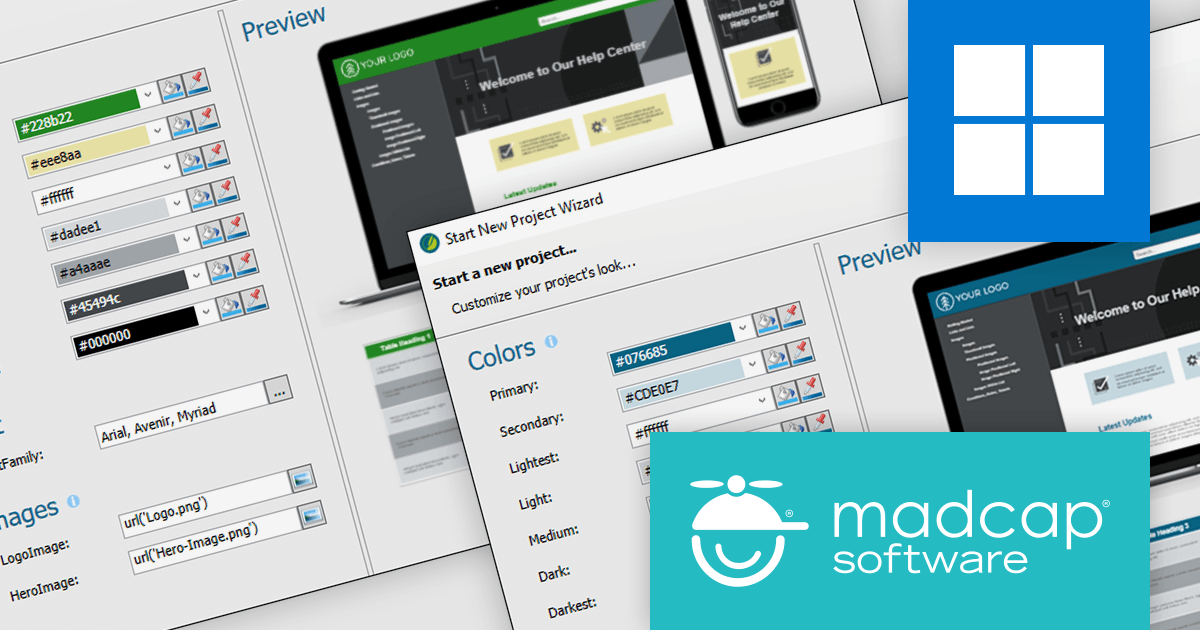
MadCap Flare is used to create, manage and publish technical documentation and other types of content. It is a single-source publishing tool, which means that you can create content once and then publish it to multiple formats, such as PDF, HTML and EPUB.
The new version adds a Branding Editor which provides a central location to manage all of your branding elements, including logo, colors, fonts and images. It can also be used to create custom branding hooks, which allow you to apply branding elements to specific areas of your output. Once you have created your branding, you can apply it to your output with just a few clicks. The Branding Editor will automatically update all of your output to reflect the new branding.
To see a full list of what’s new in version 2023 r2, see our release notes.
For more information, visit our MadCap Flare product page.
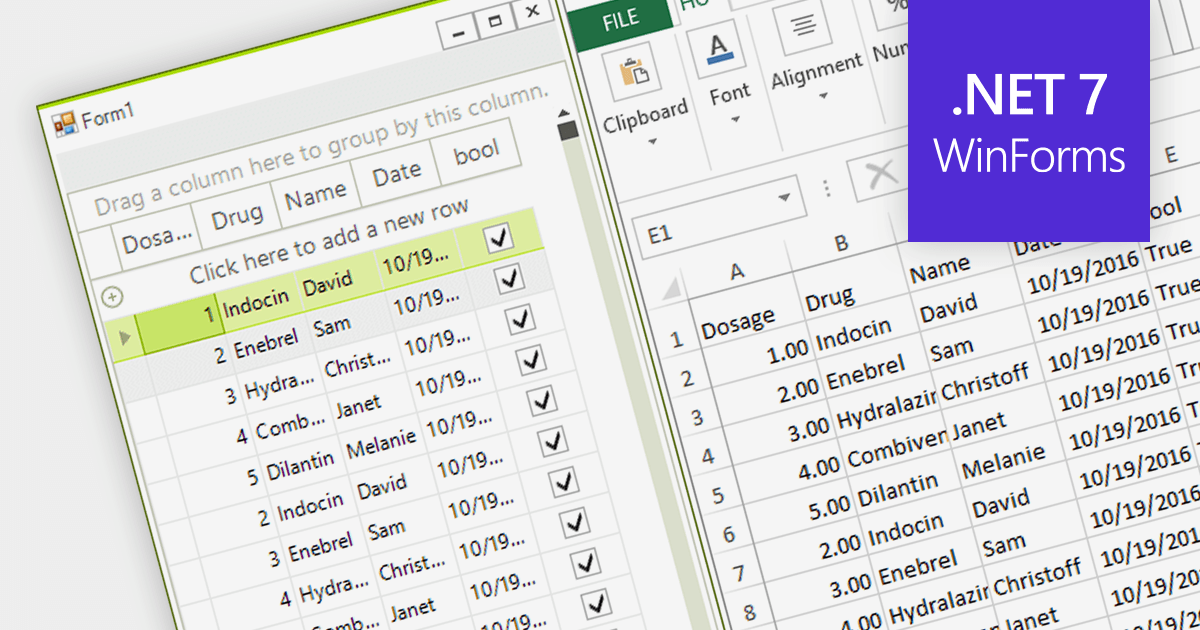
Exporting to Excel allows users to output grid-based data including formats, cell styles and formulas to a widely-compatible Excel file. This industry standard file type makes it easier to analyze, share, and distribute the data to a wider audience in a familiar format.
Several grid components for .NET 7 WinForms offer Excel export, including:
For an in-depth analysis of features and price, visit our comparison of .NET 7 WinForms grids.





Tel: (888) 850 9911
Fax: +1 770 250 6199


