Blendables 3D Mix is now available as part of Xceed Blendables for WPF. If you require more information, please visit the pages above or Contact Us for pricing and availability.

Blendables 3D Mix Screenshots
Blendables 3D Mix
Click for more
Blendables 3D Mix
Click for more
GridLayout 3D
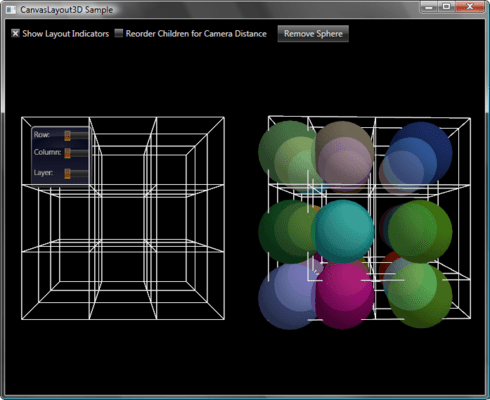
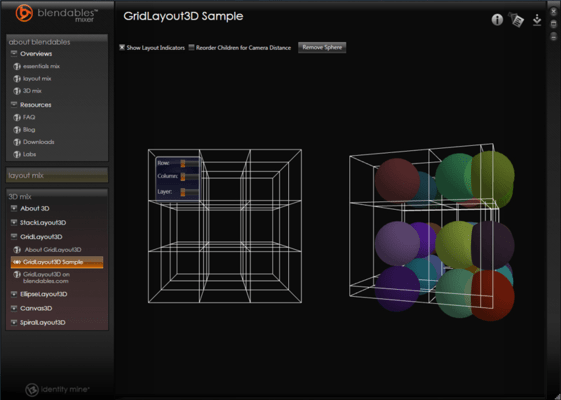
The GridLayout 3D sample has two samples in one. On the left you can move the sliders to view how items can be placed and moved within the 3D Space. On the right you can see multpile sphericle 3D models all rendered as the grid rotates.
Blendables 3D Mix
Click for more
3D Cylinders
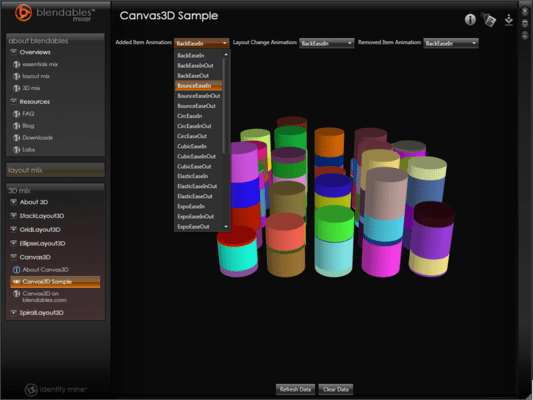
3D Cylinders placed in a canvas can be used to model complex data as shown in this sample. By refreshing the data you can view the various exit and entry animations. Those are Penner animations in 3D.
Blendables 3D Mix
Click for more
Penner Animations
The radial canvas allows for placement of objects in a circular fashion. Like all layouts in the Layout Mix adding, removing and rearranging objects within this canvas can be animated using standard Penner Animations.
Blendables 3D Mix
Click for more
Spiral 3D Layout
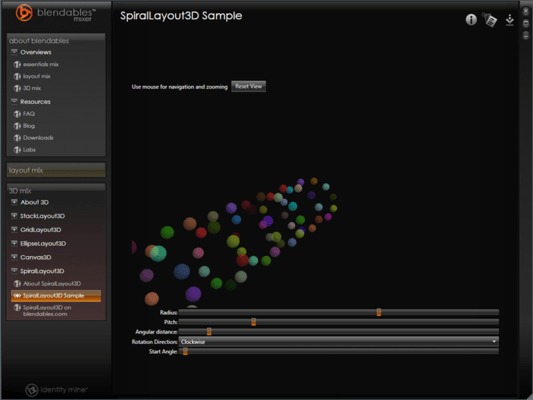
Using a Spiral 3D Layout you can place any 3D model on a spiral. The various properties allow for a few different knobs to tweak the layout including, radius, pitch, angular distance and rotation direction.
Blendables 3D Mix
Click for more
Ellipse Layout
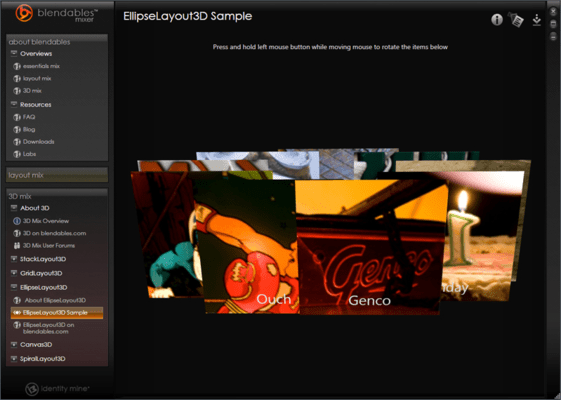
A simple Ellipse Layout viewed in 3D. This sample shows how to add mouse handling capability to any 3D model. In this case it's a flat image but any model can be used