Click for more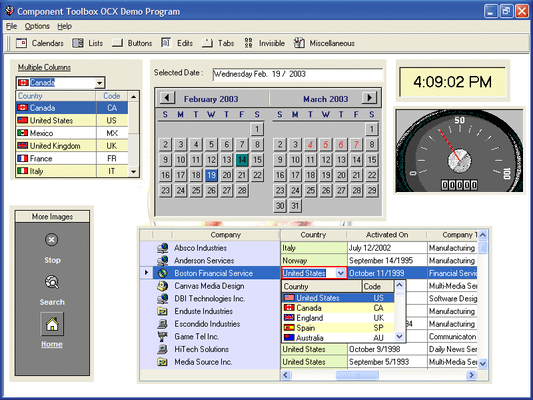
Click for more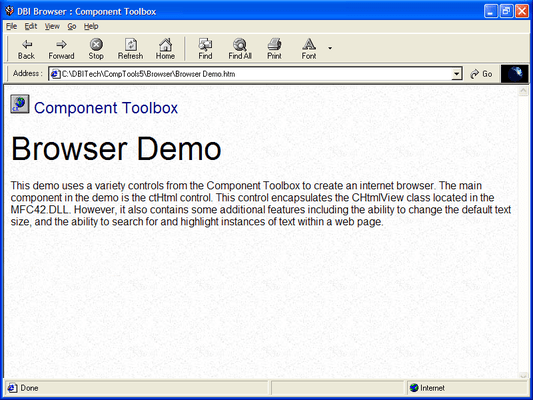
Web Browser
The ctHtml control is a window in which the user can browse sites on the World Wide Web, as well as folders in the local file system and on a network.
Click for more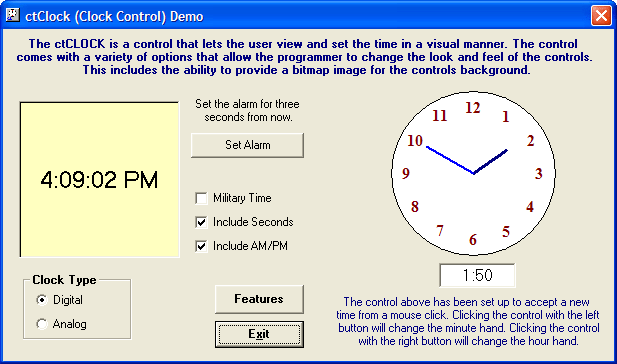
ctClock
The ctClock control comes with its own styles for analog and digital clocks, or the programmer can override the style with a bitmap image. It continually scans the system time for the current time.
Click for more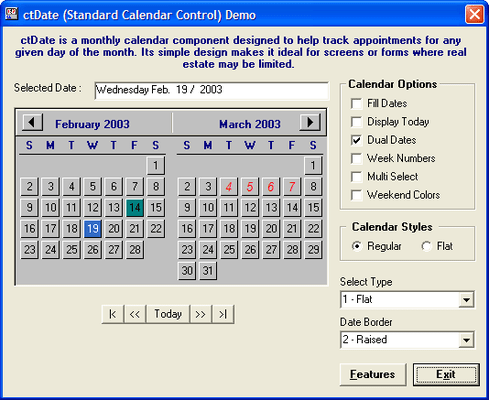
Monthly Calendar
The ctDate control presents one or two months at a time and then allows the user to view and optionally select one of those dates.
Click for more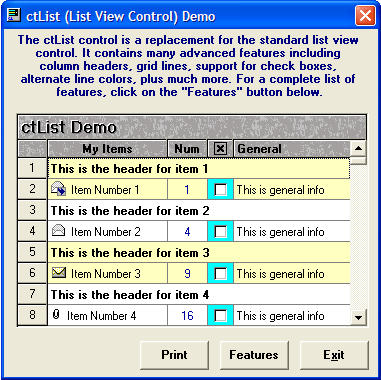
List Control
The ctList control can contain variable height list items, host sub-text and support multi-select and multi-lines, you can include picture clips and check boxes.
Click for more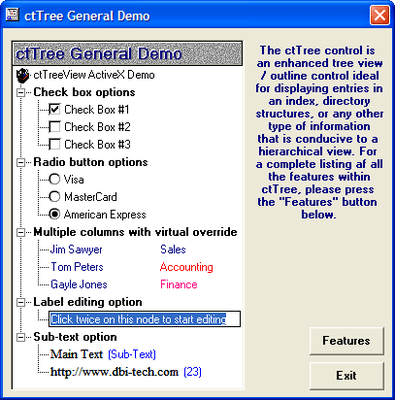
Tree Views
Use the ctTree control to display items in a hierarchical format. It is made up of a series of node objects, each node is able to contain its own text, bitmaps, check boxes and radio buttons.
Click for more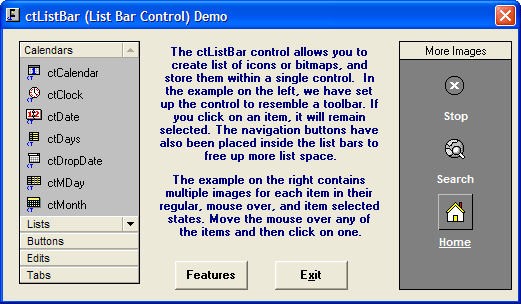
List Bars
Use the ctListBar to create Outlook style slider/button bars.
Click for more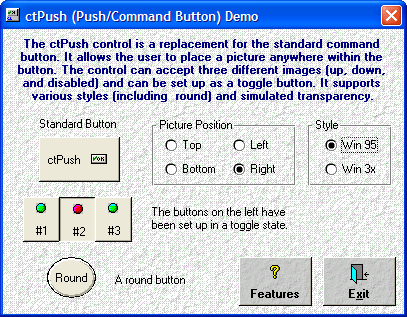
Buttons
ctPush is an enhanced push button control. You can control the placement of text and pictures on the button, define the bevel size, use a different bitmap for up, down and disabled status and much more.
Click for more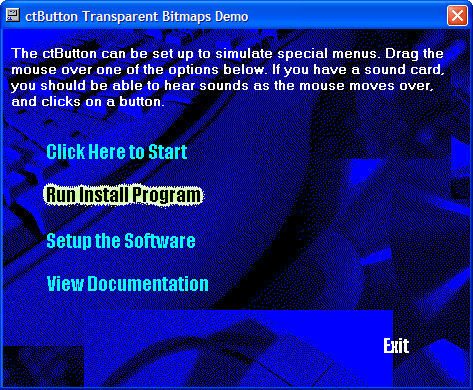
Transparant Buttons
The ctButton control supports transparency allowing you to create hyperlink style buttons.
Click for more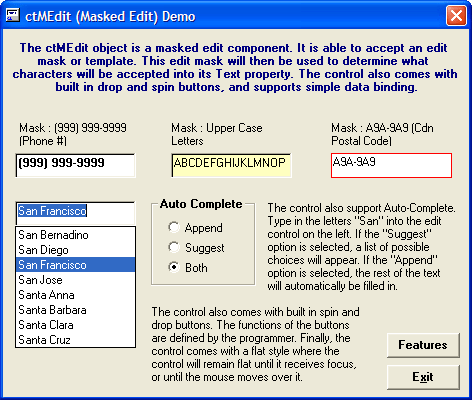
Mask Edit
ctMEdit allows you to set the type of data a user enters, you can also use the Auto-Complete functionality to help speed up user input.


 (5)
(5)