
Infragistics NetAdvantage AppStylist
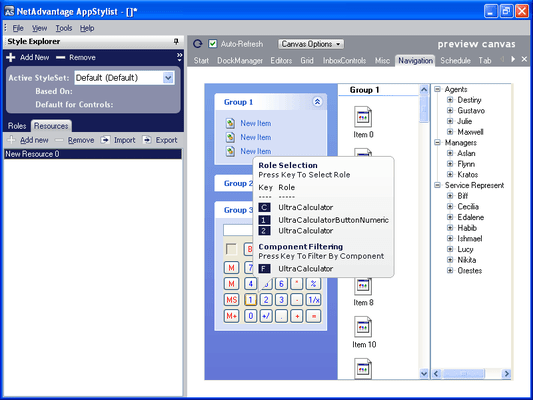
Easily create styles to be applied to applications.
Published by Infragistics
Distributed by ComponentSource since 1996
We do not supply this product anymore.
Easily create styles to be applied to applications.
Published by Infragistics
Distributed by ComponentSource since 1996
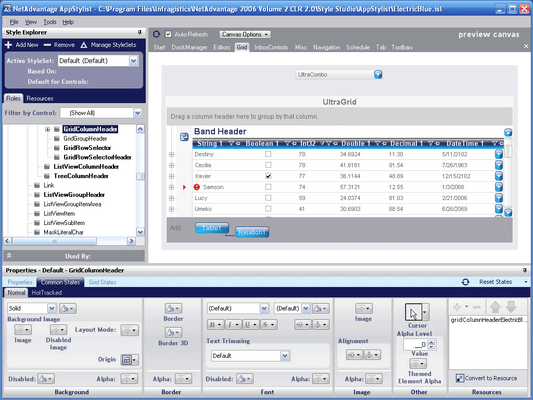
Infragistics AppStylist is available as part of Infragistics Professional.
If you require information, please visit the pages above or Contact Us for pricing and availability.

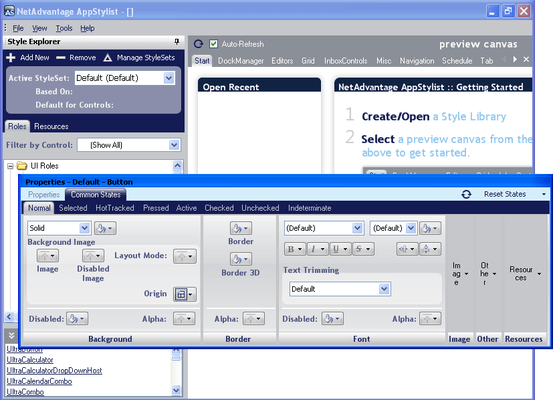
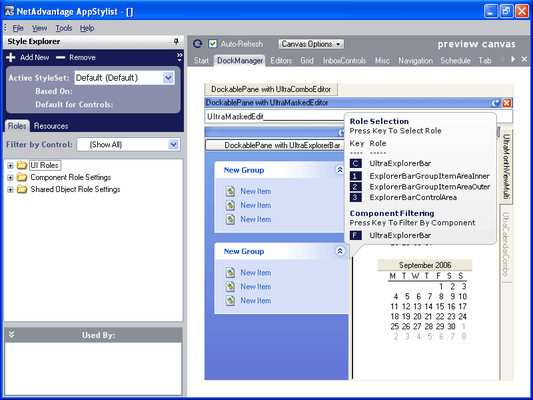
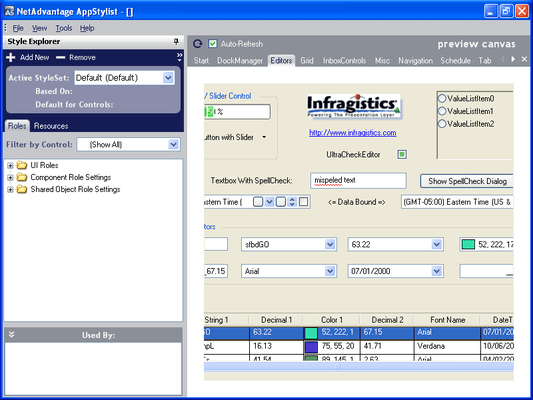
Tel: (888) 850 9911
Fax: +1 770 250 6199


