
Polygon Cruncher SDK
A convenient and powerful way of integrating 3D functionality into your applications.
Published by Mootools Software
Distributed by ComponentSource since 2024
A convenient and powerful way of integrating 3D functionality into your applications.
Published by Mootools Software
Distributed by ComponentSource since 2024


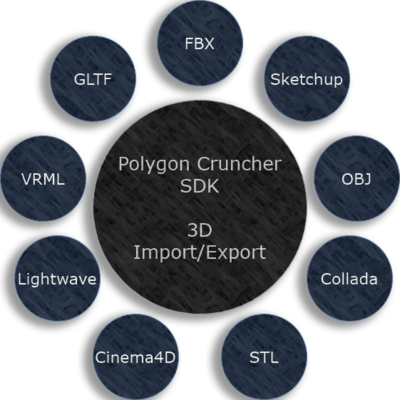
Polygon Cruncher SDK can import and export 3D content from the common 3D files format in just a few lines of code. The SDK recognizes the following formats:
This list is not exhaustive, you can also add your specific format.
You can control the import with advanced options. For example, its possible to control if media must be embedded or not, or if the file should be exported as text or binary.
The SDK supports geometry, UVs, vertex colors, user normals, material and PBR textures and gives easy access to this information through the imported or exported 3D scene graph.

Despite the acceleration of graphics cards and processors and the increase in available memory, optimising 3D data is more important than ever.
Photogrammetry and 3D scans are major data generators, as are digital architectural projects and video game data.
Reducing the amount of data improves processing and display speeds, reduces the amount of information stored and downloaded, and therefore reduces the ecological footprint.
Fast and multi-threaded, multi-platform, easy to code, Polygon Cruncher SDK features a decimation algorithm that enables the level of detail to be adapted in real time (as a function of camera distance, for example). It is also possible to generate LODs at defined optimization ratios fully automatically, thanks to the MagicCruncher function. MagicCruncher guarantees, without human visual control, that the scene is not altered by the optimization.

Image 1 / 2
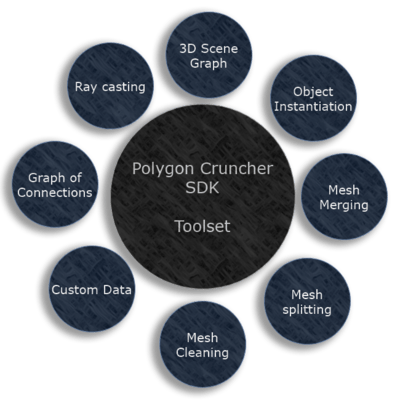
Polygon Cruncher SDK provides you with simple, easy-to-code functions for accessing scene elements (nodes, objects, points, faces, material, channels...)
At any time, you can add your own specific data, which will be retained throughout the life of the objects. In this way, you can add specific references to objects, particular weights to points and specific attributes to faces.
You can use functions to clean up the scene (merge confused points, delete invalid faces), to reorganise it (merge objects according to materials, create objects from unconnected faces) or to find elements (graph of connections, ray tracing).
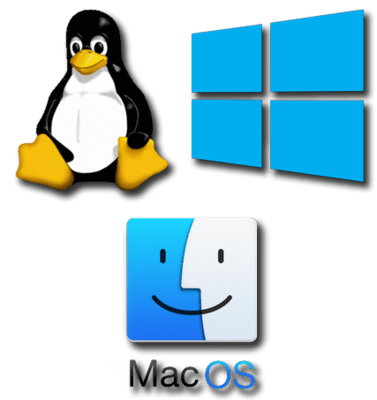
Use a single code base to bring your product to different operating systems. with Polygon Cruncher SDK you can code one-time and compile it for different platforms.
The SDK is available as a C++ library:
* some import/export features might not be available on this operating system.
Libraries are multithreaded (using OpenMP) and are delivered in both their release and debug versions.
Tel: (888) 850 9911
Fax: +1 770 250 6199


