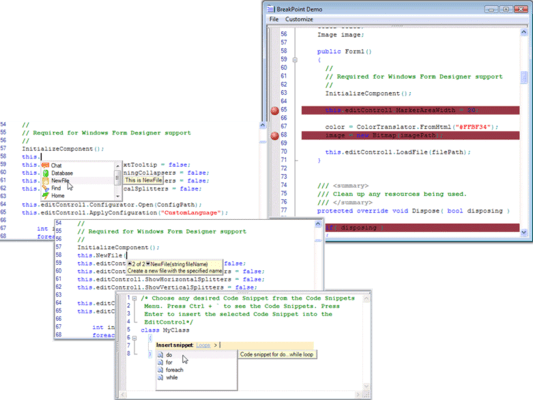
Essential Edit enhances expand-collapse

Released: Jul 21, 2010

Updates in this release

Updates in Syncfusion Essential Edit WPF 2010 Vol 3

Features:

  • Expand-collapse support for Visual Basic has been implemented
  • Ellipses have been included to indicate collapsed lines with ToolTip and selection support
  • A line has been included in the expand-collapse area to highlight the beginning and end of blocks of supported languages
  • Support has been added for implementing expand-collapse logic for custom languages
  • Language implementations have been restructured to enable data binding in custom languages
  • The AcceptsTab property has been implemented to allow or restrict the usage of the TAB key
  • The Find and Replace window's appearance has been enhanced
  • Built-in routed UI commands have been implemented for indenting and commenting individual and multiple lines
  • The HorizontalScrollbarVisibility and VerticalScrollBarVisibility properties have been implemented to control the visibility of horizontal and vertical scroll bars
  • IntelliSense support has been implemented for C# and Visual Basic
  • IntelliSense support has been implemented for specifying custom multilevel collections to display in the IntelliSense list

Changes:

  • The ShowOutlining property of EditControl has been marked as obsolete
  • Language implementations have been restructured to enable data binding of lexemes and formats in language configurations. As a result, the EditLanguage class has been marked as obsolete and a custom language class has been created by inheriting from LanguageBase, ProceduralLanguageBase, or MarkupLanguageBase
  • The Name property in EditFormats class has been renamed to FormatName property
  • Edit WPF assembly name has been changed from Syncfusion.Edit.WPF to Syncfusion.Edit.Wpf

Fixes:

  • Cursor size is now correct when using a multiline SQL file
  • The cursor is removed when the edit control is not in focus
  • The expand-collapse property is now applied properly when pasting text