








Official Supplier
As official and authorized distributors, we supply you with legitimate licenses directly from 200+ software publishers.
See all our Brands.
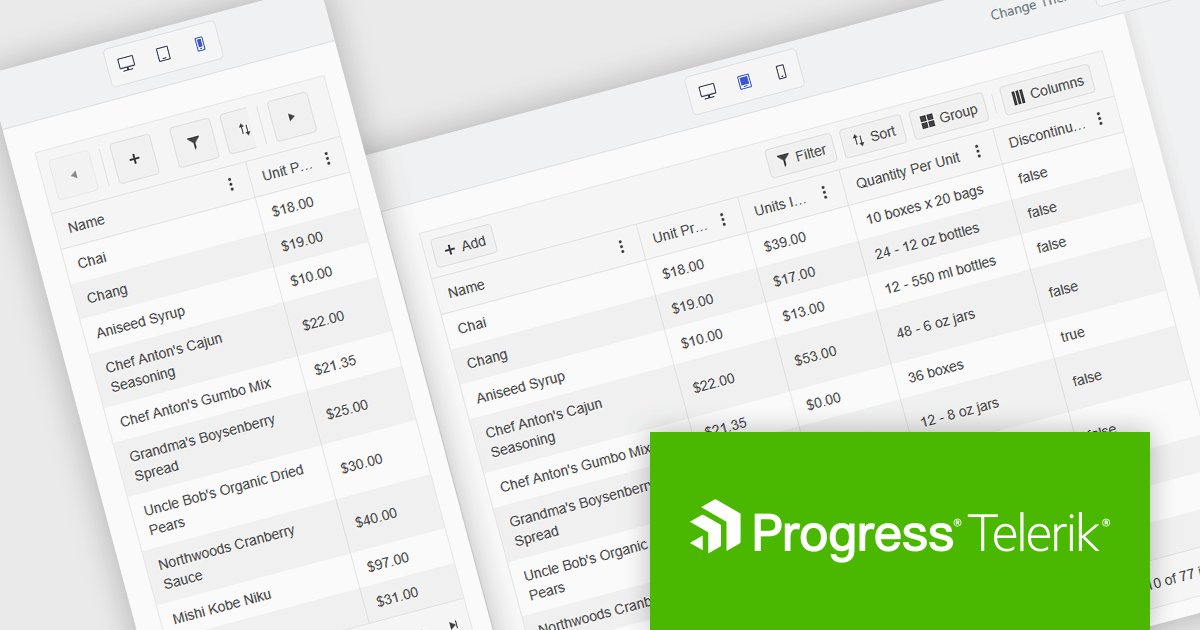
Kendo UI is a comprehensive suite of four JavaScript UI libraries for jQuery, Angular, React, and Vue that enables developers to build responsive web applications for desktop, tablet, and mobile platforms with minimal effort. It provides a wide range of customizable components such as data grids, charts, schedulers, and form controls that streamline development and can reduce time to market by up to 50 percent. With built-in support for theming, accessibility, localization, and state management, Kendo UI is ideal for creating data-driven dashboards, CRM systems, e-commerce portals, and administrative interfaces while maintaining high performance and a consistent user experience.
The Kendo UI 2025 Q2 update brings a major update to the Grid component, focusing on mobile usability. The Grid is now fully adaptive, meaning its layout and controls automatically adjust to different screen sizes. This includes new support for adaptive editing, where input forms rearrange themselves to fit smaller screens more effectively. The update also introduces improved form components and a responsive pager, helping users navigate data more easily on mobile devices. These changes aim to make working with the Grid more practical and efficient when using touch interfaces or limited screen space.
To see a full list of what's new in 2025 Q2 (v19.0.0), see our release notes.
Kendo UI is licensed per developer and has two licensing models: an annual Subscription License and a Perpetual License. The Subscription license provides access to the latest product updates, technical support, and exclusive benefits for a flat annual fee, and must be renewed to continue using the software. The Perpetual license is a one-time purchase granting access to the current released version and includes a one-year subscription for product updates and technical support. After this initial period, users can choose to renew the subscription element to continue receiving updates and support; otherwise, they may continue using the installed version available during their active subscription term but will forgo future updates and support. See our Kendo UI licensing page for full details.
Kendo UI is available individually or as part of the following products:
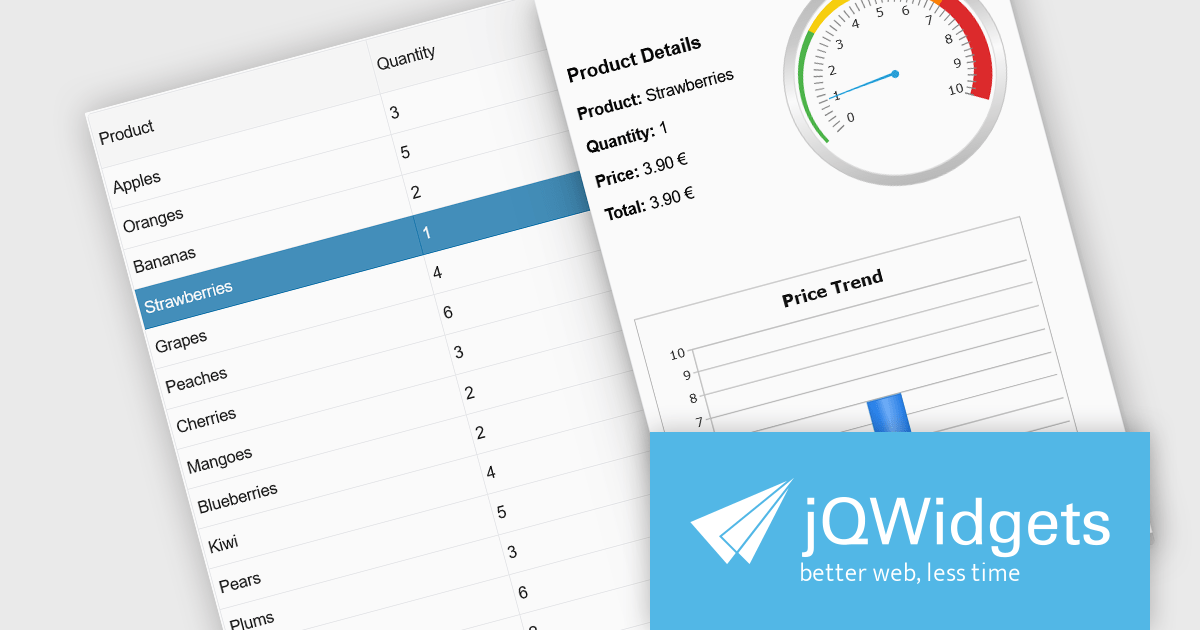
jQWidgets is a comprehensive JavaScript UI framework offering a robust collection of over 60 widgets, themes, and utilities for building professional-grade, cross-platform web applications. Built on jQuery, HTML5, and CSS, it provides extensive functionality including data grids, charts, navigation, input validation, and more. jQWidgets simplifies web development, ensuring your applications work seamlessly across desktop browsers, tablets, and smartphones.
The jQWidgets v23.0.0 release adds a new side panel feature in jqxGrid, allowing developers to add custom HTML elements directly into side panels positioned next to the grid. Whether you want to include filters, charts, summaries, help text, or interactive widgets, the side panel supports any type of content.
To see a full list of what's new in v23.0.0, see our release notes.
jQWidgets is licensed per developer and is available as a Perpetual license 1 year support and maintenance. See our jQWidgets licensing page for full details.
Learn more on our jQWidgets product page.
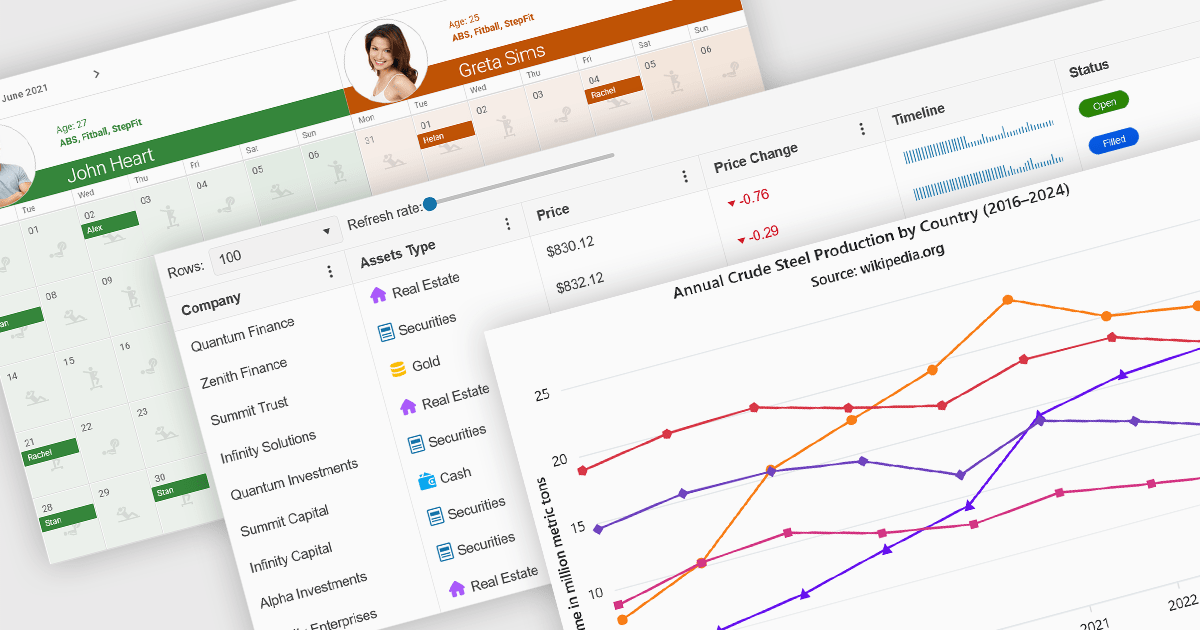
Angular UI controls are specialized components developed to integrate with applications built on the Angular framework. Typically offered as part of comprehensive UI suites, these controls help developers build highly interactive, data-rich web applications while maintaining performance and design consistency. By encapsulating complex behaviors into modular, reusable elements, Angular UI suites simplify the development process and support faster deployment of robust, enterprise-grade front ends.
Common controls include:
For an in-depth analysis of features and price, visit our Angular UI suites comparison.
DevCraft by Telerik is a comprehensive suite of more than 1,250 UI components and development tools designed for building modern web, desktop, and mobile applications using .NET and JavaScript frameworks. It includes reporting and report management solutions, automated testing and mocking tools, and document processing libraries, as well as a wide range of professionally designed user interface controls from the Telerik and Kendo UI suites. DevCraft enables developers to create feature-rich, high-performance applications with consistent design and user experience, delivering enterprise-level, scalable, and maintainable software solutions.
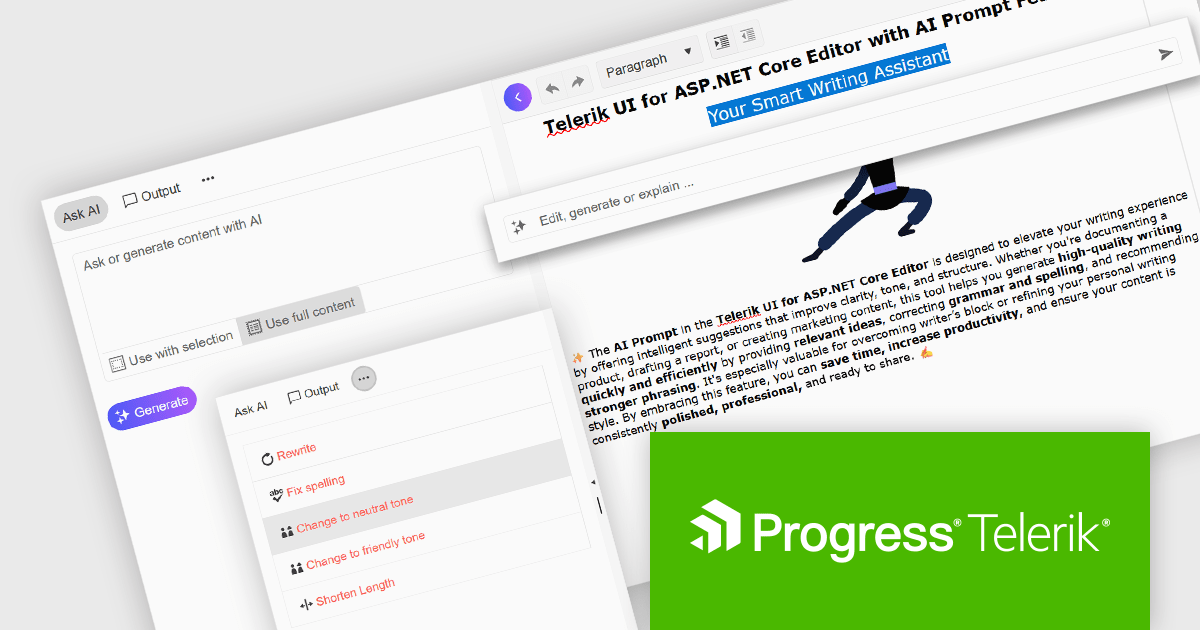
The Telerik DevCraft 2025 Q2 update adds an AI Prompt helper to the Editor control in Blazor, ASP.NET Core/MVC and jQuery, integrating AI-assisted content editing directly into the user interface. This feature provides both inline and side-panel interactions, allowing users to perform tasks such as grammar correction, tone adjustment, text rewriting, and translation without leaving the editor. By leveraging context-aware AI capabilities, the content creation and editing processes become much simpler, enabling developers to deliver more refined and effective user experiences within their applications.
To see what else is new in 2025 Q2, see our release notes.
Telerik DevCraft is licensed per developer and has two licensing models: an annual Subscription License and a Perpetual License. The Subscription license provides access to the latest product updates, technical support, and exclusive benefits for a flat annual fee, and must be renewed to continue using the software. The Perpetual license is a one-time purchase granting access to the current released version and includes a one-year subscription for product updates and technical support. After this initial period, users can choose to renew the subscription element to continue receiving updates and support; otherwise, they may continue using the installed version available during their active subscription term but will forgo future updates and support. See our Telerik DevCraft Ultimate licensing page for full details.
Telerik DevCraft is available in the following editions:
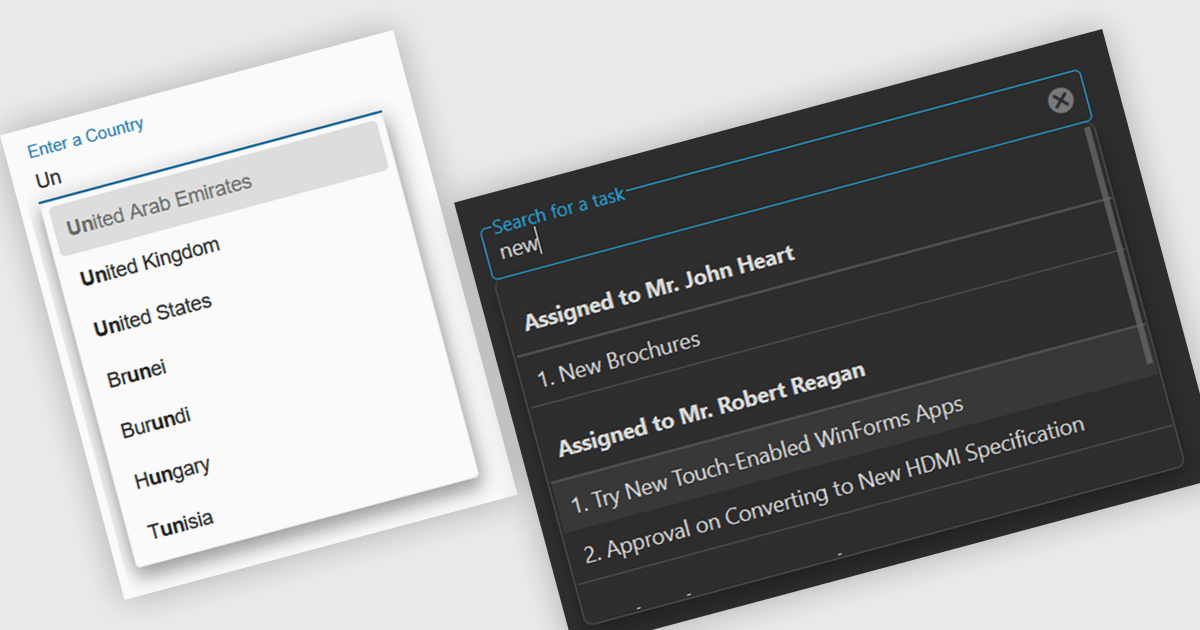
Autocomplete is a feature that dynamically suggests valid inputs as the user types, based on the current context or previously entered values. It enhances productivity by reducing the amount of typing needed and helps prevent errors or invalid entries by guiding users towards acceptable inputs. Ultimately, it enhances the overall user experience by making interfaces more intuitive and efficient for both technical and non-technical users.
Several Angular data editor collections include autocomplete features, such as:
For an in-depth analysis of features and price, visit our comparison of Angular data editor collections.





Tel: (888) 850 9911
Fax: +1 770 250 6199


