








Official Supplier
As official and authorized distributors, we supply you with legitimate licenses directly from 200+ software publishers.
See all our Brands.
Progress Telerik is a leading software publisher that provides a range of tools and solutions to help developers build and deploy modern applications. Its product range include UI libraries, reporting tools and testing frameworks. Telerik products are used by millions of developers around the world to build a wide variety of applications.
The following Telerik products have been updated with support for .NET 8, allowing developers to build web, desktop, mobile and reporting apps in the latest version of Microsoft's popular framework:
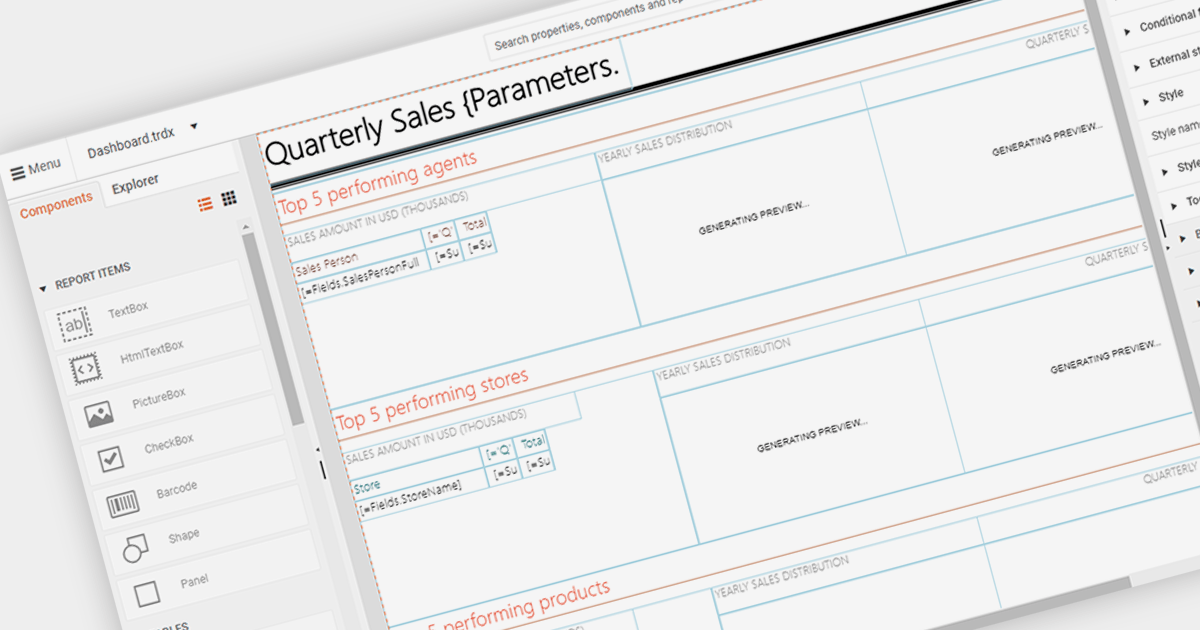
An end user report designer allows non-technical users to create and modify reports directly within an application. This tool often provides a drag-and-drop interface, enabling users to design custom report layouts, define data sources, and set up data bindings without needing to write code. It empowers users to generate personalized reports based on their specific needs and preferences, enhancing the flexibility and usability of the reporting software.
Several Blazor reporting components provide an end user report designer including:
For an in-depth analysis of features and price, visit our comparison of Blazor Reporting components.
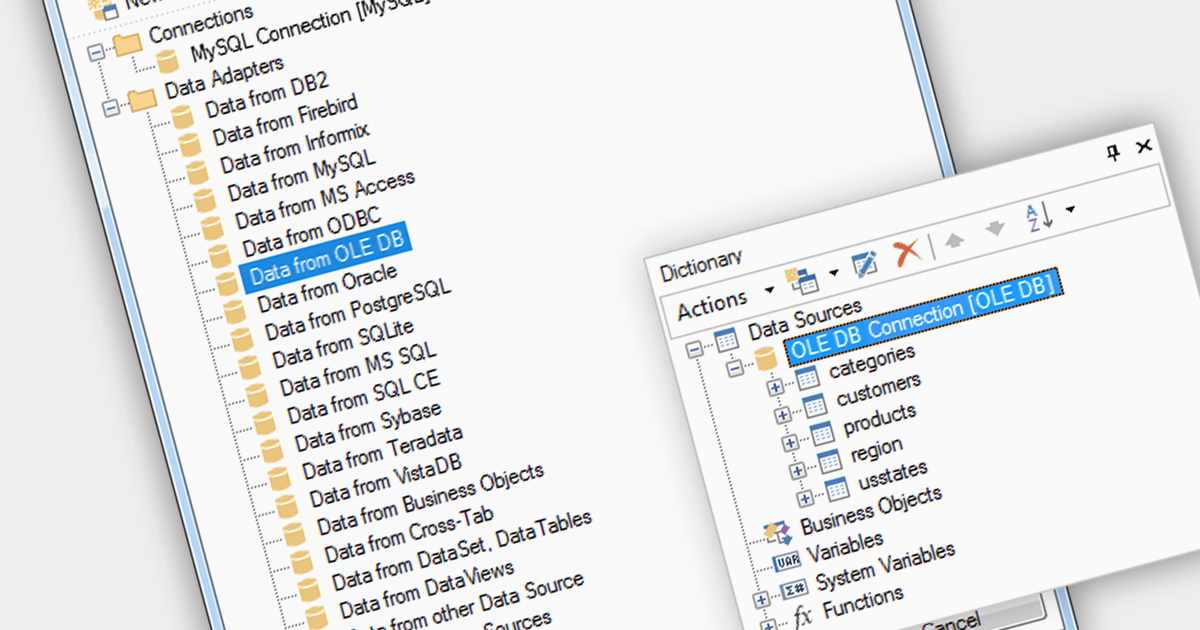
OLEDB data connectivity allows reporting software to connect to various databases and data sources through the Object Linking and Embedding Database (OLEDB) framework. This provides a wide range of data access capabilities within reports, essential for extracting data from relational databases, spreadsheets, and other OLEDB-compatible sources.
Multiple Blazor reporting components are compatible with OLEDB, including:
For an in-depth analysis of features and price, visit our comparison of Blazor reporting components.
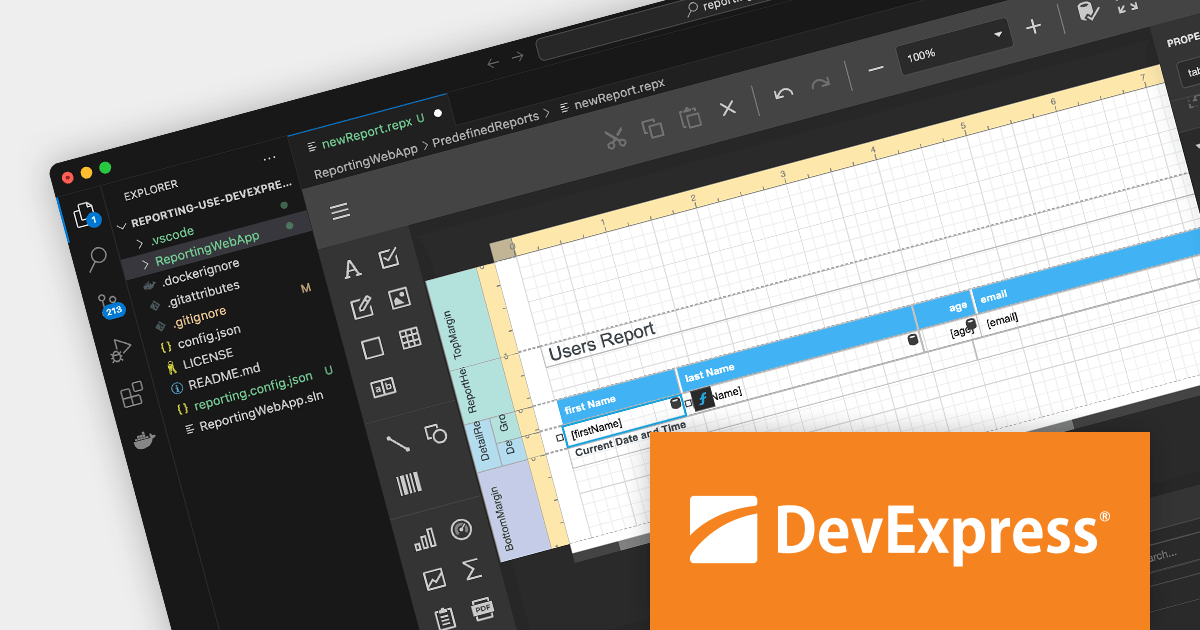
DevExpress Reporting is a powerful and flexible reporting solution for .NET developers. It allows you to create reports of any complexity, from simple data tables to complex dashboards and interactive visualizations. DevExpress Reporting supports a wide range of data sources, including SQL databases, Entity Framework, and custom objects. It also offers a variety of export options, including PDF, XLSX, HTML, and RTF.
DevExpress Reporting is also available as part DevExpress DXperience and DevExpress Universal, a suite of over 600 UI controls and libraries for building high-impact business solutions for Windows Forms, WPF, ASP.NET, Blazor and more.
Create and Modify DevExpress Reports in Visual Studio Code (VS Code) on macOS and Linux (CTP).
The DevExpress Visual Studio Code Report Designer Extension allows you to create and edit DevExpress Report documents within the Visual Studio Code IDE.
A recent blog post by the DevExpress Reporting Team guides you through the setup process on macOS and illustrates how you can leverage the extension's capabilities to develop and modify existing reports.
Read the full blog now to learn more about this powerful capability.
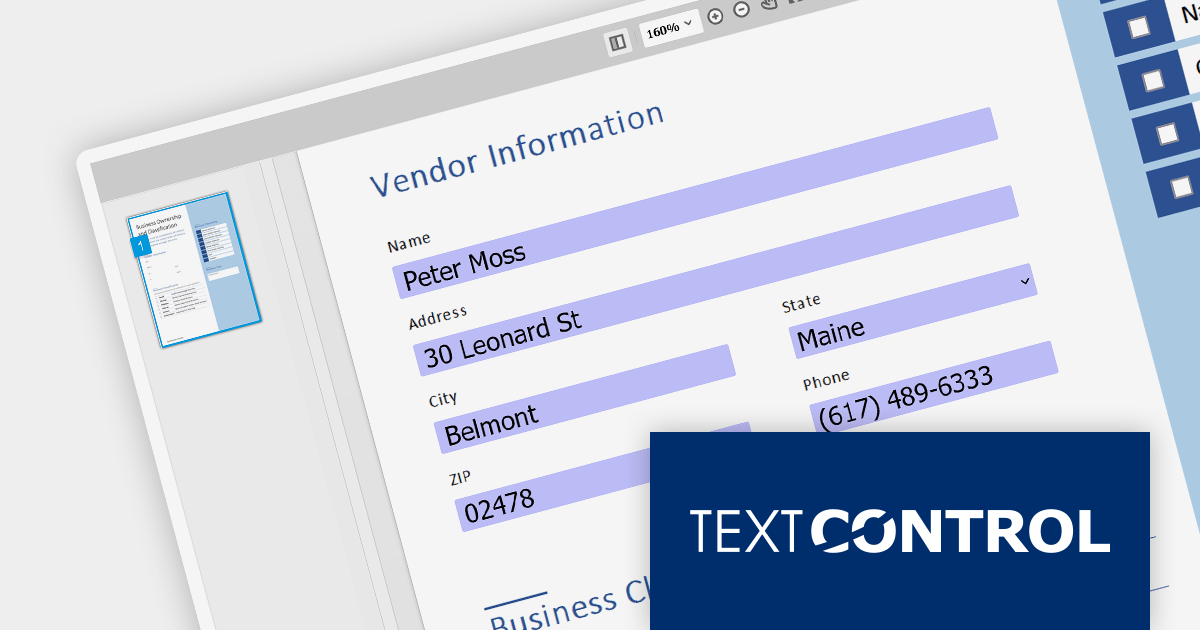
TX Text Control .NET Server for ASP.NET is a comprehensive server-side document processing library for ASP.NET and ASP.NET Core. Features include PDF processing, electronic signatures, file conversion, and reporting / mail merge. It supports client-side frameworks such as JavaScript, Angular, ASP.NET Core, ASP.NET MVC, and ASP.NET WebForms.
Document Viewer 32.0.2, included with TX Text Control .NET Server for ASP.NET, adds the ability to save documents with completed form data and annotations. This makes it easier than ever to collaborate on and share documents, as users can now fill in form fields, save their changes, and send the document to others for review or approval.
To see a full list of what's new in version 32.0.2, see our release notes.
For more information, visit our TX Text Control .NET Server for ASP.NET product page.





Tel: (888) 850 9911
Fax: +1 770 250 6199


