








Official Supplier
As official and authorized distributors, we supply you with legitimate licenses directly from 200+ software publishers.
See all our Brands.

ImageGear for .NET by Accusoft is a development toolkit that empowers you to add robust image processing and document handling functionalities to your .NET applications. It provides comprehensive support for a wide range of file formats, including common image types, PDFs, DICOM medical images, and even Microsoft Office files. ImageGear offers functionalities such as conversion, editing, annotation, viewing, and OCR, streamlining your development process for document-centric applications.
The ImageGear for .NET v26.4.0 update streamlines PDF archiving with the introduction of a RESTful PDF to PDF/A Converter API. This API empowers your applications to seamlessly convert any PDF document into a fully PDF/A compliant archive format. This ensures long-term accessibility and fidelity of your documents, meeting industry standards for preservation.
To see a full list of what's new in v26.4.0, see our release notes.
ImageGear for .NET is licensed per developer and is available as an annual license with 12 months support and upgrades. See our ImageGear for .NET licensing page for full details.
For more information, see our ImageGear for .NET product page.

Aspose.Cells is a software development toolkit that empowers developers to work with spreadsheets directly within their applications. It provides functionalities like creating, editing, converting, and rendering spreadsheets in various formats (including Excel, CSV, and PDF) without requiring Microsoft Excel to be installed. This allows developers to seamlessly integrate spreadsheet manipulation into their programs, enhancing their capabilities.
The Aspose.Cells for C++ and Aspose.Cells for Python via .NET 24.4 releases add support for exporting charts from Apple Numbers files to XLSX. This allows developers to seamlessly integrate chart data created in Numbers into Excel spreadsheets, streamlining workflows and data exchange between macOS and Windows environments.
To see a full list of what's new in Aspose.Cells version 24.4, see our C++ and Python via .NET release notes.
Aspose.Cells is offered as Developer Small Business, Developer OEM, Site Small Business, and Site OEM licenses catering to a range of business needs. Licenses are perpetual, and include 1 year of support and maintenance. Subscription renewals are also available. See our Aspose.Cells licensing pages for C++ and Python via .NET for full details.
Aspose.Cells for C++ is available to buy in the following products: Aspose.Cells for C++, Aspose.Cells Product Family, Aspose.Total for C++, and Aspose.Total Product Family.
Aspose.Cells for Python via .NET is available to buy in the following products: Aspose.Cells for Python via .NET, Aspose.Cells Product Family, Aspose.Total for Python via .NET, and Aspose.Total Product Family.
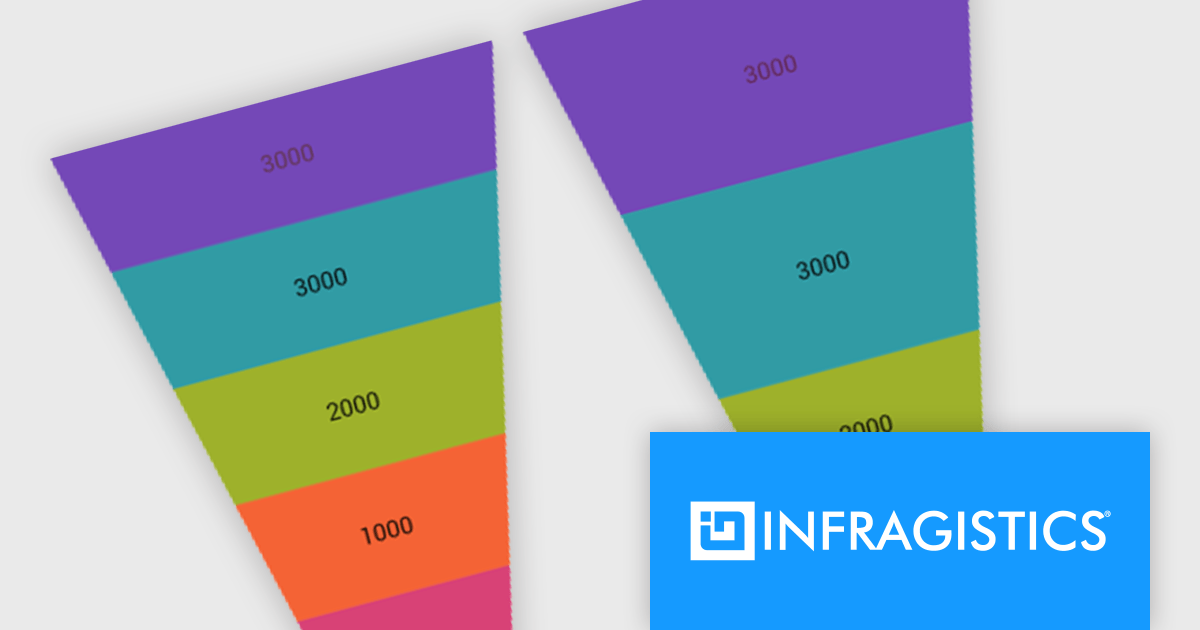
Infragistics Ultimate UI for Windows Forms and Infragistics Ultimate UI for WPF are comprehensive suites of UI controls designed to streamline development and enhance the user experience of desktop applications. Boasting over 100 components, they offer a rich set of functionalities, including data visualization tools, high-performance grids, and modern UI elements that mimic the look and feel of Microsoft Office. These feature-packed libraries empower developers to craft powerful, visually appealing applications with a consistent user experience.
In the latest version, funnel charts can now display a special overlay to highlight specific sections. This highlighting feature allows you to compare the values of different stages in your funnel. You can also control the transparency of the overlay to emphasize the difference between the main data and the highlighted data.
To see a full list of what's new, see our release notes for Infragistics Ultimate UI for Windows Forms and Infragistics Ultimate UI for WPF.
Infragistics Ultimate UI for Windows Forms and Infragistics Ultimate UI for WPF are licensed per developer and are available as a Perpetual License with 1, 2 or 3 year support and maintenance subscription. See our Infragistics Ultimate UI for Windows Forms licensing page or Infragistics Ultimate UI for WPF licensing page for full details.
Infragistics Ultimate UI for Windows Forms is available to buy in the following products:
Infragistics Ultimate UI for WPF is available to buy in the following products:
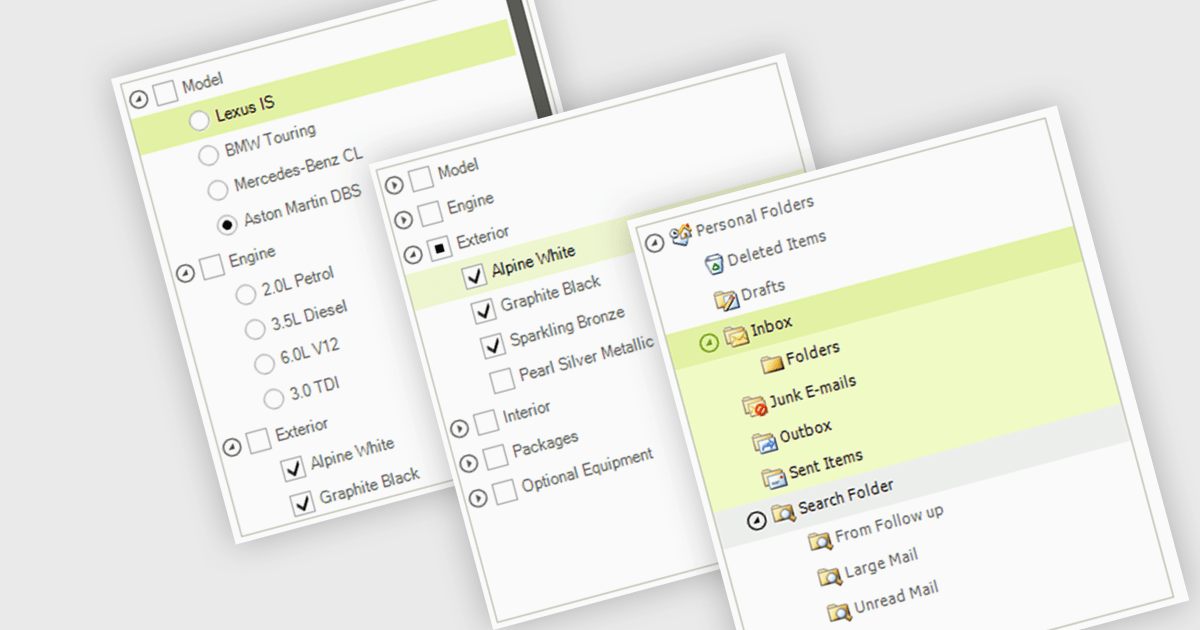
A treelist control is a specialized user interface element that visually organizes data in a hierarchical structure. It resembles a nested list, allowing users to efficiently navigate and explore parent-child relationships within their applications. Treelist components offer a significant advantage for developers by providing a pre-built solution for displaying complex, hierarchical data, saving development time and effort.
Several WinForms UI suites feature a treelist control including:
For an in-depth analysis of features and price, visit our WinForms UI Suites comparison.
Spread.NET by MESCIUS helps you create spreadsheets, grids, dashboards, and forms. It includes a powerful calculation engine with 450+ functions and the ability to import and export Microsoft Excel spreadsheets. Developers can leverage the extensive .NET spreadsheet API and powerful calculation engine to create analysis, budgeting, dashboard, data collection and management, scientific, and financial applications.
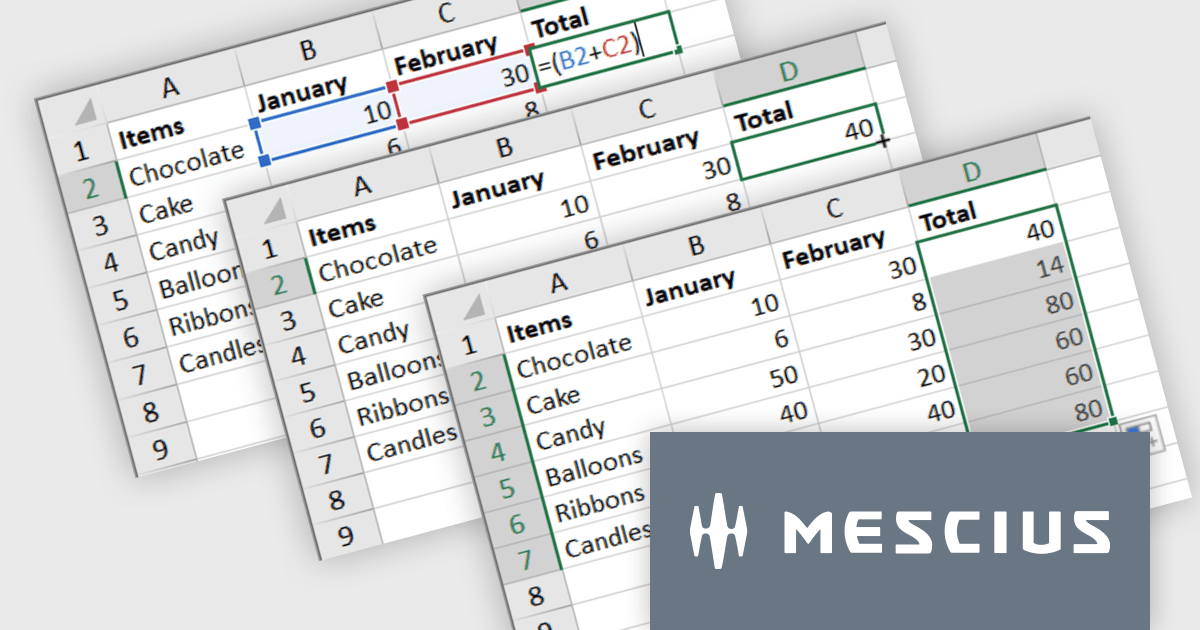
The Spread.NET v17.1 update introduces a streamlined method for extending formulas across datasets by allowing users to double-click the fill handle located at the bottom right corner of a selected cell. This action automatically replicates the formula down to the end of the data range, aligning it with the rows in adjacent columns. By simplifying the process of copying formulas, this feature enhances both efficiency and accuracy in data management tasks. It eliminates the need for manual drag-and-fill operations, reducing the time spent on repetitive tasks and minimizing the risk of inconsistencies in data entry. This improvement is particularly advantageous for users working with extensive datasets, facilitating quicker data processing and a more user-friendly experience in spreadsheet management.
To see a full list of what's new in version 17.1, see our release notes.
Spread.NET is licensed per developer and is available as a Perpetual License with a 12 month support and maintenance subscription. We can supply any Spread.NET license including new licenses, maintenance renewals, and upgrade licenses. See our Spread.NET licensing page for full details.
For more information, visit our Spread.NET product page.





Tel: (888) 850 9911
Fax: +1 770 250 6199


