








Official Supplier
As official and authorized distributors, we supply you with legitimate licenses directly from 200+ software publishers.
See all our Brands.
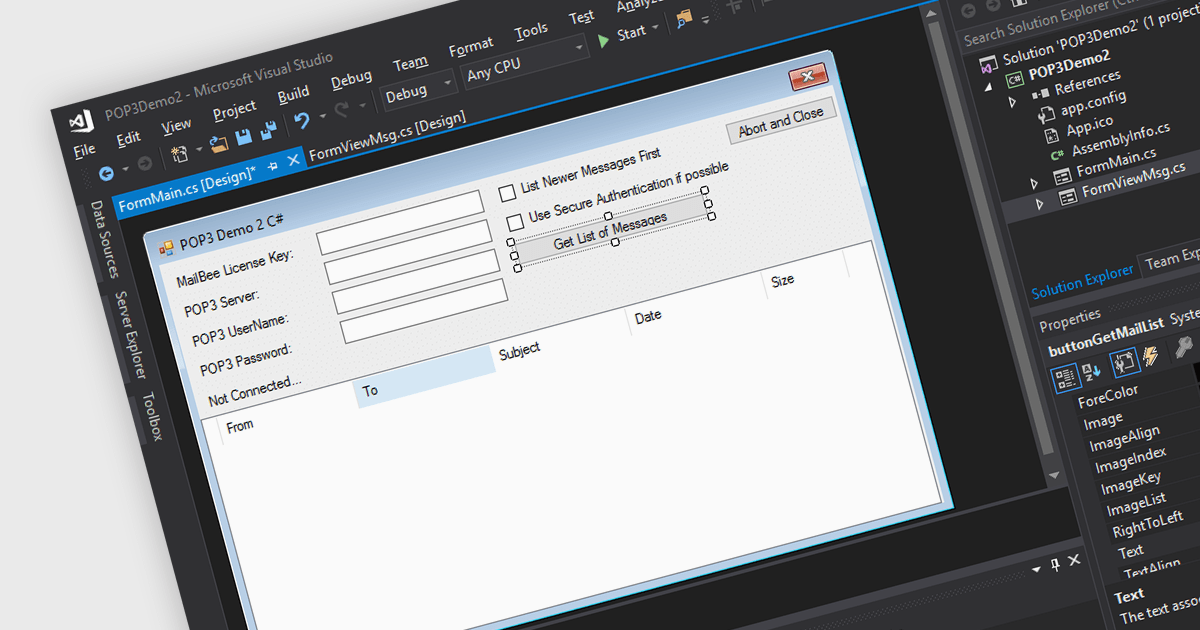
POP3, short for Post Office Protocol version 3, is a standard internet protocol used by email clients to download emails from a remote server. Unlike IMAP, POP3 operates in a one-way download and delete fashion, meaning retrieved emails are stored locally on the user's device and can be accessed offline, but are typically removed from the server. POP3 offers several advantages for users who prioritize managing their email on a single device and value offline access.
Several .NET communications and messaging components support POP3 including:
For an in-depth analysis of features and price, visit our .NET communications and messaging components comparison.
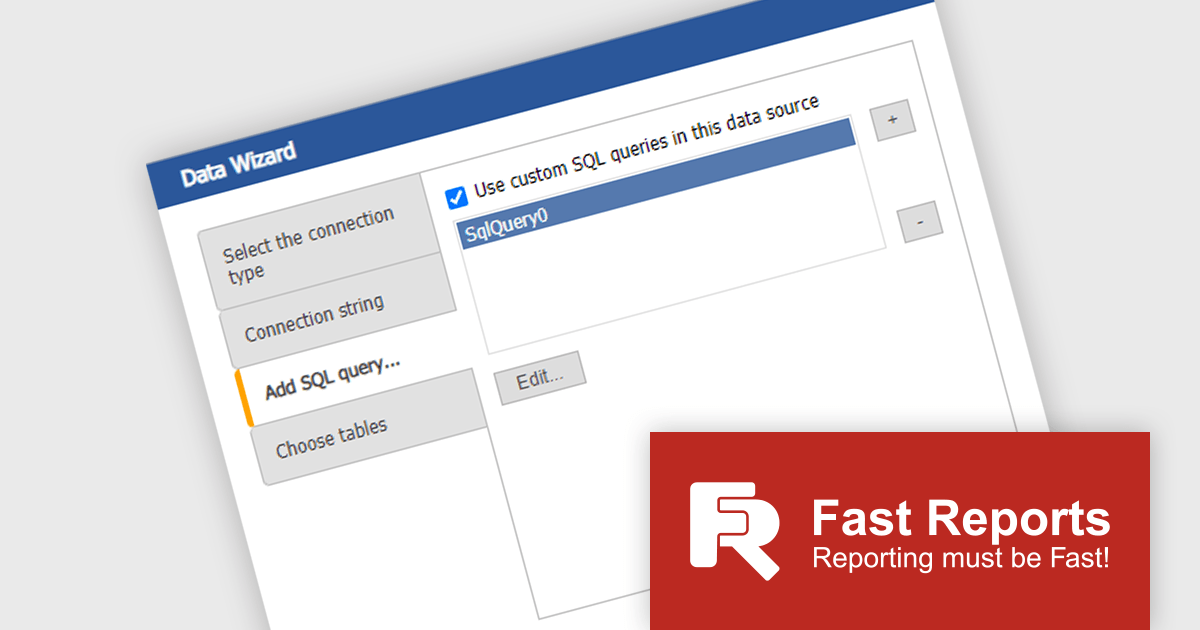
FastReport Online Designer by FastReports is a web-based report designer tool that allows users to create, edit, and view reports directly in their browser on any device. This cross-platform designer integrates seamlessly with FastReport .NET, FastReport Core, and FastReport Open Source, making it a valuable tool for developers who want to empower their end users to customize report layouts and data visualization.
The FastReport Online Designer 2024.2 update introduces Custom SQL Query functionality, which significantly enhances the tool's versatility. It allows developers to write and execute tailored SQL queries directly within the report designer, enabling the integration of complex SQL views and custom data manipulations as standard tables in reports. This capability facilitates more precise data retrieval and manipulation, streamlining the reporting process by reducing the need for pre-processing data externally. Consequently, developers can now create more dynamic, data-rich reports that better meet specific business requirements, ultimately improving the efficiency and effectiveness of reporting solutions within their applications.
To see a full list of what's new in 2024.2, see our release notes.
FastReport Online Designer* is available in a number of license options: SCL may be used in a single application within one organization. SaaS allows embedding within a Cloud platform for your SaaS subscribers. OEM can be integrated into a distributed solution to your customers. Unlimited is also available for custom distributions. See our FastReport Online Designer licensing page for full details.
Learn more on our FastReport Online Designer product page.
* FastReport Online Designer requires FastReport.NET, FastReport Core or FastReport Open Source to work.
Telerik UI for Blazor is a comprehensive UI library that provides over 110 native Blazor components for building modern and feature-rich web applications. This professional-grade solution offers a complete set of components to satisfy all user interface requirements, saving time and effort in UI design.
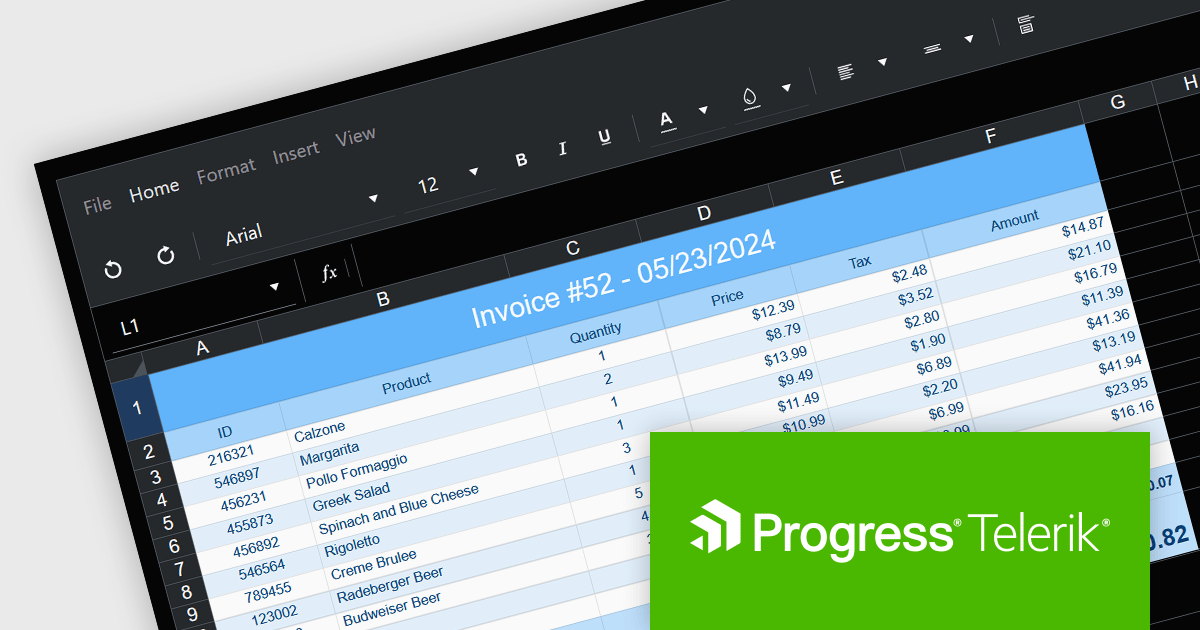
The Telerik UI for Blazor v6.0.0 update (part of the 2024 Q2 release) introduces a powerful spreadsheet component, empowering developers to integrate Excel-like functionality seamlessly within Blazor applications. This intuitive interface allows users to view, edit, and manipulate tabular data, complete with formatting options, hyperlink insertion, image embedding, and robust formulas and functions. By eliminating the need for external libraries and streamlining data management through native spreadsheet operations, this update enhances workflow efficiency and application performance.
To see a full list of what's new in 2024 Q2 (v6.0.0), see our release notes.
Telerik UI for Blazor is licensed per developer and is available as a perpetual license with a one year support subscription, which is available in three tiers: Lite, Priority or Ultimate. See our Telerik UI for Blazor licensing page for full details.
Telerik UI for Blazor is available to buy in the following products:
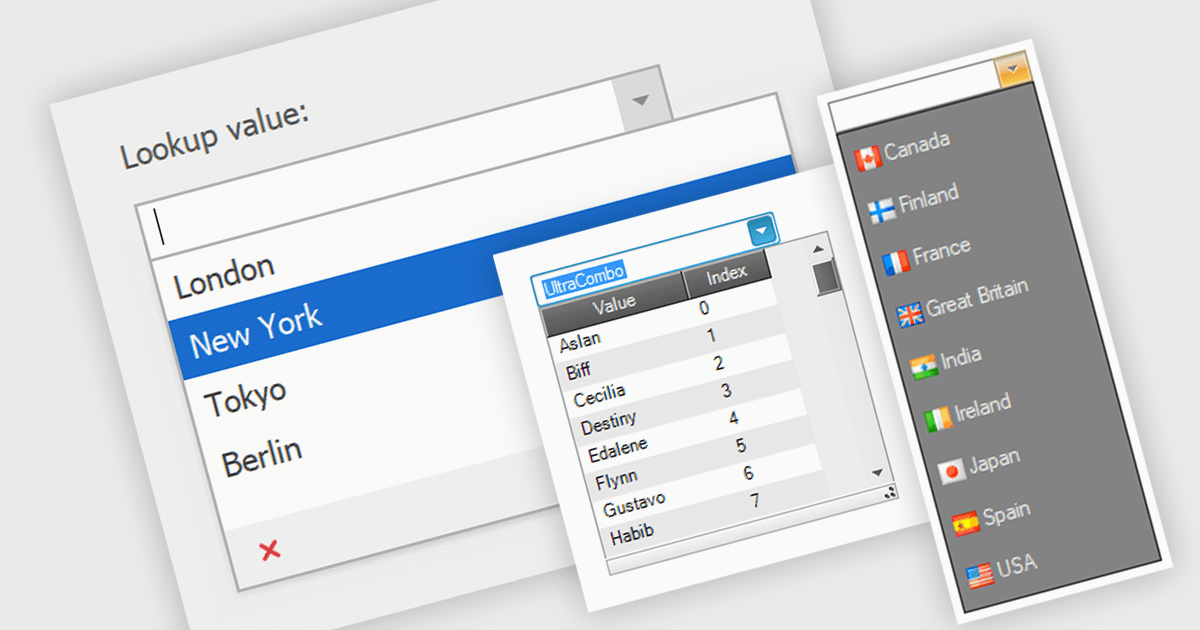
Comboboxes are user interface elements that provide a flexible input experience. They combine a text field with a drop-down list, allowing users to either choose a value from the pre-defined options or enter their own custom value directly into the field. This functionality makes them particularly useful for selecting from large datasets or enabling data entry that may not always have a perfect match within a predefined list.
Several WinForms data editor collections offer combobox components including:
For an in-depth analysis of features and price, visit our WinForms Data Editors comparison.
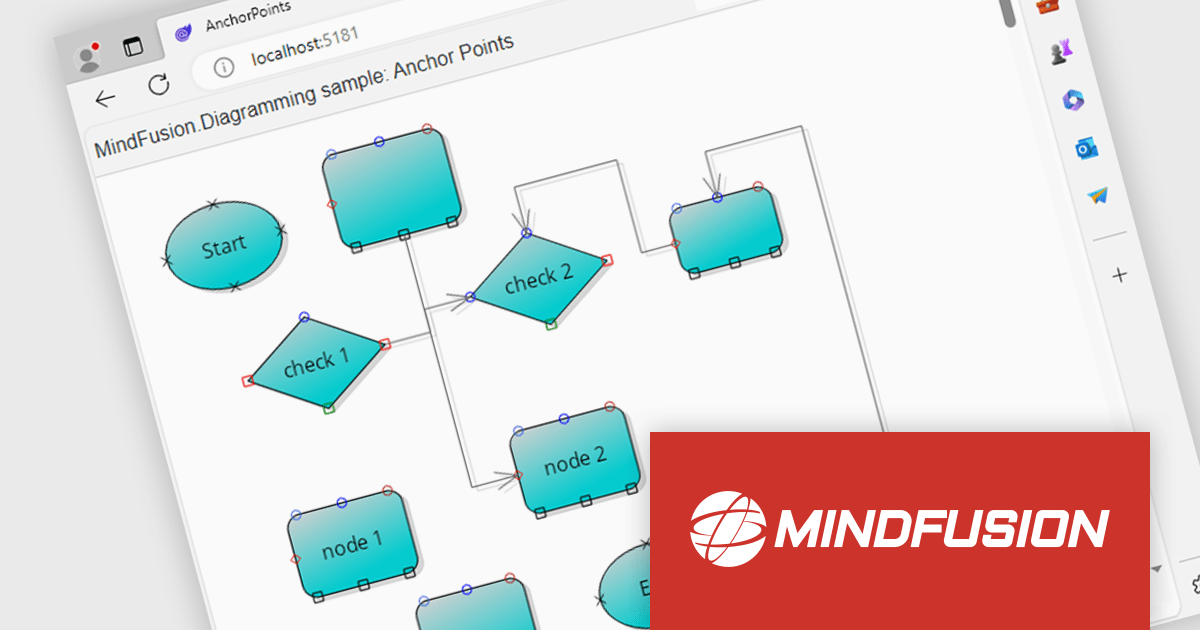
MindFusion.Diagramming for Blazor is a commercial library that empowers you to add interactive diagramming functionalities to your Blazor web applications. It leverages the power of Blazor to seamlessly integrate MindFusion's well-established diagramming capabilities, offering a rich set of features for crafting numerous visual representations.
MindFusion.Diagramming for Blazor empowers you to create a variety of diagrams, including process maps, network architectures, mind maps, and organizational charts. This translates to broader application in fields like project management, software development, and any scenario where visual communication of ideas or data structures is beneficial.
MindFusion.Diagramming for Blazor is licensed per developer and is available as a perpetual license with 1 year subscription and support. See our MindFusion.Diagramming for Blazor licensing page for full details.
MindFusion.Diagramming for Blazor is available in the following products:





Tel: (888) 850 9911
Fax: +1 770 250 6199


