








Official Supplier
As official and authorized distributors, we supply you with legitimate licenses directly from 200+ software publishers.
See all our Brands.
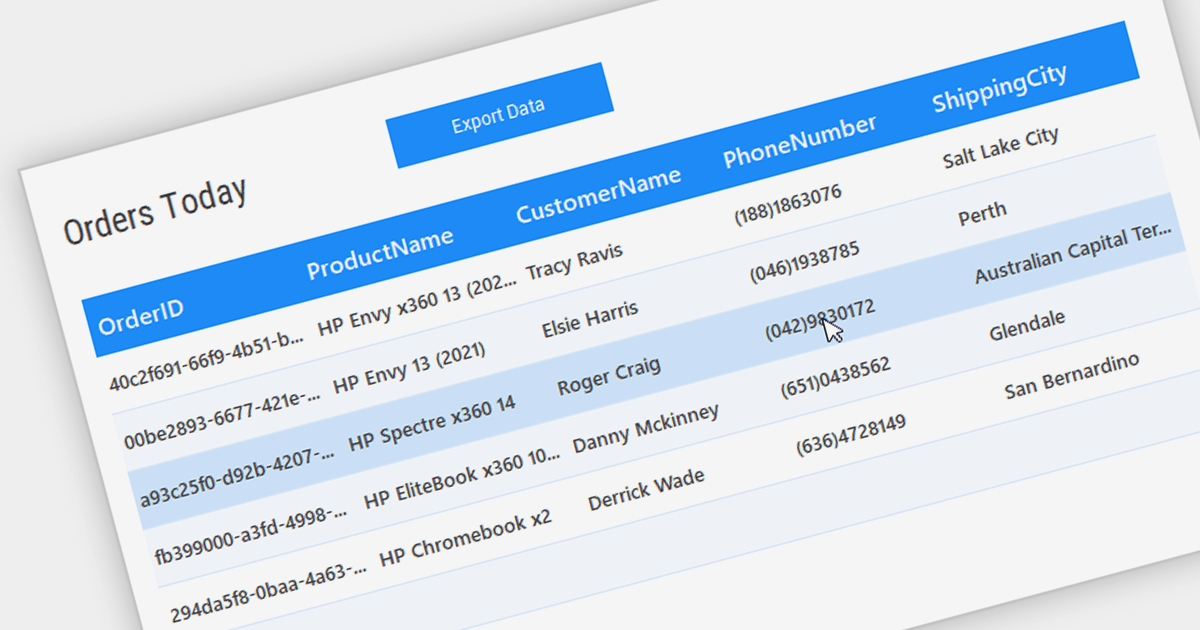
Grid controls with Bound Data Display provide a structured and efficient means of presenting and managing data in software applications. By binding the grid to a data source, such as a database or a collection of objects, developers can ensure real-time synchronization between the data and the grid, eliminating the need for manual updates. This seamless integration enhances data accuracy and consistency, allowing users to view, edit, and manipulate information in a centralized and organized format. The bound data display simplifies data management and enhances user productivity by providing a dynamic and responsive interface that reflects changes in the underlying data source.
Several .NET WinForms Grids support bound data display including:
For an in-depth analysis of features and price, visit our comparison of .NET WinForms Grids.

ONLYOFFICE Docs is a comprehensive online editor, allowing users to create text documents, spreadsheets, presentations, and forms. It enables your users to edit, share, and collaborate on documents online in their preferred browser, within your own application. It's fully compatible with OOXML (Office Open XML) formats and supports popular Microsoft Office and other document formats such as CSV, DOC, DOCX, EPUB, HTML, ODP, ODS, ODT, PDF, PPT, PPTX, RTF, TXT, XLS, and XLSX.
The ONLYOFFICE Docs v8.0 update gives developers the ability to create complex, flexible forms with diverse field types and rich formatting options directly in familiar DOCXF templates. Collaborate seamlessly with colleagues and easily fill out forms from other applications, all within desktop and mobile apps. This major update caters to user feedback, promoting cross-platform compatibility and streamlined form integration for developers. Existing OFORM forms automatically convert to PDF upon opening in version 8.0.
To see a full list of what's new in v8.0.0, see our release notes.
ONLYOFFICE Docs is licensed by the number of simultaneous document connections and is available as an annual license with 1 year support and upgrades. See our ONLYOFFICE Docs licensing page for full details.
For more information, see our ONLYOFFICE Docs product page.

Network tracing offers in-depth visibility into data flow by capturing and analyzing specific packets traversing designated network segments. It provides granular insights for software developers including pinpointing network-related issues, optimizing performance, and gaining a deeper understanding of the user experience. Additionally, network security analysis utilizes tracing to monitor traffic for suspicious activity or unauthorized access by tracking data flows and identifying potential vulnerabilities. This comprehensive approach empowers developers and security professionals to effectively manage and secure their networks.
Several .NET Comms & Messaging components offer tracing functionality including:
For an in-depth analysis of features and price, visit our .NET Comms & Messaging components comparison.

Telerik UI for WPF is an extensive UI library specifically designed for building modern and feature-rich business applications using the Windows Presentation Foundation (WPF) framework. It offers many customizable controls, ranging from data-driven grids and charts to specialized navigation and input components. The suite emphasizes performance and user experience, providing data virtualization for handling large datasets efficiently and ensuring visually appealing interactions.
The Telerik UI for WPF 2024 Q1 update streamlines date selection in your WPF applications with a new DateRangePicker control. This intuitive scheduling component empowers users to effortlessly choose date intervals through interactive calendar popups. It supports pre-defined ranges like "Last Week" or "This Month", as well as custom selections. Developers gain further control with unselectable "blackout date" functionality and extensive customization options, simplifying user interaction and data filtering within their WPF applications.
To see a full list of what's new in 2024 Q1, see our release notes.
Telerik UI for WPF is licensed per developer and is available as a perpetual license with a one year support subscription, which is available in three tiers: Lite, Priority or Ultimate. See our Telerik UI for WPF licensing page for full details.
Telerik UI for WPF is available to buy in the following products:
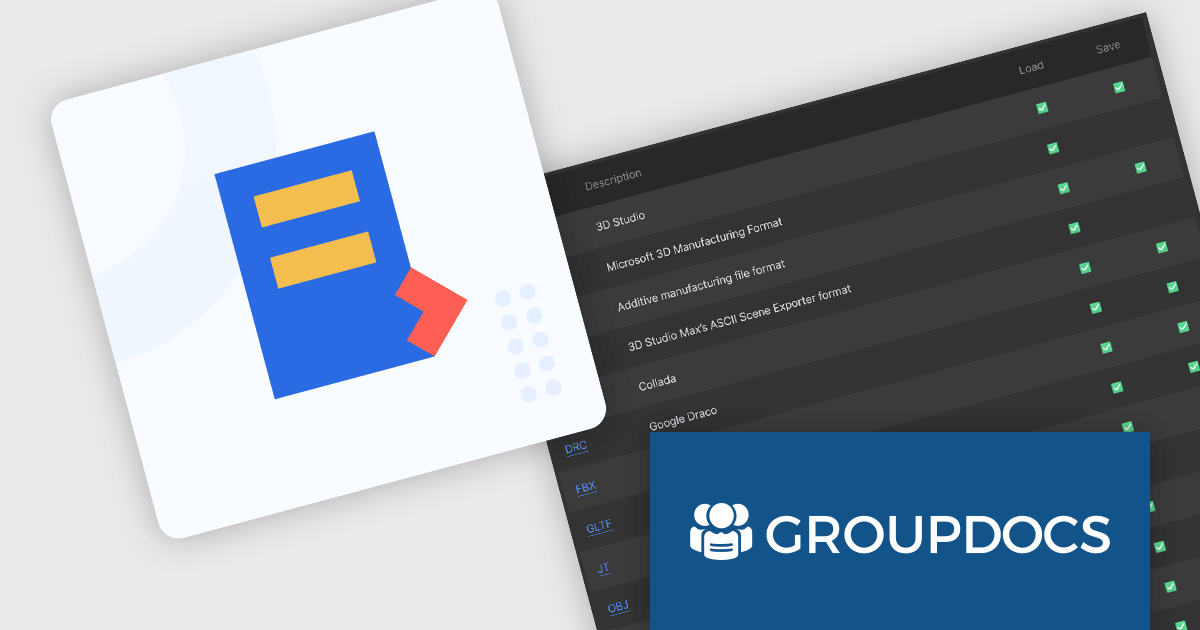
GroupDocs.Conversion for .NET is a powerful and versatile library designed to facilitate seamless document conversion within any .NET application. It empowers developers to effortlessly transform documents between various formats, including PDF, Microsoft Office documents (DOC, DOCX, XLS, XLSX, PPTX), HTML, eBook formats, and image types.
The GroupDocs.Conversion for .NET V24.1 release adds the ability to convert from CAD formats to IFC, GLB, OBJ, 3DS and U3D. Converting to lightweight formats like GLB and OBJ facilitates easy 3D model viewing on web platforms and mobile devices, increasing project transparency, and making it easier to collaborate across a diverse range of software.
To see a full list of what's new in V24.1, see our release notes.
GroupDocs.Conversion for .NET is offered as Developer Small Business, Developer OEM, Site Small Business, and Site OEM licenses catering to a range of business needs. Licenses are perpetual, and include 1 year of support and maintenance. Subscription renewals are also available. See our GroupDocs.Conversion for .NET licensing page for full details.
GroupDocs.Conversion for .NET is available in the following products:





Tel: (888) 850 9911
Fax: +1 770 250 6199


