








Official Supplier
As official and authorized distributors, we supply you with legitimate licenses directly from 200+ software publishers.
See all our Brands.
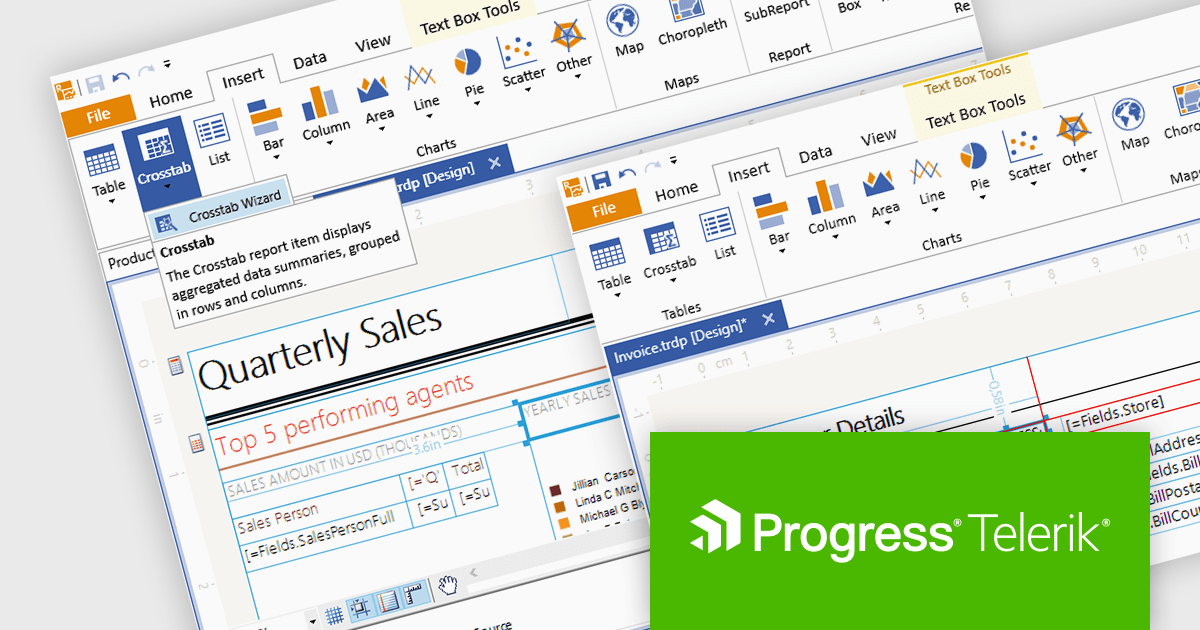
Telerik Reporting is a comprehensive and lightweight embedded reporting tool for .NET web and desktop applications. It enables developers and reporting users to create, design, and export visually appealing, interactive, and reusable reports to effectively present analytical and business data. It supports various technologies, including ASP.NET Core, Blazor, ASP.NET MVC, ASP.NET AJAX, HTML5/JS, Angular, WPF, WinForms, and WinUI.
The Telerik Reporting 2024 Q1 release updates the standalone report designer's target framework from .NET 6 to .NET 8. The designer is a desktop based WYSIWYG reporting tool for Windows, powered by Telerik's reporting engine, that enables users to generate, modify, preview, export and share reports with ease, which can now be achieved using the latest version of Microsoft's popular framework.
To see a full list of what's new in 2024 Q1, see our release notes.
Telerik Reporting is licensed per developer and is available as a perpetual license with a one year support subscription, which is offered in three tiers: Lite, Priority or Ultimate. See our Telerik Reporting licensing page for full details.
Telerik Reporting is available to buy in the following products:
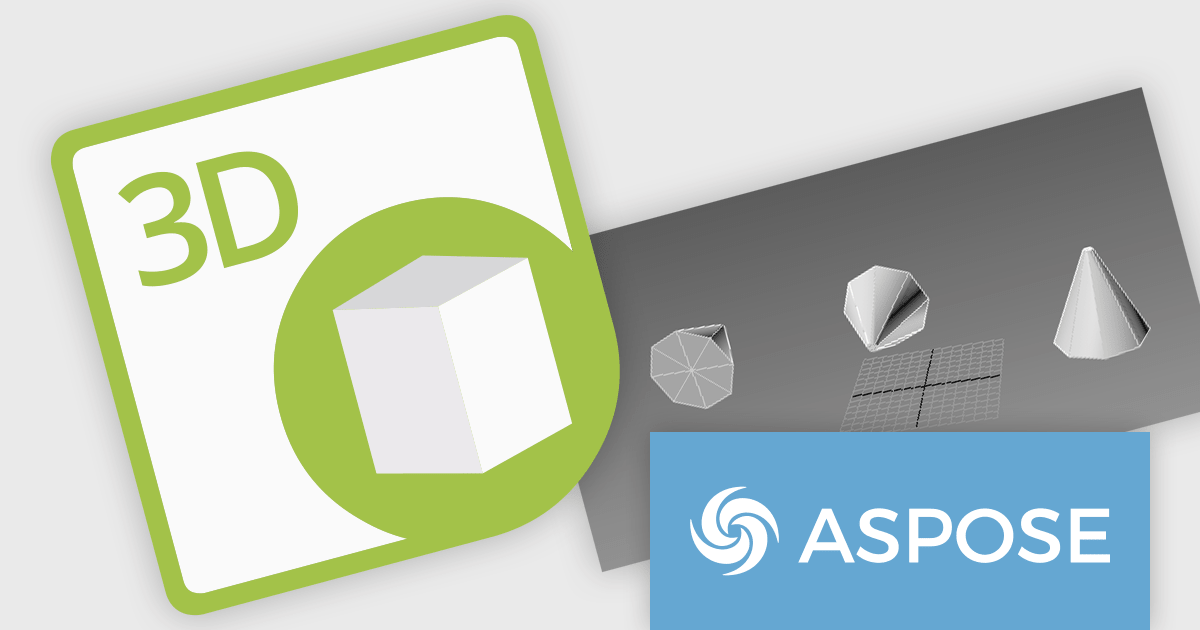
Aspose.3D is a powerful API toolkit designed for developers working with 3D files. It empowers applications to interact with various 3D formats (.obj, .fbx, .stl, etc.) without requiring dedicated 3D modeling software. Developers can leverage its functionalities to create, read, convert, edit, and analyze 3D models, streamlining tasks like scene creation, format conversions, and content manipulation. This versatile tool saves time and resources compared to building custom solutions, making it a valuable asset for developers in various industries, from gaming and engineering to design and visualization.
The Aspose.3D 24.1 release introduces the ability to seamlessly convert Euler angle-based animations to quaternion-based animations. This feature empowers developers to overcome the inherent limitations of Euler angles. While intuitive, Euler angles are prone to "gimbal lock", a phenomenon where rotations around specific axes become interdependent, leading to animation glitches and inconsistencies. Quaternions, on the other hand, elegantly represent rotations without the risk of gimbal lock, guaranteeing smoother and more accurate animation playback for your projects.
To see a full list of what's new in Aspose.3D version 24.1, see our release notes for .NET, Java and Python via .NET.
Aspose.3D is offered as Developer Small Business, Developer OEM, Site Small Business, and Site OEM licenses catering to a range of business needs. Licenses are perpetual, and include 1 year of support and maintenance. Subscription renewals are also available. See our Aspose.3D licensing pages for .NET, Java and Python via .NET for full details.
Aspose.3D for .NET is available to buy in the following products: Aspose.3D for .NET, Aspose.3D Product Family, Aspose.Total for .NET, Aspose.Total Product Family, Conholdate.Total for .NET, and Conholdate.Total Product Family.
Aspose.3D for Java is available to buy in the following products: Aspose.3D for Java, Aspose.3D Product Family, Aspose.Total for Java, Aspose.Total Product Family, Conholdate.Total for Java, and Conholdate.Total Product Family.
Aspose.3D for Python via .NET is available to buy in the following products: Aspose.3D for Python via .NET, Aspose.3D Product Family, Aspose.Total for Python via .NET, and Aspose.Total Product Family

Document Solutions for Excel, .NET Edition (DsExcel) by MESCIUS is a powerful server-side spreadsheet API designed for .NET environments. It allows you to create, load, modify, and convert Excel files without requiring Microsoft Excel itself. Document Solutions for Excel boasts a high-speed, low-footprint design, meaning efficient performance and streamlined integration into your applications. The intuitive interface mirrors Excel's object model, simplifying development for tasks like generating reports, manipulating data, and visualizing information with charts and formatting.
Spreadsheets often require dynamic relationships between dropdowns. Imagine choosing a customer from one dropdown, automatically triggering another dropdown to display only their relevant order IDs. This "cascading" functionality streamlines data navigation and fosters deeper analysis, allowing you to drill down into specific order details with ease.
In this blog post, MESCIUS Product Specialist Paarisha Rana demonstrates how to use DsExcel to create master and dependent dropdown lists programmatically. Steps include:
Read the complete blog and get started leveraging Excel's powerful capabilities in your own applications using Document Solutions for Excel.
Document Solutions for Excel is licensed per developer for either one distribution location or unlimited distribution locations. Licenses are perpetual, and include a one year subscription for all software releases (including hotfixes and major releases) plus Platinum Support. See our Document Solutions for Excel, .NET Edition licensing page for full details.
Learn more about Document Solutions for Excel, .NET Edition.
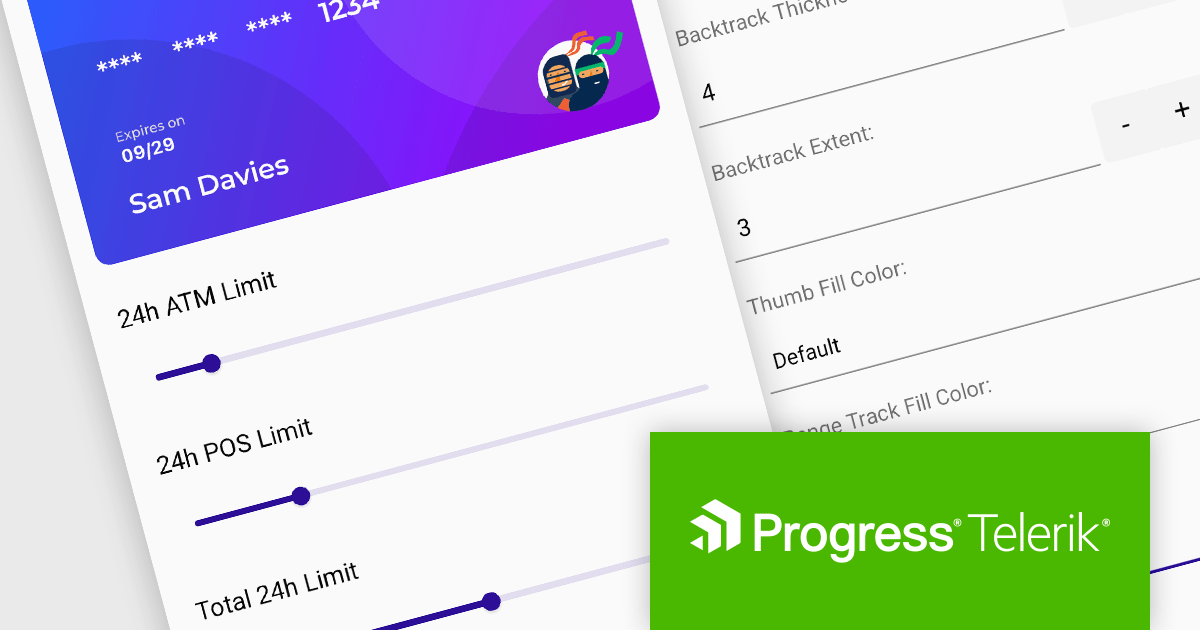
Telerik UI for .NET MAUI is a UI suite offering 60+ native controls for developers building modern, cross-platform mobile and desktop applications. Targeting Android, iOS, macOS, and Windows from a single codebase, it streamlines development while ensuring professional design and performance.
Telerik UI for .NET MAUI v6.7.0 (part of the 2024 Q1 release) introduces a powerful Slider component, enhancing user interaction capabilities. This new addition empowers developers to integrate intuitive value selection within a predefined range directly into their MAUI applications. Users can seamlessly choose values by dragging a thumb along a customizable visual slider, accompanied by clear visual cues like backtrack, range track, ticks, and labels. Informative tooltips appear on thumb drag, displaying the current selection. This versatile component streamlines user input and data selection, improving the overall user experience of your MAUI applications.
To see a full list of what's new in 2024 Q1 (v6.7.0), see our release notes.
Telerik UI for .NET MAUI is licensed per developer and is available as a perpetual license with a one year support subscription, which is available in three tiers: Lite, Priority or Ultimate. See our Telerik UI for .NET MAUI licensing page for full details.
Telerik UI for .NET MAUI is available to buy in the following products:
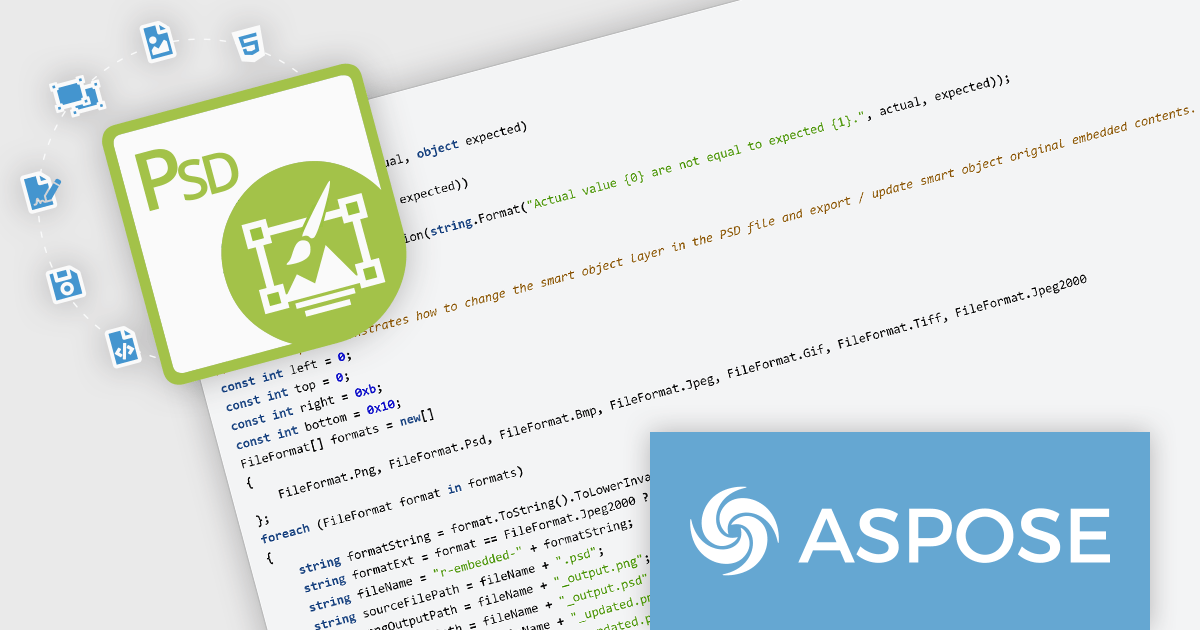
Aspose.PSD is a software development toolkit (SDK) enabling developers to create, edit, and manipulate Adobe Photoshop (PSD) and large document (PSB) files without requiring Photoshop itself. Available in both .NET and Java versions, it empowers developers to perform diverse tasks like adding watermarks, extracting individual layers, converting PSDs to other image formats (JPEG, PNG, etc.), and even automating PSD processing within their applications. This versatile tool streamlines graphic design workflows and integrates PSD functionality seamlessly into various development environments.
The 23.12 release of Aspose.PSD adds the ability to open any image file as an embedded smart object in a PSD image. A smart object acts as a container, holding multiple layers while offering non-destructive editing. It allows you to edit its internal content or apply effects without altering the original data. Smart objects work as dynamic placeholders, linked to embedded files, letting you make global changes that automatically update and maintain high resolution, perfect for flexible design and efficient workflows.
To see a full list of what's new in Aspose.PSD version 23.12, see our .NET and Java release notes.
Aspose.PSD is offered as Developer Small Business, Developer OEM, Site Small Business, and Site OEM licenses catering to a range of business needs. Licenses are perpetual, and include one year of support and maintenance. Subscription renewals are also available. See our Aspose.PSD licensing pages for .NET and Java for full details.
Aspose.PSD for .NET is available to buy in the following products: Aspose.PSD for .NET, Aspose.PSD Product Family, Aspose.Total for .NET, Aspose.Total Product Family, Conholdate.Total for .NET, and Conholdate Total Product Family
Aspose.PSD for Java is available to buy in the following products: Aspose.PSD for Java, Aspose.PSD Product Family, Aspose.Total for Java, Aspose.Total Product Family, Conholdate.Total for Java, and Conholdate Total Product Family





Tel: (888) 850 9911
Fax: +1 770 250 6199


