








Official Supplier
As official and authorized distributors, we supply you with legitimate licenses directly from 200+ software publishers.
See all our Brands.
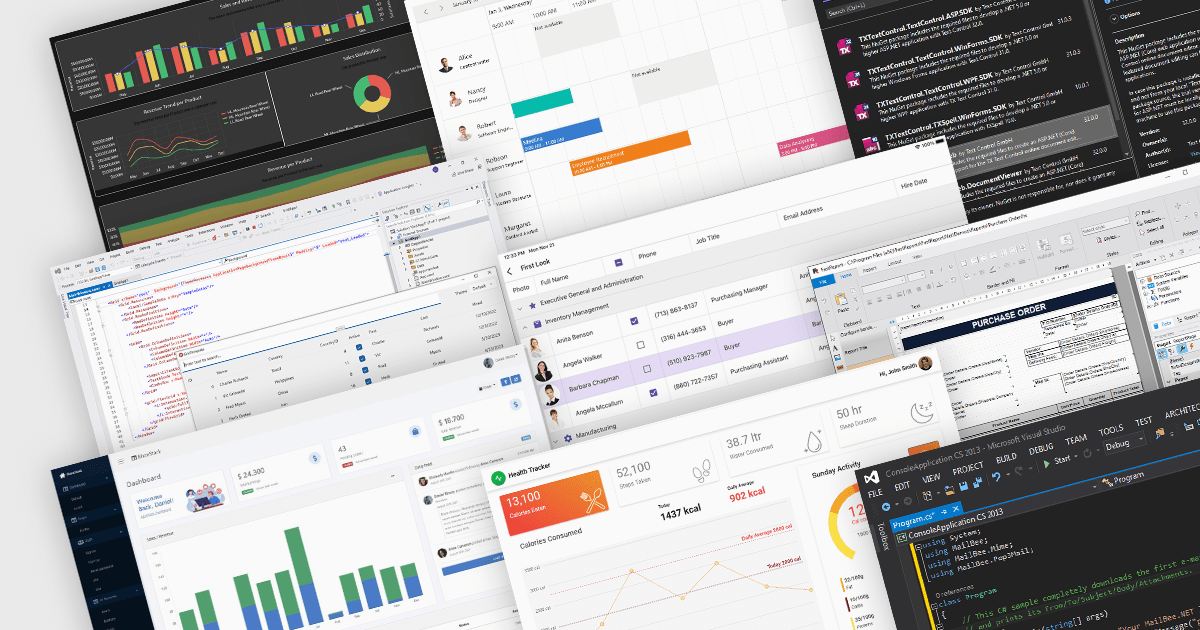
The .NET framework has become a cornerstone of the modern software ecosystem, as it provides a robust and versatile platform for developing a multitude of applications. With every new iteration, .NET brings a range of enhancements, making its adoption increasingly appealing to developers worldwide.
Launched in November 2023, .NET 8 includes a plethora of new features designed to streamline the development process and elevate the integrity of applications. This major release represents a significant step forward, embracing modern development paradigms and equipping software engineers with cutting-edge tools. From the adoption of more efficient methodologies like minimal APIs and Blazor, to profound under-the-hood changes, .NET 8 caters to the current and future needs of developers.
At ComponentSource, we've seen a surge in .NET 8 adoption, with numerous publishers updating their products to ensure compatibility with the new framework, including DevExpress, MESCIUS, Text Control, /n software, Aspose, and Telerik. We've added .NET 8 comparisons for many of our most popular categories, so you can easily compare products that support the latest release. See our Product Comparison page for more information.
The rapid adoption of .NET 8 is a testament to its innovative features and performance improvements. As more developers embrace this powerful framework, the demand for compatible components and libraries is surging. At ComponentSource, we're committed to providing you with the widest selection of .NET 8-ready solutions to fuel your development projects. Explore our extensive catalog of .NET compatible products today and discover the perfect tools to empower your applications.
GroupDocs.Metadata for .NET is a powerful API that grants developers granular control over the hidden information within various document formats, like Word, Excel, PDFs, and even images and audio. It seamlessly enables reading, editing, and removal of metadata properties, empowering you to organize, categorize, and extract valuable insights from your file collection with ease. This metadata manipulation capability unlocks enhanced document searchability, automated classification, and streamlined information retrieval, boosting the efficiency and organization of your data ecosystem.
The 24.1 release of GroupDocs.Metadata for .NET adds support for .rar, .tar and .7z formats. This allows your applications to read, edit and remove metadata associated with archive files, enabling advanced search, content classification, automated metadata processing, and improved archive organization.
To see a full list of what's new in version 24.1, see our release notes.
GroupDocs.Metadata for .NET is offered as Developer Small Business, Developer OEM, Site Small Business, and Site OEM licenses, catering to a range of business needs. Licenses are perpetual, and include 1 year of support and maintenance. Subscription renewals are also available. See our GroupDocs.Metadata for .NET licensing page for full details.
GroupDocs.Metadata for .NET is available in the following products:
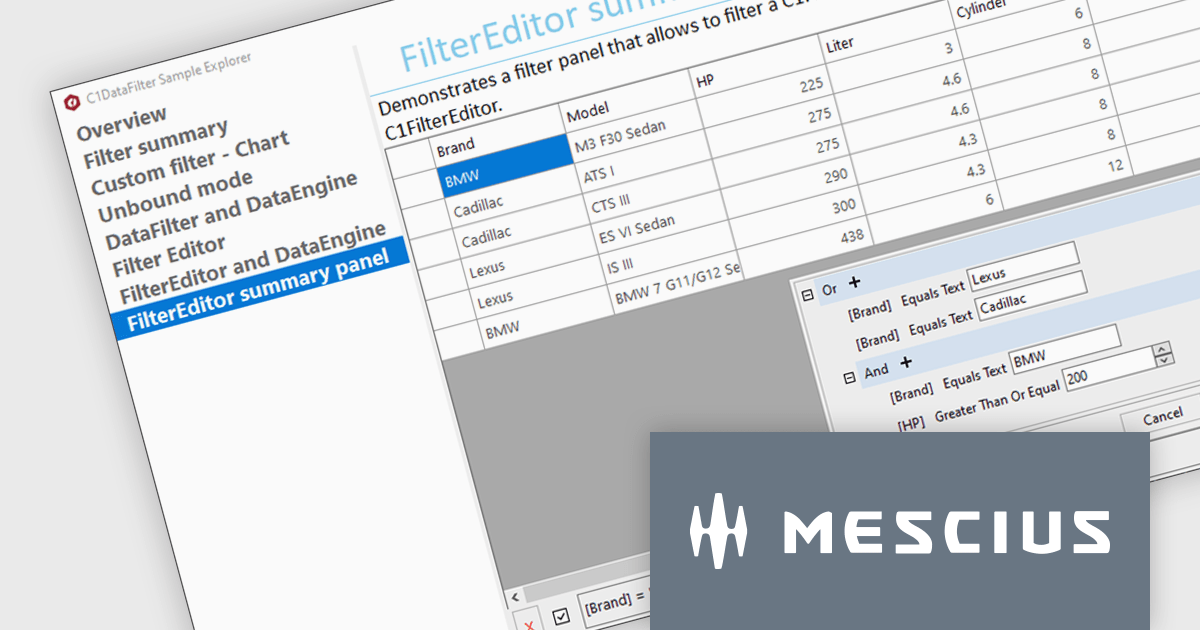
ComponentOne Studio Enterprise is a comprehensive toolkit designed to streamline and accelerate .NET development across mobile, web, and desktop applications. It offers a vast library of performant and customizable UI controls, including data grids, charts, reporting tools, and input components, compatible with various platforms like WinForms, WPF, Blazor, ASP.NET MVC, and Xamarin. By leveraging pre-built components and functionalities, developers can save time and resources, focusing on core business logic and delivering high-quality applications faster. ComponentOne Studio Enterprise includes the FlexGrid for WinForms grid component.
In this blog post, MESCIUS Technical Engagement Engineer Hunter Haaf demonstrates how to integrate the FilterEditor with FlexGrid. Steps include:
Source code examples are included with each step.
Read the full blog post and add powerful runtime filtering to your FlexGrid data.
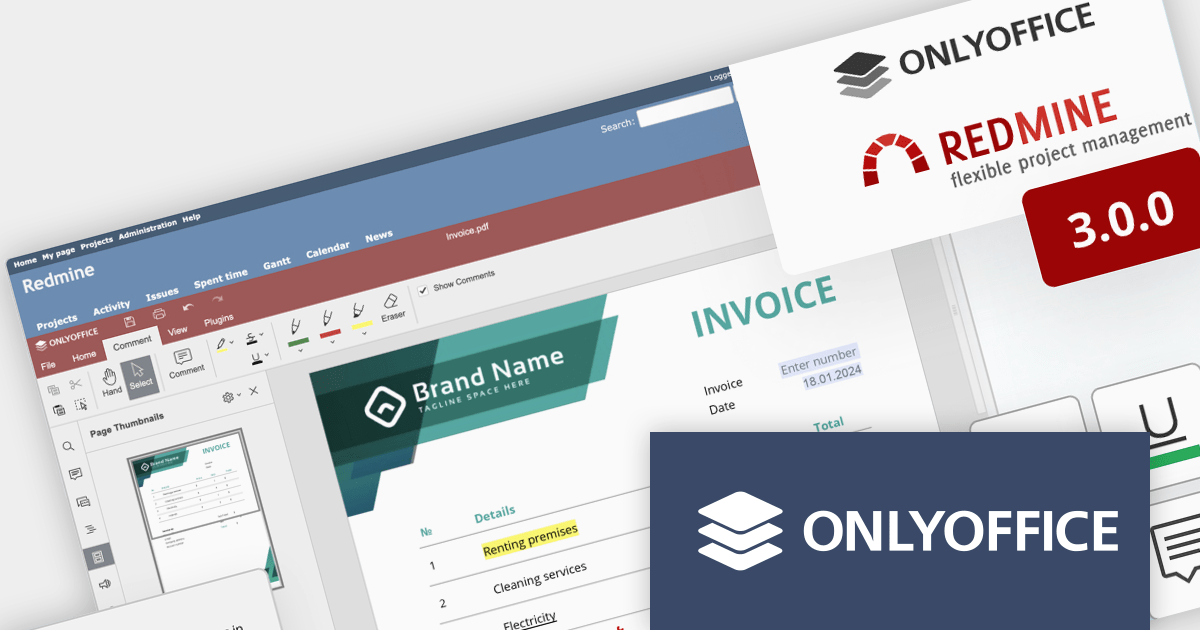
ONLYOFFICE Docs Enterprise Edition with Redmine Connector combines an online document editor with a seamless integration for Redmine, the Ruby on Rails-based project management hub. This allows teams to create, view, edit, and collaborate on spreadsheets, presentations, and text files online, directly within Redmine, boosting efficiency and eliminating the need for file switching.
ONLYOFFICE Redmine connector v3.0.0 expands the list of file formats that are available for editing. Previous releases supported DOCX, XLSX, PPTX, DOCXF and OFORM, but the latest update allows you to use ONLYOFFICE Docs directly within Redmine, to edit DOCM, DOTM, DOTX, XLSM, and XLTM files. The following formats may also be opened for editing by checking them in the format settings, though please note that data loss may occur due to format restrictions: EPUB, FB2, HTML, ODT, OTT, RTF, TXT, CSV, OTS, ODS, and ODP.
To see a full list of what's new in v7.5.1 (3.0.0), see our release notes.
ONLYOFFICE Docs Enterprise Edition with Redmine Connector is licensed per server and is available as an annual license with 1 year of support and updates, or as a perpetual license with 3 years of support and updates. See our ONLYOFFICE Redmine connector licensing page for full details.
For more information, see our ONLYOFFICE Redmine connector product page.
PDFlib is a sophisticated software development library that allows you to dynamically create, alter, and personalize PDF documents within your applications. PDFlib provides a full set of capabilities for optimizing document workflows across web servers, desktop apps, and mobile environments, including the ability to create highly structured PDFs with text, graphics, and interactive components, as well as import existing pages and add overlays.
PDFlib version 10.0.2 adds support for Microsoft's .NET 8, allowing developers to leverage the framework's latest enhancements, such as improved performance, streamlined development processes, and stronger security features to generate and manipulate PDFs in their applications.
To see a full list of what's new in 10.0.2, see our release notes.
PDFlib is licensed per machine and is available as a perpetual license with or without 1 year of support. Annual support renewals are also available, as well as upgrades from the previous major version. See our PDFlib licensing page for full details.
PDFlib is available to buy in the following products:





Tel: (888) 850 9911
Fax: +1 770 250 6199


