








Official Supplier
As official and authorized distributors, we supply you with legitimate licenses directly from 200+ software publishers.
See all our Brands.
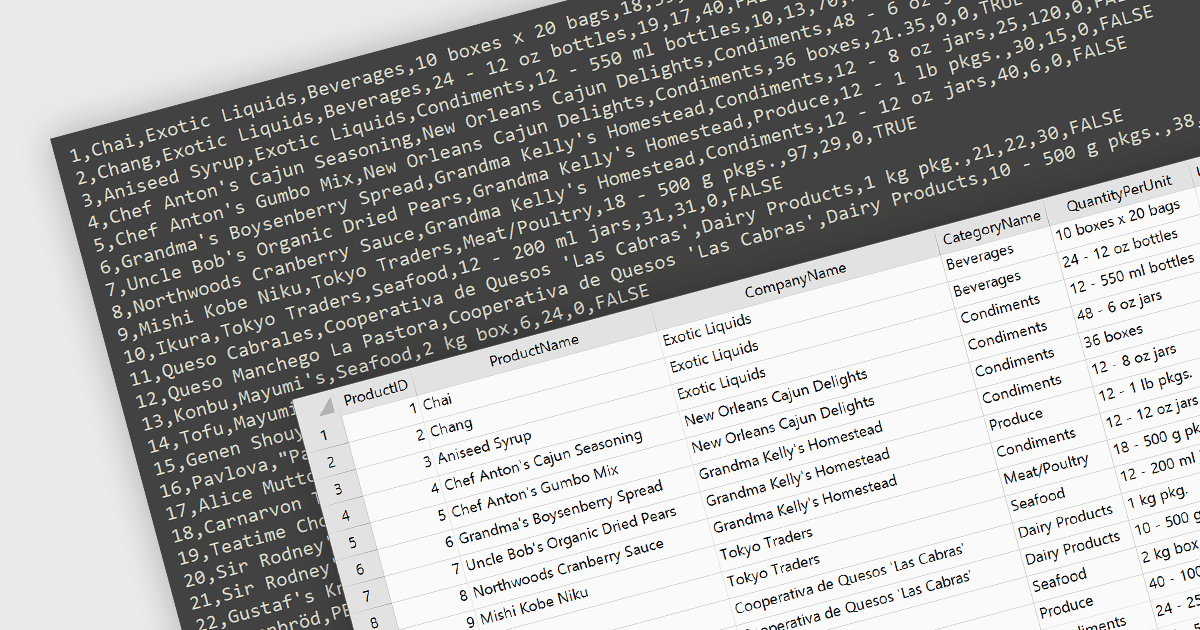
Integrating CSV import functionality in a spreadsheet streamlines data management by offering several key benefits. It simplifies transferring structured data from external sources, like databases or web scraped information, directly into the spreadsheet for analysis. This eliminates manual data entry errors and saves time. The straightforward CSV format ensures broad compatibility with various data sources, enhancing flexibility.
Several WinForms spreadsheet controls offer the ability to import CSV files including:
For an in-depth analysis of features and price, visit our WinForms spreadsheet controls comparison.
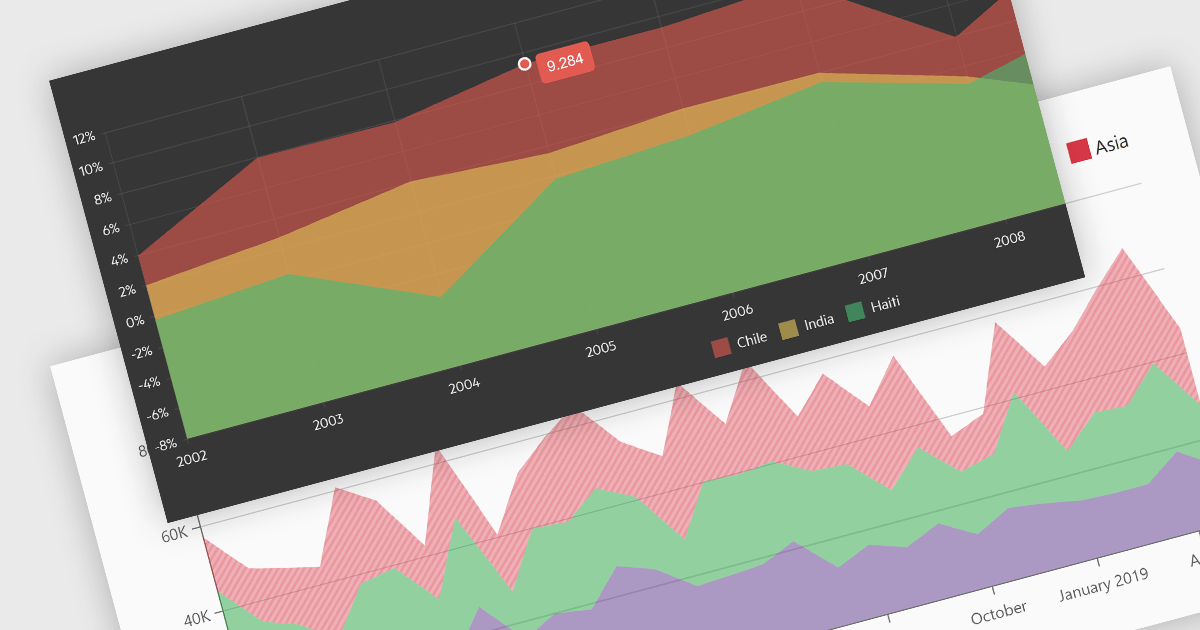
Area charts combine the strengths of line and bar charts, typically depicting how quantitative data changes over time. The area beneath the lines is shaded, emphasizing trends, comparisons between multiple data series, and the magnitude of change within each series. Ideal for showcasing cumulative totals and proportions, area charts excel in revealing trends and relationships within your data.
Several Blazor chart controls offer area charts including:
For an in-depth analysis of features and price, visit our Blazor chart controls comparison.
Telerik offers two distinct UI component libraries for web development, tailored to specific .NET frameworks. Telerik UI for ASP.NET Core provides 110+ server-side wrappers for Kendo UI widgets, seamlessly integrating them into modern .NET Core projects with HTML and Tag Helpers. Telerik UI for ASP.NET MVC focuses on traditional ASP.NET MVC applications, directly embedding the same extensive component library within MVC views. This empowers developers to build high-quality, feature-rich web applications in either framework, leveraging pre-built UI elements and functionalities for faster development cycles.
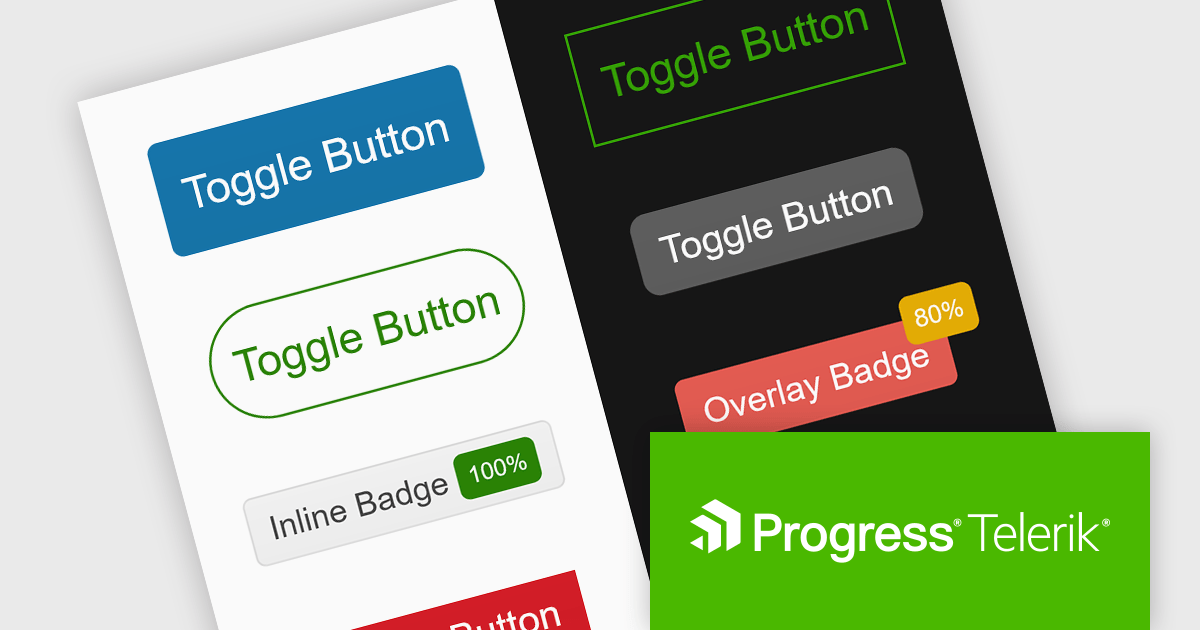
The Telerik UI for ASP.NET Core and ASP.NET MVC 2024 Q1 releases add a new ToggleButton component. This versatile control boasts extensive customization options, intuitive user interactions with event triggers and state indicators, and space-saving capabilities through button grouping. The ToggleButton offers users an intuitive means of controlling settings, options and features, and empowers developers to craft clear, interactive interfaces that elevate both user experience and development efficiency.
To see a full list of what's new in 2024 Q1, see our release notes for Telerik UI for ASP.NET Core and Telerik UI for ASP.NET MVC.
Telerik UI for ASP.NET Core and Telerik UI for ASP.NET MVC are both licensed per developer and are available as perpetual licenses with a one year support subscription, which is available in three tiers: Lite, Priority or Ultimate. See our Telerik UI for ASP.NET Core and Telerik UI for ASP.NET MVC licensing pages for full details.
Telerik UI for ASP.NET Core is available to buy in the following products:
Telerik UI for ASP.NET MVC is available to buy in the following products:
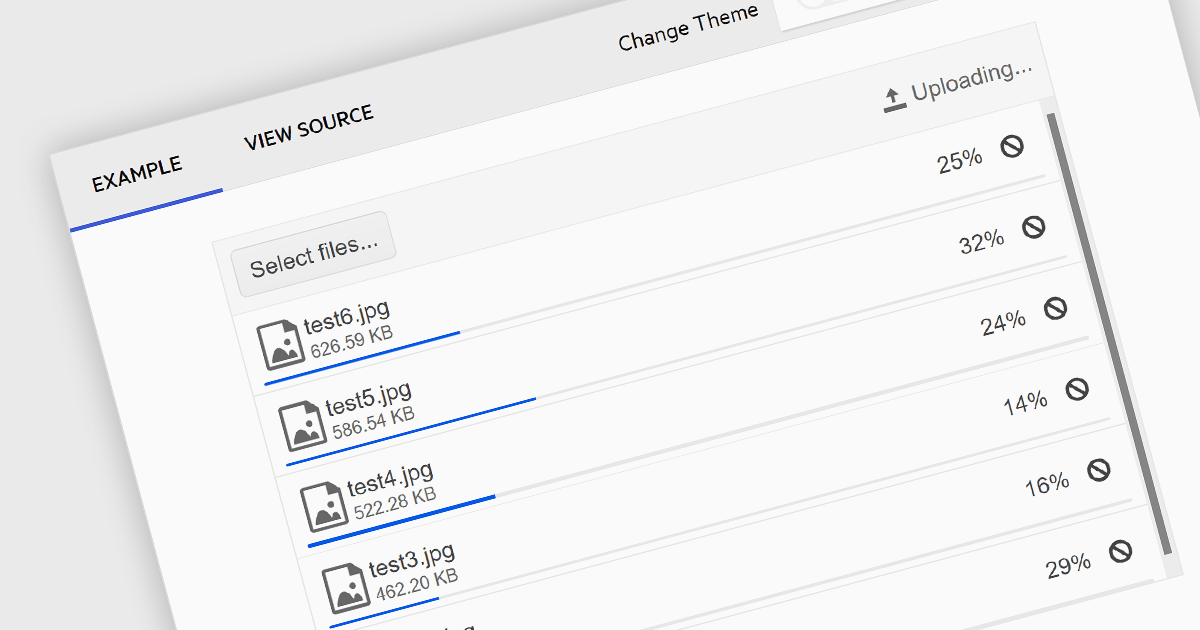
Communications components that support multi-file selection streamline user experience and boost efficiency. This reduces tedious, repetitive clicks by allowing users to choose numerous files at once, saving time and effort. It also simplifies complex workflows involving bulk uploads, enhancing user satisfaction and overall productivity within your application.
Several .NET communications and messaging components allow you to upload multiple files from a single upload dialog, including:
For an in-depth analysis of features and price, visit our comparison of .NET Comms & Messaging components.
Aspose.ZIP offers comprehensive ZIP archive management capabilities for developers and users alike. This versatile solution empowers you to create, encrypt, extract, and manipulate ZIP archives with granular control, eliminating the complexities of underlying compression formats. Aspose.ZIP streamlines your workflow and ensures efficient ZIP archive interaction. It gives you the power to compress files and folders, unzip archives, encrypt them for security, and even convert them to other archive formats like RAR or 7Z.
The 24.1 release of Aspose.ZIP adds the ability to extract multi-volume ZIP archives. Multi-volume archives offer several advantages for managing large datasets. They efficiently divide extensive files into smaller, more manageable parts, facilitating easier storage, transfer, and sharing across limited storage options or bandwidth constraints. This also enhances flexibility, allowing you to access individual volumes as needed. Multi-volume ZIP files boast improved fault tolerance, as data corruption in one volume is unlikely to impact the others, potentially salvaging parts of the archive.
To see a full list of what's new in Aspose.ZIP version 24.1, see our .NET and Python via .NET release notes.
Aspose.ZIP is offered as Developer Small Business, Developer OEM, Site Small Business, and Site OEM licenses catering to a range of business needs. Licenses are perpetual, and include 1 year of support and maintenance. Subscription renewals are also available. See our Aspose.ZIP licensing pages for .NET and Python via .NET for full details.
Aspose.ZIP for .NET is available to buy in the following products: Aspose.ZIP for .NET, Aspose.ZIP Product Family, Aspose.Total for .NET, Aspose.Total Product Family, Conholdate.Total for .NET, and Conholdate.Total Product Family.
Aspose.ZIP for Python via .NET is available to buy in the following products: Aspose.ZIP for Python via .NET, Aspose.ZIP Product Family, Aspose.Total for Python via .NET, and Aspose.Total Product Family.





Tel: (888) 850 9911
Fax: +1 770 250 6199


