








Official Supplier
As official and authorized distributors, we supply you with legitimate licenses directly from 200+ software publishers.
See all our Brands.
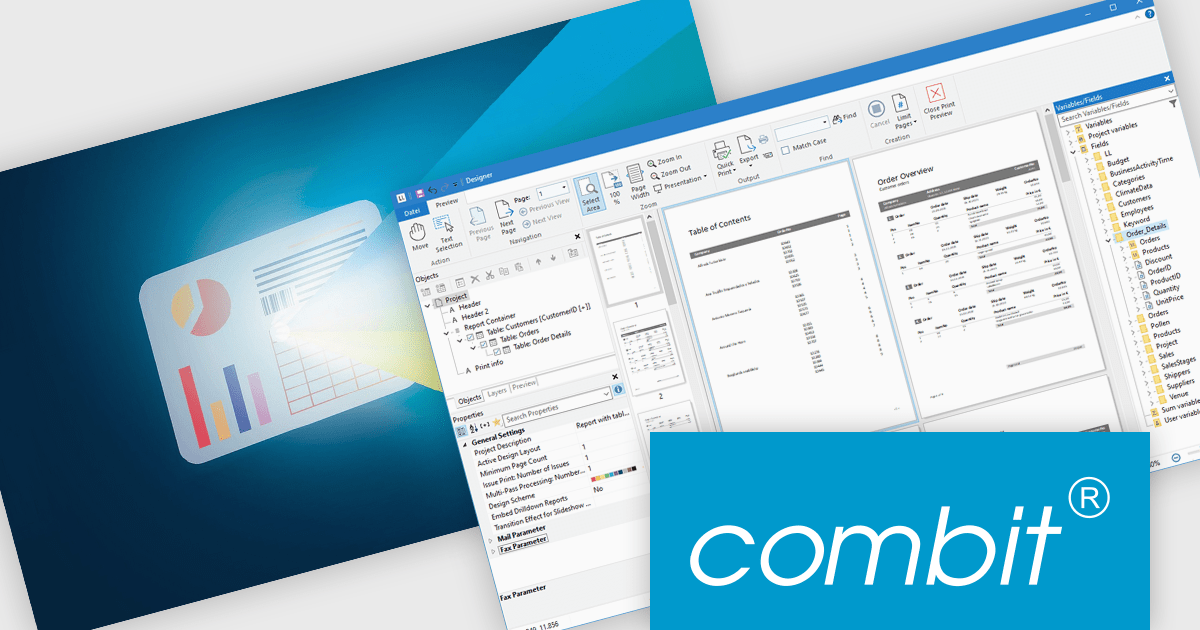
List & Label by combit is a software development toolkit that empowers developers to integrate comprehensive reporting functionalities into their desktop, web, and cloud applications. It offers features such as data binding, complex data visualization, and a user-friendly report designer, along with printing, exporting, and previewing capabilities. List & Label operates independently of programming languages and data sources, providing developers with the flexibility to design and deliver informative reports within their development environment.
The List & Label 31 update introduces cross-platform reporting, enabling developers to design, generate, and distribute reports across Windows, macOS, Linux, and web environments. This enhancement ensures consistent performance, layout accuracy, and data representation on every platform while reducing the need for multiple platform-specific implementations. By unifying the reporting process within a single framework, developers can deliver a cohesive reporting experience to all users, regardless of their operating system.
To see a full list of what's new in version 31, see our release notes.
List & Label is licensed per developer and is available as a Perpetual License with a 12 month support and maintenance subscription. See our List & Label licensing page for full details.
For more information, visit our List & Label Enterprise Reporting Edition product page.
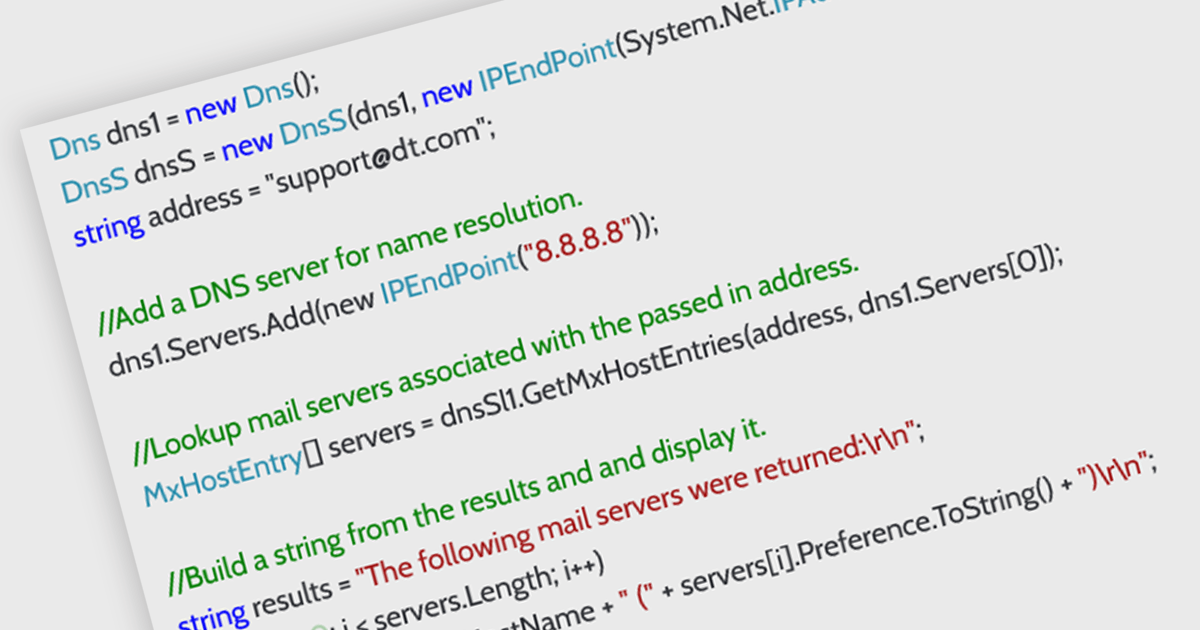
DNS support in an internet communication component refers to the ability to resolve domain names into IP addresses, enabling applications to connect to remote services using human-readable URLs rather than numeric IP addresses. This capability allows developers to build more flexible and maintainable networking features, as endpoints can be referenced by domain name even when the underlying IPs change. It simplifies configuration, supports dynamic address management, and enhances compatibility with modern infrastructure such as load balancers and cloud services. By handling domain resolution internally, the component can also offer improved performance through caching and error handling tailored to application needs.
Several .NET Core communications and messaging components offer DNS support including:
For an in-depth analysis of features and price, visit our comparison of .NET Core comms & messaging components.
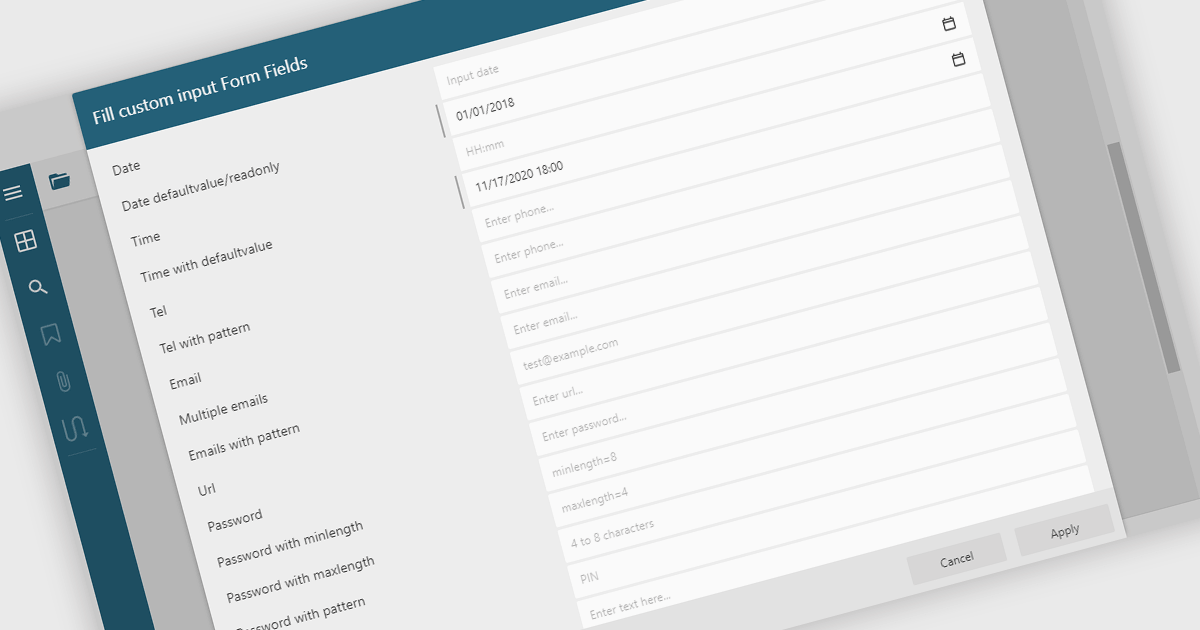
Filling out PDF form fields allows users to enter information directly into interactive elements within a PDF document such as text boxes, checkboxes, dropdowns, and signature fields. This functionality transforms static PDFs into dynamic fillable forms that can be completed digitally, reducing the need for printing or manual data entry. The ability to fill, validate, and submit forms directly within a PDF viewer improves efficiency, accuracy, and user experience while supporting accessibility and cross-platform use. Common use cases include completing applications, registration forms, surveys, contracts, and approval documents, making it an essential feature for businesses looking to streamline document-driven workflows.
Several .NET WinForms PDF Viewers feature support for form filling, including:
For an in-depth analysis of features and price, visit our comparison of .NET WinForms PDF viewers.
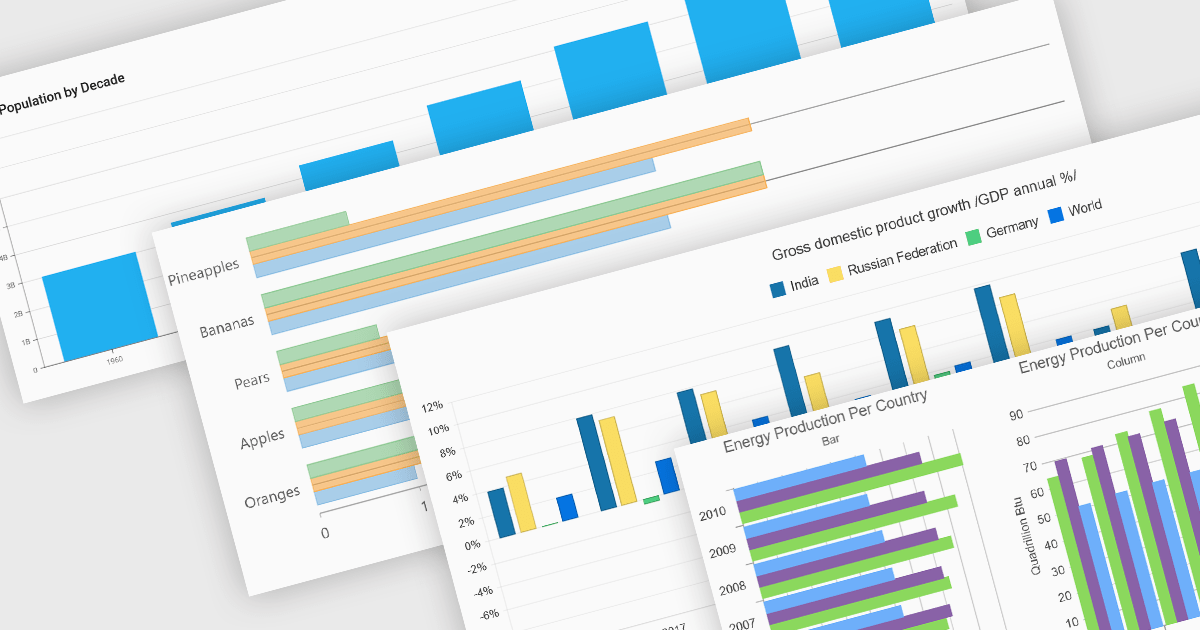
Column and bar charts form fundamental visualization tools in many charting suites. These chart types use vertical (column) or horizontal (bar) bars to represent quantitative data across categories, making them ideal for straightforward comparisons. Typically, you can display single or multiple series, stack values to show cumulative totals, or group categories to highlight differences. Their simplicity and clarity make column and bar charts a staple in dashboards, business reports, and analytics applications where rapid insight is required.
Several ASP.NET Core chart controls offer support for column & bar charts including:
For an in-depth analysis of features and price, visit our ASP.NET Core chart controls comparison.
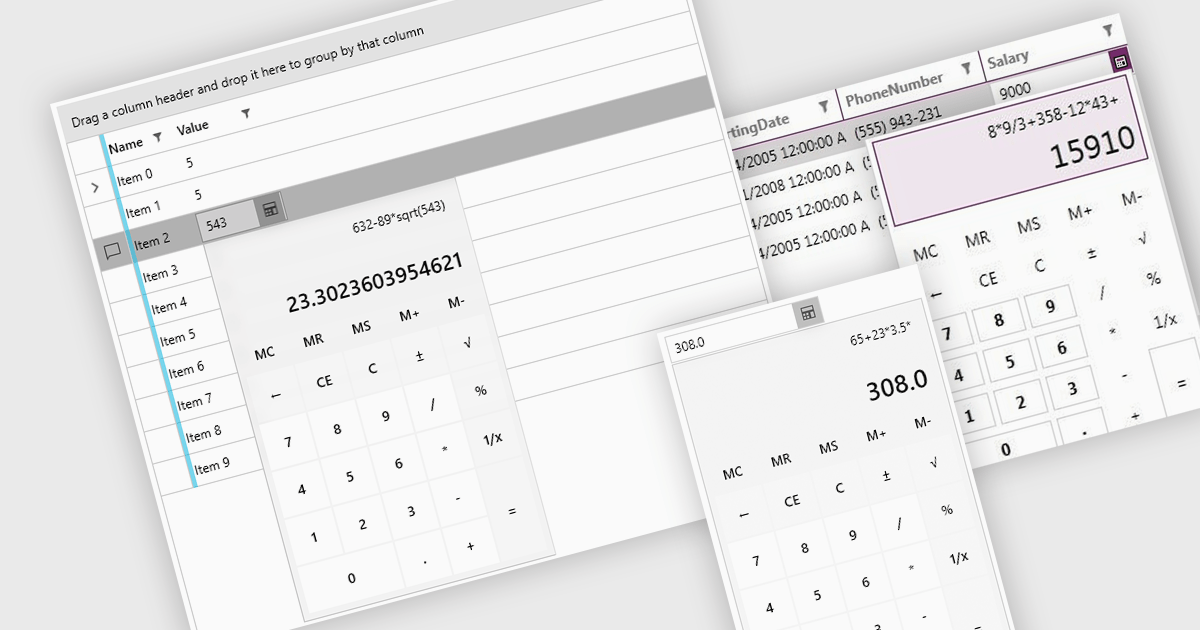
Dropdown calculators are interactive user interface components that integrate a compact calculator directly into a standard dropdown control, allowing users to perform quick calculations or adjust numerical values without navigating away from the current input field. This interaction pattern is particularly useful in data-heavy applications where users frequently need to input or modify numerical data, such as e-commerce pricing, financial tools, form-based systems, or configuration panels. By integrating calculation capabilities directly into the dropdown, these components reduce the need for external tools, help maintain focus, and improve the overall speed and accuracy of user input.
Several WPF data editor collections offer a dropdown calculator, including:
For an in-depth analysis of features and price, visit our comparison of WPF data editors collections.





Tel: (888) 850 9911
Fax: +1 770 250 6199


