








Official Supplier
As official and authorized distributors, we supply you with legitimate licenses directly from 200+ software publishers.
See all our Brands.
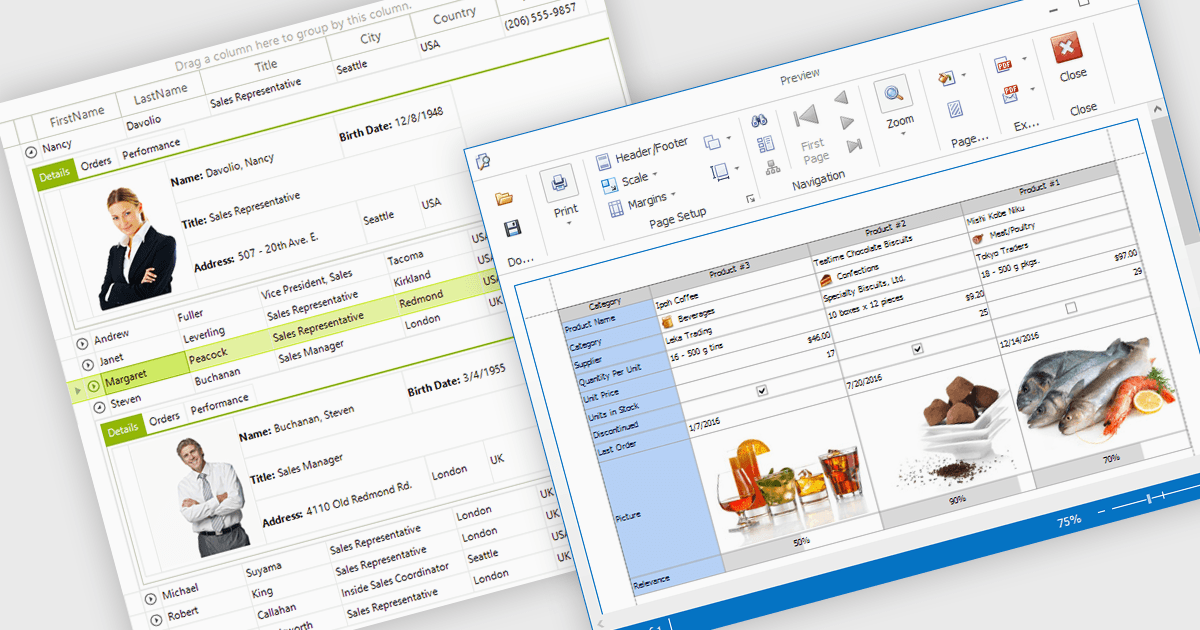
Displaying an image within a grid cell allows developers to combine visual and textual data, making information more intuitive and engaging. This feature enables images such as icons, product photos, or user avatars to appear directly alongside related values, providing immediate visual context and helping users quickly interpret complex datasets. The result is a more dynamic and user-friendly interface that enhances clarity, recognition, and overall usability. Common use cases include showing product images in inventory lists, employee photos in directories, or country flags in international sales reports, allowing users to connect visuals with data for faster understanding and improved decision-making.
Many .NET WinForms grid controls support displaying images within cells, including:
For an in-depth analysis of features and price, visit our comparison of .NET WinForms Grid Controls.

IMAP support enables applications to interact with mail servers using the Internet Message Access Protocol, allowing messages to be retrieved, searched, and managed directly on the server. This protocol maintains synchronization between the client and the server, preserving message state across multiple devices. For developers, integrating IMAP provides a consistent way to access and manipulate email data without requiring full message downloads, reducing local storage needs and improving responsiveness in applications that handle email communication.
Several .NET Comms & Messaging components offer IMAP support including:
For an in-depth analysis of features and price, visit our comparison of .NET Comms & Messaging.
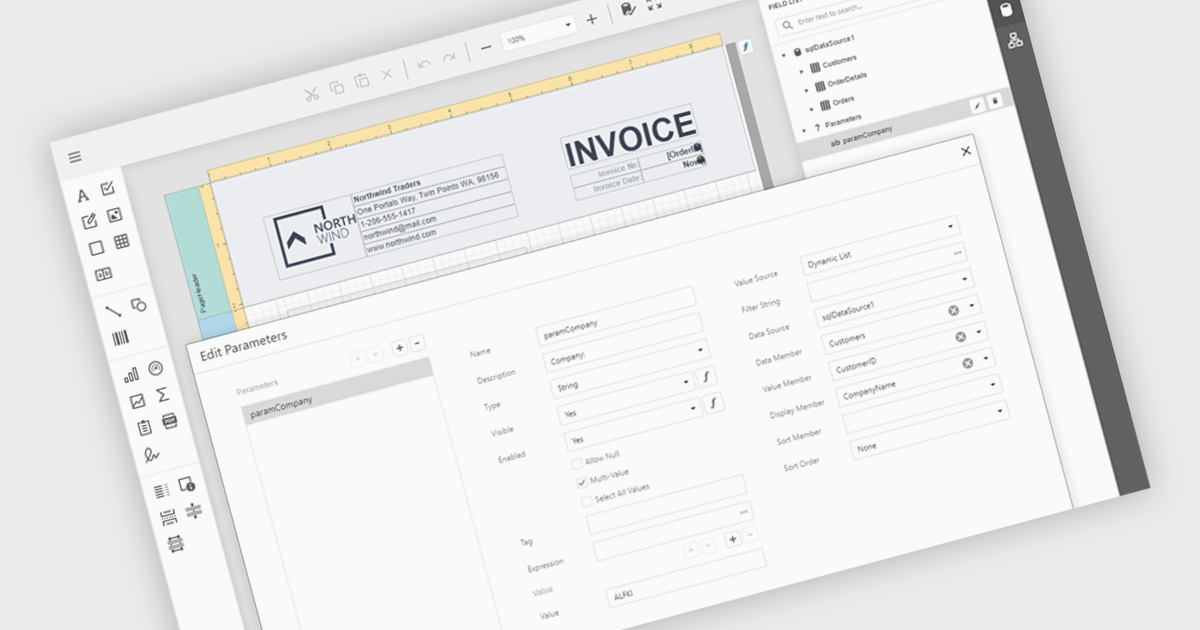
Data filtering and grouping in reporting help users organize and analyze information more efficiently by showing only the data that matters most. Filtering refines report results based on specific criteria such as date, category, or value, while grouping arranges related data into clear sections for easier comparison. Together, they improve clarity, speed up analysis, and reveal meaningful patterns. For example, a sales manager can view current quarter transactions grouped by region, or a finance team can review expenses filtered by department for more accurate insights.
Several .NET Blazor reporting controls offer data filtering and grouping including:
For an in-depth analysis of features and price, visit our comparison of .NET Blazor Reporting Controls.
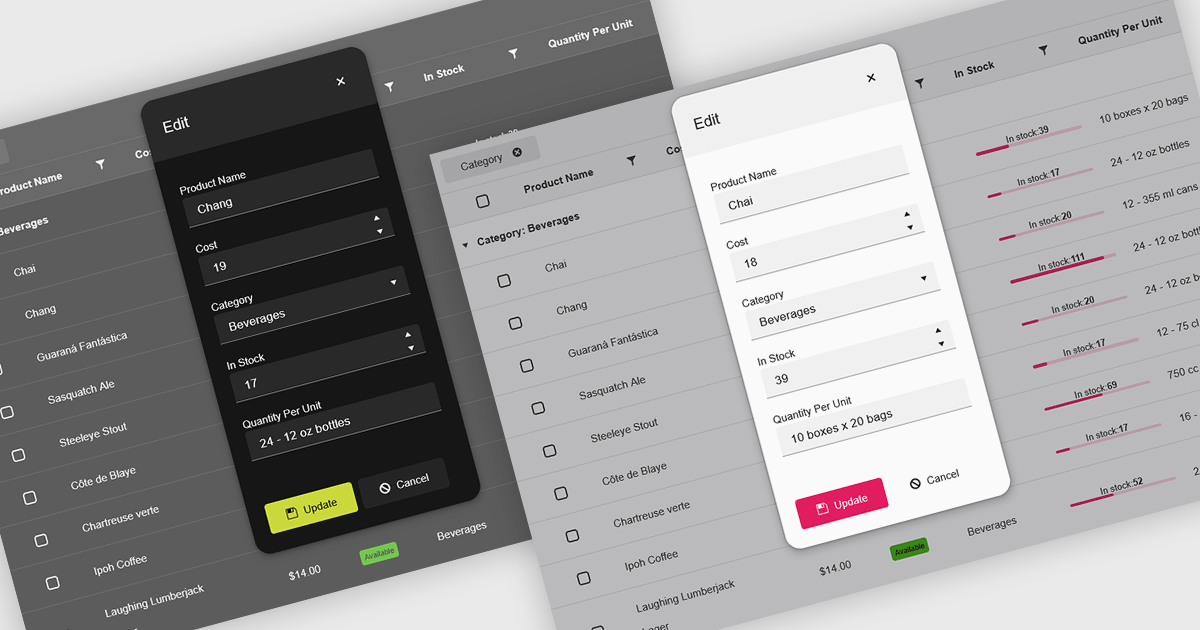
Themes in data editors provide a simple and efficient way to customize the visual appearance of data editing controls, including elements such as color schemes, fonts, and overall styling. By applying themes, developers and designers can create a consistent and professional look across multiple components, ensuring that applications align with brand guidelines and deliver a polished user experience. This flexibility enhances readability and usability while improving the design process, allowing visual updates to be made globally without modifying individual controls. For example, a dark theme can improve focus in data-intensive dashboards, while a light and minimalist theme can enhance clarity in business forms or reporting tools. Overall, themed data editors help maintain design consistency, reduce development time, and elevate the overall aesthetic of modern applications.
Several .NET Blazor data editor collections offer support for themes including:
For an in-depth analysis of features and price, visit our .NET Blazor data editor controls comparison.
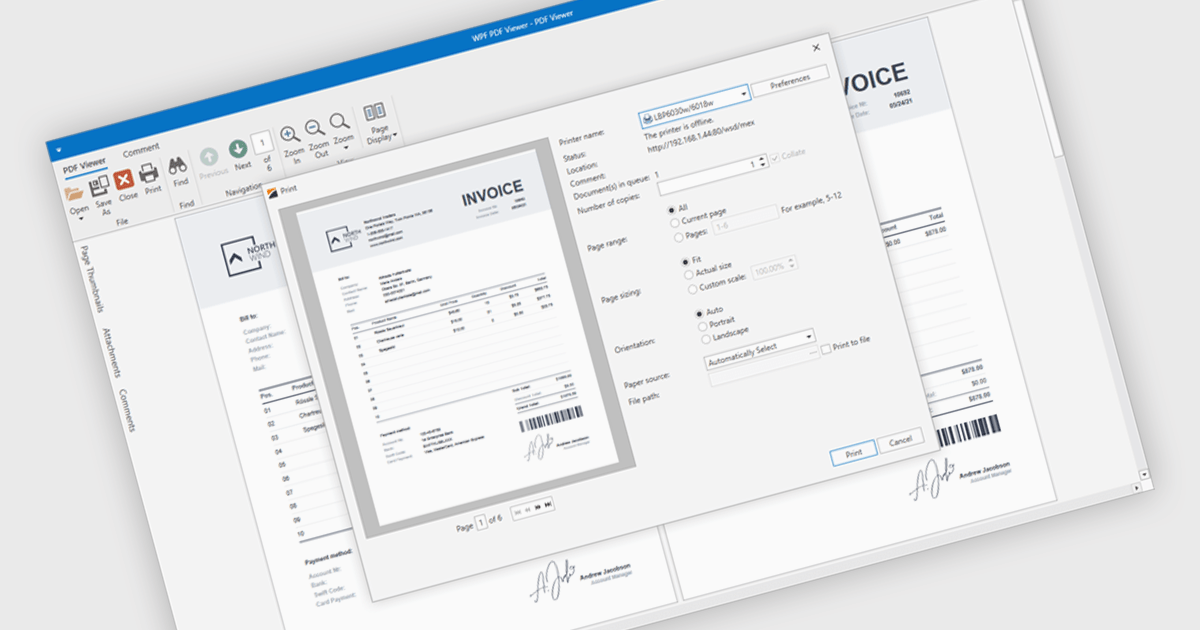
PDF printing within a PDF Viewer allows users to print documents directly from the viewing interface without needing to open external applications. This built-in functionality provides quick access to print options such as paper size, orientation, and scaling while maintaining the document’s original layout, fonts, and graphics. It ensures professional, high-quality output and a consistent user experience across different printers and devices. Common use cases include printing invoices, reports, forms, and technical documentation directly from desktop or embedded applications, helping users save time, reduce complexity, and improve productivity in document-heavy environments.
Several .NET WPF PDF viewer components include support for printing, including:
For an in-depth analysis of features and price, visit our comparison of .NET WPF PDF viewer components.





Tel: (888) 850 9911
Fax: +1 770 250 6199


