








Official Supplier
As official and authorized distributors, we supply you with legitimate licenses directly from 200+ software publishers.
See all our Brands.
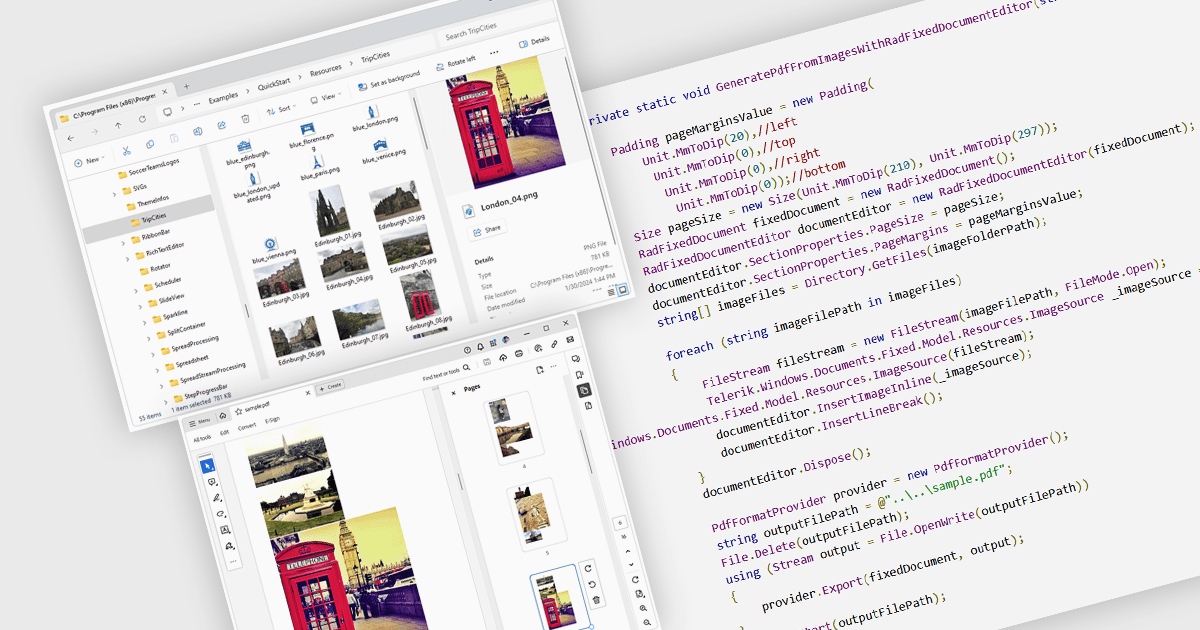
Image to PDF conversion is a common feature in document processing that enables the transformation of static image files, such as JPEG, PNG, or TIFF formats, into a Portable Document Format (PDF) file. PDFs support consistent rendering across different devices and platforms and are compact, secure, and easily viewable. This conversion is widely used to preserve visual content, including scanned documents, receipts, visual records, photos, or graphical outputs while making them easier to share, annotate, archive, or print in a universally accessible format.
Several WPF PDF components allow you to convert images to PDF, including:
For an in-depth analysis of features and price, visit our comparison of PDF components for WPF.
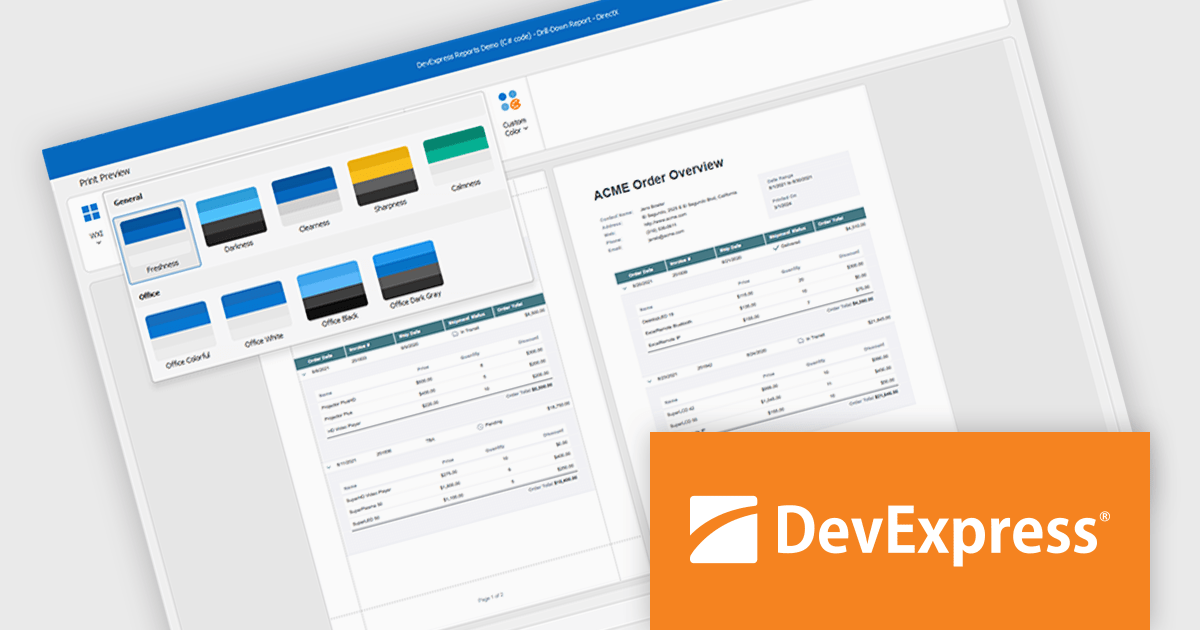
DevExpress DXperience is a comprehensive development suite that enables developers to build high-performance applications for Windows, Web, mobile, and tablet platforms using a unified set of controls and tools. It includes hundreds of desktop UI controls for WinForms, WPF, and reporting, as well as web UI controls for Blazor, ASP.NET, MVC, Core, Bootstrap Web Forms, JavaScript, Angular, React, Vue, and web reporting, plus productivity tools like XPO ORM and CodeRush for Visual Studio. With its extensive component library, DXperience accelerates development, ensures visually consistent and responsive interfaces, and is ideal for creating enterprise applications, data-driven web apps, dashboards, and reporting solutions.
DevExpress DXperience enhances application development with new app-wide themes and skins, allowing developers to apply a consistent, modern visual style across entire projects with minimal configuration. By providing professionally designed themes that align with Microsoft Office and Windows 11 aesthetics, along with built-in tools for customizing these designs, it improves the UI design process and reduces the need for manual styling. This enables developers to focus on functionality while delivering polished, cohesive user interfaces that improve usability and maintain a professional appearance across all application modules.
DevExpress DXperience is licensed per developer and is available as a Perpetual License with a 12 month support and maintenance subscription. See our DevExpress DXperience licensing page for full details.
For more information, visit our DevExpress DXperience product page.
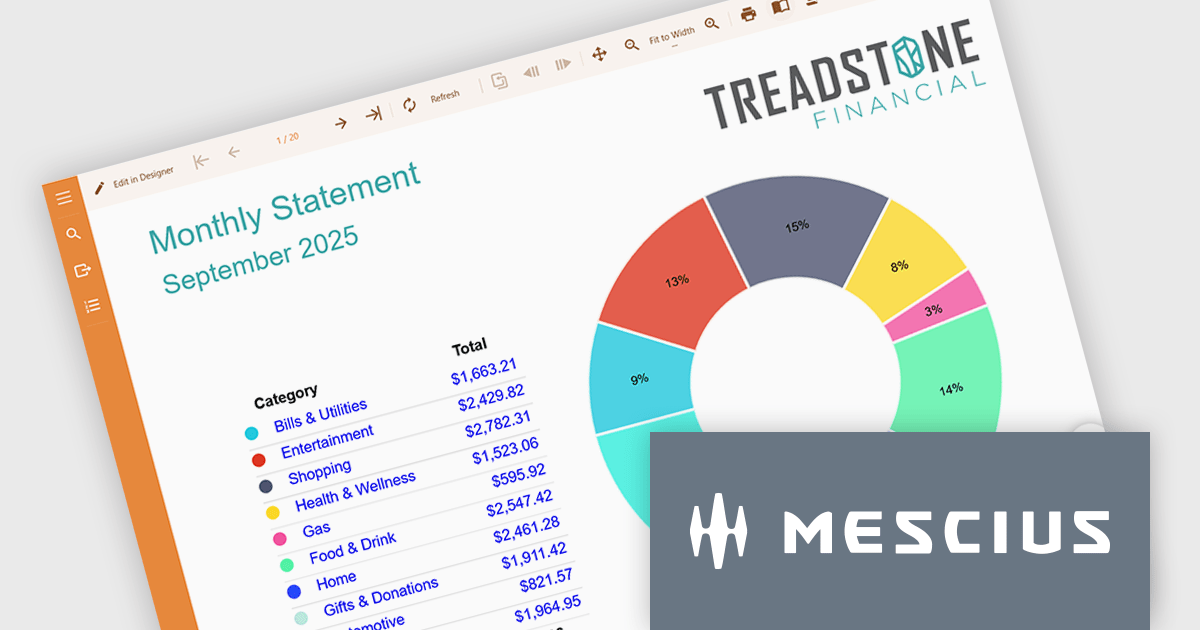
ActiveReports.NET helps you deliver beautiful reports with intuitive Visual Studio integrated report designers and rich controls. It provides code-based cross-platform reporting, easy-to-use designers, and a flexible API allowing you to design and deliver powerful reports with intuitive, reliable, and user-friendly report designers and controls.
On September 18, 2025 at 11:00 AM EDT, MESCIUS (formerly GrapeCity) will be presenting a CodeClinic Live Webinar to demonstrate how you build advanced reports, showcasing powerful features like dynamic parameters, drill-through navigation, interactive filtering, and much more. If you are a developer looking to elevate your reporting and data visualization capabilities within your .NET applications, then this CodeClinic Live Webinar is just what you need.
Register for the Live Webinar today, and mark your calendar for September 18.
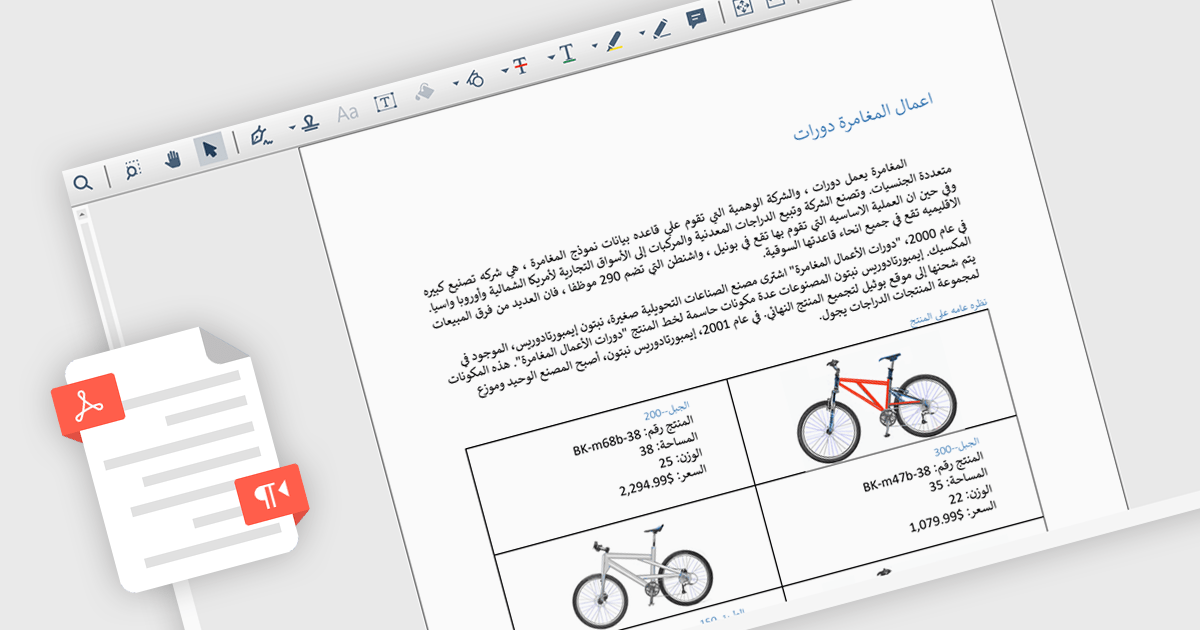
Right-to-left (RTL) language support in PDF rendering refers to the ability to correctly display and align text written in languages such as Arabic, Hebrew, Persian, and Urdu, which are read from right to left. This support ensures that when content is exported to PDF, the text direction, alignment, and overall layout reflect the natural flow of these languages. It plays a critical role in creating documents that are both readable and culturally appropriate, particularly in multilingual or region-specific applications. By maintaining proper structure and formatting, RTL support reduces the need for manual adjustments and helps developers deliver professional-quality documents. Common use cases include generating invoices, reports, or educational materials for users in the Middle East or other RTL-speaking regions, as well as supporting international communication within global organizations.
Several .NET PDF components include RTL support, including:
For an in-depth analysis of features and price, visit our comparison of .NET PDF components.
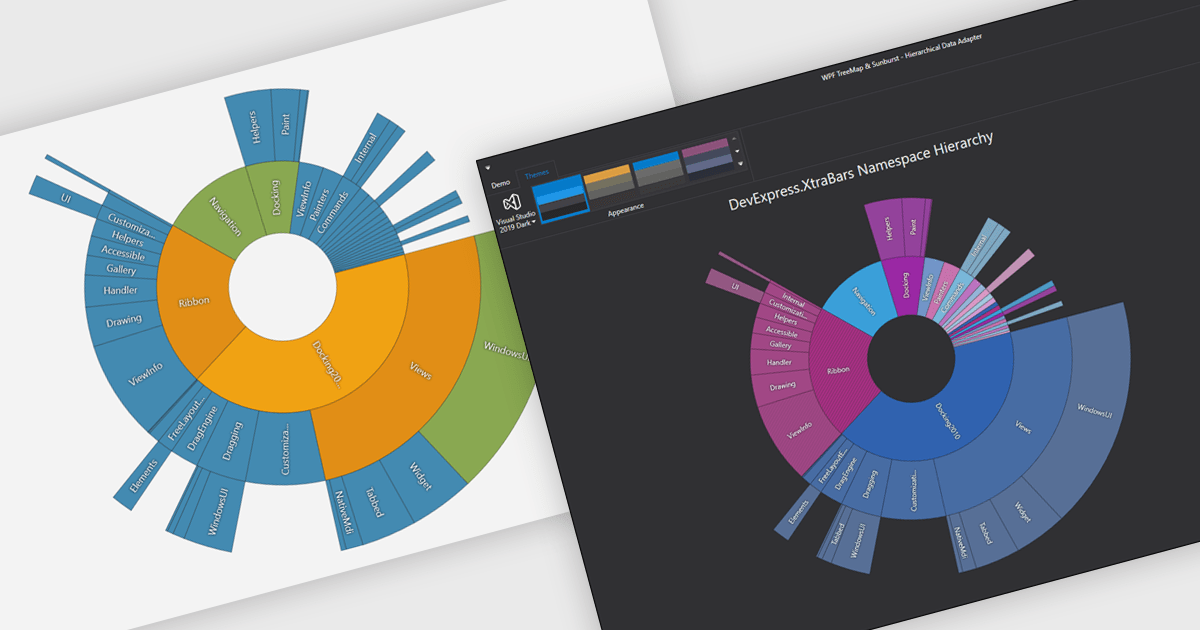
Chart themes provide a simple yet powerful way to standardize the appearance of charts by applying predefined color schemes, fonts, and styling options across visualizations. Instead of manually adjusting each element, users can quickly switch between themes to achieve a consistent, professional look that aligns with brand guidelines or presentation needs. The benefits include improving readability, enhancing accessibility - with inclusive color palettes - and ensuring visual consistency across multiple charts or entire dashboards. Chart themes improve the process of creating impactful, audience-ready data visualizations.
Several .NET WPF chart components offer the ability to add themes, including:
For an in-depth analysis of features and price, visit our .NET WPF charts comparison.





Tel: (888) 850 9911
Fax: +1 770 250 6199


