








Official Supplier
As official and authorized distributors, we supply you with legitimate licenses directly from 200+ software publishers.
See all our Brands.
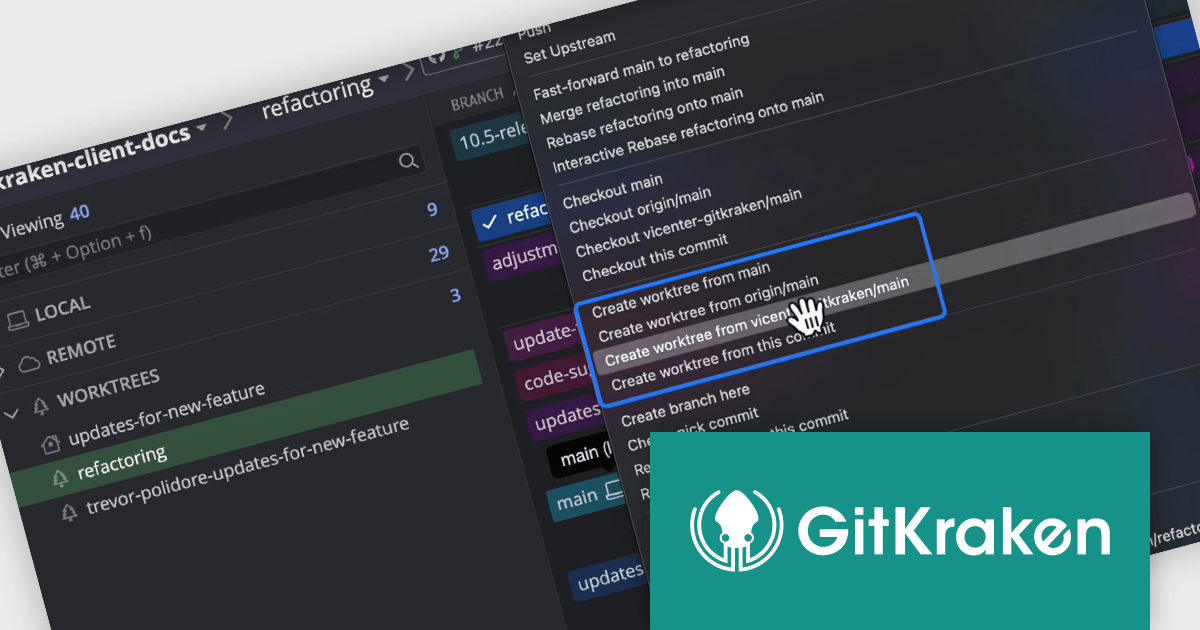
GitKraken is a suite of developer tools built around Git, a popular version control system. It offers a graphical user interface (GUI) that allows developers to interact with Git repositories visually instead of relying on the command line. This simplifies complex Git workflows like resolving merge conflicts and visualizing code history, making Git more accessible and efficient for developers of all experience levels.
The GitKraken Desktop V10.5.0 update introduces a powerful enhancement with its support for Worktrees, a feature that significantly improves branch management and multitasking within repositories. Worktrees allow you to create additional working directories linked to specific branches, enabling you to work on multiple branches simultaneously without altering or risking your main working directory. This capability is especially useful for developers juggling various tasks, such as testing changes, debugging, or developing new features, all within the same repository. By eliminating the need to constantly stash or commit unfinished work just to switch branches, Worktrees streamline workflows, reduce context-switching friction, and provide a safer, more efficient way to manage multiple streams of development.
To see a full list of what's new in V10.5.0, see our release notes.
GitKraken Desktop is licensed per user as an Annual license with free updates and technical support. See our GitKraken licensing page for full details.
Learn more on our GitKraken product page.

Rebex is a trusted provider of high-quality components and libraries designed to streamline the development of secure, efficient, and reliable software applications. Its product line focuses on enabling developers to integrate essential networking, file transfer, and cryptographic functionalities with ease. Key offerings include libraries for secure file transfer protocols like SFTP (SSH File Transfer Protocol) and FTPS (File Transfer Protocol Secure), email handling via SMTP (Simple Mail Transfer Protocol), IMAP (Internet Message Access Protocol), and POP3 (Post Office Protocol), as well as powerful cryptographic tools for securing data. These tools are designed for .NET developers, emphasizing ease of integration, robust security standards, and high performance, making Rebex a valuable resource for building modern software solutions.
The Rebex 7.0.9083 releases introduce a new set of binaries targeting .NET 9 with support for all .NET 9 platforms including Microsoft Windows (x64, x86, ARM64), Linux (x64, ARM32, ARM64), Android (x64, ARM32, ARM64), Apple macOS (ARM64, x64), and Apple iOS/iPadOS/tvOS (ARM64). By adding support for .NET 9, Rebex ensures its products are fully compatible with the latest advancements in Microsoft's flagship development platform, allowing developers to take advantage of enhanced performance, scalability, and new features. Support for .NET 9 is available across the Rebex .NET product range:
Rebex products are licensed per developer. All new licenses include a 1 year support contract which includes priority support and all software updates during the support period. Support contract renewals are also available. See our Rebex licensing page for full details.
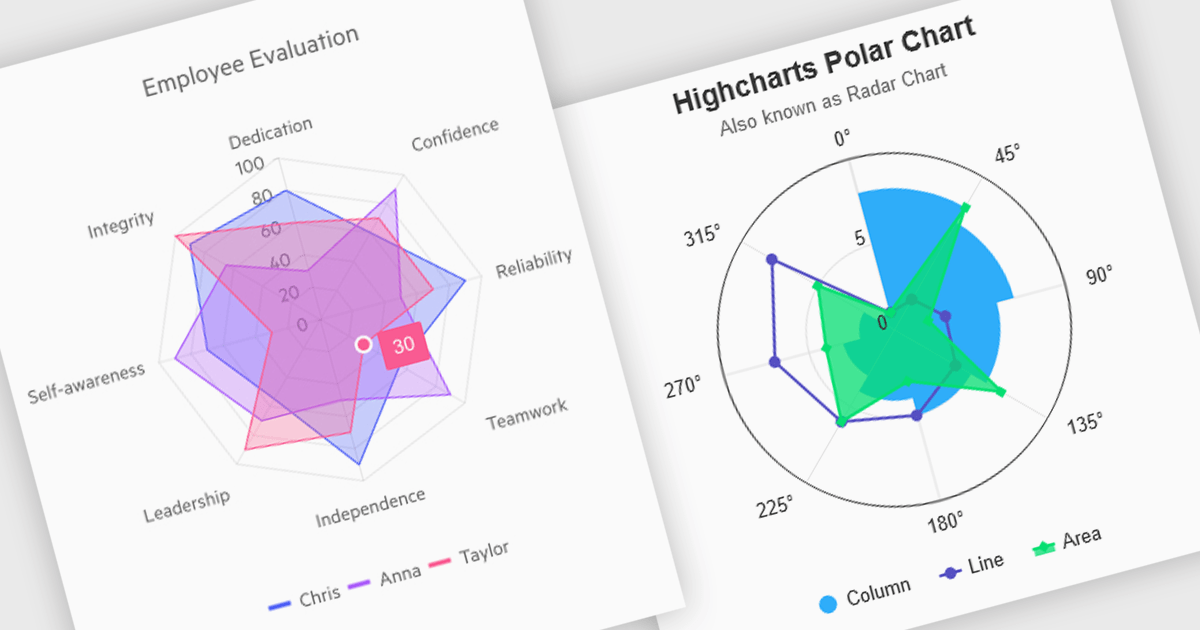
Polar and radar charts provide an intuitive way to visualize multidimensional and circular data. These chart types plot data points relative to a central axis, with polar charts ideal for showcasing proportional relationships, such as seasonal trends or directional metrics, and radar charts excelling at comparing multiple variables, such as performance metrics or skill assessments. Angular’s interactivity enhances engagement with features like tooltips, zooming and real-time updates, making these charts ideal for dashboards and reports. Use cases include analyzing skill assessments, market segmentation, and cyclic trends, delivering clear, actionable insights in a visually compelling format.
Several Angular chart controls offer visual polar and radar chart support including:
For an in-depth analysis of features and price, visit our Angular chart controls comparison:
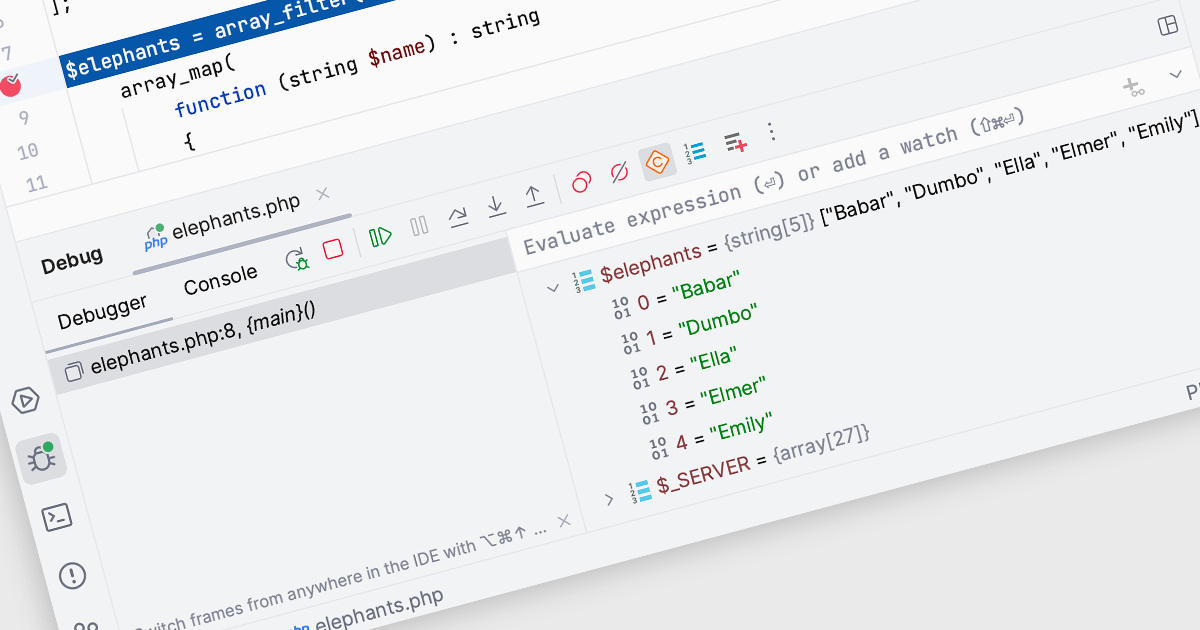
In Integrated Development Environments (IDEs), watches within the debugging tool allow developers to monitor and evaluate specific variables or expressions as a program runs or pauses at a breakpoint. By adding a watch, developers can observe how the value of a variable changes over time or track the result of an expression, which aids in understanding program behavior and identifying potential issues. This facilitates deeper insight during the debugging process, enabling efficient problem diagnosis and the validation of logic within the code without needing to add additional print statements or modify the source code.
Several Integrated Development Environments (IDEs) offer watches functionality including:
For an in-depth analysis of features and price, visit our comparison of Integrated Development Environments (IDEs).
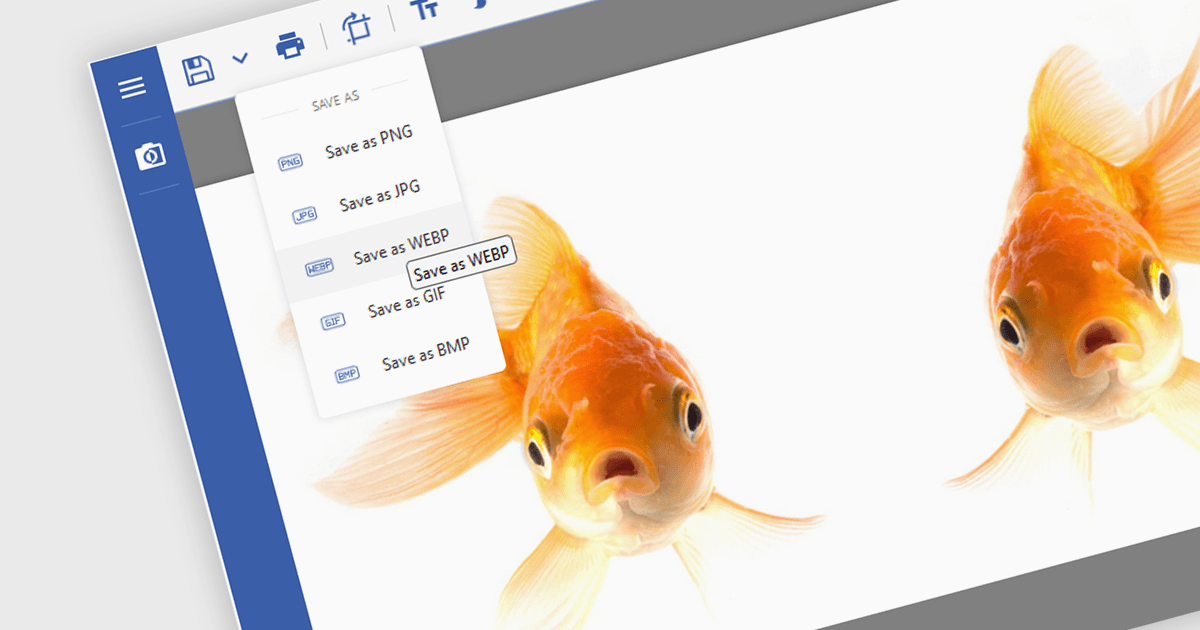
Image conversion is a vital capability in modern software applications, enabling seamless transformation between various image formats to meet diverse requirements. This functionality supports tasks such as resizing, compressing, and adjusting color depth, ensuring images are optimized for specific use cases. Whether preparing visuals for web or mobile platforms to enhance performance and load times, standardizing images for machine learning models to maintain dataset consistency, or providing flexibility in editing tools for saving images in different formats, image conversion streamlines workflows and enhances application versatility.
Several .NET imaging components offer conversion including:
Explore our range of .NET image conversion components.





Tel: (888) 850 9911
Fax: +1 770 250 6199


