








Official Supplier
As official and authorized distributors, we supply you with legitimate licenses directly from 200+ software publishers.
See all our Brands.

Grial UI Kit by UXDivers is a collection of pre-designed user interface components and templates specifically built for Xamarin.Forms and .NET MAUI app development. It offers a wide range of customizable XAML code snippets, custom controls, and helpers, allowing developers to rapidly build modern and visually appealing mobile applications for Android and iOS platforms while focusing on the core functionalities of the app.
The Grial UI Kit 4.2.115 release introduces the Swipeable Layout control, allowing you to create dynamic and engaging user experiences within your app. This versatile feature enables the creation of both swipeable card interfaces, perfect for showcasing product galleries or image carousels, and simple binary choice interfaces for actions like yes/no confirmations, all utilizing intuitive swipe gestures. This addition empowers developers to design a wider range of interactive elements, enhancing user immersion and simplifying common interactions within their applications.
To see a full list of what's new in 4.2.115.0, see our release notes.
Grial UI Kit is licensed per application and is available as an perpetual license. See our Grial UI Kit licensing page for full details.
For more information, see our Grial UI Kit product page.
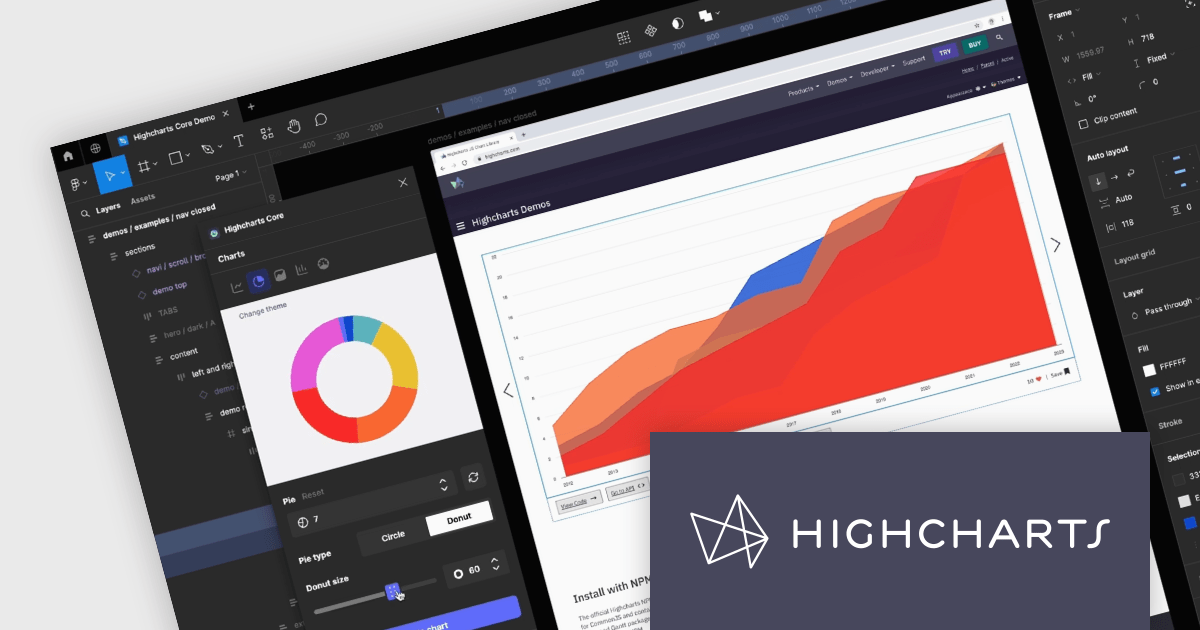
Highcharts Core by Highsoft is a powerful JavaScript charting library that simplifies the creation of interactive and accessible data visualizations for web applications. Featuring a wide variety of chart types, from basic line graphs to complex combinations, and extensive customization options, Highcharts Core (formerly Highcharts JS) allows developers to bring their data to life in a way that is both informative and engaging. This makes it ideal for use cases across various industries, from financial dashboards and scientific reports to marketing campaigns and social media content.
Highsoft has made the Highcharts Core Figma Plug-In available for free on Figma Community. Figma is a web-based design tool that allows you to create user interfaces for websites and apps. Known for its collaborative features, Figma makes it easy for design teams to work together on projects. The new plugin includes:
Read the Highcharts blog for more information about this powerful free plug-in available to licensed users of Highcharts Core.
Highcharts Core is licensed on an annual or perpetual basis, OEM licenses, and Advantage Renewals. It is licensed per Developer and has several license options including Internal, SaaS, SaaS+, and Self Hosted. See our Highsoft Core licensing page for full details.
For more information, visit our Highcharts Core product page.
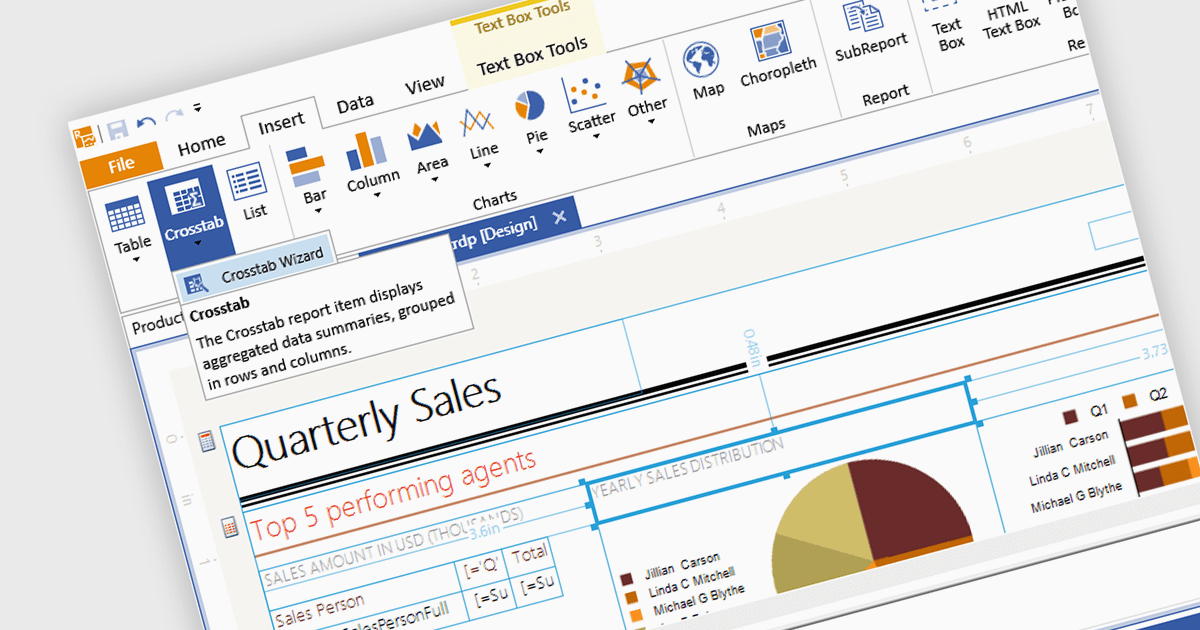
A visual report designer is a software tool that enables the creation of data-driven reports through an intuitive graphical user interface, allowing users to drag and drop data elements and design components onto a canvas. This approach eliminates the need for coding knowledge and thereby simplifies the report creation process. These tools offer benefits such as increased accessibility for non-technical users, improved design efficiency, and the ability to produce clear and informative reports that effectively communicate complex data.
Several .NET 8 WinForms reporting components includes a visual report designer, including:
For an in-depth analysis of features and price, visit our comparison of .NET 8 WinForms reporting components.
IPWorks by /n software is a comprehensive development library designed to streamline your creation of internet-enabled applications. It offers pre-built, secure components for common functionalities like sending emails, transferring files, and consuming web services. This allows you to focus on your application's core logic while leveraging pre-tested, robust tools for essential internet interactions.
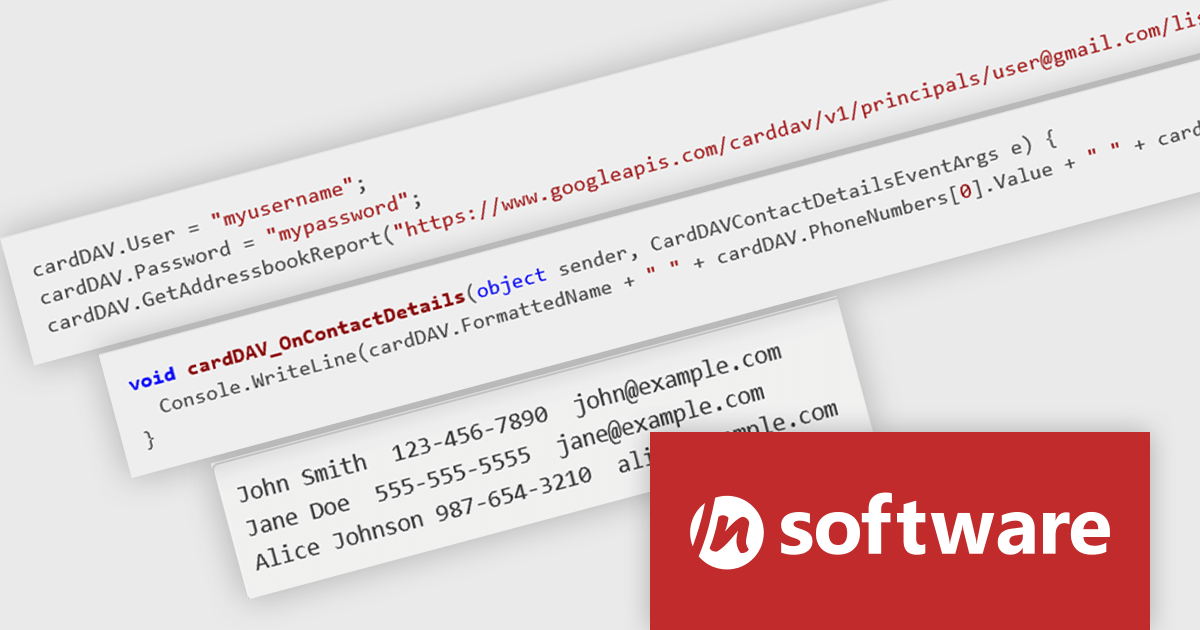
The IPWorks 2024 release streamlines contact management with its all-new CardDAV component. This integration empowers applications to seamlessly create, edit, and synchronize contacts across devices and platforms. Users can effortlessly manage address books, add, delete, copy, or move entries, all while centralizing data on a CardDAV server. This ensures everyone stays in sync and fosters improved collaboration across an organization.
To see a full list of what's new in IPWorks 2024, see our release notes.
IPWorks is licensed per developer and is available as a Perpetual License with a 12 month support and maintenance subscription. See our IPWorks licensing page for full details.
IPWorks is available to buy in the following products:
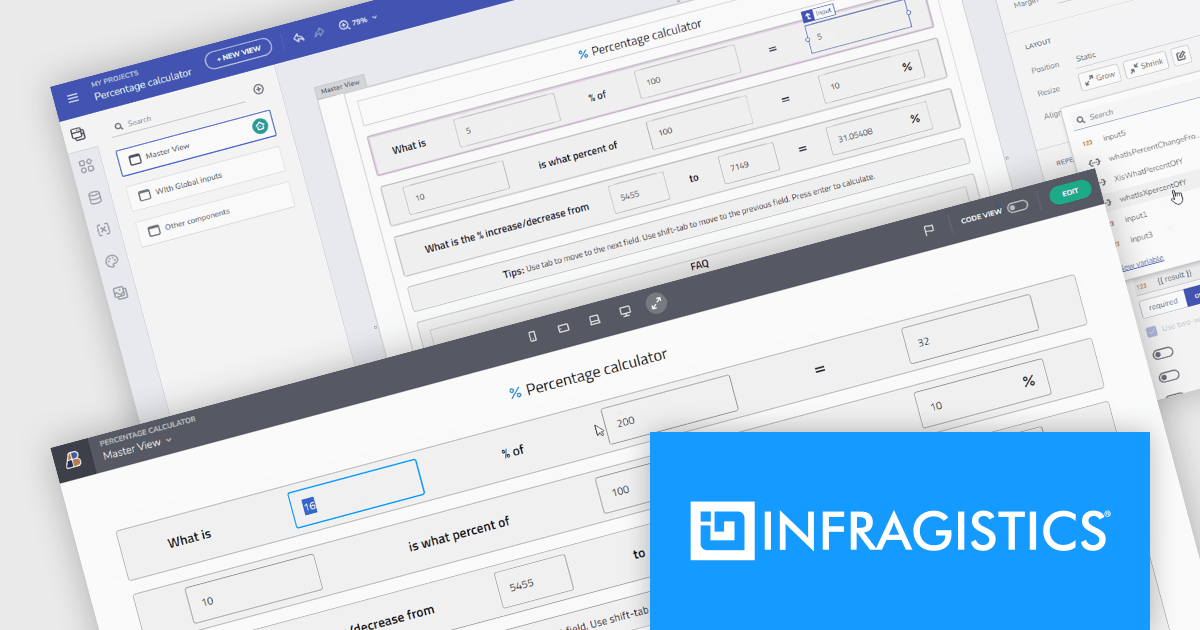
Infragistics AppBuilder is a cloud-based, WYSIWYG development tool that streamlines enterprise application creation through drag-and-drop functionality. Designed to accelerate development lifecycles, it empowers users to build business apps more quickly with features like pre-built templates, real-time code generation, and instant previews. This low-code approach is ideal for businesses seeking to improve development efficiency and shorten time-to-market for web applications.
The latest App Builder release streamlines development with two-way data binding for components including input, checkboxes, and date pickers. This powerful feature automatically synchronizes UI changes with your underlying data. Whether you're entering text or selecting a date, the data is instantly reflected in both the UI and your application logic. This bi-directional flow simplifies development by reducing the need for manual data propagation. The 'two-wayBindable' property grants granular control, allowing you to tailor how specific UI elements interact with your data, enhancing the flexibility and efficiency of your app building process.
To see a full list of what's new, see our release notes.
Infragistics App Builder is licensed per developer as an annual subscription. See our Infragistics App Builder licensing page for full details.
For more information, visit our Infragistics App Builder product page.





Tel: (888) 850 9911
Fax: +1 770 250 6199


