








Official Supplier
As official and authorized distributors, we supply you with legitimate licenses directly from 200+ software publishers.
See all our Brands.
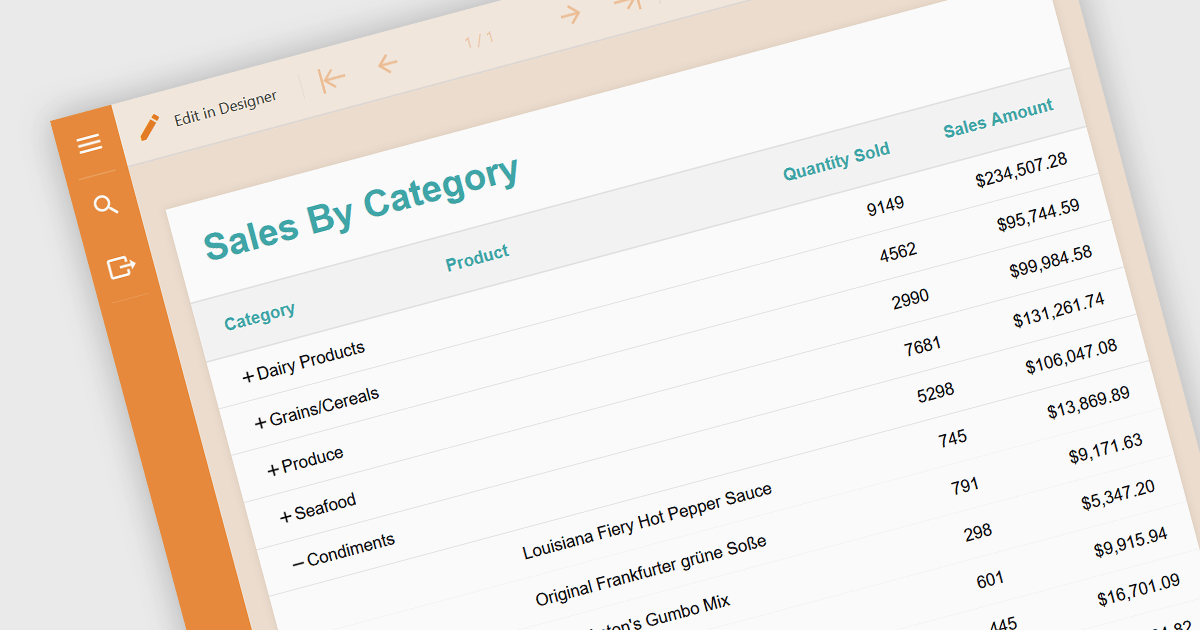
Drill-down is a feature often found in reports that allows users to explore data in greater detail, starting with a high-level summary, then clicking to navigate to progressively finer levels of detail. This helps to make complex data easier to understand and allows users to efficiently identify the underlying source of problems by iteratively analyzing successive layers of data immediately within the report. Drill-downs provide a continuous path from high-level overviews to specific data points, streamlining the process of detecting and addressing problems.
The following JavaScript reporting components offer drill-down support:
For an in-depth analysis of features and price, visit our comparison of JavaScript reporting components.
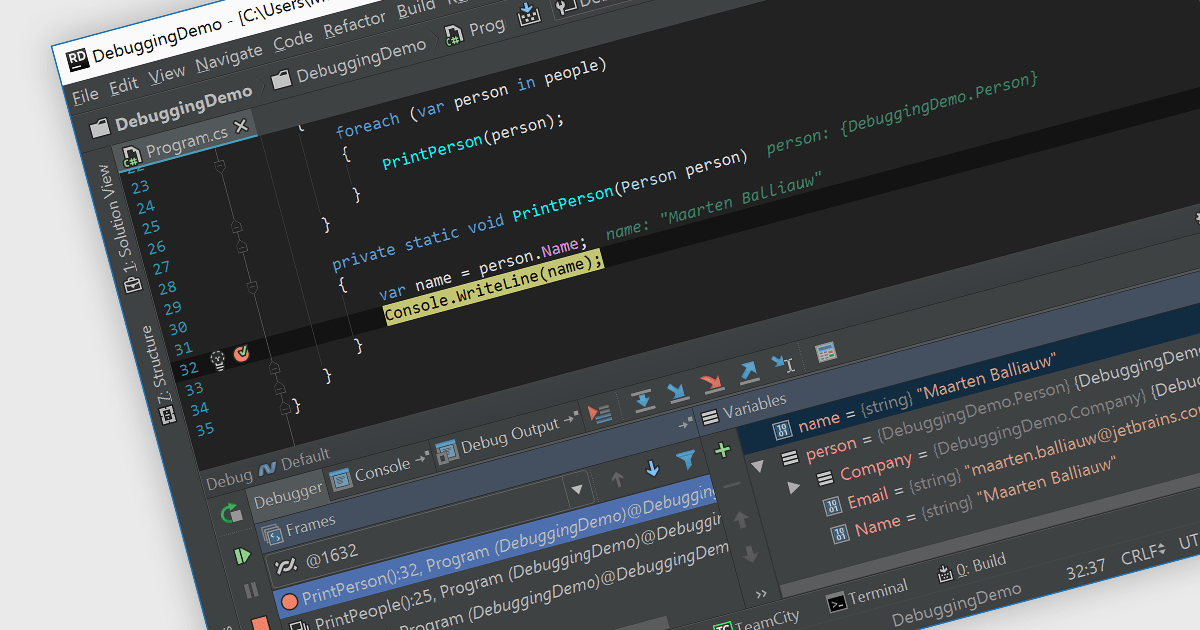
Debugging is the methodical process of identifying and rectifying errors or bugs within code. Many Integrated Development Environments (IDEs) provide a platform for debugging by allowing programmers to step through code execution line by line, examine variable values at specific points, and set breakpoints to pause execution at designated sections. This controlled environment empowers developers to easily pinpoint the cause of issues and implement fixes.
Several IDEs provide debugging including:
For an in-depth analysis of features and price, visit our IDEs comparison.
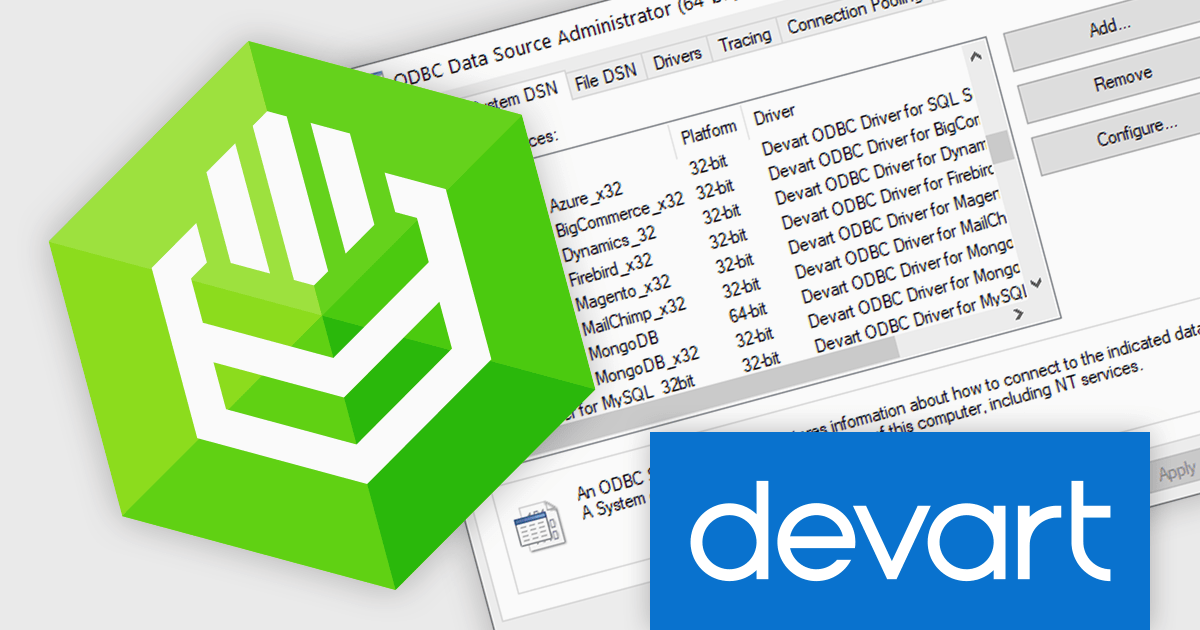
Devart's ODBC Drivers bridge the gap between various databases and ODBC-compliant applications like reporting tools and analytics software. They provide secure, high-performance connections for accessing data from popular databases like SQL Server and Oracle on Windows, macOS, and Linux. Devart's drivers boast extensive functionality, allowing you to leverage features like stored procedures and data encryption for a seamless data transfer experience.
With this latest release, passwords, keys, and tokens are now fully secured and encrypted after entering and storing the Data Source Name (DSN) in the ODBC administrator, significantly strengthening your database security. This encryption renders the credentials unreadable even if someone gains unauthorized access to the DSN configuration, making it much more difficult for them to compromise your databases and steal sensitive information.
To see a full list of what's new in this latest release, see our release notes.
Devart ODBC Drivers are licensed per developer and are available as an Annual or Perpetual License with a 12 month support and maintenance subscription. See our Devart ODBC Driver Universal Bundle licensing page.
Devart's ODBC Drivers are available for ActiveCampaign, Adobe Brevo, Adobe Commerce, AfterShip, Amazon Redshift, Asana, ASE, Azure Synapse Analytics, BigCommerce, Cin7 Core, Confluence Cloud, Delighted, Dynamics 365, EmailOctopus, Firebird, FreshBooks, Freshdesk, Freshservice, Freshworks CRM, Google BigQuery, Google Sheets, HubSpot, InterBase, Jira, Jira Service Management, Klaviyo, Mailchimp, Mailjet, Marketo, MongoDB, MySQL, NetSuite, NexusDB, Oracle, Pipedrive, Podio, PostgreSQL, QuestDB, QuickBooks, QuickBooks Desktop, Salesforce, Salesforce Marketing Cloud, SendGrid, Shippo, ShipStation, Shopify, Slack, Snowflake, SQL Azure, SQL Server, SQLite, Square, Streak, Stripe, SugarCRM, SurveyMonkey, Twilio, WooCommerce, WordPress, xBase, Zendesk, Zoho Books, Zoho CRM, Zoho Desk, Zoho Inventory, Zoho Invoice, Zoho People, and Zoho Projects.
Devart ODBC Driver Universal Bundle includes all Devart ODBC Drivers in one package.
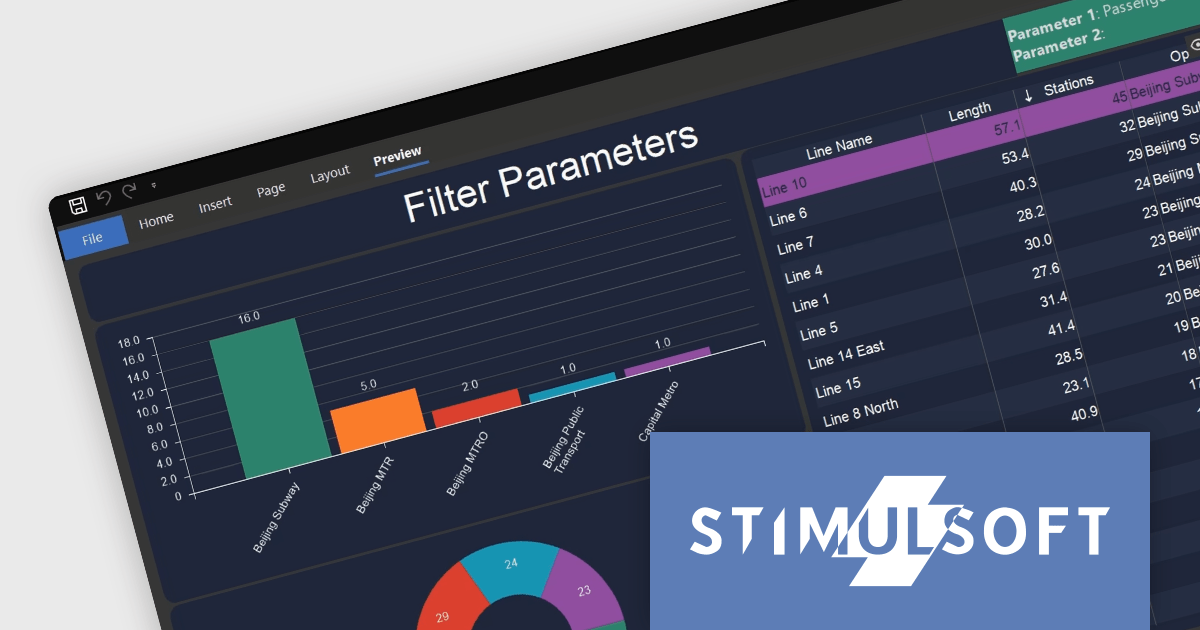
Stimulsoft Dashboards is a versatile suite of tools for crafting interactive data visualizations for web and desktop applications. It empowers developers to embed intuitive dashboards across various platforms, using platform-specific components or a centralized cloud designer. With rich data analysis elements, extensive customization options, and pre-built templates, Stimulsoft Dashboards helps you transform complex data into clear, actionable insights for any audience.
The Stimulsoft Dashboards.WIN 2024.2 release adds new functionality for working with filters in your dashboards. You can now include parameters when applying filters, allowing those parameters to capture the chosen filter values. This means you can access these filter values directly within report variables or other dashboard elements, creating a more dynamic and interconnected user experience.
To see a full list of what's new in version 2024.2, see our release notes.
Stimulsoft Dashboards.WIN is licensed per developer and is available as a Perpetual license with 1 year support and maintenance. See our Stimulsoft Dashboards.WIN licensing page for full details.
Stimulsoft Dashboards.WIN is available to buy in the following products:
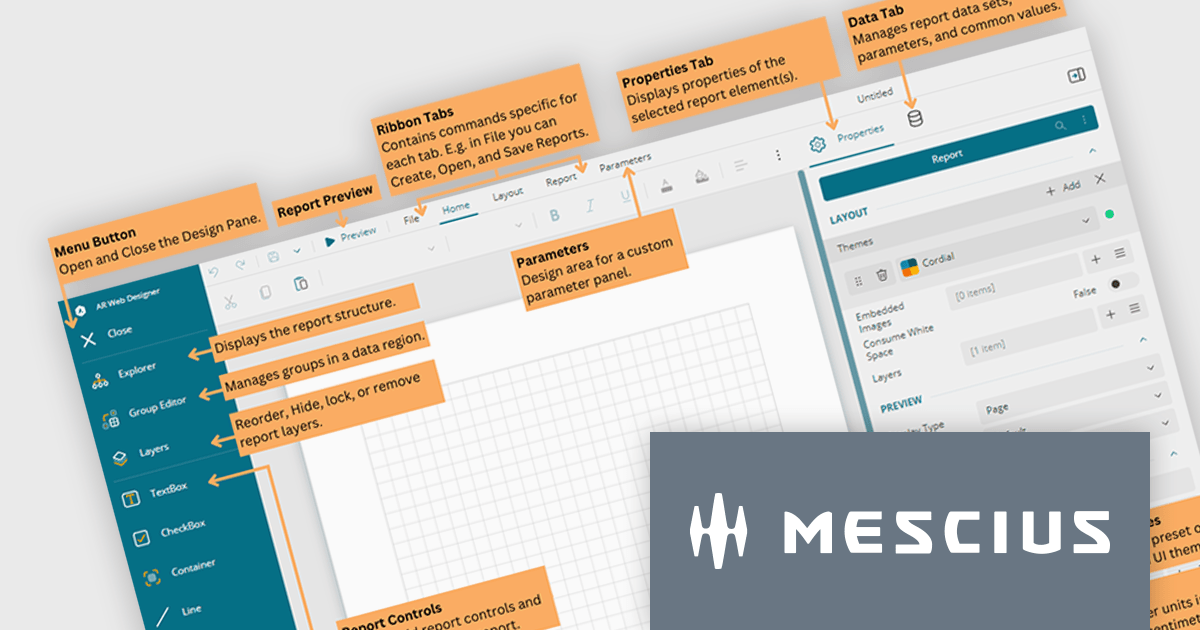
ActiveReports.NET is a .NET reporting tool used by developers to design and integrate reports into their web and desktop applications. It provides a familiar Visual Studio designer for building reports with rich controls like charts and tables. ActiveReports also boasts a flexible API for customization and supports various data sources with export options to common file formats.
In this blog post, MESCIUS Product Marketing Specialist Mason Schaffer dives into the ActiveReports.NET Web Designer. Learn how to equip your web users with the ability to create custom reports on their own, all thanks to a user-friendly drag-and-drop interface. Features include:
Read the complete blog to learn the essentials of the ActiveReports.NET End-User Report Designer and start creating impactful reports more quickly.
ActiveReports.NET is licensed per developer and is available with or without a 12 month support and maintenance subscription. See our ActiveReports.NET licensing page for full details.
For more information, visit our ActiveReports.NET product page.





Tel: (888) 850 9911
Fax: +1 770 250 6199


