








Official Supplier
As official and authorized distributors, we supply you with legitimate licenses directly from 200+ software publishers.
See all our Brands.
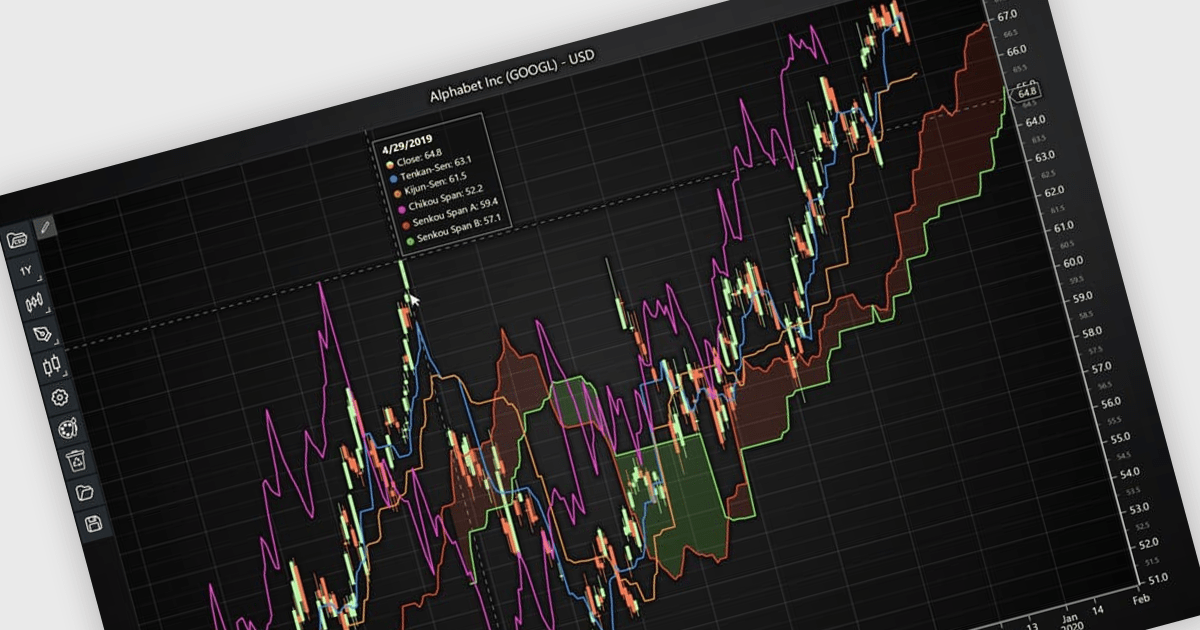
Chart indicators are tools that display calculated data on a chart to help users identify trends, measure momentum, recognize support and resistance levels, and spot potential reversals. By presenting complex market data as clear visual signals, they simplify analysis, support faster decision making, and help users uncover opportunities. Common use cases include tracking trend strength, confirming entry and exit points, and identifying key price levels where market direction may change.
Several JavaScript charting components provide support for indicators within financial charts, including:
For an in-depth analysis of features and price, visit our JavaScript chart components comparison.
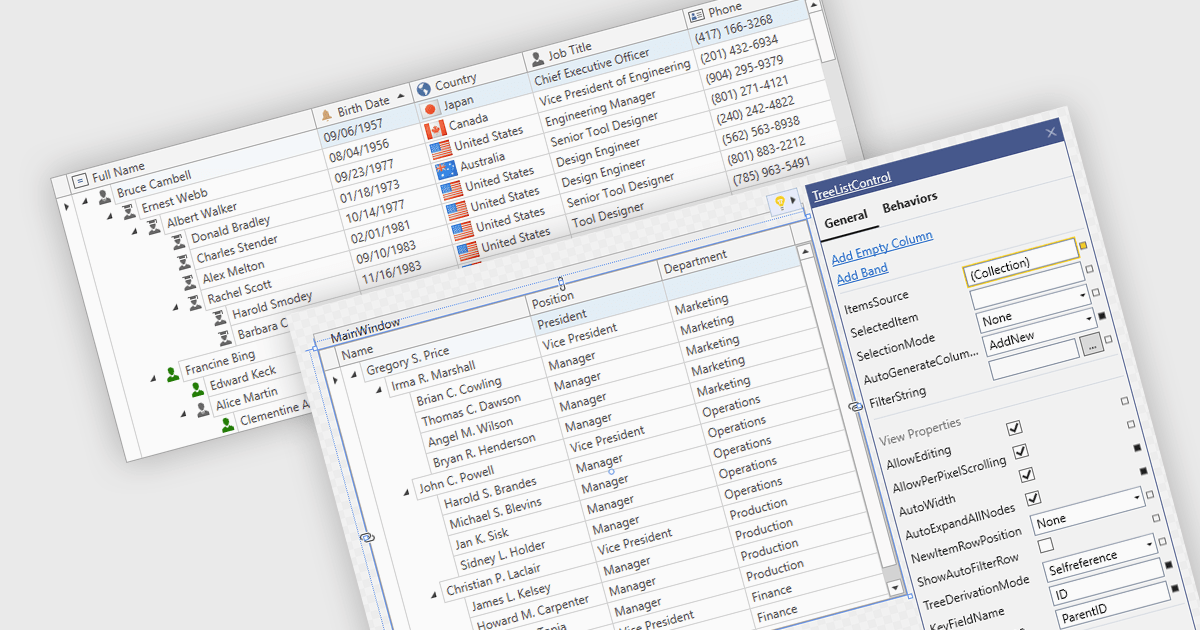
Treelist components present hierarchical data in a tabular format, combining the structure of a tree view with many of the capabilities commonly found in data grids. They allow users to expand and collapse parent-child relationships while viewing multiple data fields within the same interface. Treelists are commonly used to display organizational structures, project task hierarchies, file and folder systems, product categories, and other datasets that contain parent-child relationships. This approach helps organize complex datasets, improves navigation through large hierarchies, and can support tasks such as data viewing, editing, and management without requiring users to switch between different views.
Several WPF UI suites provide you with treelist functionality, including:
For an in-depth analysis of features and price, visit our comparison of WPF UI suites.
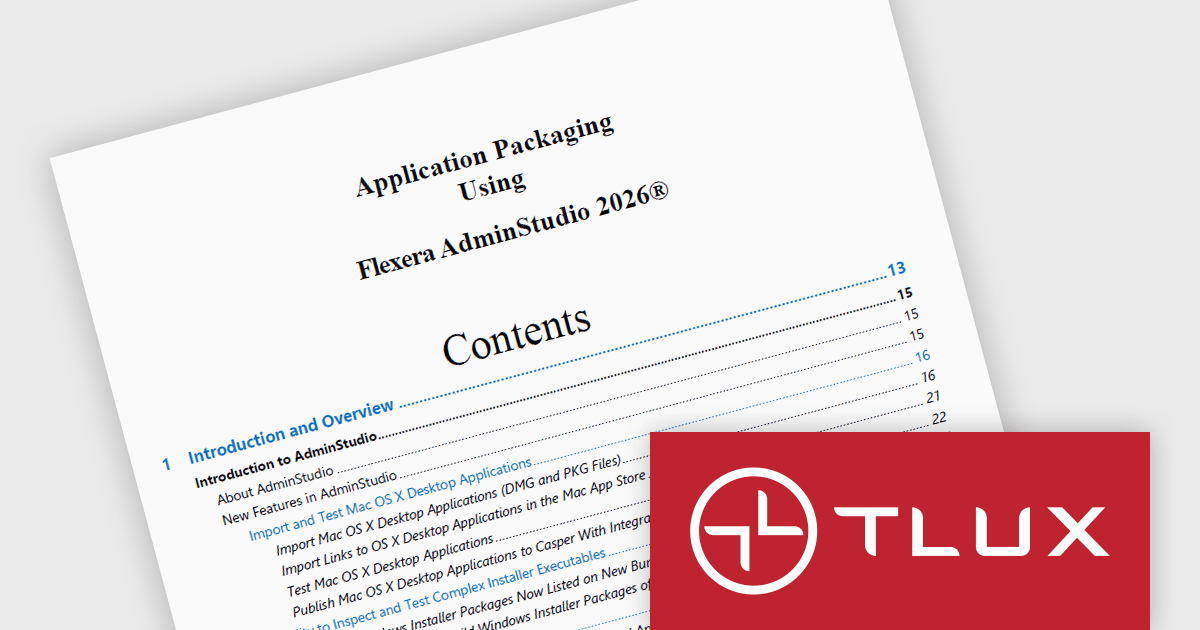
The Application Packaging Using Flexera AdminStudio TLUX Training Course teaches IT professionals how to create, customize, and manage Windows Installer (MSI) packages using Flexera AdminStudio. Participants learn application packaging best practices, how to create transforms for existing third party MSI packages, and how to improve package quality through conflict resolution, validation, and automated testing. This hands on training helps organizations streamline software deployment, reduce application issues, and ensure reliable application delivery across enterprise environments.
The Application Packaging using Flexera AdminStudio TLUX Training Course update helps software developers and application packaging professionals learn how to leverage Windows Sandbox to create clean, isolated environments for application repackaging without the need to configure and maintain dedicated virtual machines. By incorporating this capability into the training, participants can gain practical experience with a faster and more efficient packaging workflow, reducing environment preparation time while improving package consistency and reliability. This knowledge enables teams to improve application deployment processes, minimize infrastructure overhead, and accelerate the delivery of deployment ready software packages across enterprise environments.
To see a full list of what's new in June 2026, see our release notes.
Application Packaging using Flexera AdminStudio TLUX Training Course is licensed on a per-user basis and includes all course material updates for one year. Users must have a valid AdminStudio license or evaluation copy, with minor updates included thereafter and major updates potentially requiring an upgrade purchase. See our Application Packaging using Flexera AdminStudio - TLUX Training Course licensing page for full details.
For more information, see our Application Packaging using Flexera AdminStudio - TLUX Training Course product page.
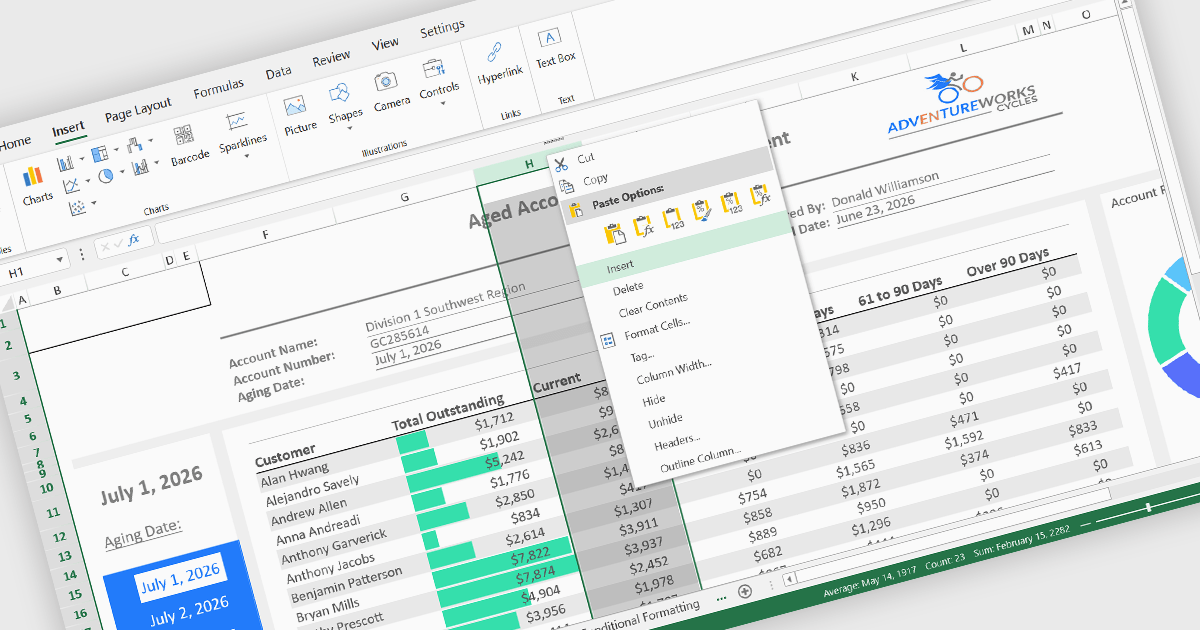
Inserting columns is a fundamental spreadsheet capability that allows users to add new columns at any position within a worksheet without disrupting existing data. This feature helps accommodate changing requirements, making it easier to expand datasets, introduce new calculations, capture additional information, and reorganize content while maintaining the overall structure of the spreadsheet.
Several React spreadsheet controls offer the ability to insert columns, including:
For an in-depth analysis of features and price, visit our React spreadsheet controls comparison.
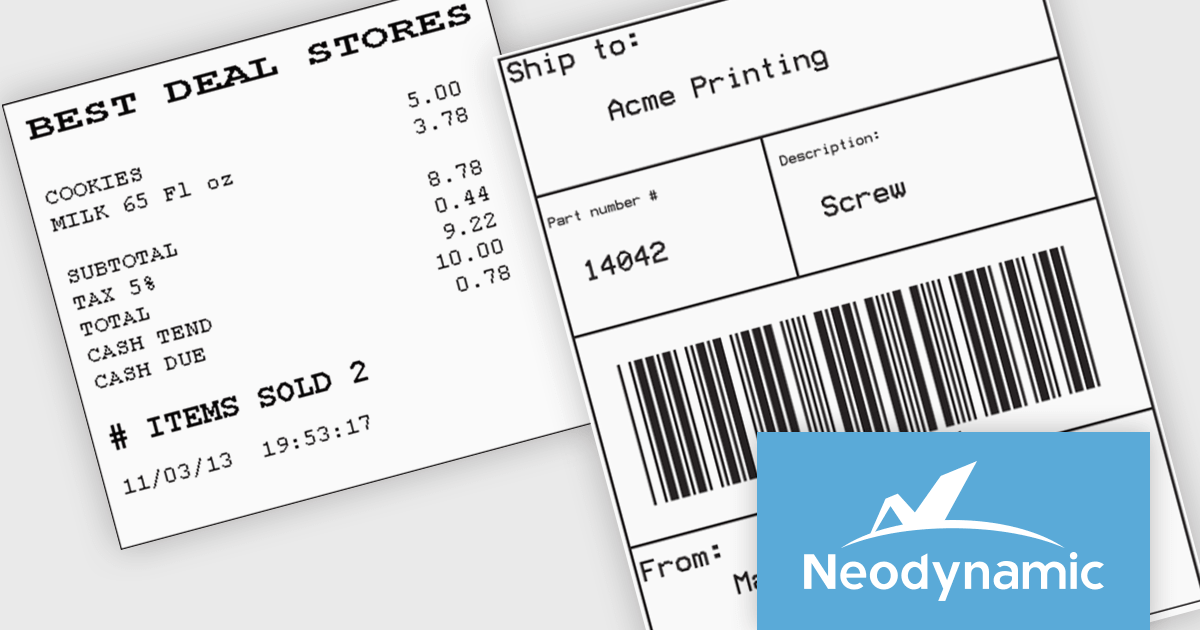
Neodynamic offers two JSPrintManager solutions for client-side printing and scanning in web applications. JSPrintManager for Any Web Platform allows you to integrate printing functionality into any website built with technologies like ASP.NET, PHP, or Blazor using pure JavaScript. Neodynamic also offers JSPrintManager for Blazor which enables you to seamlessly add printing capabilities to your Blazor server or WebAssembly projects with C# code. Both solutions empower you to print various data formats directly from the browser without requiring user interaction with print dialogs.
JSPrintManager is well suited to retail and shipping applications where fast, accurate printing is a critical part of daily operations. Developers can print receipts, invoices, packing slips and shipping labels directly to compatible printers using native command languages, helping to ensure consistent output and optimal performance. Support for carrier-generated labels from UPS, FedEx, USPS and DHL makes it easy to integrate fulfillment and logistics workflows, while compatibility with a wide range of receipt and label printers provides the flexibility needed for point-of-sale, warehouse and distribution environments.
Neodynamic JSPrintManager is licensed per Web App and Web server and is available as a Perpetual license which includes 1 year of free updates and priority support. See our Neodynamic JSPrintManager for Any Web Platform and Neodynamic JSPrintManager for Blazor licensing pages for full details.
Learn more on our Neodynamic JSPrintManager for Any Web Platform and Neodynamic JSPrintManager for Blazor product pages.





Tel: (888) 850 9911
Fax: +1 770 250 6199


