








Official Supplier
As official and authorized distributors, we supply you with legitimate licenses directly from 200+ software publishers.
See all our Brands.
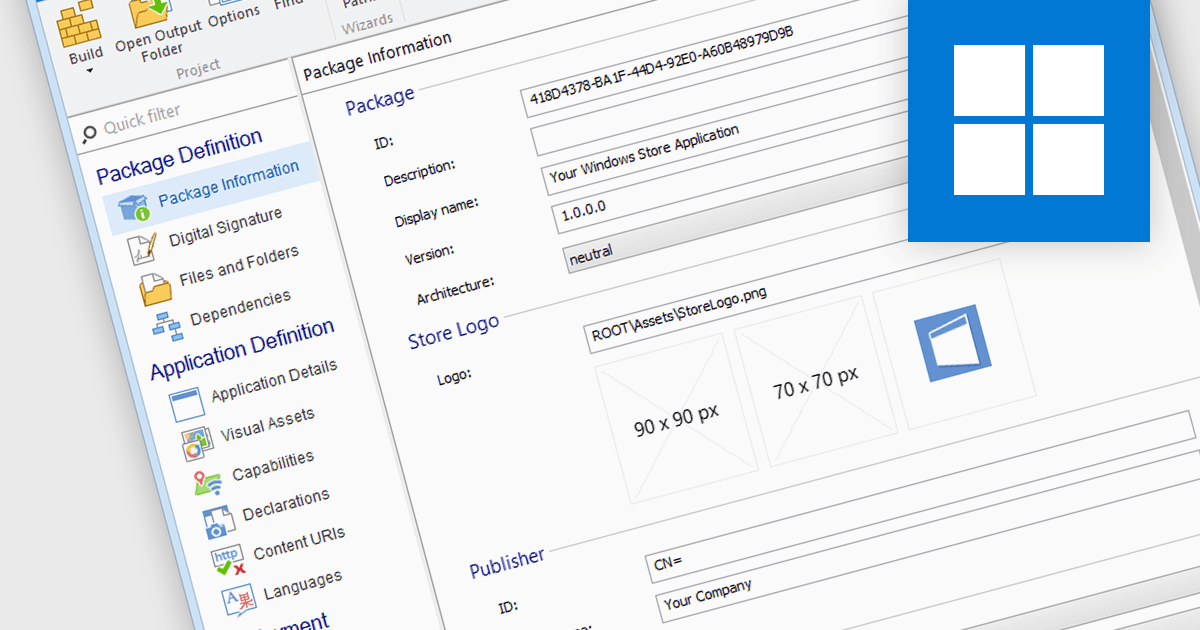
Microsoft Store Apps, also known as Universal Windows Platform (UWP) apps, use a special development framework to enable distribution via the Microsoft Store (formerly known as the Windows Store). This simplifies the installation procedure for end users, eliminates the need for manual setup scripts, and ensures compatibility with a variety of Windows devices. Software developers who use the UWP strategy benefit from a centralized distribution channel, simpler deployment, and a larger potential audience. Using installation tools to package your programs as MSIX or APPX files makes it easier to submit compliant applications to the Microsoft Store.
Several Installation Tools offer packaging for Microsoft Store Apps including:
For an in-depth analysis of features and price, visit our comparison of Installation Tools.
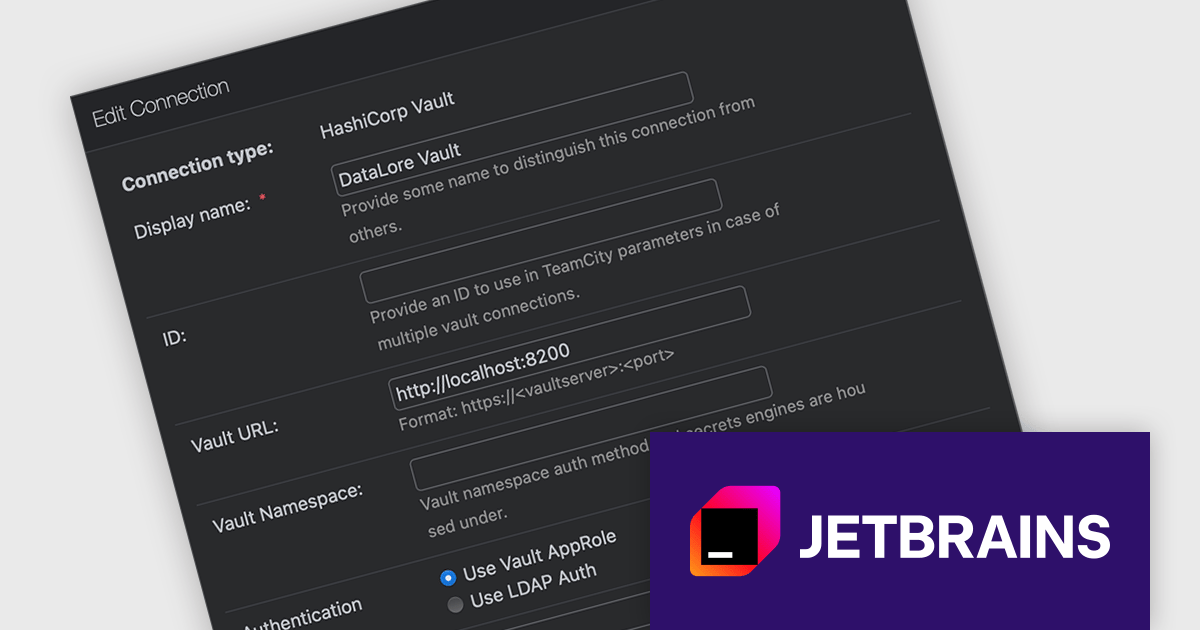
TeamCity Cloud by JetBrains is a hosted continuous integration (CI) platform that eliminates the need for software developers to manage and maintain physical servers for build pipelines. It offers pre-configured build agents or the option to connect your own, facilitating integration with popular build tools and test frameworks. TeamCity Cloud streamlines the CI process by automating builds and tests, optimizing resource allocation, and providing secure artifact storage – all accessible through a user-friendly web interface.
Starting with TeamCity Cloud version 2024.03, the HashiCorp Vault Support plugin is now included as a standard feature, simplifying how you manage sensitive data within your builds. HashiCorp Vault is a secure secrets management tool that centralizes and encrypts sensitive information like API keys, passwords, and certificates. By integrating TeamCity with Vault, you can reference these secrets using TeamCity parameters during the build process without storing them directly in your build scripts or configuration files. This not only enhances security by eliminating sensitive data exposure in your code, but also streamlines secret management for your development teams.
To see a full list of what's new in version 2024.03, see our release notes.
TeamCity Cloud is licensed per Committer, and is available as a commercial annual license. See our TeamCity Cloud licensing page for full details.
For more information, visit our TeamCity Cloud product page.
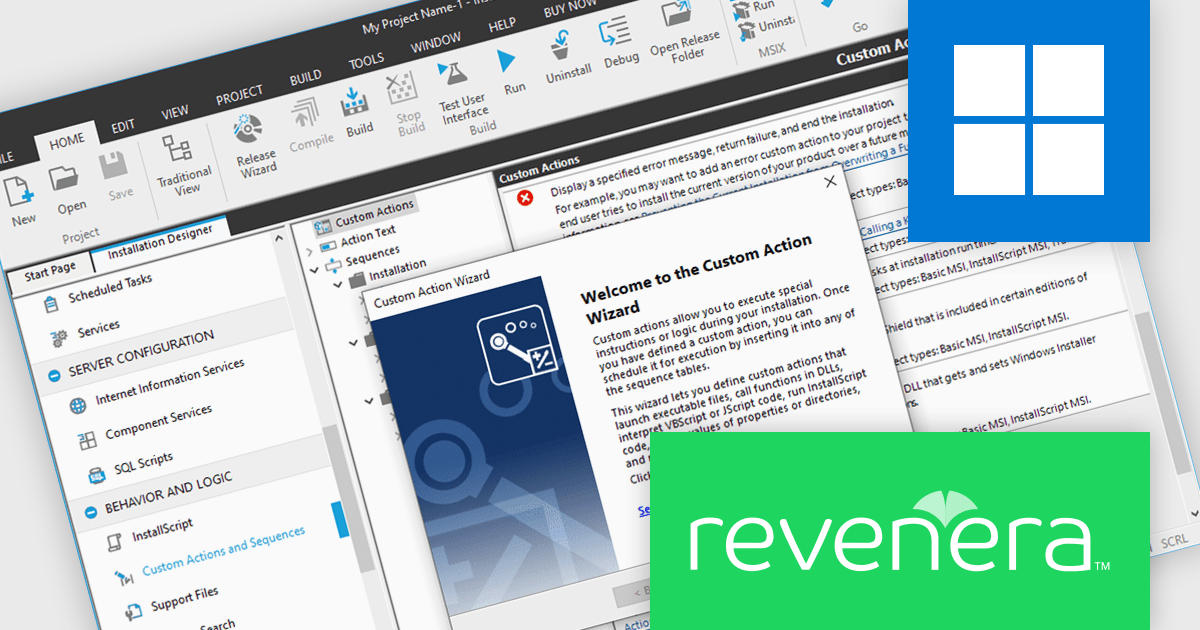
InstallShield by Revenera is a leading Windows installation development solution that specializes in building installers and managing software packages. InstallShield offers a streamlined interface and comprehensive features, enabling developers to efficiently create professional installers, configure prerequisites, manage updates, and customize the installation experience for diverse user needs.
InstallShield 2024 R1 introduces exciting support for .NET Core custom actions. This means you can now leverage the power of .NET Core within your installation workflows. Through the Custom Actions and Sequences view, you can effortlessly add .NET Core custom actions to your project. These actions execute public methods within .NET assemblies written in familiar managed languages like C# or Visual Basic .NET. This new feature grants you more flexibility and control during the installation process, allowing you to seamlessly integrate custom functionalities written in .NET Core.
To see a full list of what's new in version 2024 R1, see our release notes.
InstallShield is licensed per user and is available as a 3 Year Timed Subscription. See our InstallShield Professional licensing page or InstallShield Premier licensing page for full details.
For more information, visit our InstallShield Professional or InstallShield Premier product pages.

AdminStudio, by Flexera, empowers IT teams to seamlessly and securely package and deploy applications across various platforms. This comprehensive suite automates key processes, from building new packages to testing compatibility and mitigating risks, ensuring efficient and reliable software distribution within your organization. Whether managing physical or virtual applications, AdminStudio simplifies the entire journey, from initial packaging to endpoint delivery, ultimately driving greater efficiency and minimizing deployment risks.
AdminStudio 2024 introduces a game-changing capability for migrating applications from Configuration Manager (ConfigMgr) to Microsoft Intune. The new Bulk Migration Wizard button simplifies this process for organizations looking to move their applications to the cloud. This wizard streamlines the migration of multiple applications at once, converting them from their ConfigMgr format to the compatible intunewin format required by Intune. With a few clicks, you can publish these converted applications directly to Intune, saving you significant time and effort compared to manual migration.
To see a full list of what's new in version 2024, see our release notes.
AdminStudio is licensed per user and is available as a 3 Year Timed Subscription. See our AdminStudio Professional or AdminStudio Enterprise licensing pages for full details.
For more information, visit our product pages:
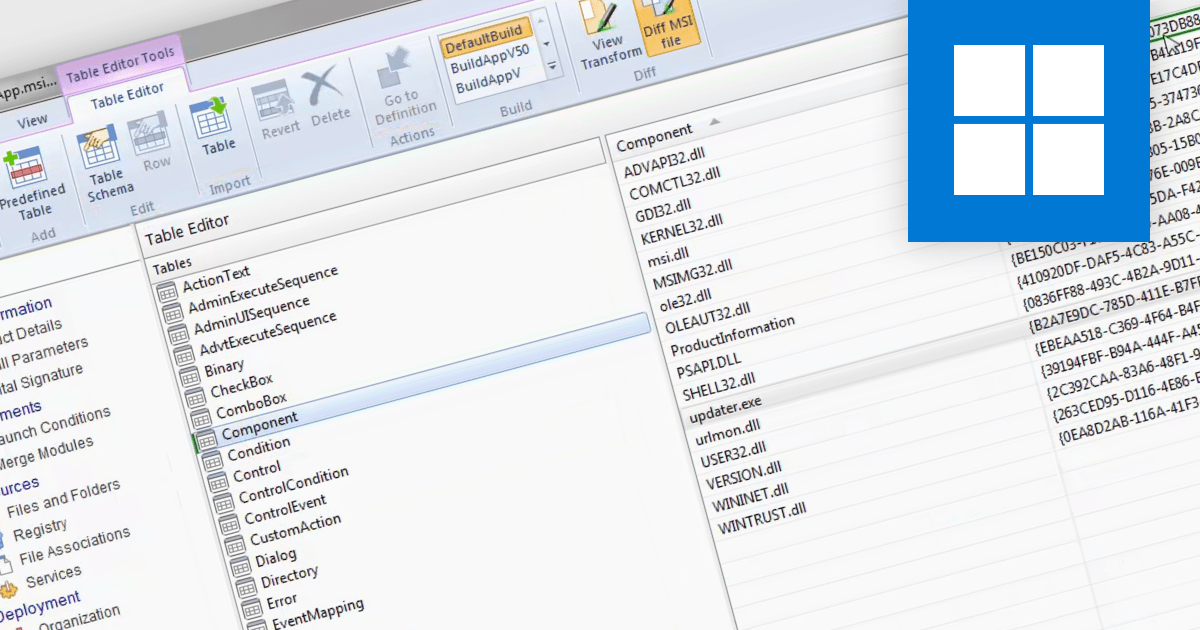
The ability to compare MSI files using an installation tool allows you to identify and analyze the differences between two Microsoft Installer (MSI) files, which are packages used for software installation on Windows. This functionality is particularly valuable for system administrators or developers who need to manage multiple versions and understand the specific changes between different versions of a software installer. By comparing the MSI files, they can identify modifications made to files, registry entries, and other installation configurations. Doing so ensures a smooth transition during updates, aids in troubleshooting potential issues, and maintains accurate documentation of software changes, ultimately enhancing the efficiency and reliability of software deployment processes.
Several installation tools allow you to compare MSI files, including:
For an in-depth analysis of features and price, visit our comparison of installation tools.





Tel: (888) 850 9911
Fax: +1 770 250 6199


