








Official Supplier
As official and authorized distributors, we supply you with legitimate licenses directly from 200+ software publishers.
See all our Brands.

AdminStudio is a complete application readiness solution that helps you identify and mitigate issues before deploying. You can use AdminStudio tools to repackage applications and convert packages to virtual formats, then thoroughly test them to ensure that they are ready for deployment across your Enterprise.
Version 2023 R2 includes a new feature called Package Automation Workflows which allows you to configure a series of steps that will be carried out automatically when a new version of an application becomes available. This can be useful for automating tasks such as importing the package, testing, wrapping, converting, and publishing it. Multiple Package Automation Workflows can be configured, with a default set for all new package requests. This makes it easier than ever to automate your application packaging process and ensure that new versions are processed quickly and efficiently.
To see a full list of what's new in version 2023 R2, see our release notes.
AdminStudio is available to buy in the following products:
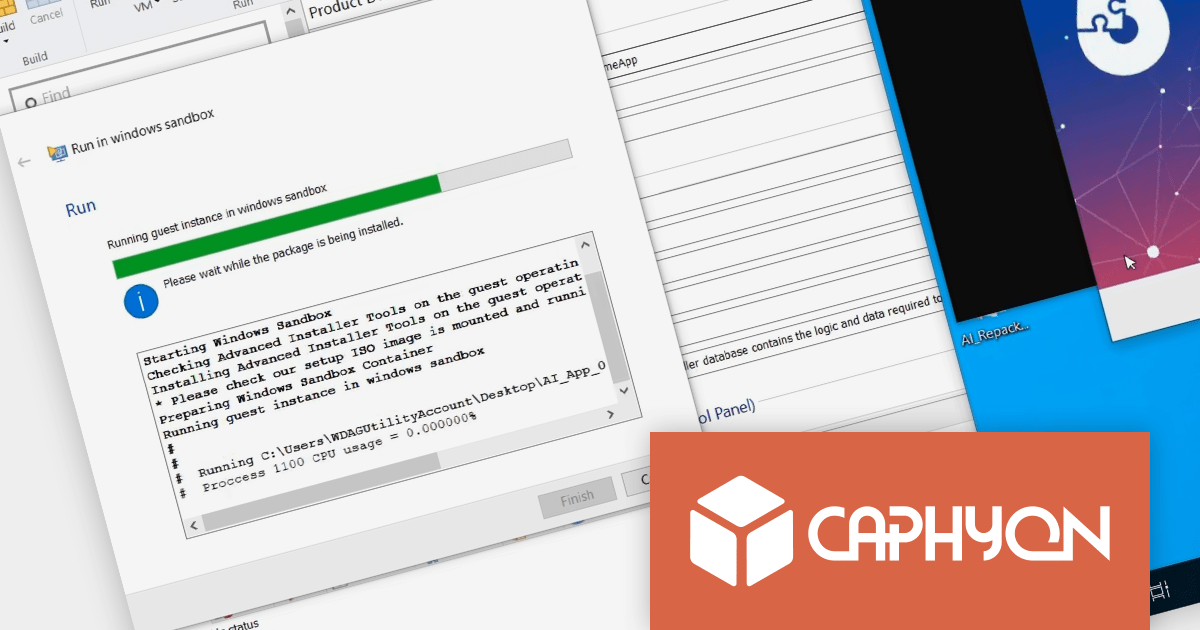
Advanced Installer by Caphyon is a powerful and easy-to-use Windows Installer authoring tool that helps you create reliable installation packages for your software applications. It can be used to create MSI, EXE, and MSIX packages.
Microsoft Windows Sandbox is a virtualization feature that creates a temporary, isolated desktop environment where you can run software safely, without risking your host operating system. It is similar to a virtual machine, but it is much more lightweight and starts up much faster.
Testing installation packages with Advanced Installer 21.1 is as simple as selecting the "Run in Windows Sandbox" option. Windows Sandbox is much faster than traditional virtual machines, so you can test your installations much more quickly. It is also a secure environment that isolates your tests from your host system, so any problems that occur during testing will not impact your production environment. It is also easy to use and manage, so you can create and discard sandboxes as needed without having to worry about managing or deleting virtual machines.
To see a full list of what’s new in version 21.1, see our release notes
For more information, visit our Advanced Installer product pages:
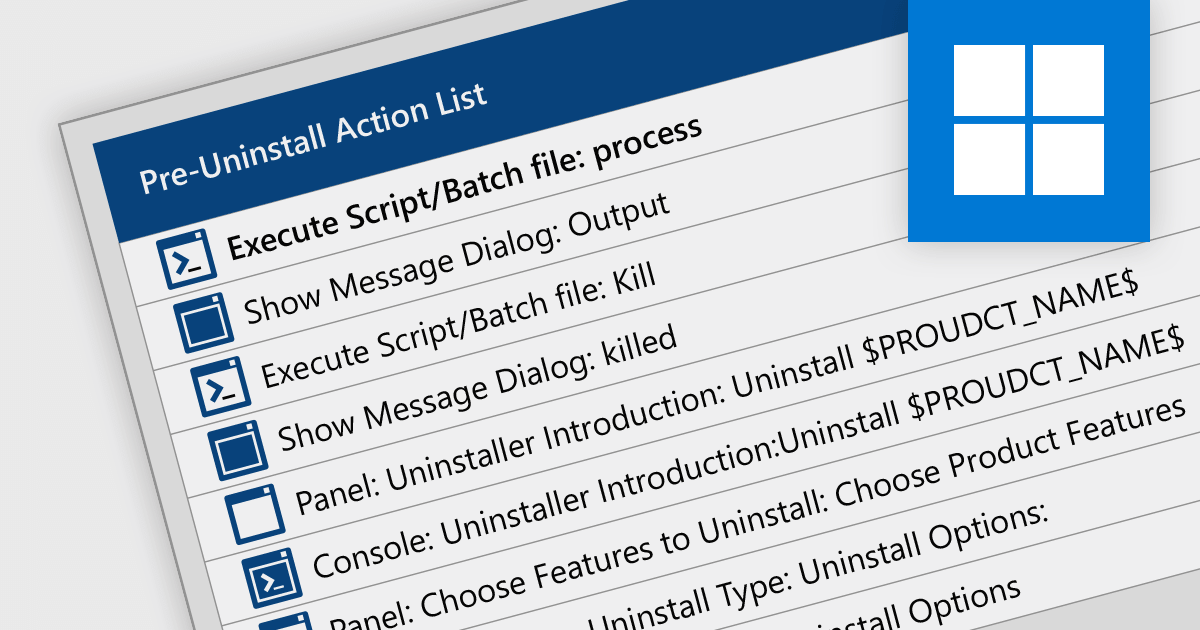
Scripting uninstallations allows you to automate the software uninstallation process using scripts or command-line instructions. Instead of manually removing software, it allows for the creation and execution of scripts that can uninstall applications in a predictable and reliable manner. This approach enables system administrators or users to streamline the uninstallation process, saving time and effort, particularly in enterprise environments where multiple software installations need to be managed.
The following installation tools support scriptable uninstallation:
For an in-depth analysis of features and price, visit our comparison of installation tools.
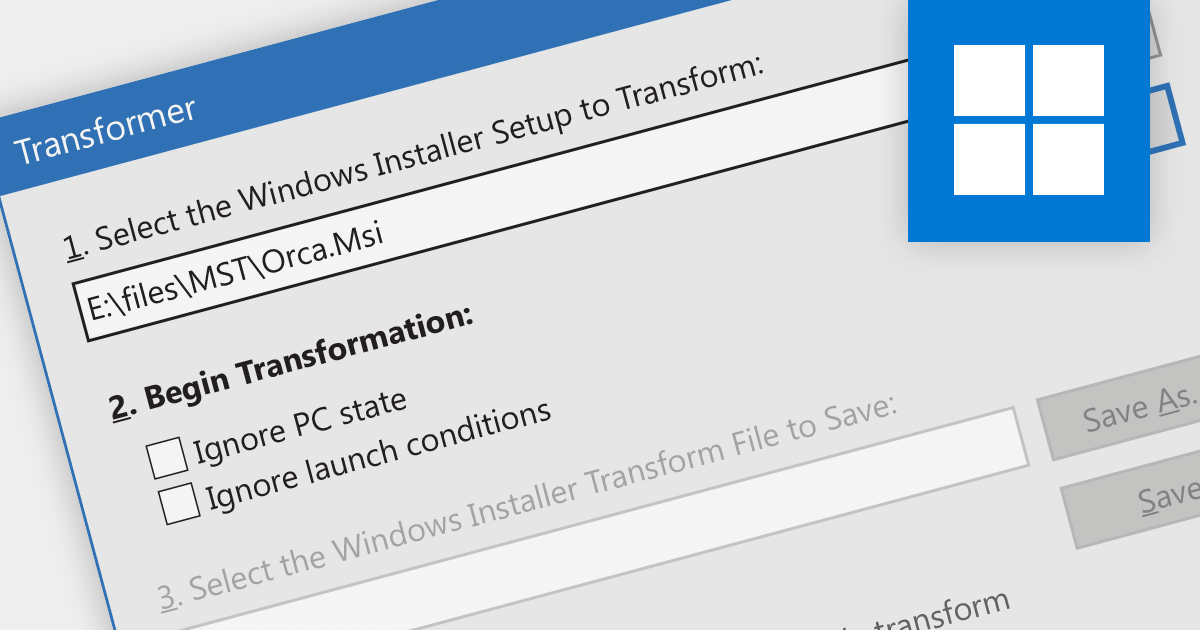
Creating an MST (Microsoft Transform file format) involves creating a file that contains modifications to be made to MSI installation packages. These transforms optimize the installation process by tailoring settings and configurations to suit specific target environments. By using MST transforms, developers can efficiently adapt their software installations for different systems, ensuring a smooth and seamless deployment experience while reducing overall costs and resource usage.
Several installation tools provide MST transform functionality, including:
For an in-depth analysis of features and price, visit our comparison of installation tools.





Tel: (888) 850 9911
Fax: +1 770 250 6199


