








Official Supplier
As official and authorized distributors, we supply you with legitimate licenses directly from 200+ software publishers.
See all our Brands.
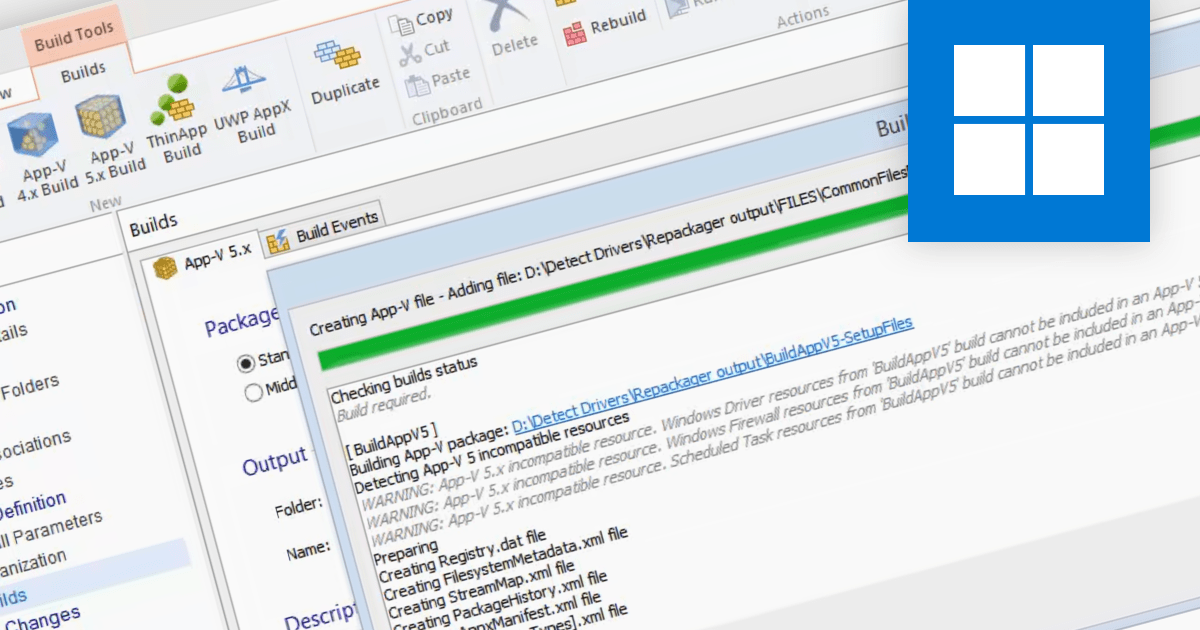
Microsoft App-V is an application virtualization solution that enables organizations to deploy applications to users without installing them directly on their computers. This is done by packaging the application into a virtual container that includes all of the application's files and dependencies. When a user launches the application, it is streamed from a central server to the user's computer. It reduces the time and effort required to deploy applications, avoids conflict between applications on the end user's machine, provides a centralized management console and improves security by keeping apps separate from each other.
Several Installation Tools support Microsoft App-V including:
For an in-depth analysis of features and price, visit our Installation Tools comparison.
TeamCity is a versatile CI/CD tool that empowers teams to implement seamless continuous integration, continuous delivery, and continuous deployment within their DevOps workflows.
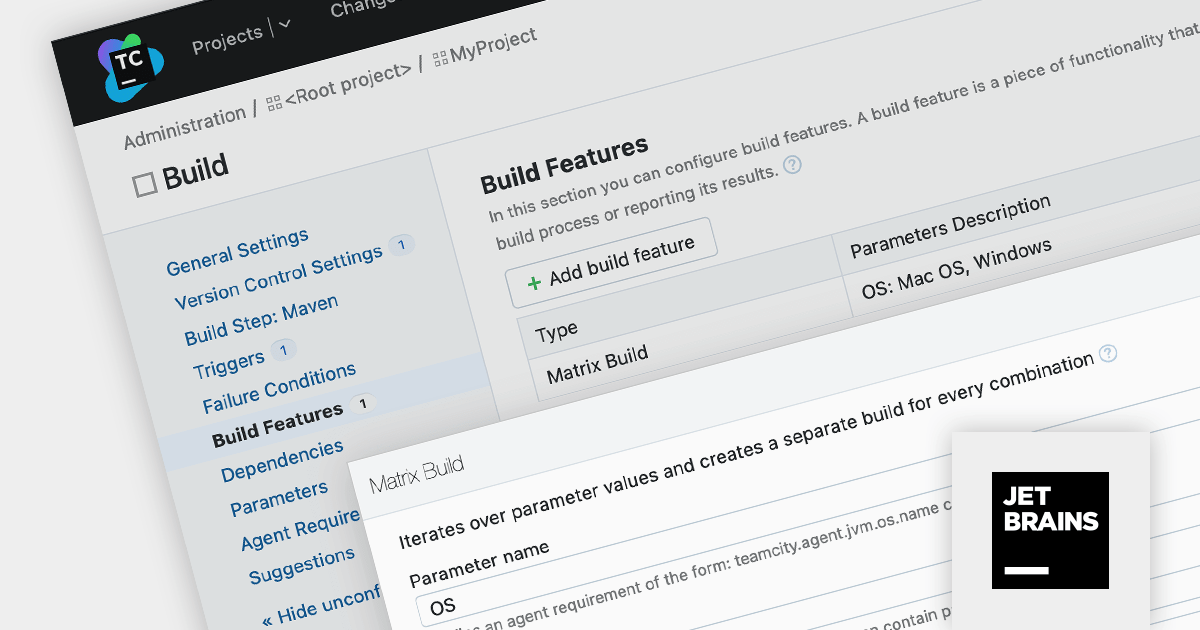
TeamCity Version 2023.11 introduces Matrix Builds, a dynamic build system that generates separate builds based on varying configuration parameters. Each unique parameter combination triggers a distinct build configuration, forming a matrix of individual builds that run independently.
Matrix Builds are particularly advantageous for testing software across diverse configurations, such as operating systems or browser versions. By defining a matrix of build configurations, you can execute the same test suite across multiple parameter combinations within a single build configuration, streamlining the review process and facilitating the resolution of compatibility issues.
To see a full list of what's new in version 2023.11, see our release notes.
For more information, visit our TeamCity product page.
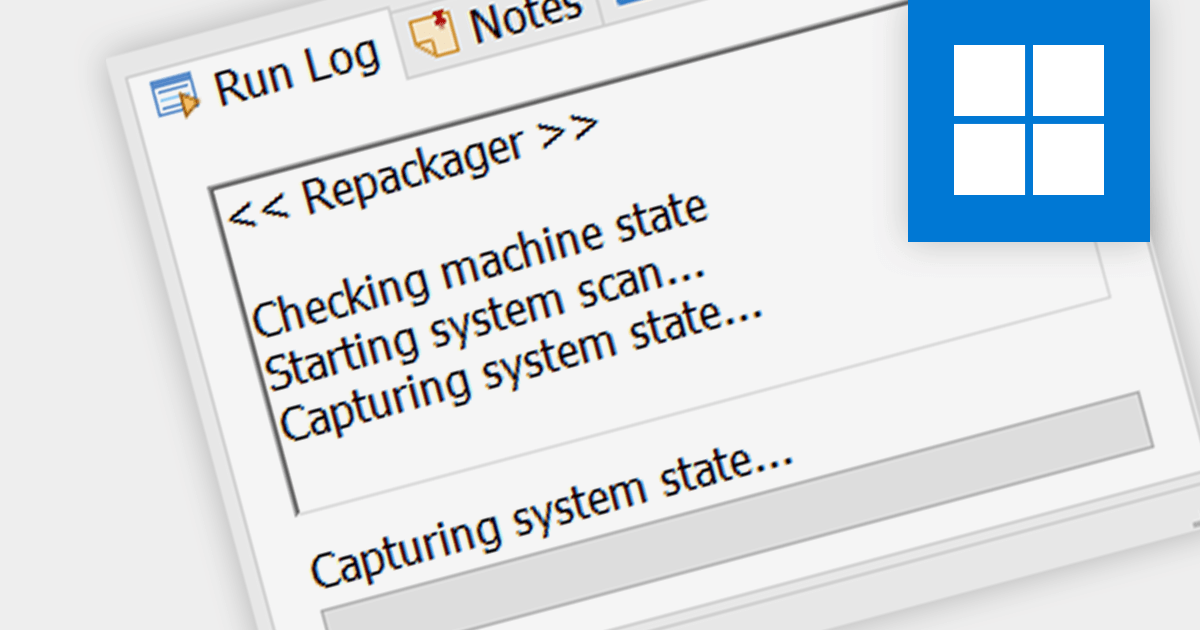
In the context of installation tools, capturing snapshots refers to the capability to record the state of a system before and after software installation. This is crucial for developers and system administrators to understand the changes an installation makes, allowing for a clean uninstallation process and aiding in troubleshooting any issues that arise due to changes in system files or registry settings.
Several Installation Tools support capturing snapshots including:
For an in-depth analysis of features and price, visit our Installation Tools comparison.
Advanced Installer by Caphyon is a powerful and versatile Windows installer authoring tool that enables developers and IT professionals to create professional-grade installation packages for their software applications. It offers a comprehensive set of features for building installers that are reliable, efficient, and compliant with industry standards.
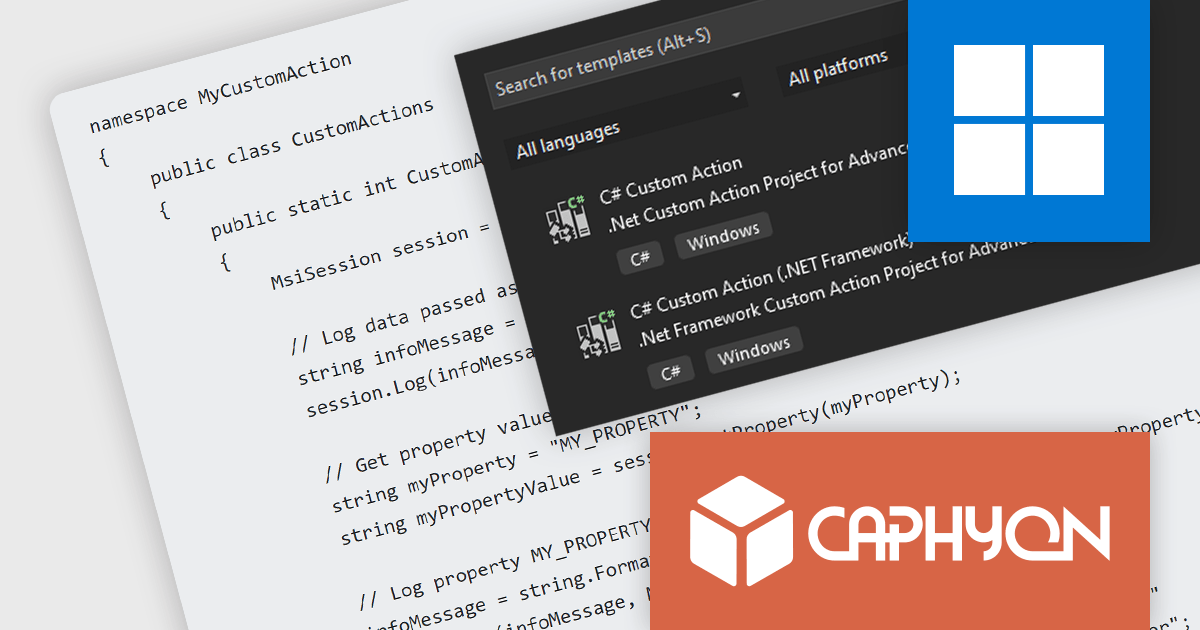
The Advanced Installer V21.2 release adds the ability to run .NET and .NET Framework code as a predefined custom action. This allows users to automate complex configuration tasks, streamline the integration of third-party .NET components, and debug and test their installation processes.
To see a full list of what’s new in version 21.2, see our release notes
For more information, visit our Advanced Installer product pages:
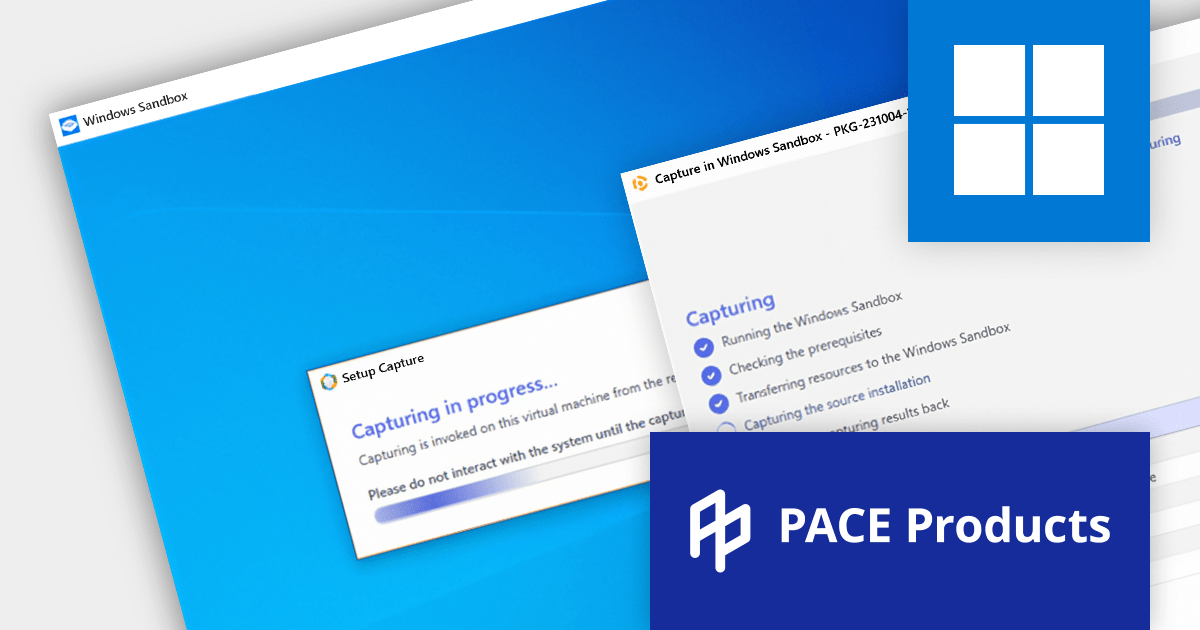
PACE Suite is a comprehensive packaging solution that streamlines the rapid deployment of projects of any scale. Catering to everyone from freelancers to large development companies, it offers a suite of tools for crafting software packages and effortlessly managing future updates.
Version 6.1 supports capturing installations from Microsoft Windows Sandbox, an integrated Windows OS feature that offers a temporary desktop environment for the secure, isolated execution of applications.
Windows Sandbox is quick to start and close, requiring no installation or configuration. It optimizes the use of host system resources, making it more efficient than a standard virtual machine. Using the Windows Sandbox feature in PACE Suite simplifies the capture process, saving significant time and effort.
To see a full list of what's new in version 6.1, see our release notes.
For more information, visit our PACE Suite product page.





Tel: (888) 850 9911
Fax: +1 770 250 6199


