








Official Supplier
As official and authorized distributors, we supply you with legitimate licenses directly from 200+ software publishers.
See all our Brands.

RadiantQ is a globally recognized developer of high-quality .NET-based UI components, with a clear focus on delivering robust scheduling and planning solutions. Their suite of products empowers developers to create sophisticated project management and resource scheduling interfaces within modern applications. Their offerings span a range of platforms, making them a go-to partner for organizations building cross-platform enterprise solutions.
At the core of RadiantQ’s product line is RadiantQ WPF Gantt, a powerful control set built natively in WPF for performance and elegance. With features like effort-driven scheduling, progress tracking, localization, flexible printing, and intuitive data binding, developers gain a complete toolkit for building dynamic, enterprise-grade scheduling applications.
Through its partnership with RadiantQ, ComponentSource is able to extend a compelling catalog of UI components to its global customer base. By offering RadiantQ’s specialized Gantt solutions, ComponentSource addresses a niche for customers seeking advanced project visualization tools, while ensuring worldwide access, licensing support, and regional purchasing convenience. This collaboration reinforces ComponentSource’s role as a trusted distributor of software components from leading vendors around the world.
RadiantQ WPF Gantt is licensed per named developer. It allows royalty-free distribution within your organization. It includes a one-year subscription with support and updates, while the Source Edition adds full source code and priority support. See our RadiantQ WPF Gantt licensing page for more details.
Learn more on our RadiantQ brand page.
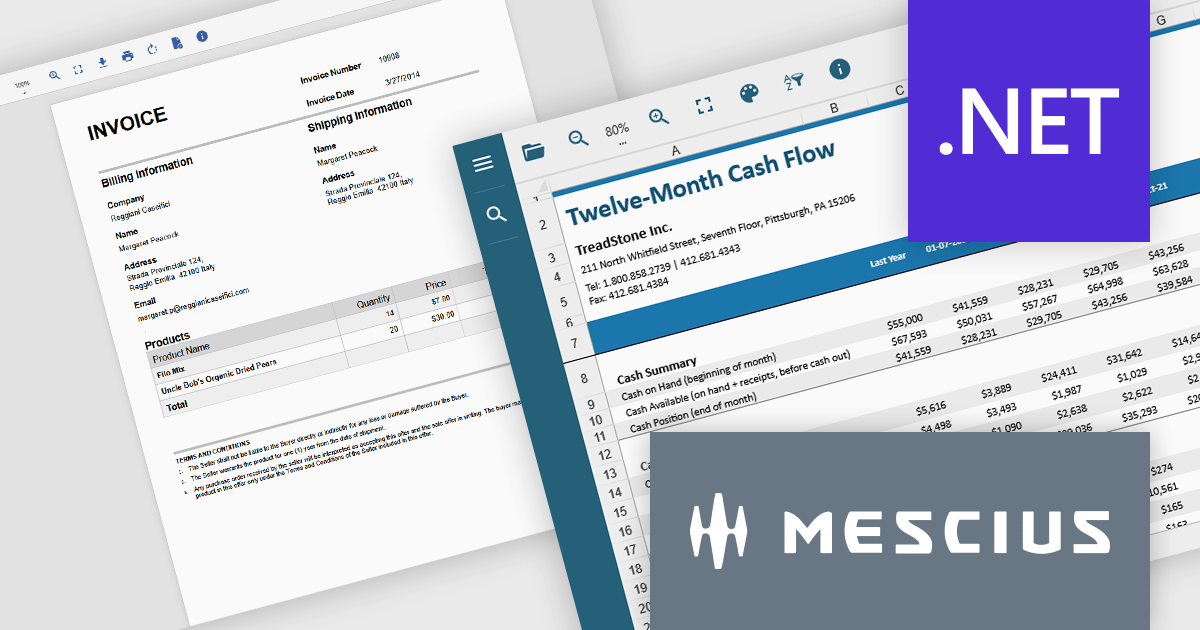
Document Solutions .NET Bundle by MESCIUS is a complete suite of APIs and viewing tools that enhance document processing and improve efficiency. It includes Documents for Excel, Word, PDF, and Imaging, plus standard licenses for the PDF Viewer, Data Viewer, and Image Viewer. Combining powerful .NET APIs with responsive JavaScript-based viewers, it enables creating, editing, converting, and displaying multiple document formats within applications. This unified solution delivers fast, reliable, and secure document handling, making it ideal for enterprise document management, automated reporting, digital archiving, and collaborative review across devices and platforms.
The Document Solutions .NET Bundle offers a versatile range of tools to handle every stage of the document lifecycle, from creation and editing to viewing and distribution. With dedicated APIs for Excel, Word, PDF, and imaging, developers can implement advanced capabilities such as data manipulation, text extraction, format conversion, image processing, and PDF generation directly within their applications. The included PDF Viewer, Data Viewer, and Image Viewer provide rich, interactive experiences for end users, enabling smooth navigation, zooming, searching, and annotation.
MESCIUS has created a detailed feature breakdown to highlight Document Solutions performance and total cost of ownership compared with other solutions. You can view the Document Solutions Product Comparison now.
By integrating both powerful back-end processing and intuitive front-end viewing, the bundle reduces the need for multiple third-party components, simplifies development, and delivers consistent, high-quality document interactions across platforms.
Document Solutions .NET Bundle is licensed per developer and is available in several license options for differing distribution needs. Team licenses are also available for multiple developers within the same organization. See our Document Solutions .NET Bundle licensing page for full details.
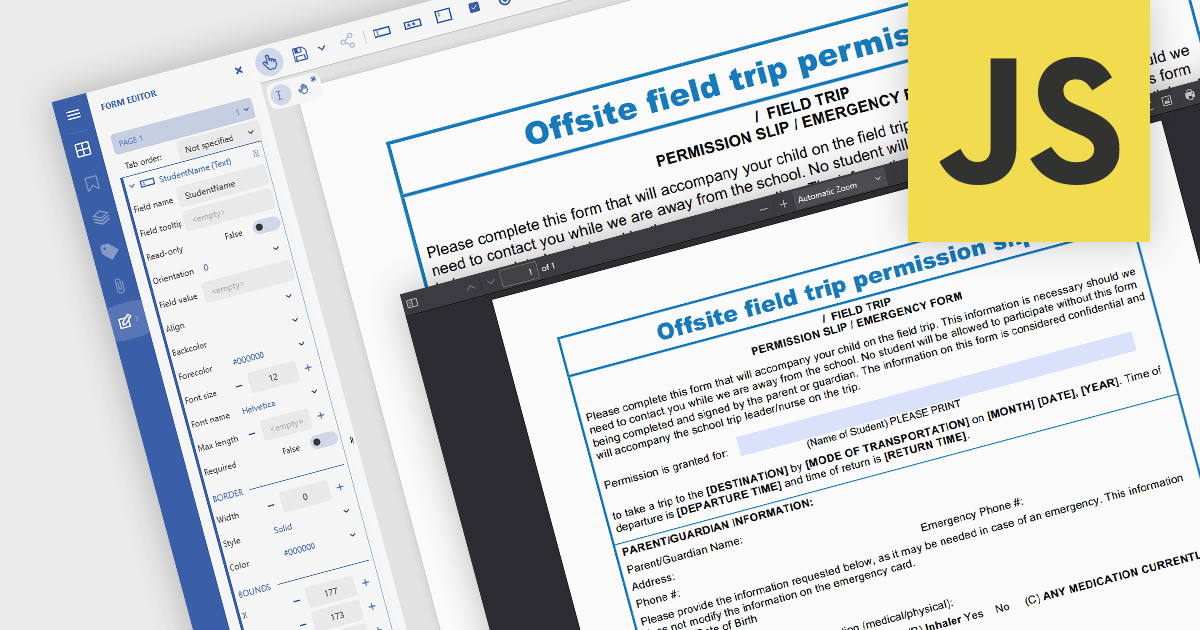
In JavaScript-based PDF viewers, the ability to add, edit, remove, and rename form fields within Acrobat-style PDF forms allows developers and users to dynamically manage form structure and content directly within the browser. This functionality enables real-time customization of interactive PDF documents without requiring external PDF editors. By supporting operations like inserting new text fields, adjusting existing ones, deleting unused fields, or updating field names to match data schemas, this feature significantly enhances the flexibility and usability of PDF forms. It benefits workflows such as document automation, digital signatures, and data collection, particularly in applications where user-driven or programmatic form manipulation is essential for tailoring documents to specific tasks or data sources.
Several JavaScript PDF viewer components allow you to add, edit and remove form fields from PDF forms, including:
For an in-depth analysis of features and price, visit our comparison of JavaScript PDF viewer components.
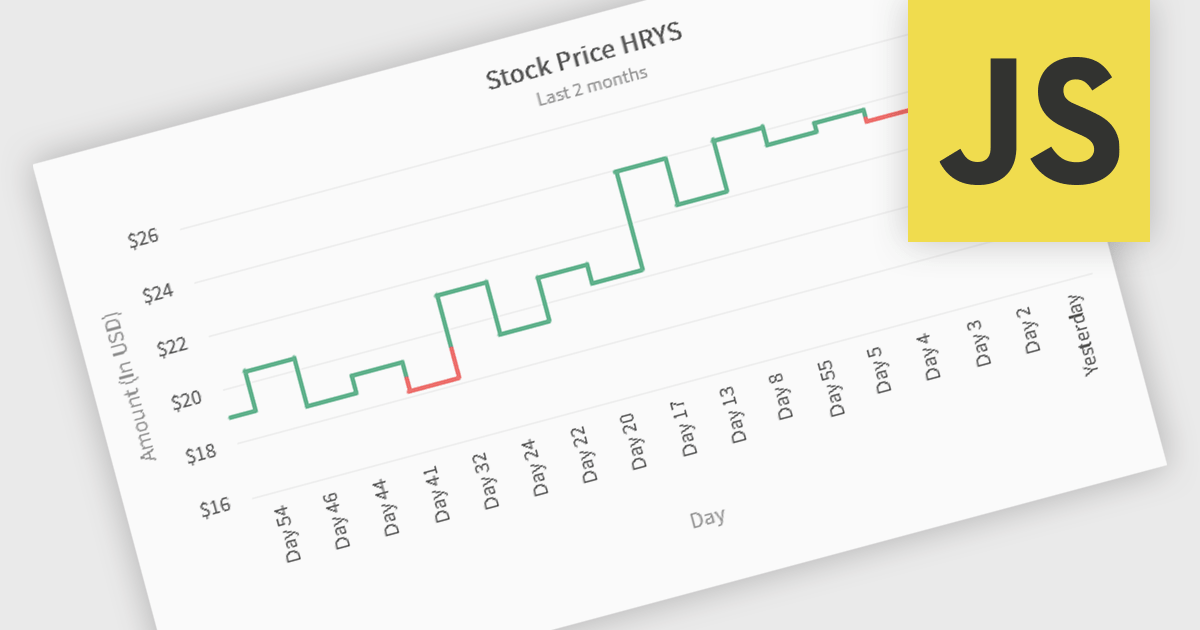
Kagi charts are a technical analysis tool that display price movement through vertical lines, ignoring time to focus on significant price changes. Thick lines indicate rising demand when prices break above previous highs, while thin lines signal increased supply when prices fall below previous lows. This clear visual format helps traders filter out noise, identify trends, and spot key breakouts or reversals. Ideal for analyzing market sentiment, Kagi charts are used across stocks, forex, and commodities to support confident, data-driven trading decisions.
Several JavaScript chart components provide Kagi charts, including:
For an in-depth analysis of features and price, visit our JavaScript charts comparison.
SmartClient is a powerful JavaScript component suite compatible with React, Vue, Angular, and more, designed for building large-scale, high-performance web apps. It offers advanced UI components, dynamic data handling, customizable grids, and responsive design. Ideal for enterprise use cases like financial analytics and real-time reporting, SmartClient supports seamless backend integration and delivers optimized performance and scalability.
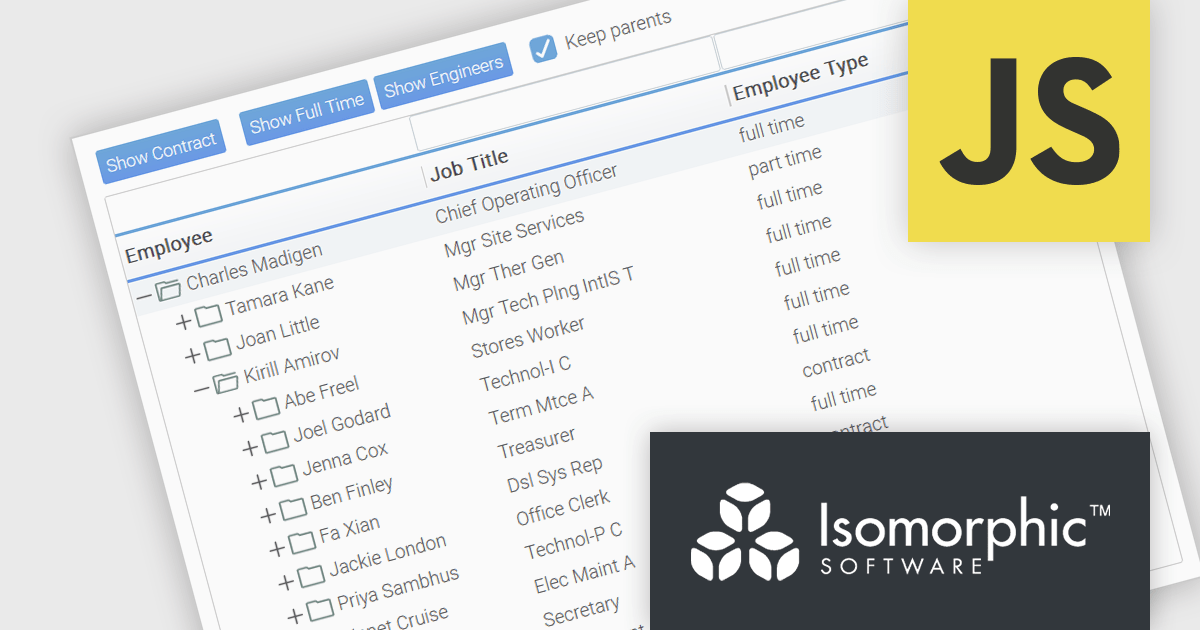
SmartClient has enhanced hierarchical data handling with the included KeepParentsOnFilter setting, ensuring that parent nodes remain visible in filtered views, even when data is loaded dynamically. It loads "skeleton branches" via a complex client-driven algorithm, automatically managed by SmartClient, to maintain high performance without preloading the entire tree, meaning it doesn't require server-side programming. This is particularly useful in large datasets with load-on-demand trees, as it allows users to maintain full visibility into the structure of filtered results without losing context. By preserving the hierarchical path to matching records, this feature improves usability and clarity in tree-based components, especially in applications where understanding the parent-child relationship is critical.
SmartClient is licensed per developer and is available as both perpetual and subscription licenses. Product updates and technical support is also available. See our SmartClient licensing page for full details.
For more information, visit our SmartClient product page.





Tel: (888) 850 9911
Fax: +1 770 250 6199


