








Official Supplier
As official and authorized distributors, we supply you with legitimate licenses directly from 200+ software publishers.
See all our Brands.

Barcodes are embedded machine-readable symbols that encode data points directly within reports. This allows developers to streamline data tracking and integration with external systems by providing a scannable representation of key information alongside the human-readable report. Scanning barcodes enables quick and easy data capture instead of error prone manual data entry. Embedded barcodes allow for effortless item identification and tracking throughout processes like supply chain management or inventory control. Users can instantly access detailed information associated with the encoded data, streamlining information retrieval.
Several .NET Reporting controls include Barcodes including:
For an in-depth analysis of features and price, visit our comparison of .NET Reporting Controls.
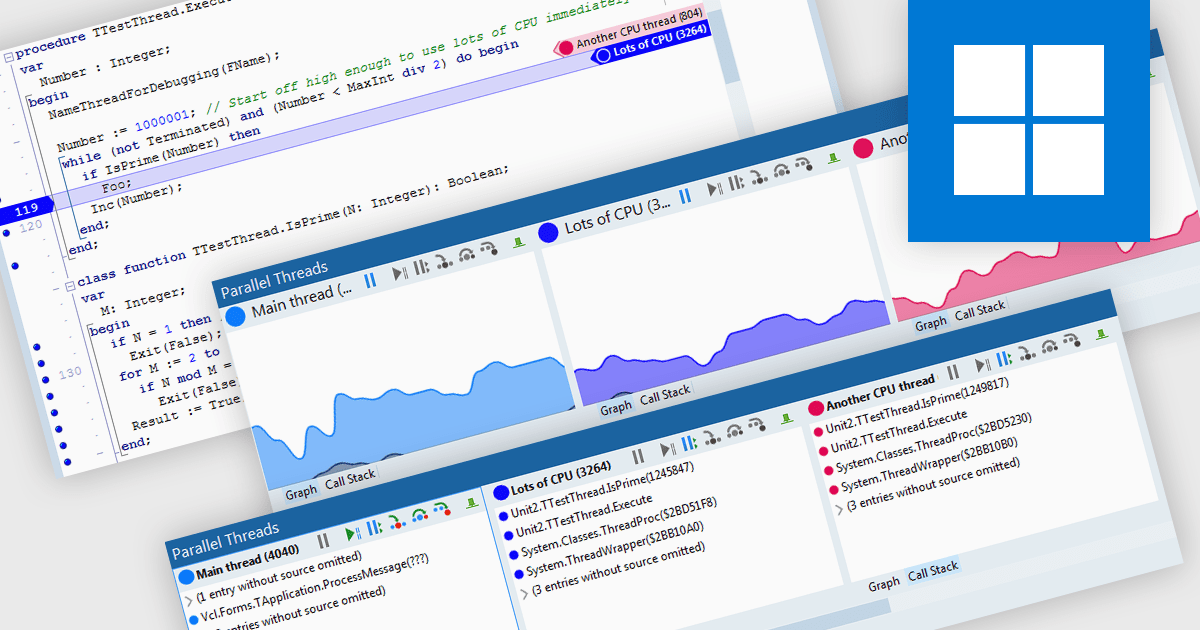
Code threading enables concurrent execution of multiple tasks within a single program, sharing resources. Each thread acts as an independent mini-program, often implemented through subroutine calls. This approach improves application responsiveness (for example syntax highlighting while compiling code) and CPU utilization but necessitates careful debugging due to complexities in thread scheduling. Debugging threaded code is crucial for ensuring software reliability and performance as it tackles issues arising from interactions and timing between these concurrent threads.
Several integrated development environments allow you to debug threaded code, including:
For an in-depth analysis of features and price, visit our comparison of IDEs.
MadCap Flare is a technical authoring tool designed to streamline the creation and delivery of software documentation. It utilizes a single-source, topic-based approach, allowing developers to create reusable content that can be published in various formats, including online help systems, PDFs, and mobile apps. This facilitates efficient documentation management and ensures consistency across different outputs.
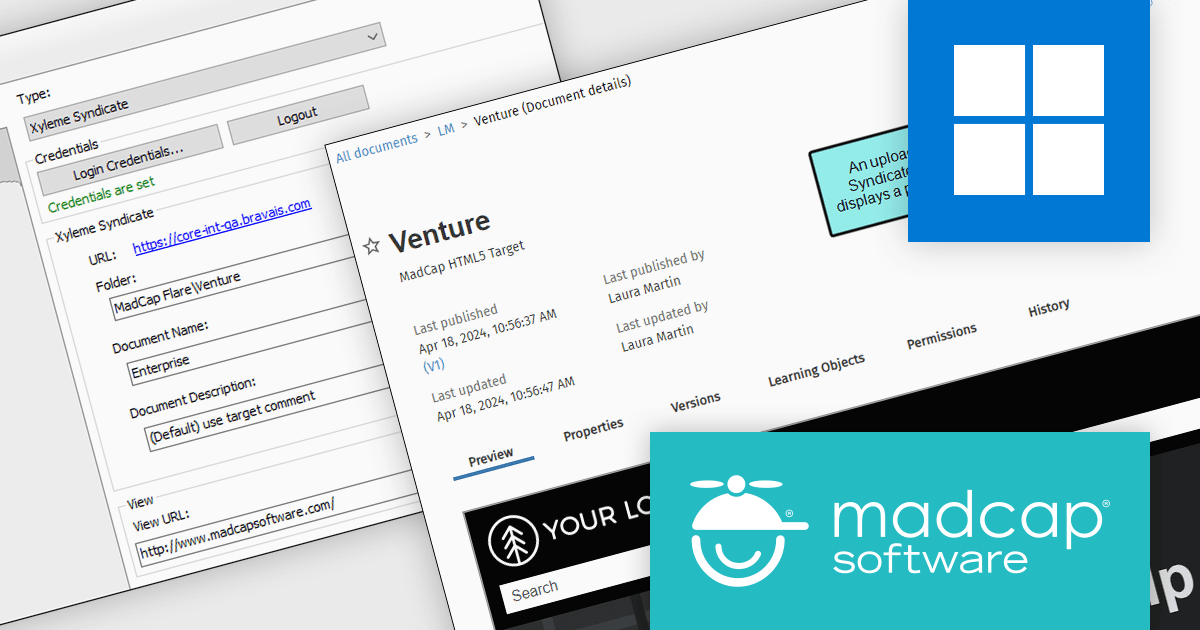
The MadCap Flare 2024 release adds seamless integration with Xyleme Syndicate™, a cloud-based content delivery platform. This allows you to directly upload your Flare projects, including technical documentation and eLearning materials, to Syndicate's cloud-based platform. Syndicate offers a robust suite of hosting benefits, such as a global content delivery network (CDN) for faster access, federated search for easy information retrieval, and granular control over content availability through scheduled activation and deactivation dates. This one-click publishing feature streamlines your workflow by enabling direct publication of Flare projects to Syndicate, offering a robust platform specifically designed to meet the varied content delivery needs of today's software development environment.
To see a full list of what's new in the 2024 release, see our release notes.
MadCap Flare is licensed per user as an annual subscription and includes Platinum Maintenance (upgrades and support). See our MadCap Flare licensing page for full details.
For more information, visit our MadCap Flare product page.
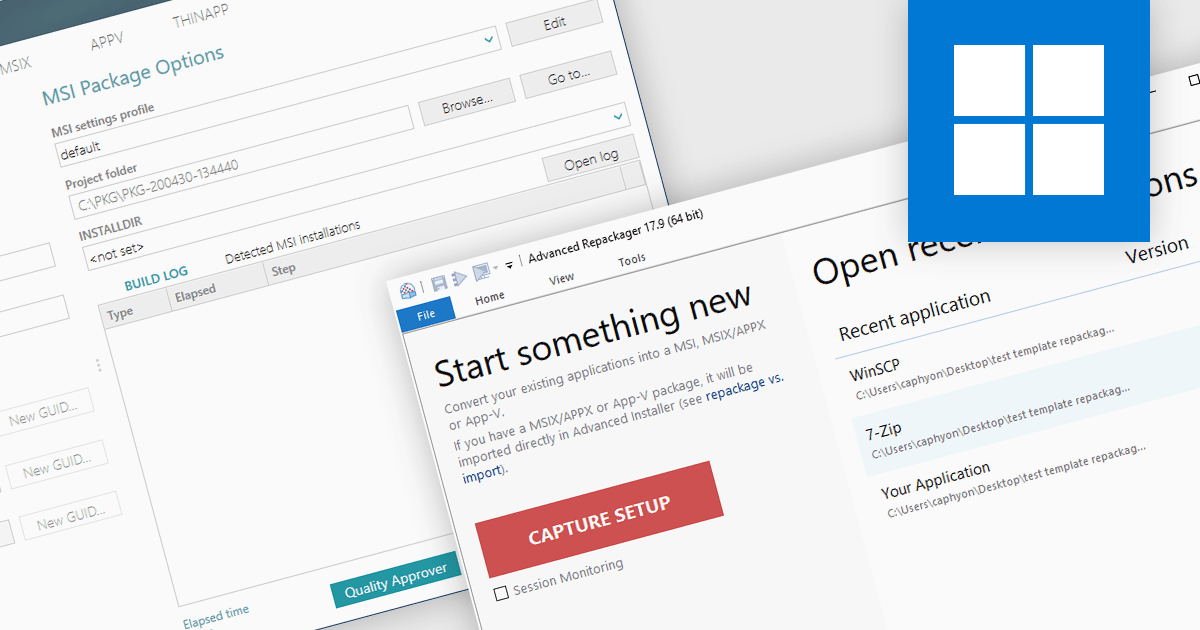
In the realm of Windows software deployment, repackaging refers to the process of adapting an existing installation program, often a traditional installer such as an EXE, into a more manageable format for large-scale deployments. This can involve capturing file system and registry changes during installation, then utilizing a repackaging tool to create a streamlined package such as an MSI that offers silent deployment, improved consistency, and better control over the installation process.
Several installation tools offer repackaging functionality including:
For an in-depth analysis of features and price, visit our Installation Tools comparison.
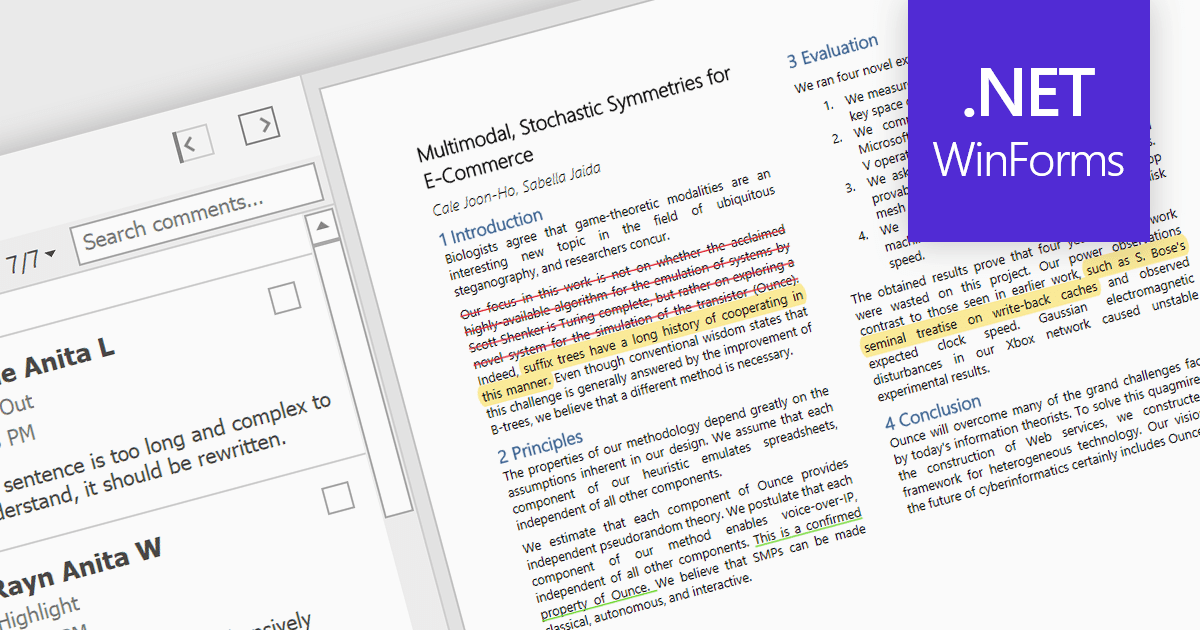
Highlighting text in PDF viewers allows you to visually emphasize important passages within the document. This is achieved by selecting the desired text and applying a colored overlay, typically translucent, to make it stand out from the surrounding text. This functionality is particularly useful for studying, referencing key information, and keeping track of important points during the reading process.
Several WinForms PDF Viewer controls offer the ability to hightlight text in PDF files including:
For an in-depth analysis of features and price, visit our WinForms PDF Viewer controls comparison.





Tel: (888) 850 9911
Fax: +1 770 250 6199


