








Official Supplier
As official and authorized distributors, we supply you with legitimate licenses directly from 200+ software publishers.
See all our Brands.

InstallShield by Revenera is a leading Windows installation development solution that specializes in building installers and managing software packages. InstallShield offers a streamlined interface and comprehensive features, enabling developers to efficiently create professional installers, configure prerequisites, manage updates, and customize the installation experience for diverse user needs.
Version 2023 R2 introduces new signing settings that enable you to select and configure a custom signing solution instead of the standard InstallShield signing system. Selecting a custom signing type enables additional fields where the custom signing utility path and other arguments can be configured.
To see a full list of what's new in version 2023 R2, see our release notes.
InstallShield is licensed per user and is available as a 3 Year Timed Subscription. See our InstallShield licensing page or InstallShield Premier licensing page for full details.
For more information, visit our InstallShield or InstallShield Premier product pages.
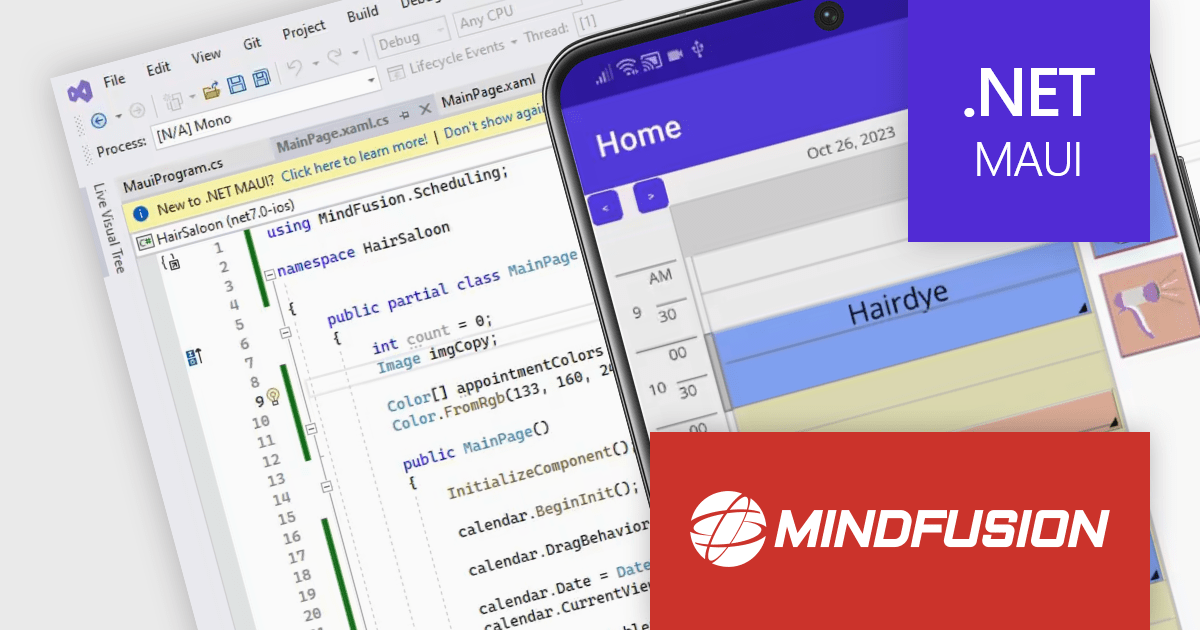
MindFusion Scheduling for .NET MAUI is a powerful scheduling library designed to enhance your cross-platform applications with robust calendar and scheduling functionalities. It seamlessly integrates with .NET MAUI, allowing you to build responsive and interactive calendar views on Android, iOS, Windows, and macOS.
The library boasts five distinct calendar views: single month, timetable (horizontal and vertical), list view, resource view, and week range view. Each view offers extensive customization options through dedicated settings classes, empowering you to tailor the appearance to match your app's design and user preferences. You can control everything from cell size and text rotation to scroll behavior and header content.
MindFusion Scheduling goes beyond mere aesthetics, enabling users to interact intuitively with your app's schedule. They can create, edit, and resize appointments directly within the calendar, with the interface automatically adjusting to accommodate changes.
MindFusion.Scheduling for .NET MAUI is available in the following products:
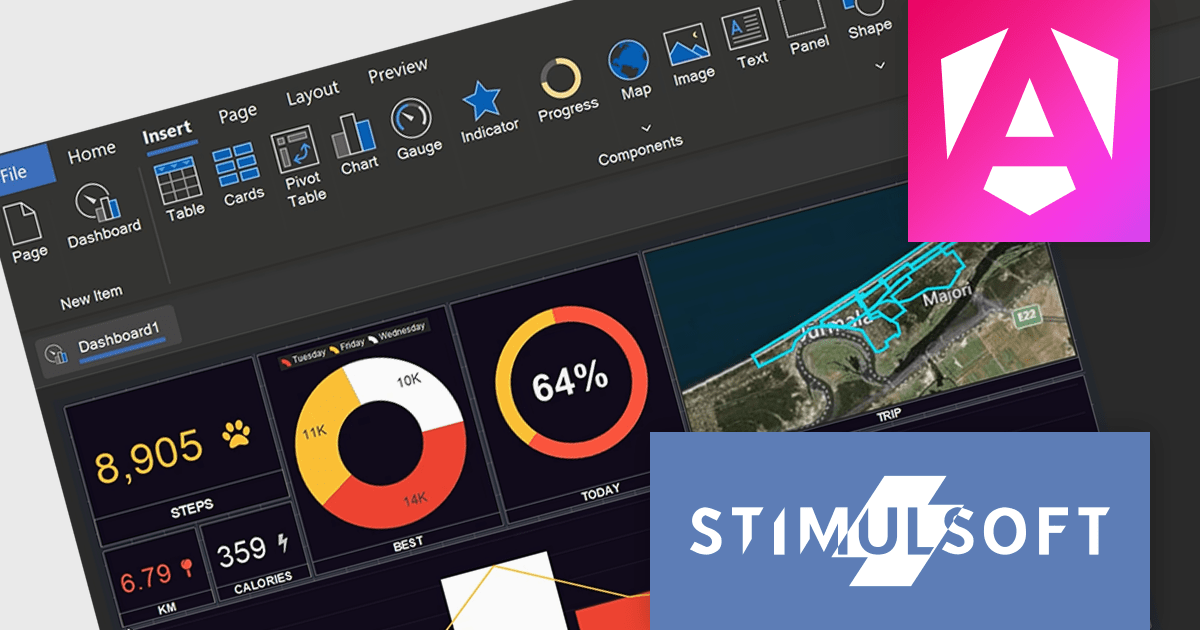
Stimulsoft Dashboards.WEB is a powerful tool designed to seamlessly integrate interactive dashboards into ASP.NET, .NET Core, ASP.NET MVC, and Blazor web applications. It offers extensive data analysis and visualization elements, which empower you to create insightful dashboards for various purposes, from sales and marketing to HR and finance. Boasting flexible data connectivity, professional design templates, and a user-friendly interface, Stimulsoft Dashboards.WEB streamlines the process of crafting impactful dashboards that effectively communicate key business metrics and trends.
The 2024.1.1 release of Stimulsoft Dashboards.WEB adds a set of tools for designing, viewing and converting dashboards for Angular, boosting efficiency, enhancing user experience with interactive visualizations, and simplifying integration with server-side data processing.
To see a full list of what's new in version 2024.1.1, see our release notes.
Stimulsoft Dashboards.WEB is licensed per developer and is available as a Perpetual license 1 year support and maintenance. See our Stimulsoft Dashboards.WEB licensing page for full details.
For more information, visit our Stimulsoft Dashboards.WEB product page.
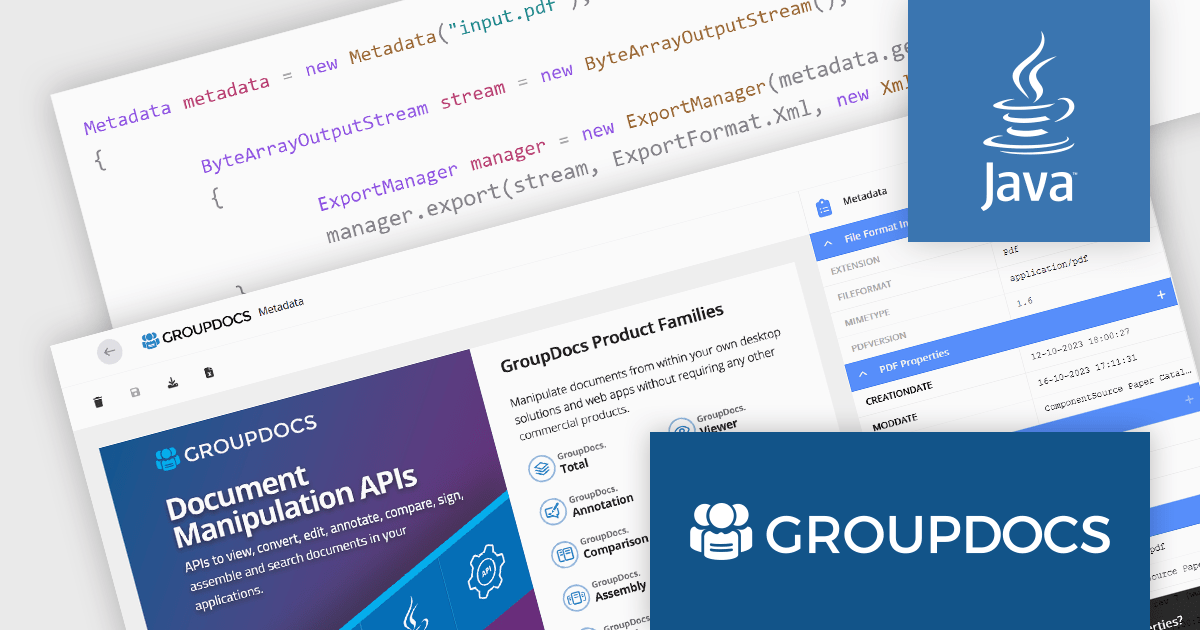
GroupDocs.Metadata for Java is a powerful API that empowers developers to seamlessly manage metadata within a wide range of file formats, including documents, images, emails, archives, and more, directly within their Java applications. It offers a comprehensive toolkit for viewing, modifying, deleting, extracting, searching, comparing, replacing, and exporting metadata, streamlining file organization and retrieval.
The 23.12 release of GroupDocs.Metadata for Java adds the ability to export metadata to XML format. Exporting to XML unlocks a wealth of benefits. Its structured, machine-readable format fosters interoperability, allowing seamless exchange and integration of data across diverse systems and software. Standardised XML schemas ensure consistent understanding and interpretation, facilitating efficient data sharing and aggregation. XML's text-based nature promotes platform independence and long-term archival stability, safeguarding valuable information for future use.
To see a full list of what's new in version 23.12, see our release notes.
GroupDocs.Metadata for Java is offered as Developer Small Business, Developer OEM, Site Small Business, and Site OEM licenses, catering to a range of business needs. Licenses are perpetual, and include 1 year of support and maintenance. Subscription renewals are also available. See our GroupDocs.Metadata for Java licensing page for full details.
GroupDocs.Metadata for Java is available in the following products:

Syncfusion Essential Studio Windows Forms is a powerful UI component suite designed to enhance your WinForms development. It boasts over 100 high-performance controls, ranging from essential grids and charts to advanced schedulers and diagrams, enabling you to craft visually appealing and feature-rich applications with ease. Its extensive customization options and built-in themes allow for tailored user experiences, while touch-friendly design ensures seamless interaction across devices.
Version 2023 Volume 4 (24.1.41) add the ability to create mathematical equations by specifying a LaTeX string in a Word document. This allows you to improve you workflow by easily adding an equation created using a LaTeX editor directly into your Word documents. LaTeX is a high-precision document preparation system which uses descriptive commands to structure content. This approach excels in producing professional-looking, consistent documents, particularly in technical and scientific fields with complex equations.
To see a full list of what's new in version 2023 Volume 4 (24.1.41), see our release notes.
Syncfusion Essential Studio Windows Forms is available as part of Syncfusion Essential Studio Enterprise which is licensed per developer starting with a Team License of up to five developers. It is available as a 12 Month Timed Subscription License which includes support and maintenance. See our Syncfusion Essential Studio Enterprise licensing page for full details.
For more information, visit our Syncfusion Essential Studio Windows Forms product page.





Tel: (888) 850 9911
Fax: +1 770 250 6199


