Please note that this product is no longer supported by the publisher. As a legacy product it is available for purchase but is no longer eligible for product support or maintenance.
Calendar Widgets Screenshots
Calendar Widgets
Click for more
Calendar Widgets
Click for more
Month View
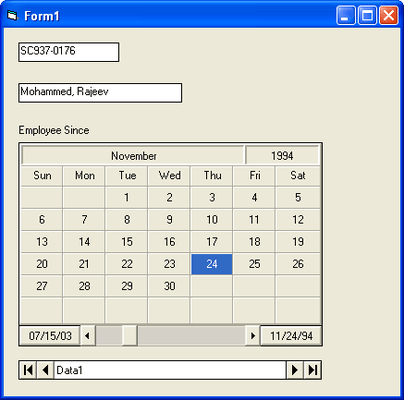
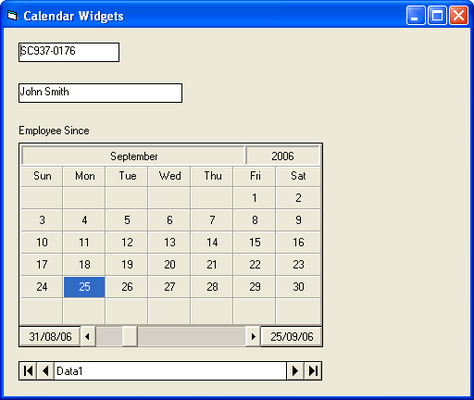
The MonthView control lets you design applications that display date information in a monthly format (up to 3 months at a time). The MonthView control provides several features which allow you to customize and integrate it into your applications. It is a data aware control so that it can be bound to a database for its source of information. Special days, such as holidays and other events, can be marked f
Calendar Widgets
Click for more
Customize Month View
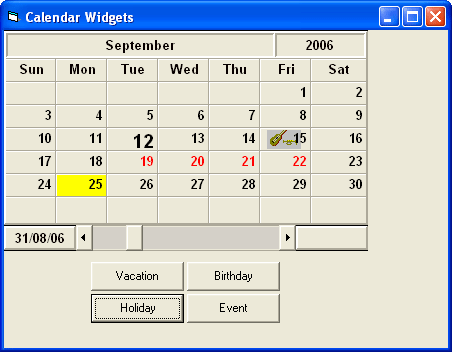
There are many properties in the MonthView control that let you customize the display to your liking. In addition to bevels, alignment and color, the MonthView control contains special properties that help shape the control to look and feel the way you want. StartOfWeek property lets you determine what day of the week the view will start with. You can disable specific days or days of the week by setting their Enabled property. Once disabled, a day canno
Calendar Widgets
Click for more
Day View
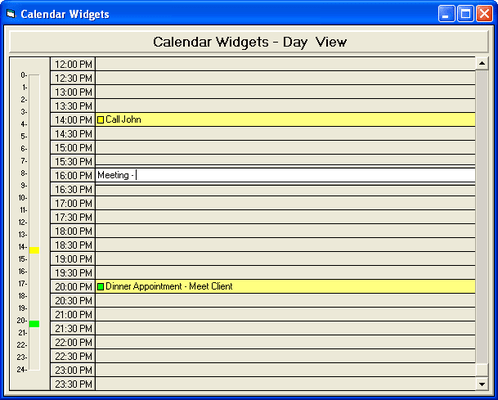
The DayView control is useful for adding a daily time schedule into an application. The DayView control can display and organize tasks for a variety of applications, whether for an Executive Information System, Personal Information Management (PIM) or group scheduling application.
Calendar Widgets
Click for more
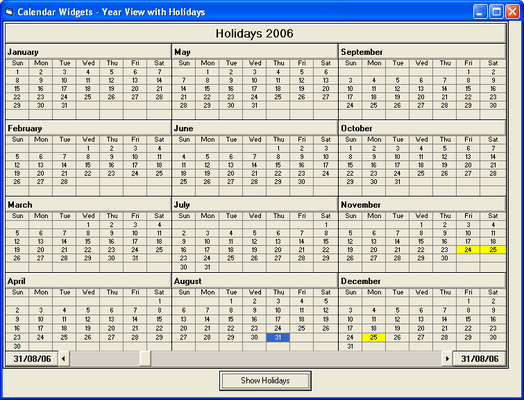
Year View
The YearView control has all the features of the MonthView control with the added ability to display an entire year at a time. This control can be used as the foundation of an application with yearly planning capabilities. Like the MonthView control, the YearView control is also data aware.
Calendar Widgets
Click for more
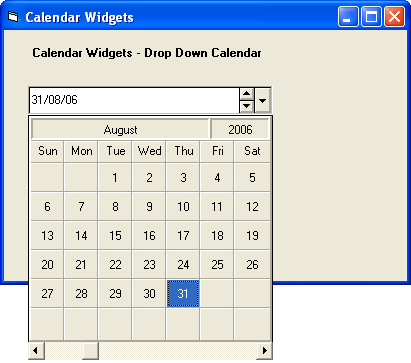
Date Combo
The DateCombo control is ideal for creating data entry forms that require date information to be entered. With a variety of options for input masking and date formatting, the DateCombo helps facilitate date selection. You can also use the DateCombo in applications where a monthly view of dates is necessary but screen space is limited. The DateCombo lets you select dates from a dropdown calendar that looks and acts just like the MonthView control. When d
Calendar Widgets
Click for more
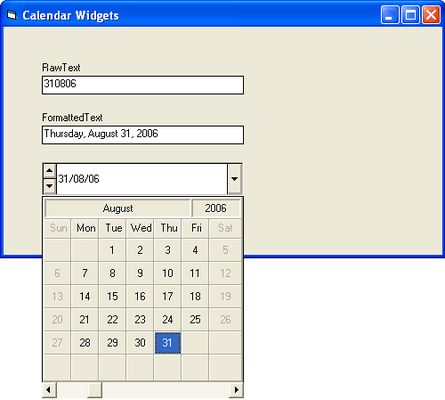
Masking and Formatting
By default, the DateCombo control displays the date in the edit portion according to the Windows International settings. For example, the Windows International settings, found in Control Panel, can be set so that all dates in Windows are displayed in 'Month Day, Year' format. It can also be set so that dates appear in 'Day Month, Year' format. You can override this setting by using the Mask property.