Click for more
Click for more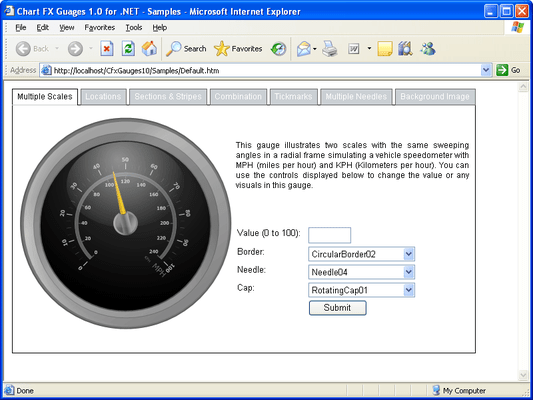
Radial Gauge
These gauges are normally used to represent a quantifiable process progressing through the possible range displayed on a scale with a circular or semi circular aspect.
Click for more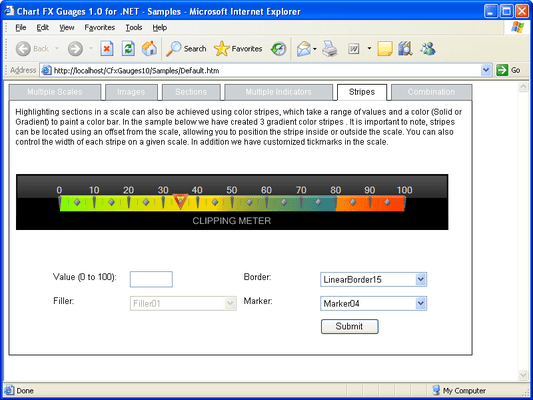
Horizontal/Vertical Gauges
These gauges are normally used to represent the progress of a process or a specific value within a continuous range. There are various border styles available for customizing the gauges for your application needs. Vertical Gauges are similar to Horizontal gauges and offer a wide range of unique applications, for example they could be used to represent a thermometer.
Click for more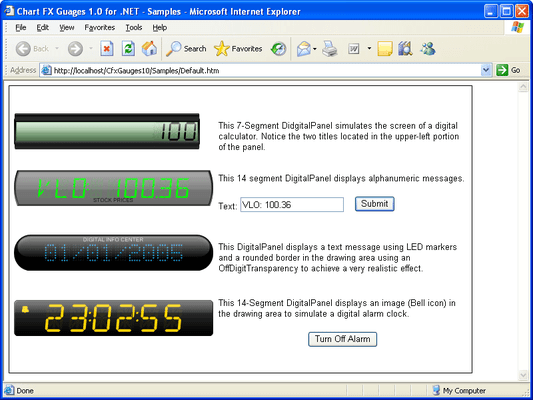
Digital Panel
Digital panels are used for both numeric and alphanumeric displays. These panels are commonly prevalent in the world such as watches, registrars, information kiosks, alarm clocks, etc. There are three common styles of digital panels, two segment based and one LED based. The two segment based digital panels are usually referred to by the number of segments necessary to compose a character or digit.
Click for more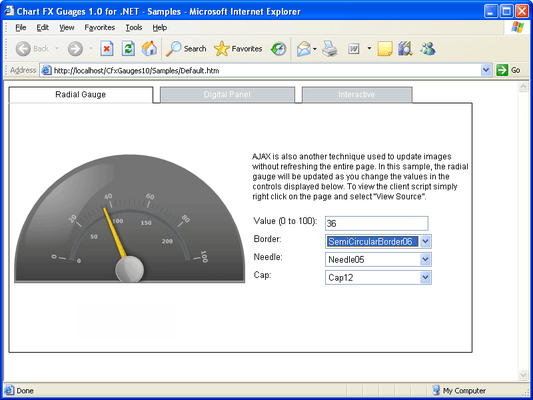
AJAX
You can use the AJAX technique to update images without refreshing the entire page. For example a user could type text in an entry box and this could be displayed as a "Ticker" using a horizontal gauge or they could select a value from a drop down list and this could automatically update a radial gauge.
Click for more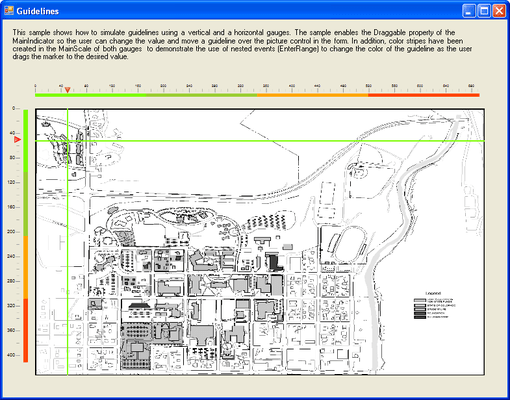
Guidelines
You can simulate guidlines by using vertical and horizontal gauges. In the above example the Draggable property of the MainIndicator allows users to change the value and move a guideline over the picture.
Click for more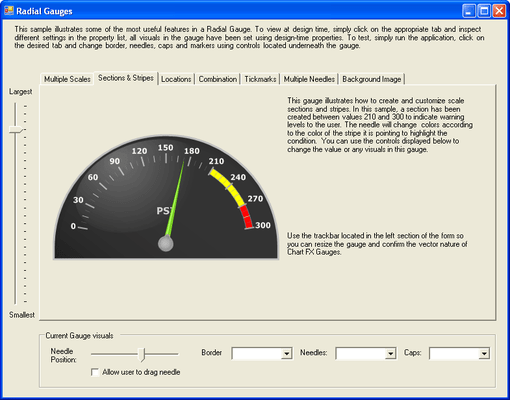
Scales and Stripes
Scales: Each radial gauge may be accompanied by one or more scales to display a range of values and labels. Stripes: Each scale can have one or more stripes allowing you to highlight a specific range of values within the scale. In the example above yellow and red stripes have been added to the radial gauge, the needle can change color as it passes over the stripes.
Click for more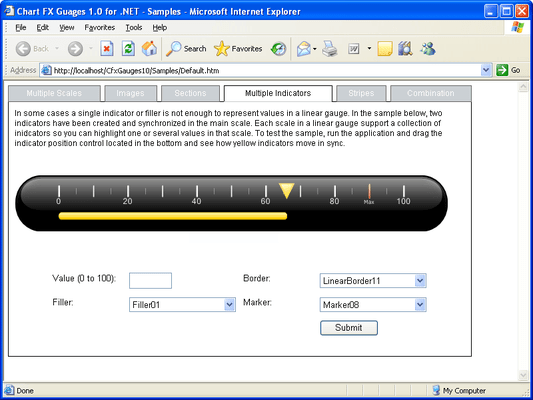
Markers and Fillers
Each scale can be accompanied with a marker or filler to highlight a specific value in the scale.
Click for more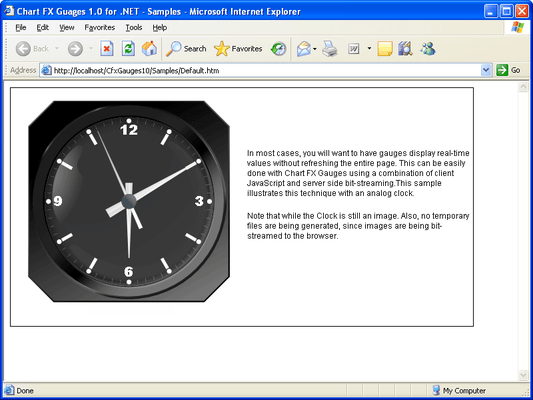
Real Time
Real time data values can be displayed using a combination of client JavaScript and server side bit-streaming. In the example above the systems time is being used.
Click for more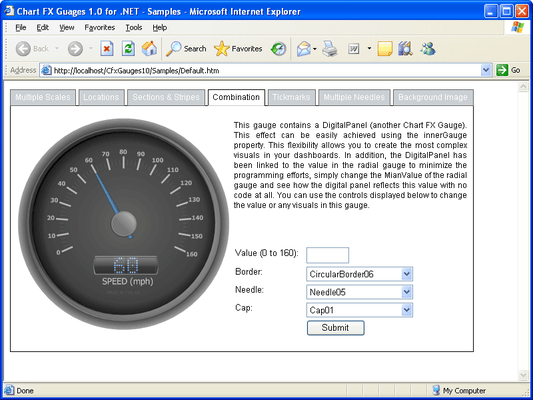
Combination Gauges
There are various ways to intermix the gauges together via the InnerGauge property for customizing the gauge. Examples of inner gauges include a radial speedometer with a digital panel on the lower portion for displaying the miles driven while the radial gauge displays the current speed.


 (2)
(2)


