Click for more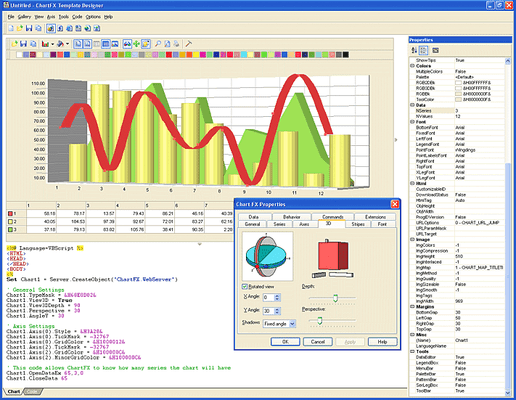
Click for more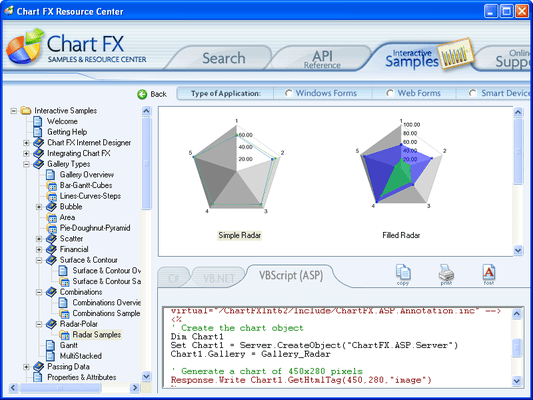
Chart Types
Choose from over 20 different chart types including Area, Bar, Bubble, Financial, Line, Pie, Radar-Polar, Scatter, Statistical, Surface & Contour.
Click for more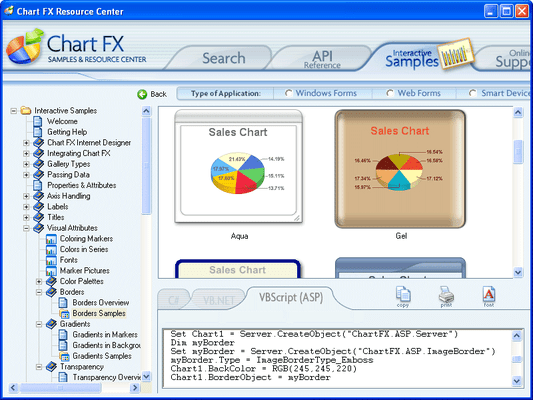
Visual Attributes
Customizable legends, ready-to-use color palettes, multiple and customizable axes, annotation objects, per-marker attributes, gridlines, background images and border objects, Chart FX Internet allows you to create some of the most visually appealing charts in just minutes.
Click for more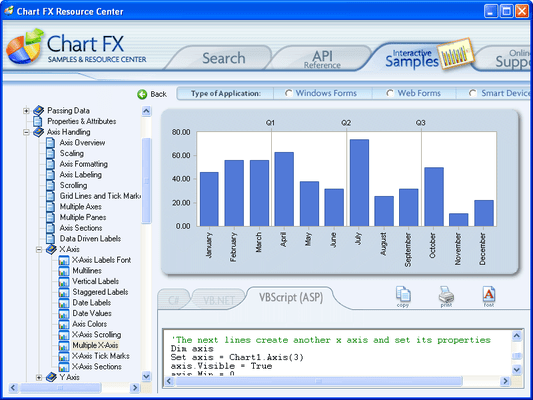
Multiple X Axis
Supports unlimited X axes.
Click for more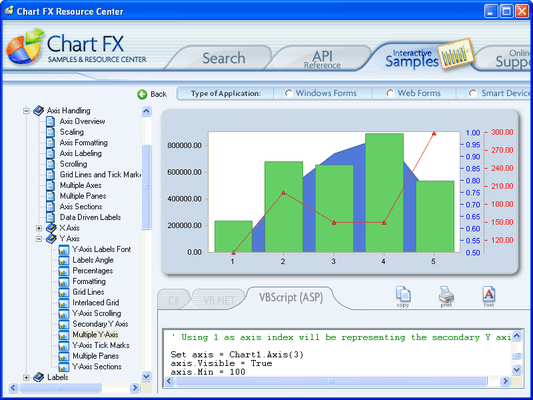
Multiple Y Axis
Supports unlimited Y axes.
Click for more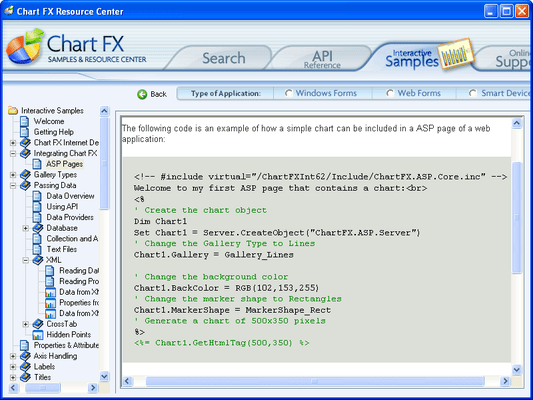
Easily Integrate Charts in ASP Pages
Integrating a chart into an ASP file is as simple as creating and instantiating the chart object, setting the desired chart properties and finally invoking a method (GetHtmlTag or GetHtmlData) that allows the Chart FX server component to generate the appropriate HTML output (images or active components) supported by the browser posting the page request.
Click for more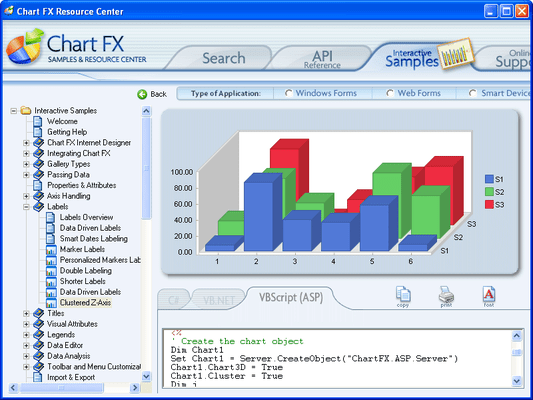
Labels
Show the value of each marker. Font, color, position and angle can be changed universally or individually for each marker.
Click for more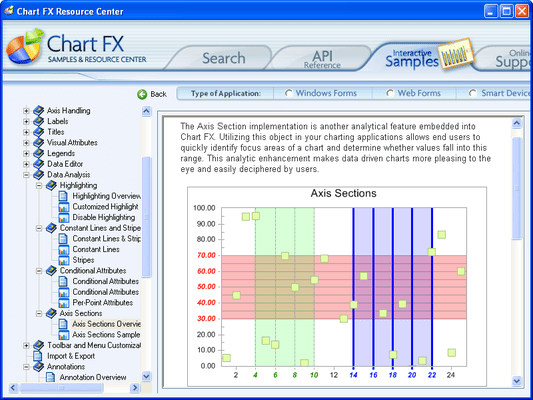
Data Analysis - Axis Sections
Apply specific labels, fonts, colors, grids and backgrounds to particular sections of your axes.
Click for more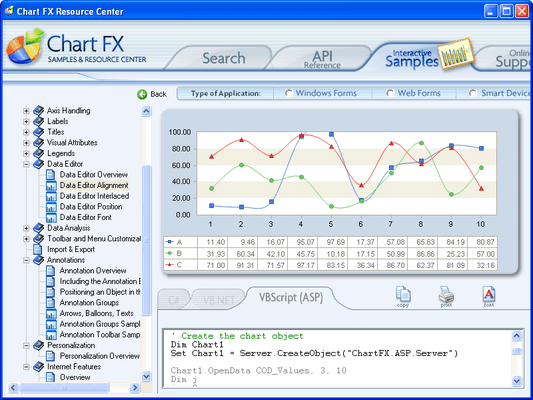
Data Editor
Easily customize the Chart FX for .NET Data Editor to fit with the style of your charts. The new Data Editor was improved to not only be functional, but fashionable.
Click for more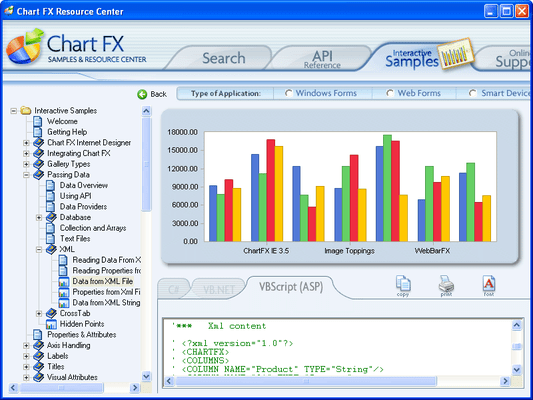
Population Methods
Population methods include, API, DataSet Binding, XML, Collections, Arrays, Text Files, Crosstab, ADOMD (OLAP) and XML for Analysis (OLAP).




