Click for more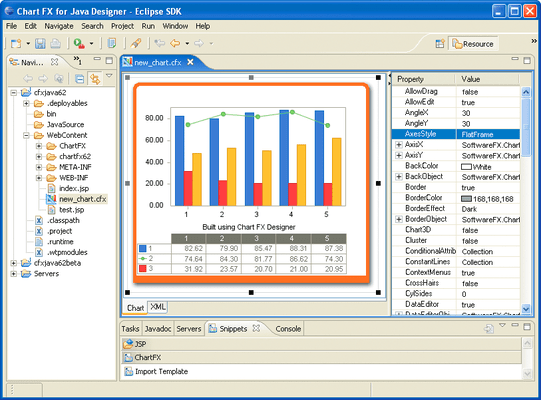
Click for more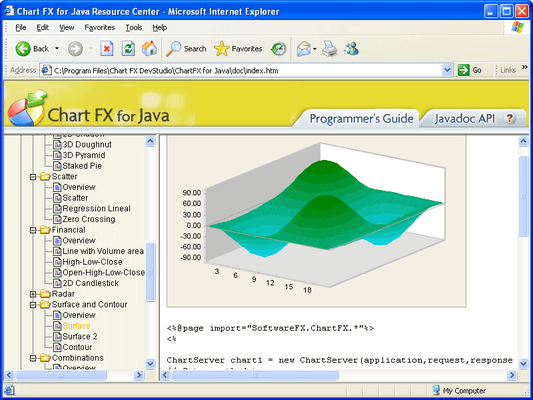
Chart Types
Choose from over 20 different chart types including Area, Bar, Bubble, Financial, Line, Pie, Radar-Polar, Scatter, Statistical, Surface & Contour.
Click for more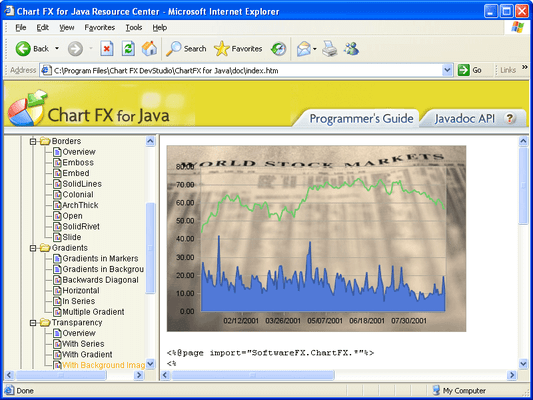
Visual Features
Customizable legends, ready-to-use color palettes, multiple and customizable axes, annotation objects, per-marker attributes, gridlines, background images and border objects, Chart FX for Java allows you to create some of the most visually appealing charts in just minutes.
Click for more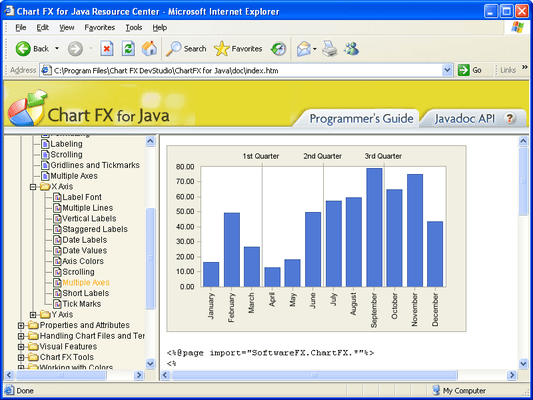
Multiple X Axis
ScreSupports unlimited X axes.
Click for more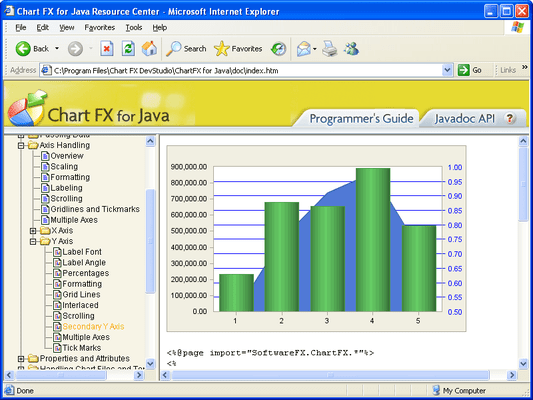
Secondary Y Axis
Supports secondary Y axis.
Click for more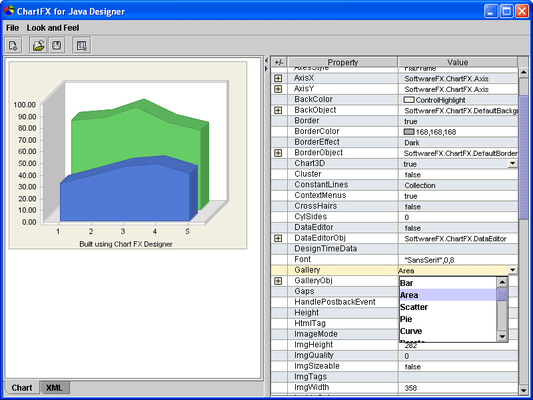
Chart FX for Java Designer
The Chart FX for Java Designer is a stand-alone chart template generator. Using this tool, you can create XML files containing all the visual attributes you desire for your chart. Once you have configured these settings in a familiar design-time environment, you can export the settings as XML and later import them into your charts using the import method.
Click for more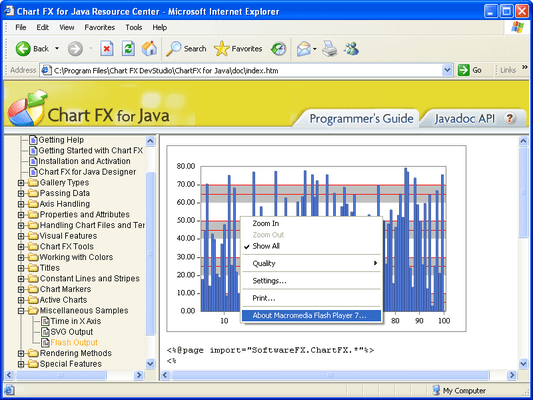
Flash Output
Chart FX allows the generation of charts using supported Chart FX external writers. The FlashWriter class is used to configure additional attributes for the generation of Flash formatted charts.
Click for more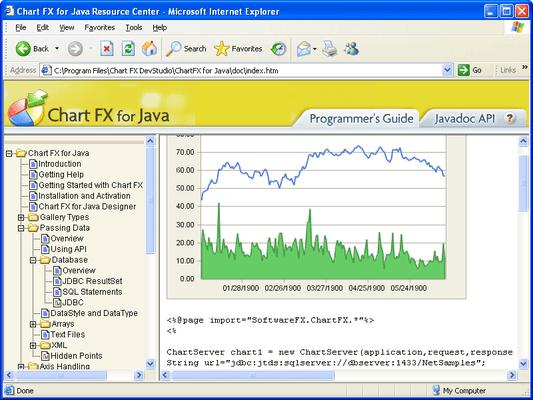
Population Methods
The most basic method of passing data to a chart using Chart FX for Java is to utilize the built-in API. The Chart FX for Java API provides properties and methods to load and manipulate data into a chart. Passing data to your charts using the API may be the most basic method, however,one of the features of Chart FX for Java is the ability to read or pass data from many sources. These sources include databases, text files, XML, arrays, collections, and m
Click for more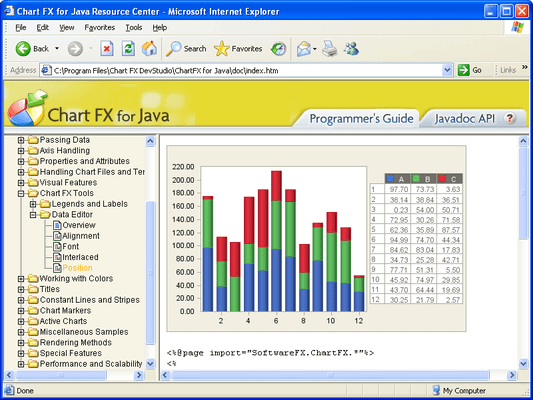
Data Editor
Easily customize the Chart FX Data Editor to fit with the style of your charts. The new Data Editor was improved to not only be functional, but fashionable.




