Click for more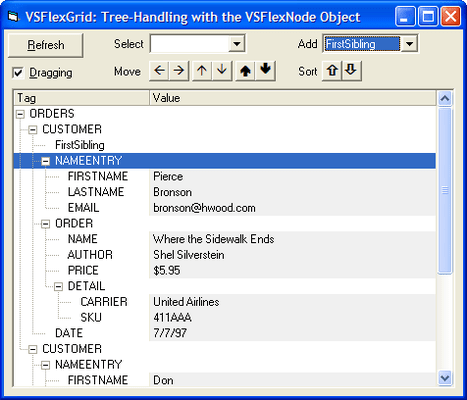
Click for more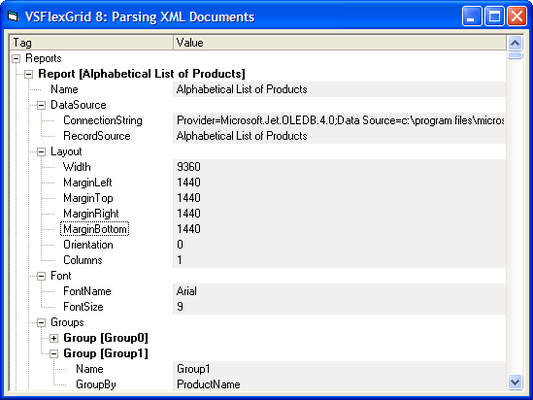
XML Data
Use the VSFlexGrid control to display XML data in an outline format. Use the Microsoft XML parser (MSXML.DLL) to parse an XML document and populate the grid.
Click for more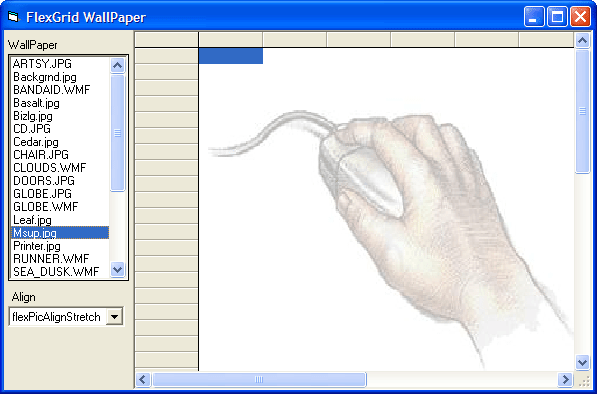
WallPaper
Use the WallPaper and WallPaperAlignment properties to provide the FlexGrid control with a graphical background.
Click for more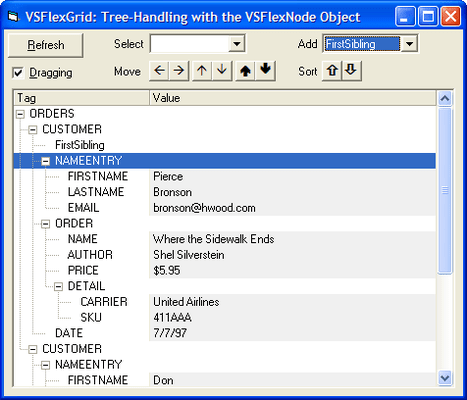
Outline Tree
Manage a VSFlexGrid outline tree using the VSFlexNode object. Build an outline tree from an XML file, then allows the user to move, select, add, and sort nodes.
Click for more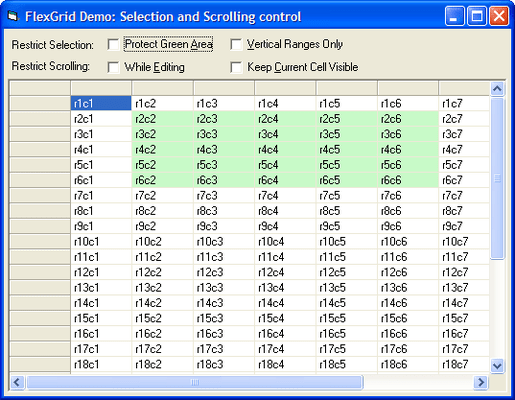
Selection
Use code to control extended selections and scrolling within your Grid applications.
Click for more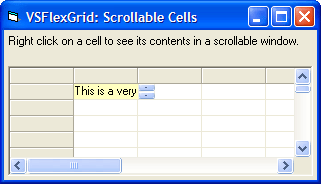
Scroll lCell
Scroll the contents of individual grid cells.
Click for more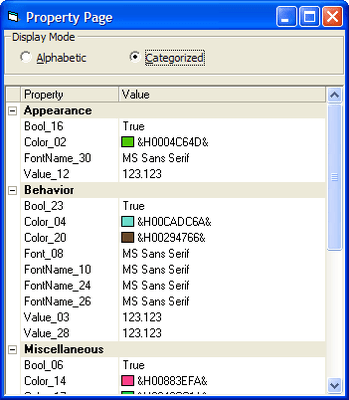
Property Browser
Use the FlexGrid control to build a Property browser interface similar to the one in VB, alphabetic and categorized views, custom editors, and owner-draw painting.
Click for more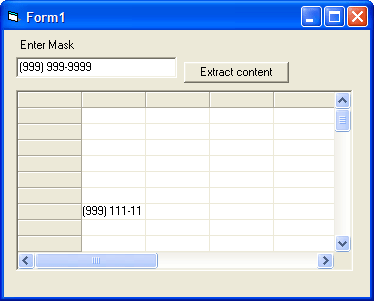
MaskClean
Extract data from grid entries formatted with an EditMask.
Click for more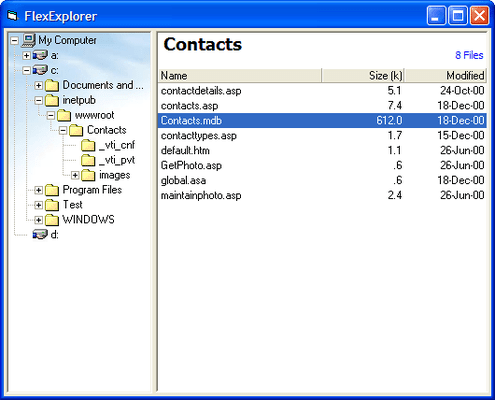
Explorer
Build an Explorer-like interface, populated on demand.Use the FlexGrid control to build an Explorer-like interface, with a tree on the left showing the directories and a list on the right showing files.
Click for more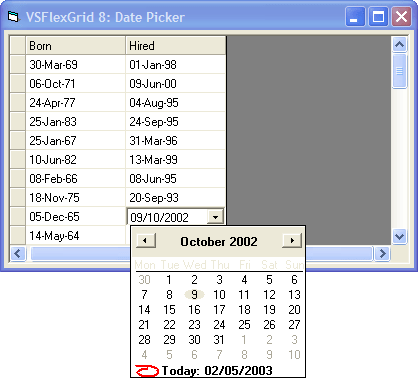
Date Time
Use DateTimePicker control to edit date entries. Use the VSFlexGrid control's CellLeft, CellTop, CellWidth, and CellHeight properties to position the DateTimePicker control over the cell being edited, then monitors the control to retrieve the user's selection and to finish the editing process.




 (9)
(9)