
Raster Image Printer
Convert to JPEG, TIFF, PDF and more from any Windows document or product.
Published by PEERNET
Distributed by ComponentSource since 2004
Prices from: US$ 71.64 Version: 12.0.028 NEW Updated: May 5, 2026
Convert to JPEG, TIFF, PDF and more from any Windows document or product.
Published by PEERNET
Distributed by ComponentSource since 2004
Prices from: US$ 71.64 Version: 12.0.028 NEW Updated: May 5, 2026

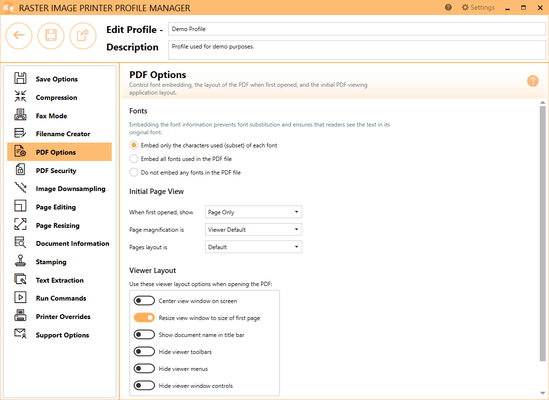
The PDF Options tab holds all PDF specific settings including embedding of fonts and PDF viewer layout.
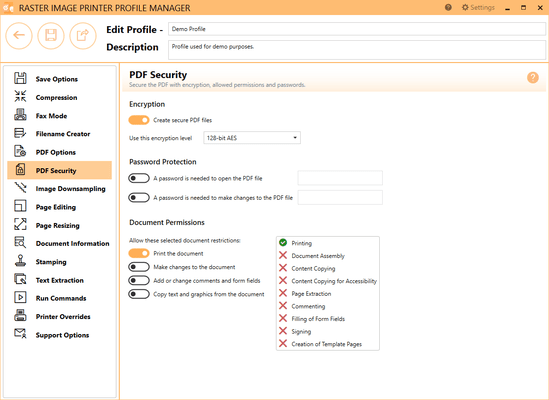
The PDF Secuity tab holds all PDF security settings including file encryption, file permissions and password protection.
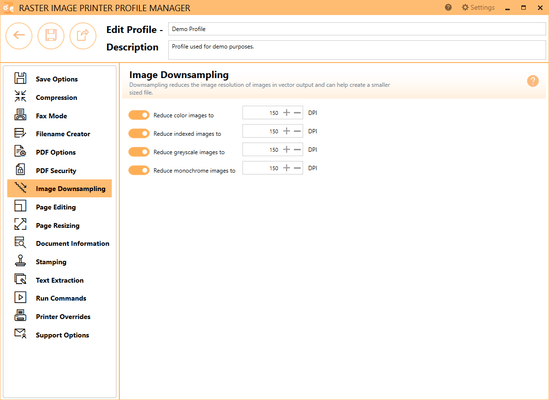
The Image Downsampling tab is used to control the size and quality of any images (such as pictures, screenshots, company logos) in the PDF file, which can help reduce the final size of the PDF.
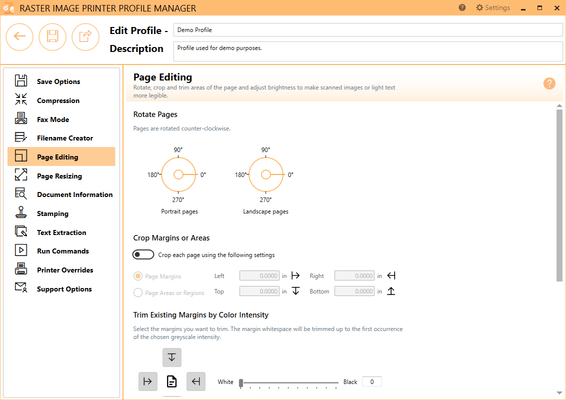
The Page Editing tab holds settings used to modify each page of the document, including rotate, crop and trim areas of the page, and adjust brightness to make scanned images or light text more legible.

The Page Resizing tab holds settings used to modify page contents to fit a new page, including copy page to new size, resample page to new size, and add borders to page.
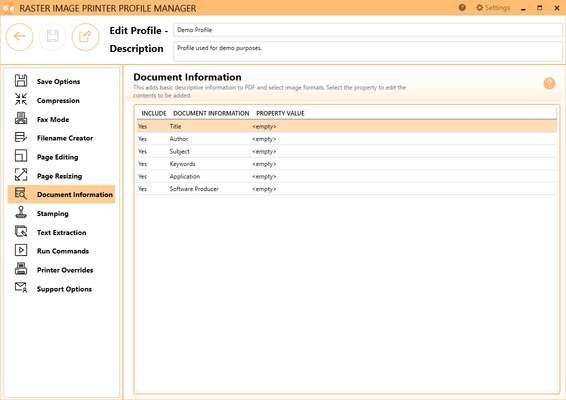
The Document Information tab allows basic descriptive information to be added to your output file. This tab is primarily used when creating PDF files, but is also applicable to select image formats (ie. TIFF images).
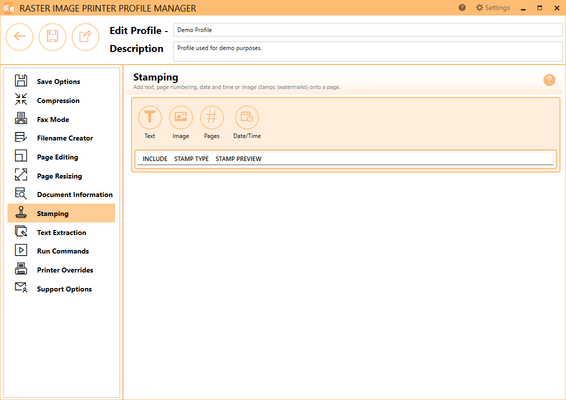
The Stamping tab holds all settings related to adding a text, image, page numbering, or date/time watermark to your Raster Image Printer output files.

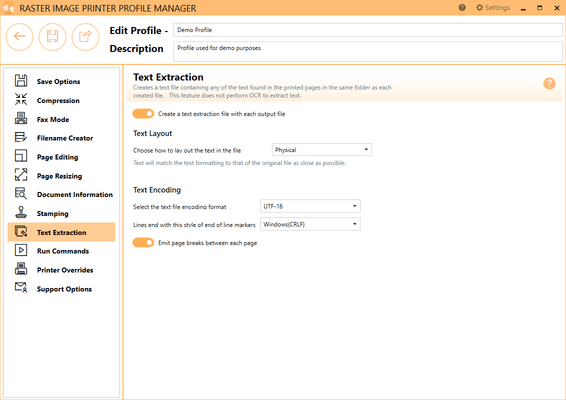
The Text Extraction tab will create a separate text file containing all of the textual elements of your printed document. These text files are often paired with the image when stored in archival systems to allow searching and retrieval of the files using textual data. The text extraction feature was not designed to be Optical Character Recognition (OCR) software. Only straight text will be extracted and formatting of the text file may not be exact.
The Run Commands tab holds all settings related to specifying a specific command or running a program after printing to Raster Image Printer. There is the option to run a command only after a successful print, only after a failed print, or after both a successful and failed print.
Tel: (888) 850 9911
Fax: +1 770 250 6199


