








Official Supplier
As official and authorized distributors, we supply you with legitimate licenses directly from 200+ software publishers.
See all our Brands.
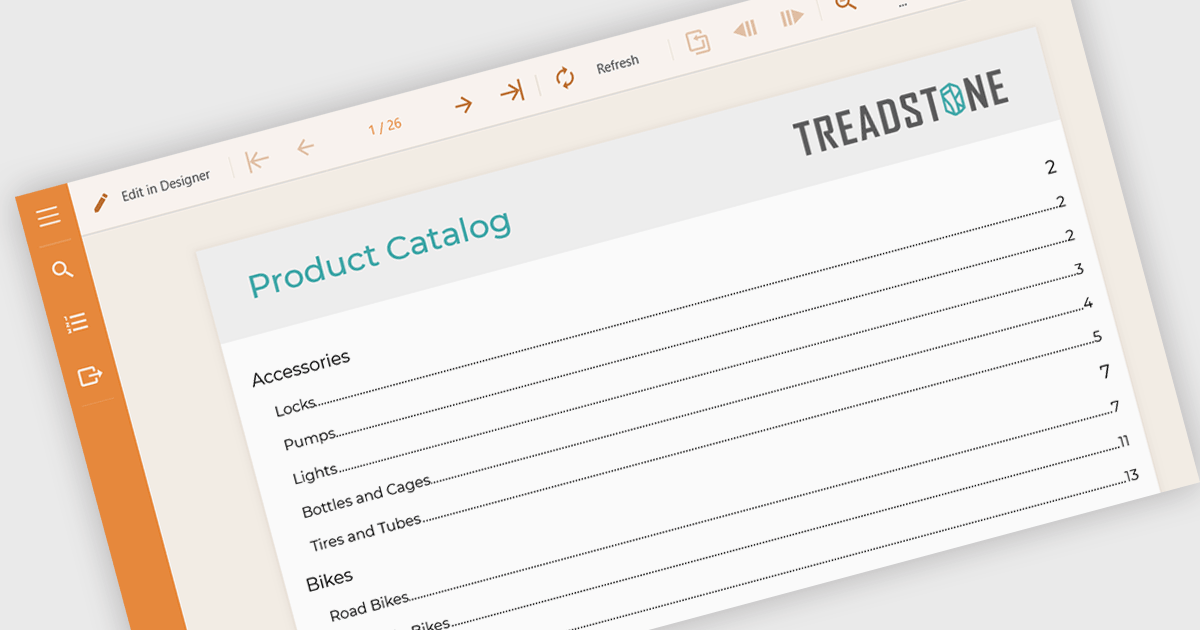
Table of Contents (TOC) support in a reporting component allows developers to automatically generate a structured overview of a report’s sections, typically displayed at the beginning of the document. This feature helps users navigate long or complex reports by providing direct links or page references to key sections, mirroring the layout and hierarchy of the report's content. For developers, it reduces the need to manually maintain navigation aids, improves the report’s usability, and enhances the professional appearance of exported formats like PDF or Word. TOC support is especially beneficial in compliance-heavy or audit-focused applications where clear documentation structure is essential.
Several Angular reporting controls offer Table of Contents (TOC) support including:
For an in-depth analysis of features and price, visit our comparison of Angular reporting controls.
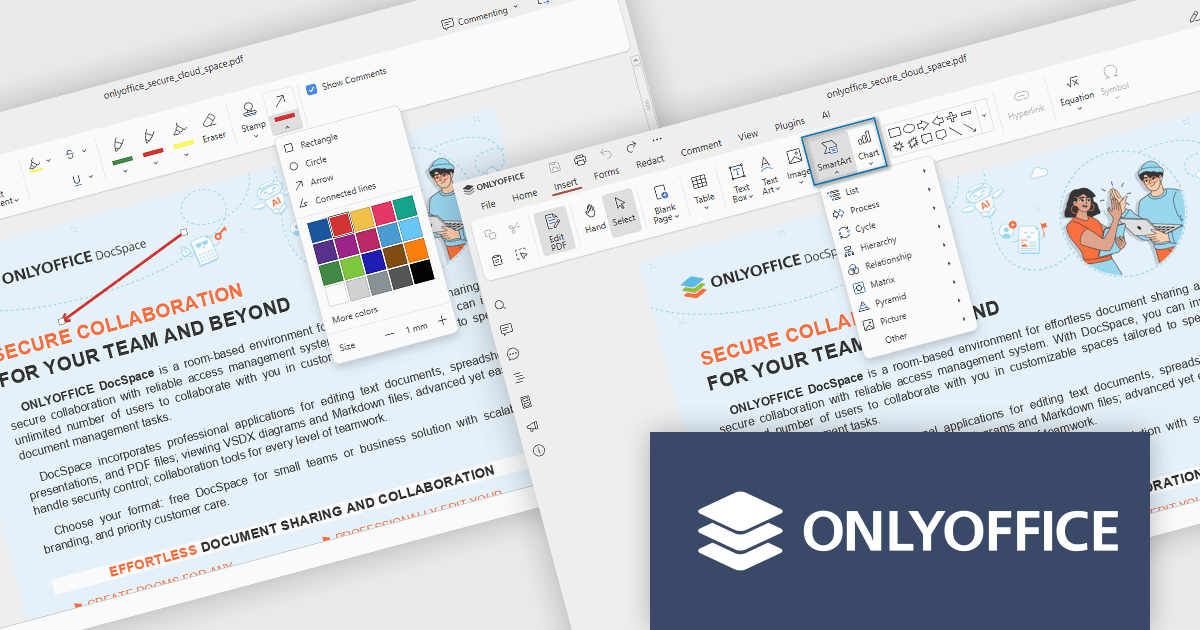
ONLYOFFICE Docs is a comprehensive online editor, allowing users to create text documents, spreadsheets, presentations, and forms. It enables your users to edit, share, and collaborate on documents online in their preferred browser, within your own application. It is fully compatible with OOXML (Office Open XML) formats and supports popular Microsoft Office and other document formats such as CSV, DOC, DOCX, EPUB, HTML, ODP, ODS, ODT, PDF, PPT, PPTX, RTF, TXT, XLS, and XLSX.
The ONLYOFFICE Docs v9.1 update enhances the PDF Editor to provide a more efficient and secure document management experience for developers and teams. It introduces advanced redaction tools that allow precise removal of sensitive information, including the ability to find and redact specific terms or entire pages. The update also expands annotation capabilities with customizable shapes and drawing tools for clearer document markup. Additionally, developers can now embed charts and SmartArt graphics directly within PDFs, enabling better visualization of data and smoother integration of visual elements without leaving the editing environment.
To see a full list of what's new in v9.1.0, see our release notes.
ONLYOFFICE Docs Developer Edition is licensed by the number of simultaneous document connections and is available as an annual license with 1 year support and upgrades. See our ONLYOFFICE Docs Developer Edition licensing page for full details.
For more information, see our ONLYOFFICE Docs Developer Edition product page.

A pop-up editor in a grid provides an efficient and user-friendly way to edit data directly within a grid interface without navigating to a separate page. When a record is selected for editing, a pop-up window appears above the grid, presenting all relevant fields in a clean, structured form. This approach streamlines data management by allowing focused edits while preserving the context of the main dataset. It is particularly beneficial for complex records that contain multiple fields, nested information, or require detailed validation. Common use cases include editing customer records in CRM systems, updating inventory details in product management dashboards, or modifying entries in administrative data grids. By combining convenience, clarity, and control, a pop-up editor enhances both productivity and the overall user experience.
Many React grid controls offer popup editors including:
For an in-depth analysis of features and price, visit our comparison of React Grid Controls.
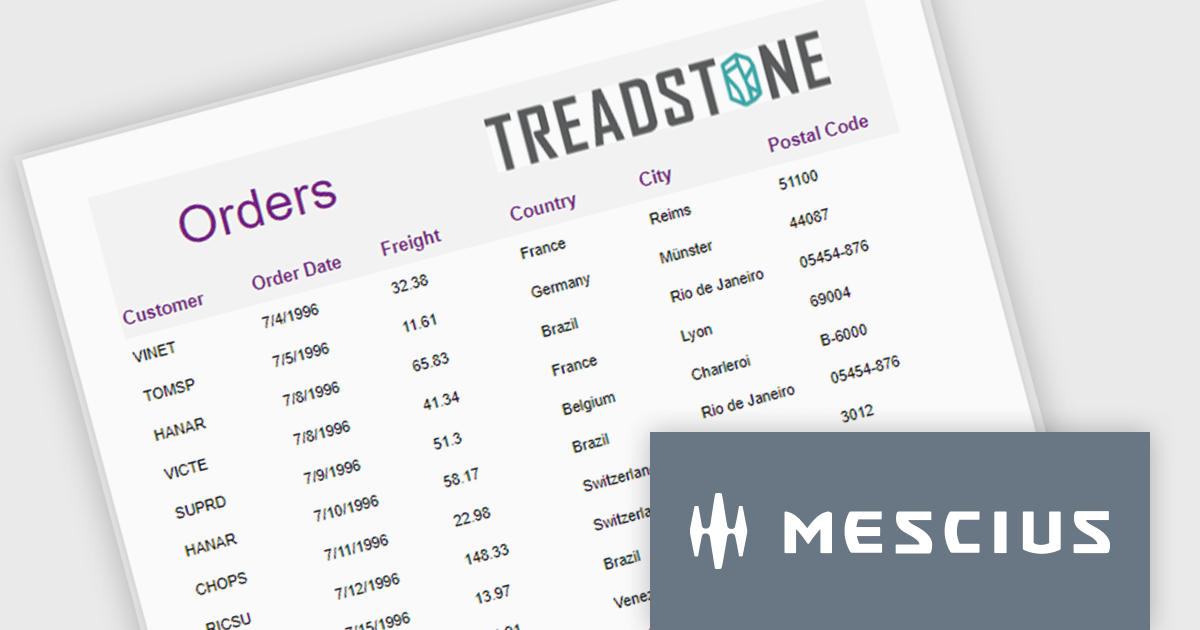
ActiveReportsJS is a robust JavaScript reporting tool that enables developers and report authors to seamlessly design and integrate interactive reports into web applications. It offers advanced features such as drill-down capabilities, runtime data filtering, and interactive parameters, enhancing the functionality and usability of reports. With compatibility across popular frameworks and the flexibility of its report designer component, ActiveReportsJS simplifies the visualization of diverse data sets, making it ideal for applications that require financial reporting, such as balance sheets, and other dynamic reporting needs.
In this blog post, MESCIUS Product Manager Joel Parks highlights real-world scenarios in where you can use ActiveReportsJS to provide users with the capability to define data sources on the fly, using Runtime Data Binding to dynamically inject data into your Angular Reporting component at runtime. Steps include:
This powerful capability gives your application the flexibility to generate customized reports based on user input, server logic, or changing data sources, without forcing the report designer to predefine every field.
Read the full blog to get started building powerful, dynamic reports.
ActiveReportsJS is licensed on an annual subscription or perpetual basis and is available as a Single Deployment License for non-commercial use, and as a Single Domain License or Unlimited Domain License for commercial and/or SaaS use. See our ActiveReportsJS licensing page for full details.
For more information, visit our ActiveReportsJS product page.
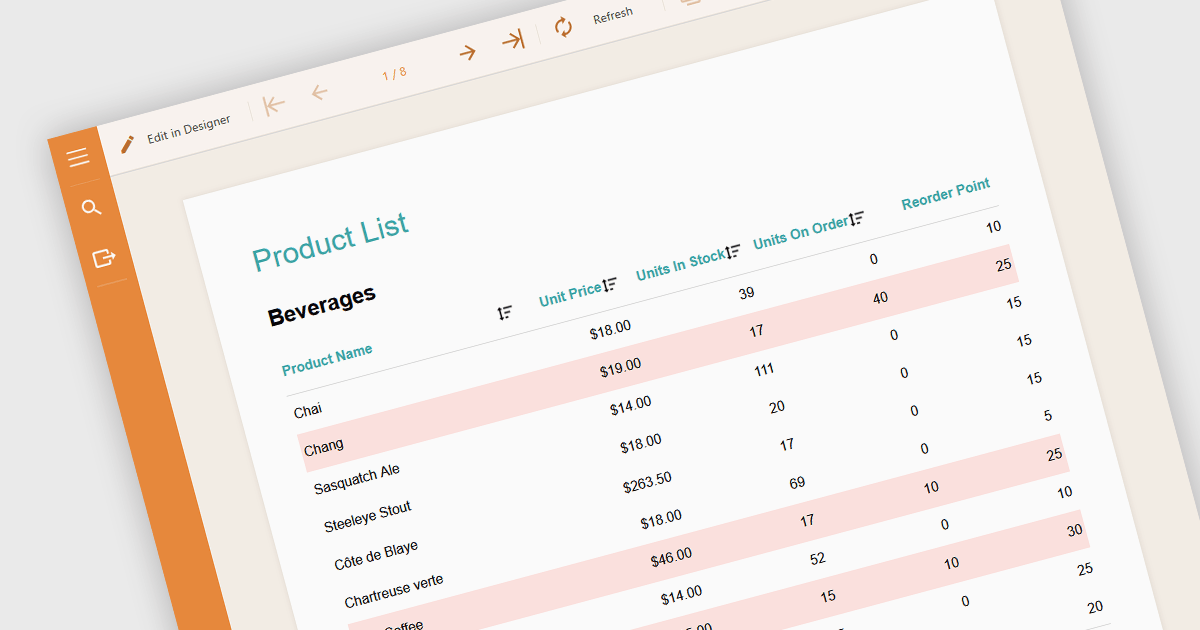
Conditional formatting in a report is a feature that automatically applies visual styles, such as font or background color, to the content within the report based on logical conditions or the data values themselves. This technique allows users to highlight trends, anomalies, or key thresholds by dynamically adjusting the appearance of report elements according to predefined rules, which is especially useful in performance monitoring or exception tracking scenarios. It improves the readability of data-heavy reports by making important information stand out, helping users quickly identify patterns, exceptions, or performance issues. For developers and analysts, it provides a practical way to make complex datasets easier to interpret without manual intervention.
Several Angular reporting components allow you to apply conditional formatting, including:
For an in-depth analysis of features and price, visit our comparison of Angular reporting components.





Tel: (888) 850 9911
Fax: +1 770 250 6199


