








Official Supplier
As official and authorized distributors, we supply you with legitimate licenses directly from 200+ software publishers.
See all our Brands.
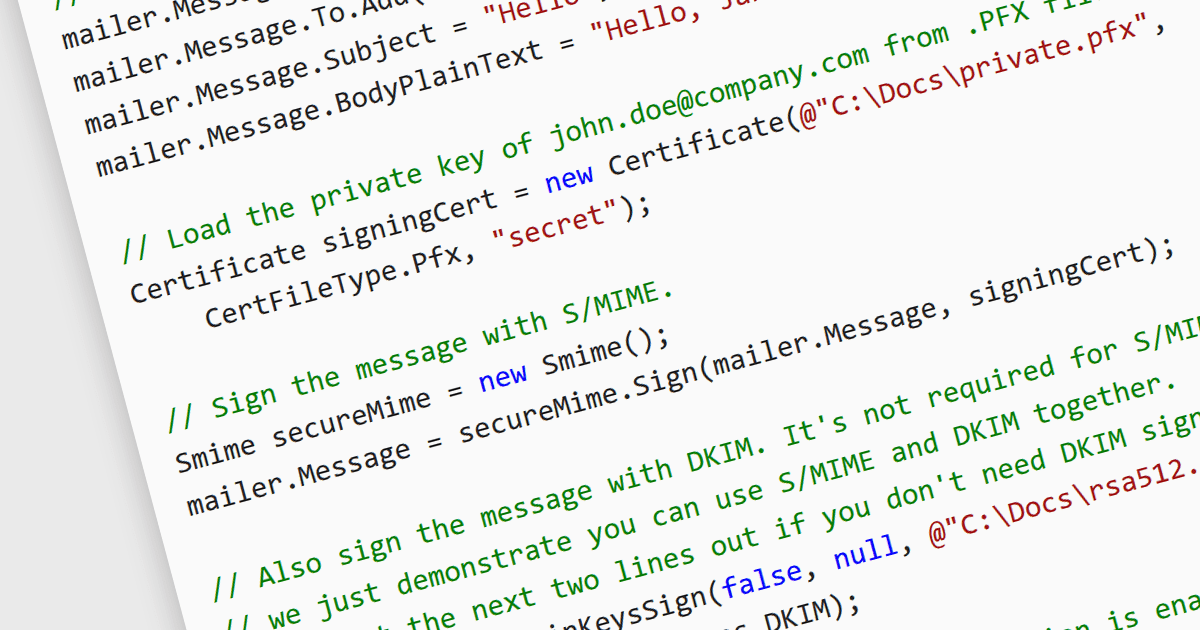
S/MIME (Secure/Multipurpose Internet Mail Extensions) is a widely adopted protocol that provides cryptographic security for email communication. It uses public key infrastructure (PKI) to enable features such as message encryption, ensuring confidentiality, and digital signatures, ensuring message integrity and authentication. By integrating seamlessly with email clients, S/MIME secures emails against interception and tampering, making it suitable for sensitive or confidential exchanges. Developers often utilize S/MIME for enterprise-grade email systems where data protection and compliance with regulations like GDPR or HIPAA are critical. Implementing S/MIME typically involves managing certificates issued by trusted Certificate Authorities (CAs) and ensuring proper configuration of email servers and clients.
Several .NET Core communications and messaging components offer S/MIME support including:
For an in-depth analysis of features and price, visit our comparison of .NET Core comms & messaging components.
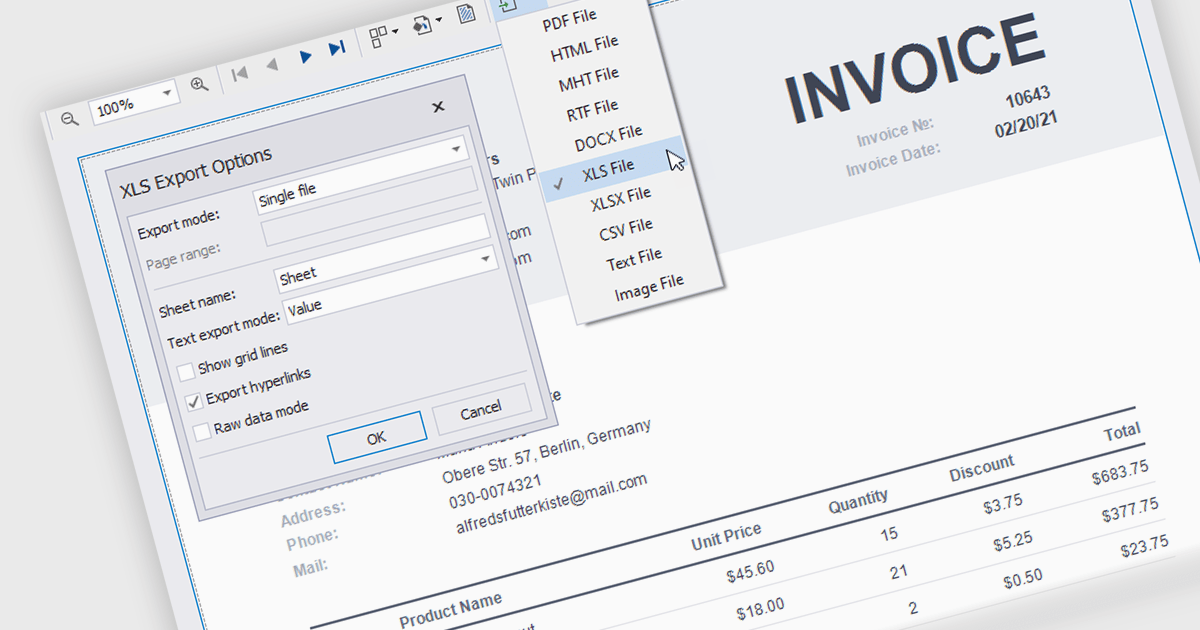
The ability to export reports to XLS/XLSX enables developers to transform report data into Microsoft Excel files in the widely-used XLS or XLSX formats. This allows easy integration of structured data with Excel's powerful data analysis and presentation tools and ensures compatibility with industry standards. It simplifies the dissemination of information by providing end-users with editable spreadsheets that preserve the layout, formatting, and accuracy of the original reports. The capability enhances user experience, streamlines workflows, and supports automated reporting solutions in enterprise and business applications.
Several .NET Reporting Controls offer exporting of reports to XLS/XLSX including:
For an in-depth analysis of features and price, visit our comparison of .NET Reporting Controls.
PDF manipulation tools empower users to reshape and optimize documents, transforming static files into versatile assets. These capabilities cater to diverse needs, from streamlining document management to enhancing accessibility and collaboration. Whether optimizing file sizes for seamless sharing, reorganizing content to better suit a project’s structure, or combining and customizing materials for tailored communication, PDF manipulation simplifies what could otherwise be a tedious process. Such tools bridge the gap between the rigidity of fixed-format documents and the flexibility modern workflows demand, ensuring professionals can work with PDFs in ways that are both efficient and precise.
Common features include:
For an in-depth analysis of features and price, visit our .NET PDF components comparison.
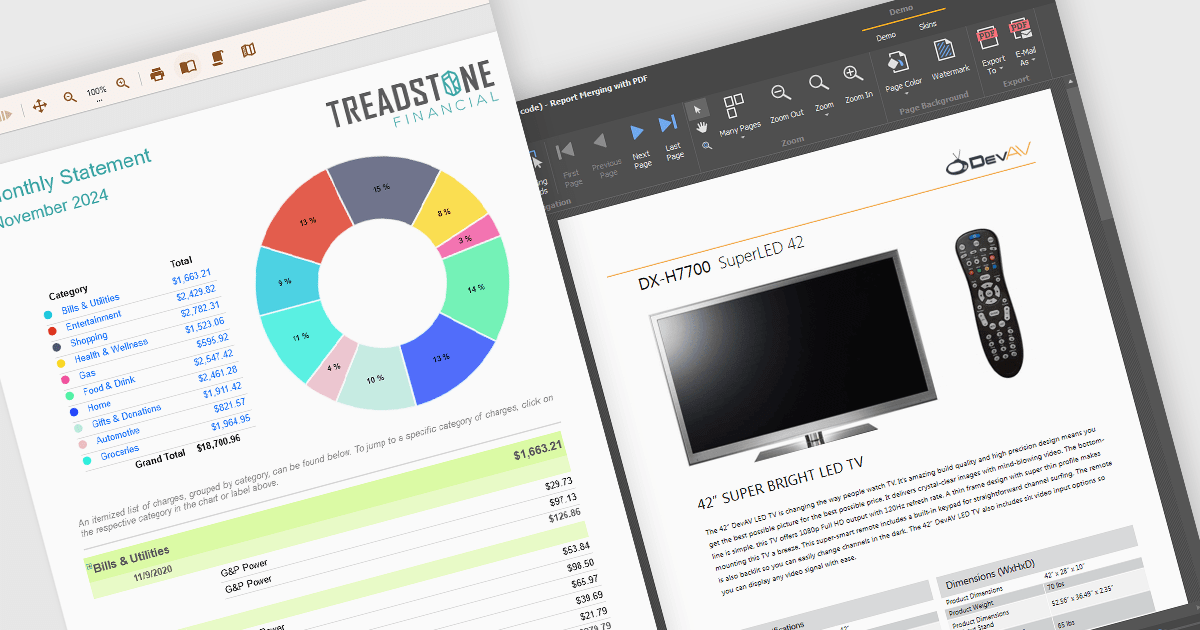
Text formatting functionality in reporting components lets users customize the appearance of text within reports, including options for fonts, sizes, colors, alignment, spacing, and styles such as bold or italic. Many components also support advanced features like conditional formatting, rich text, and HTML rendering, enabling developers to dynamically style content based on data or incorporate complex visual elements. This functionality is essential for creating professional and polished reports that are easy to read and visually appealing, helping users quickly identify key trends and insights. Use cases range from financial reporting, where precise alignment and emphasis are crucial, to marketing dashboards that require visually engaging presentations to communicate data effectively.
Several WinForms reporting controls offer support for formatted text including:
For an in-depth analysis of features and price, visit our WinForms reporting controls comparison.
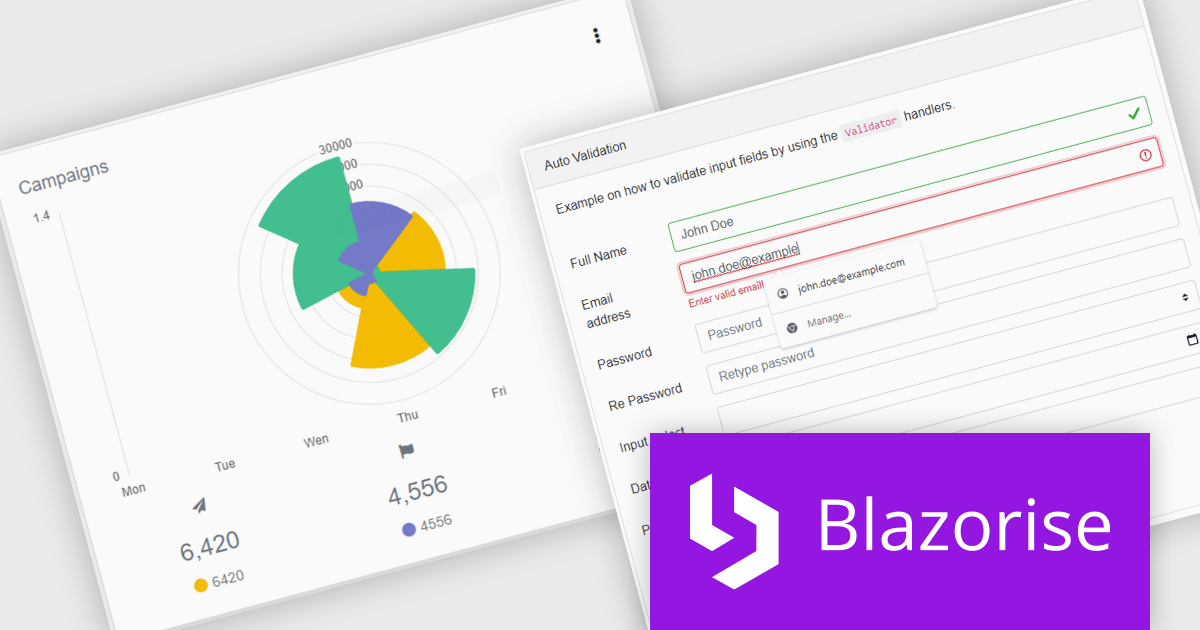
Blazorise is a versatile component library that empowers developers to build modern and feature-rich web applications using Blazor, a client-side web development framework from Microsoft. It offers a comprehensive collection of user interface components, including buttons, forms, charts, and navigation elements, all built with accessibility and responsiveness in mind.
The Blazorise 1.7 update brings full compatibility with .NET 9, providing software developers with access to the latest features and enhancements in the .NET ecosystem. This integration ensures improved application performance, streamlined workflows, and strengthened security measures, aligning with the latest industry standards. By leveraging .NET 9, developers can build more efficient, scalable, and secure web applications while ensuring long-term compatibility with modern frameworks and tools. This update underscores Blazorise's commitment to delivering cutting-edge solutions that enhance developer productivity and project outcomes.
To see a full list of what’s new in version 1.7, see our release notes.
Blazorise is licensed per developer and is runtime royalty free. Licenses include a 1 year subscription for updates and premium support. Professional, Enterprise, and Enterprise Plus editions are available, each offering tailored levels of support and service to meet varying business needs. See our Blazorise licensing page for full details.
For more information, visit our Blazorise product page.





Tel: (888) 850 9911
Fax: +1 770 250 6199


