








Official Supplier
As official and authorized distributors, we supply you with legitimate licenses directly from 200+ software publishers.
See all our Brands.

Grial UI Kit by UXDivers is a collection of pre-designed user interface components and templates specifically built for .NET MAUI app development. It offers a wide range of customizable XAML code snippets, custom controls, and helpers, allowing developers to rapidly build modern and visually appealing mobile applications for Android and iOS platforms while focusing on the core functionalities of the app.
The Grial UI Kit 2025.1 release introduces full support for right-to-left (RTL) languages, marking a significant enhancement for developers building multilingual and globally accessible mobile applications. This additional support enables developers to deliver an improved user experience to users of RTL languages, aligning with modern internationalization best practices. With this update, Grial continues to solidify its position as a robust, design-friendly toolkit for MAUI app development.
To see a full list of what's new in 2025.1 (4.3.120.0), see our release notes.
Grial UI Kit is licensed per application and is available as an perpetual license. See our Grial UI Kit licensing page for full details.
For more information, see our Grial UI Kit product page.
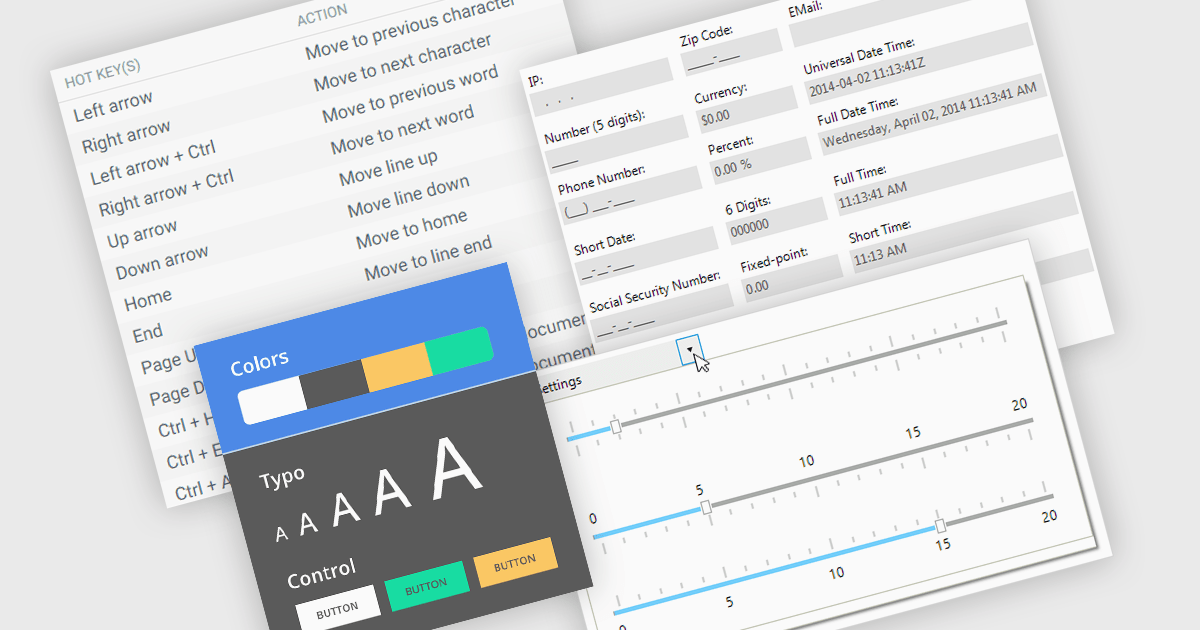
Data input controls with accessibility support are user interface components designed to capture user input, such as text fields, checkboxes, dropdowns, date pickers, and numeric fields, that can be used by anyone, regardless of physical or cognitive limitations. With assistive technologies like screen readers, voice input systems, and keyboard navigation, they ensure that individuals with disabilities or impairments can enter and manipulate data without obstruction. By adhering to accessibility standards like the Web Content Accessibility Guidelines (WCAG) and supporting technologies, these controls help developers deliver user-friendly interfaces that improve user experience for all, and help organizations meet legal and ethical accessibility obligations.
Several WinForms data editor collections include accessibility support, such as:
For an in-depth analysis of features and price, visit our comparison of .NET WinForms data editor collections.
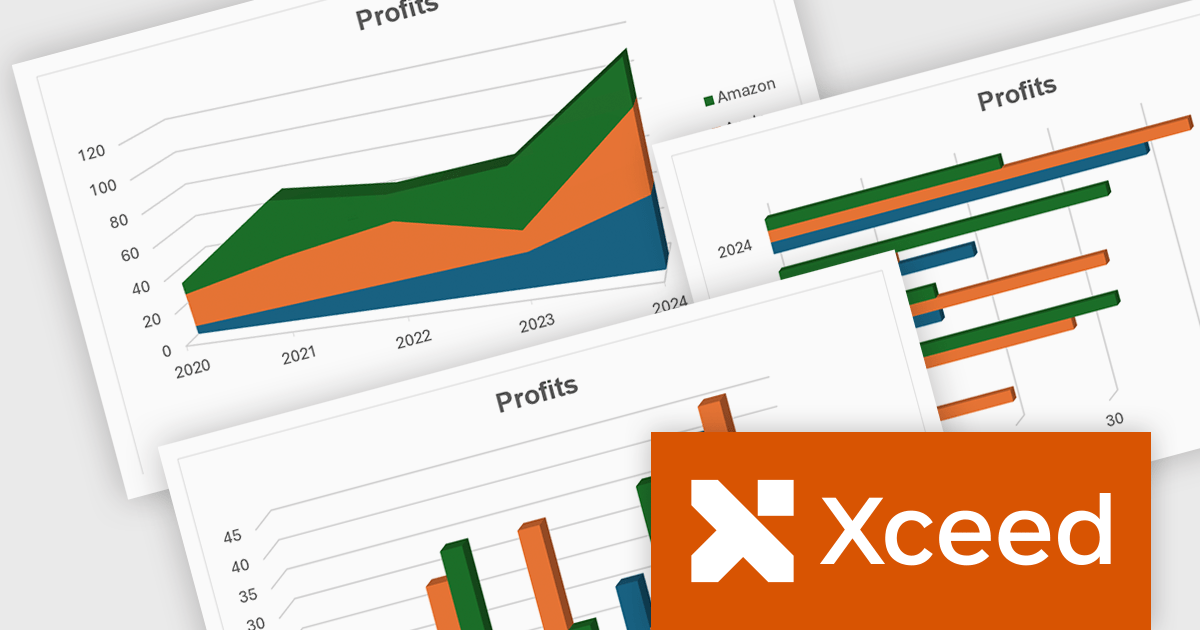
Xceed Workbooks for .NET is a software component designed for .NET developers that enables the creation and manipulation of Microsoft Excel .xlsx files directly within their applications, without requiring Microsoft Excel or Office to be installed; it provides an API that allows for programmatic control over spreadsheet content, formatting, and structure, facilitating tasks such as report generation, data analysis, and document automation.
The Xceed Workbooks for .NET V3.0 release significantly enhances charting capabilities by allowing developers to programmatically create and manage a wide range of chart types without relying on external tools. From standard line, column, bar, pie, and doughnut charts to more advanced options like scatter, bubble, radar, and stock charts, the update ensures broad coverage of data visualization needs. Notably, the version also brings in new 3D chart types such as Surface3D and Contour3D, offering more depth and interactivity for technical and scientific data presentation. This expanded support empowers users to deliver polished, professional-grade reports and dashboards within their .NET environments.
To see a full list of what's new in V3.0, see our release notes.
Xceed Workbooks for .NET is licensed per developer and is available as a perpetual license with 1 year of updates and support. See our Xceed Workbooks for .NET licensing page for full details.
Xceed Workbooks for .NET is available individually or as part of Xceed Ultimate Suite.
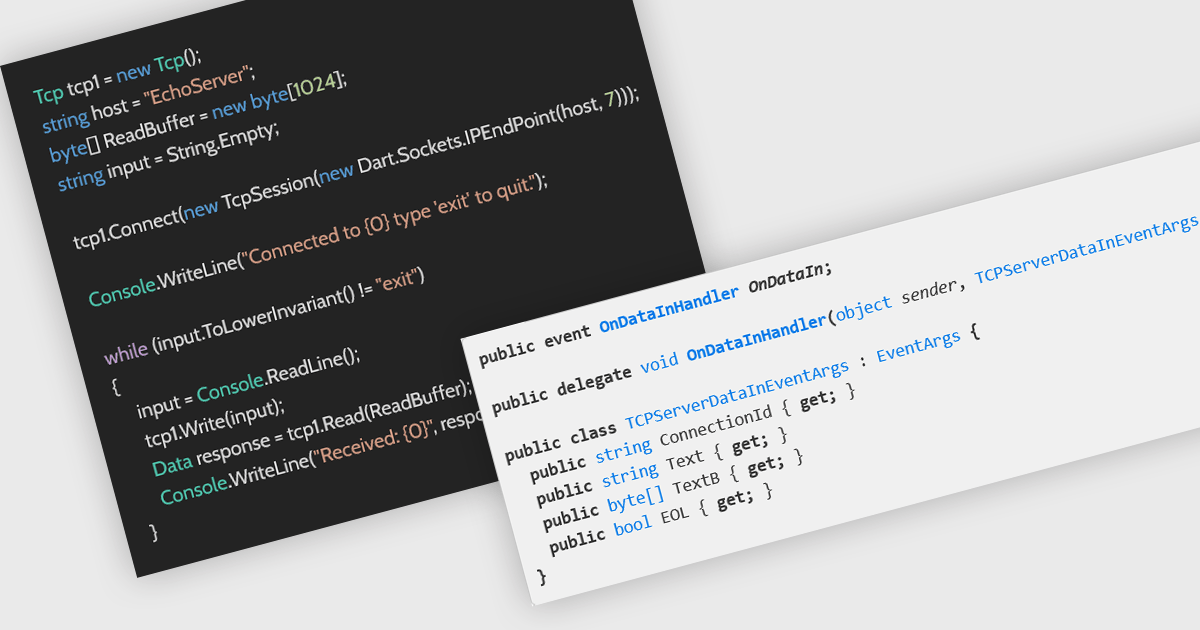
The Transmission Control Protocol (TCP) is a core network protocol that ensures reliable, sequential, and error-checked delivery of data between devices over IP networks. It is fundamental to many internet applications, including web browsing, email, and file transfer. TCP support enables developers to create distributed applications capable of exchanging structured data over both internet and local network connections. This ensures stable and consistent communication between clients and servers, making it ideal for scenarios like real-time processing, remote procedure calls, and service-oriented architectures that require dependable connectivity.
Several .NET communications and messaging components offer TCP features including:
For an in-depth analysis of features and price, visit our comparison of .NET communications & messaging components.
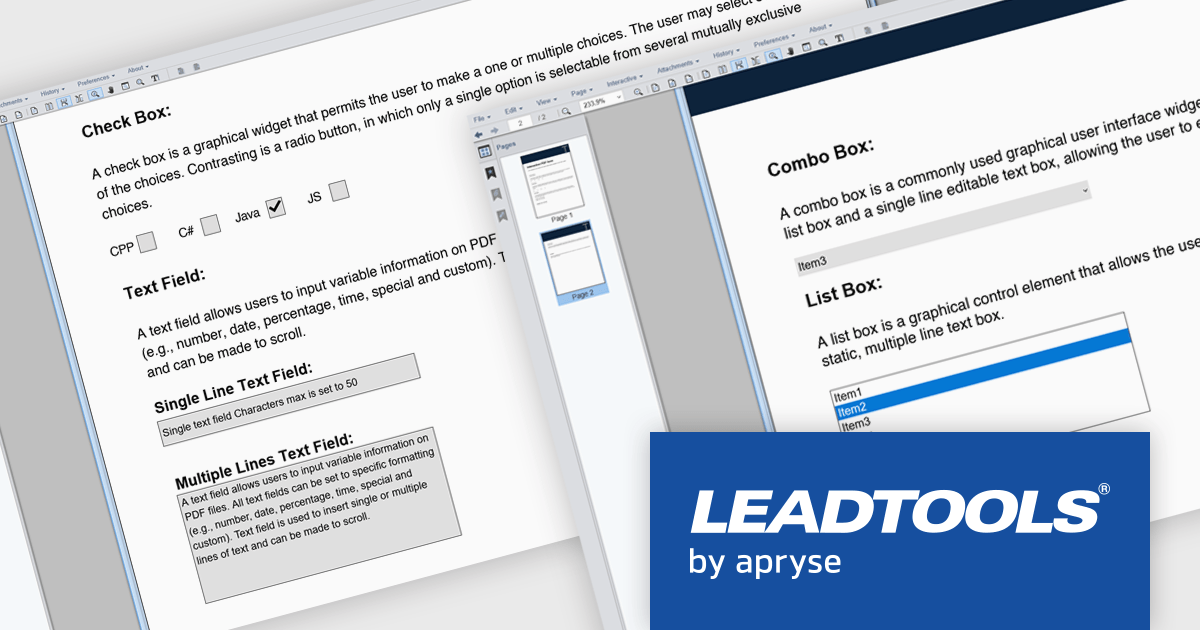
LEADTOOLS PDF presents a comprehensive toolkit for developers seeking to integrate robust PDF functionality into their applications. This solution enables efficient management of PDF files, offering features such as precise text, image, hyperlink, and metadata extraction, alongside complete control over document pages. The inclusion of the LEADTOOLS PDF Optimizer further facilitates web preparation through linearization and compression. Use cases range from document management systems and content processing applications to solutions requiring efficient PDF viewing, editing, and conversion capabilities.
LEADTOOLS PDF provides the ability to incorporate interactive PDF form functionality into software applications, enabling the creation and manipulation of fillable PDF documents. This feature facilitates efficient data collection directly within PDF files, minimizing manual data entry and potential errors. Programmatic access to form fields allows for the automation of data extraction and processing, leading to enhanced application efficiency and an improved user experience for individuals interacting with digital forms. This capability supports diverse use cases, including automated data gathering, digital document signing processes, and the creation of dynamic, user-friendly document interfaces.
LEADTOOLS PDF is licensed per developer and per application, requiring a development license for each programmer using the SDK and a separate license for each application developed. For deployment, a runtime license is needed, with options for desktop, concurrent, or server licenses depending on the application's use. See our LEADTOOLS PDF licensing page for full details.
For more information, visit our LEADTOOLS PDF product page.





Tel: (888) 850 9911
Fax: +1 770 250 6199


