








Official Supplier
As official and authorized distributors, we supply you with legitimate licenses directly from 200+ software publishers.
See all our Brands.
InstallAnywhere by Revenera simplifies the process of creating professional, multi-platform installers for diverse deployment environments. It enables developers to design reliable installation packages for on-premise platforms such as Windows, Linux, and macOS, as well as modern environments like Docker containers and cloud deployments. With its intuitive interface and robust customization options, InstallAnywhere helps deliver a consistent and polished user experience across all supported platforms.
The InstallAnywhere 2024 R2 release significantly enhances its cross-platform capabilities by introducing robust support for ARM64 (AARCH64) Linux distributions. This crucial addition empowers developers to seamlessly build and deploy their applications on both Windows and Linux operating systems specifically designed for the ARM64 architecture. By enabling developers to target this rapidly evolving market, InstallAnywhere 2024 R2 further solidifies its position as a leading platform for creating and delivering reliable, efficient, and cross-platform software installations.
To see a full list of what's new in version 2024 R2, see our release notes.
InstallAnywhere is licensed per user and is available as a three year timed subscription. See our InstallAnywhere licensing page for full details.
For more information, visit our InstallAnywhere product page.
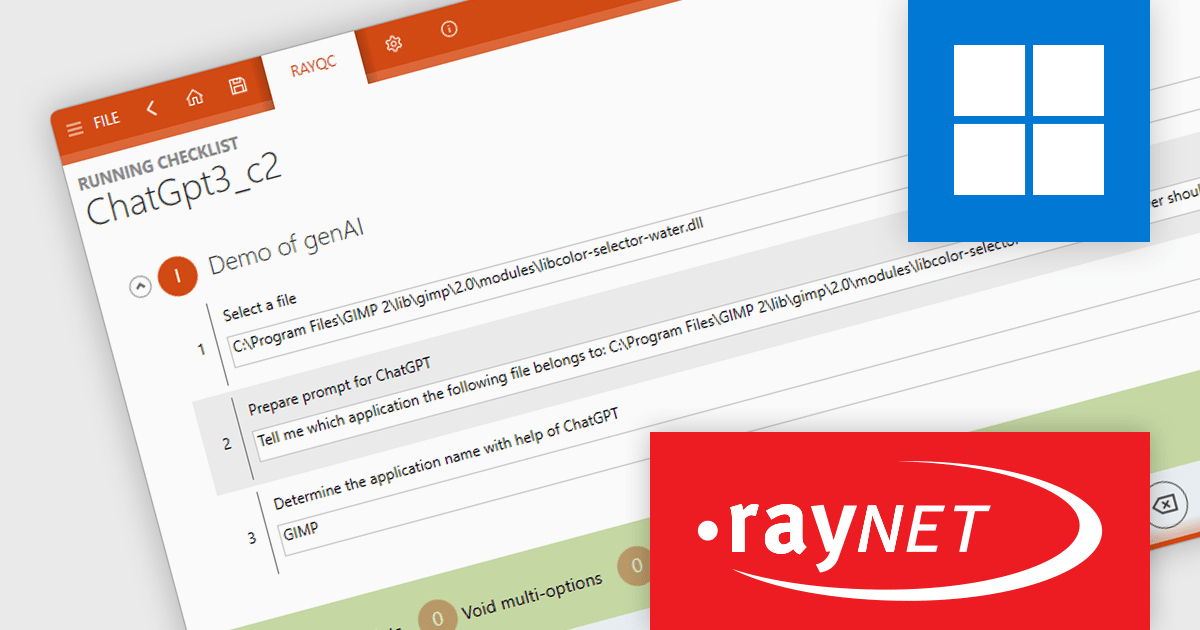
RayQC is a quality assurance tool within RayPack Studio, a comprehensive software packaging suite developed by Raynet. RayPack Studio streamlines the creation, customization, and management of application packages, supporting formats such as MSI (Microsoft Installer), MSIX, and virtualization formats like App-V and ThinApp. It encompasses all steps from conflict and compatibility checks to evaluation, packaging, virtualization, quality control, and workflow management. Within this suite, RayQC focuses on ensuring package quality and compliance by providing structured checklists and workflows to validate reliability, compatibility, and readiness, making it a key component for maintaining high standards in software deployments.
The RayQC 8.0 update (part of RayPack Studio) introduces a powerful integration with ChatGPT, enabling users to automate quality assurance tasks with AI-driven insights. This feature uses a dedicated plugin to manage ChatGPT prompts, allowing automated responses and interactions within RayQC workflows. The new CompletePrompt function supports custom prompts and lets users configure ChatGPT parameters, including temperature, maximum token limits, and model selection. To access this functionality, users need a valid OpenAI account and API key. By streamlining routine tasks and providing intelligent suggestions, this integration saves time, reduces manual effort, and helps ensure the accuracy of software package assessments, making it an invaluable tool for quality assurance professionals.
To see a full list of what's new in RayQC 8.0, see our release notes.
RayPack Studio is licensed per device/machine and is available as a perpetual license or a subscription license. Both licenses come with Silver Maintenance for support and updates. See our RayPack Studio licensing page for full details.
Learn more on our RayPack Studio product page.
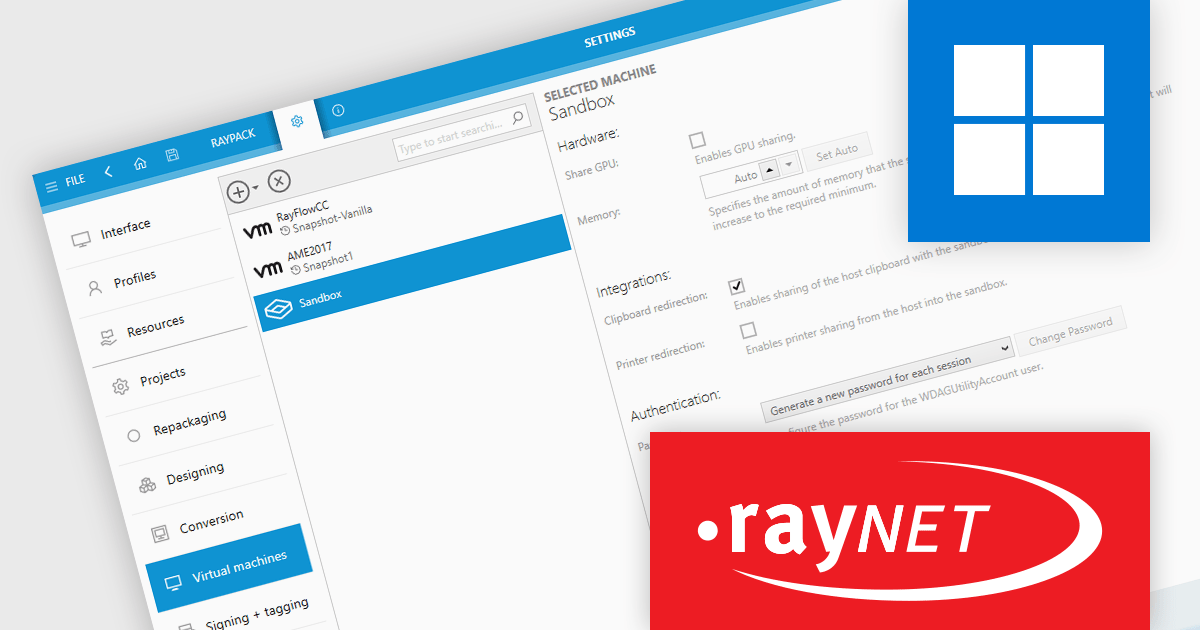
RayPack Studio by Raynet is a powerful software packaging solution designed to simplify the creation, customization, and management of application packages for deployment. It supports the creation of MSI (Microsoft Installer) and other formats, such as MSIX, as well as virtualization formats like App-V and ThinApp. Key features include repackaging legacy setups, editing existing packages, and ensuring quality through conflict detection and compatibility testing. The solution integrates seamlessly into enterprise workflows, enabling the automation of complex packaging tasks while maintaining compliance with industry standards.
The RayPack Studio 8.0 update introduces the ability to repackage applications directly within Windows Sandbox. The secure, isolated Sandbox environment allows software to be installed and run separately from the host system. This integration eliminates the need to set up a full virtual machine, making repackaging tasks more efficient and secure. By leveraging Windows Sandbox, users can perform repackaging in a clean, controlled environment, reducing the risk of system interference and streamlining the overall process.
To see a full list of what's new in RayPack 8.0, see our release notes.
RayPack Studio is licensed per device/machine and is available as a perpetual license or a subscription license. Both licenses come with Silver Maintenance for support and updates. See our RayPack Studio licensing page for full details.
Learn more on our RayPack Studio product page.
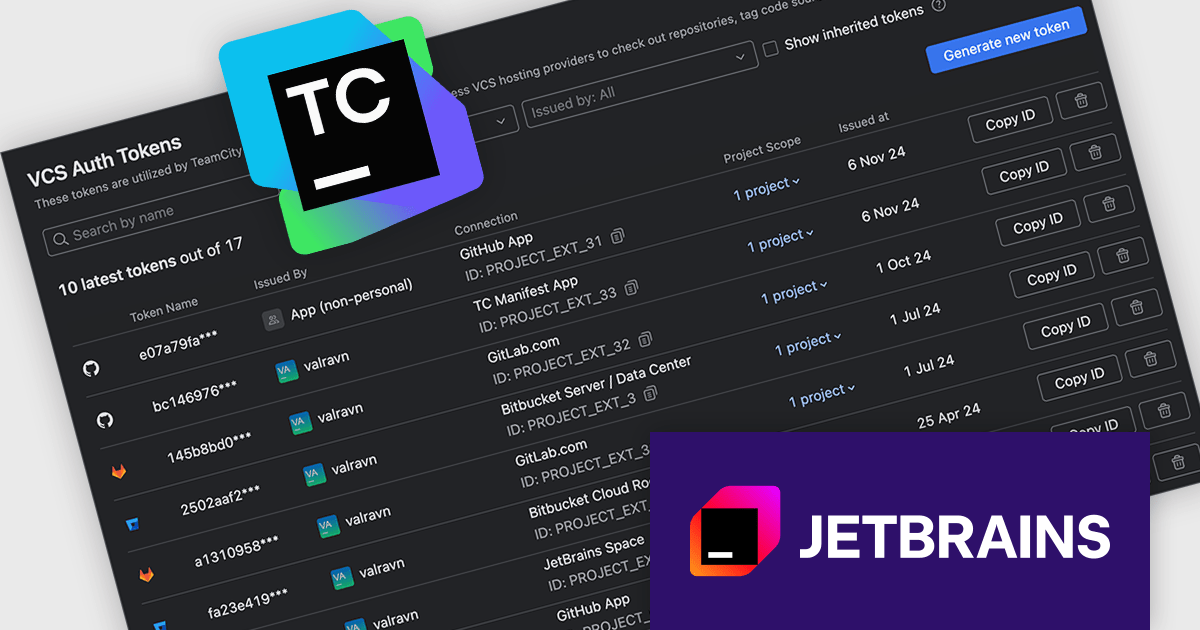
TeamCity by JetBrains is a robust continuous integration and deployment (CI/CD) server that simplifies building, testing, and deploying software. It supports diverse workflows with features like real-time build monitoring, customizable pipelines, and integrations with tools like Git and Mercurial. TeamCity’s intelligent build management, including parallel builds and automated testing, optimizes resources and accelerates delivery. With its user-friendly interface and extensive language and framework support, TeamCity is ideal for teams aiming to streamline development and maintain high-quality code efficiently.
The TeamCity 2024.12 release now offers a centralized approach to managing refreshable access tokens for various OAuth connections, including VCS hosting providers, issue trackers, and build features like Commit Status Publisher. These short-lived tokens enhance security by replacing static tokens or traditional username/password credentials. To streamline token management, TeamCity introduces the VCS Auth Tokens page within project settings. This user-friendly interface empowers you to easily view, create, and revoke refreshable tokens for your projects, ensuring optimal security and control over your authentication processes.
To see a full list of what's new in version 2024.12, see our release notes.
TeamCity On-Premises is licensed per server and per build agent, and is available as a commercial perpetual license. See our TeamCity On-Premises licensing page for full details.
For more information, visit our TeamCity On-Premises product page.
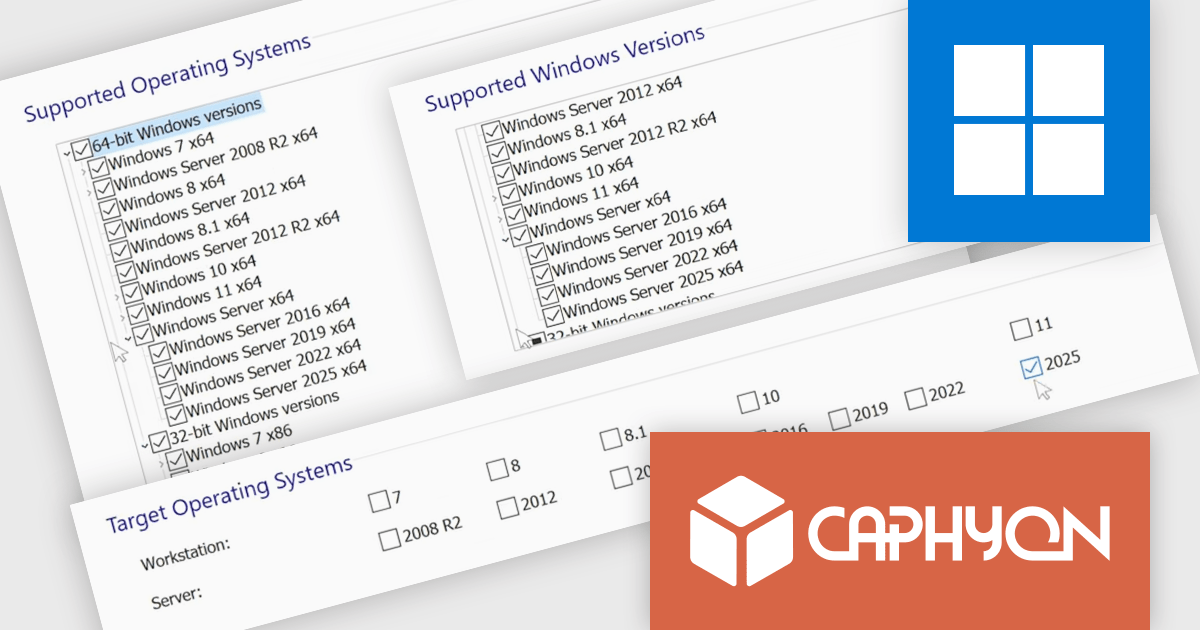
Advanced Installer by Caphyon is a versatile software packaging tool used by developers, IT administrators, and software vendors to create reliable, professional-grade installation packages. It simplifies the deployment process for applications across various platforms, offering features like built-in compliance checks, configuration of server roles, and seamless integration with development frameworks. By automating complex tasks, it helps teams save time and reduce errors, making it an indispensable tool for deploying enterprise applications, client-server solutions, and cloud-connected software.
The Advanced Installer 22.3 update introduces built-in support for Windows Server 2025, enabling software developers to streamline deployment processes by integrating the configuration of Windows Features and Server Roles directly within installation packages. This enhancement eliminates the need for custom scripts or manual post-installation setups, ensuring a faster, more reliable, and consistent deployment workflow across different environments. By aligning installation processes with the latest Windows Server platform, this update not only simplifies application delivery but also supports future-proof compatibility with emerging server technologies.
To see a full list of what's new in version V22.3, see our release notes.
Advanced Installer is licensed per user and is available as an annual or perpetual license with 1 year support and maintenance. See our Advanced Installer licensing page for full details.
For more information, visit our Advanced Installer product pages:





Tel: (888) 850 9911
Fax: +1 770 250 6199


