








Official Supplier
As official and authorized distributors, we supply you with legitimate licenses directly from 200+ software publishers.
See all our Brands.
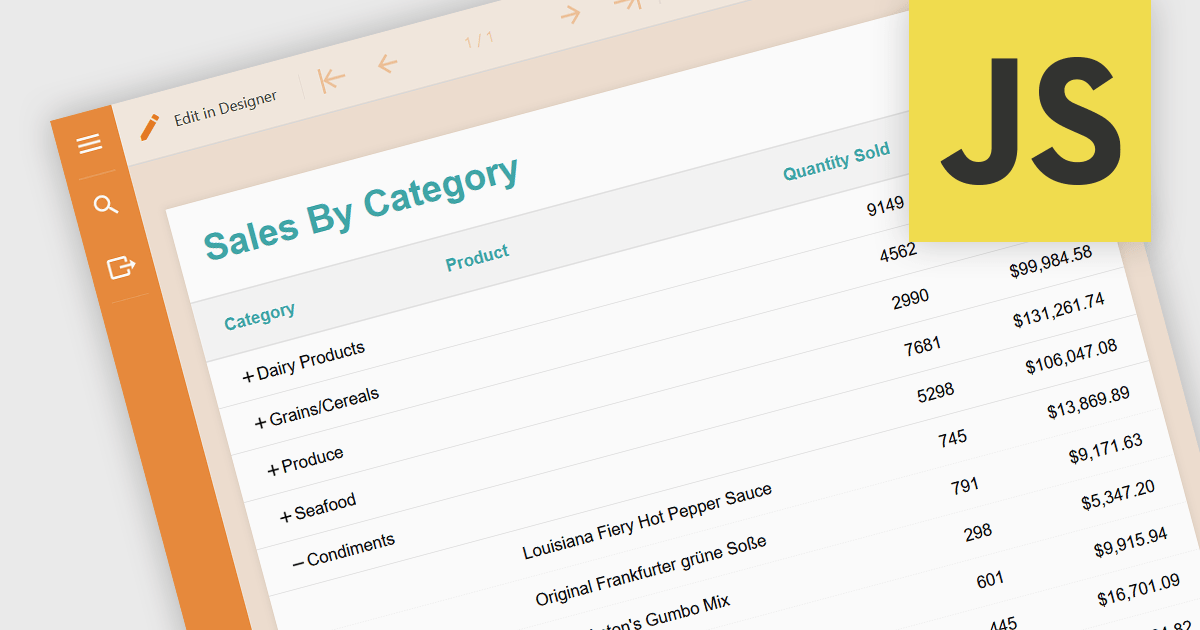
Drill-down is a feature often found in reports that allows users to explore data in greater detail, starting with a high-level summary, then clicking to navigate to progressively finer levels of detail. This helps to make complex data easier to understand and allows users to efficiently identify the underlying source of problems by iteratively analyzing successive layers of data immediately within the report. Drill-downs provide a continuous path from high-level overviews to specific data points, streamlining the process of detecting and addressing problems.
The following JavaScript reporting components offer drill-down support:
For an in-depth analysis of features and price, visit our comparison of JavaScript reporting components.
ActiveReports.NET is a .NET reporting tool used by developers to design and integrate reports into their web and desktop applications. It provides a familiar Visual Studio designer for building reports with rich controls like charts and tables. ActiveReports also boasts a flexible API for customization and supports various data sources with export options to common file formats.
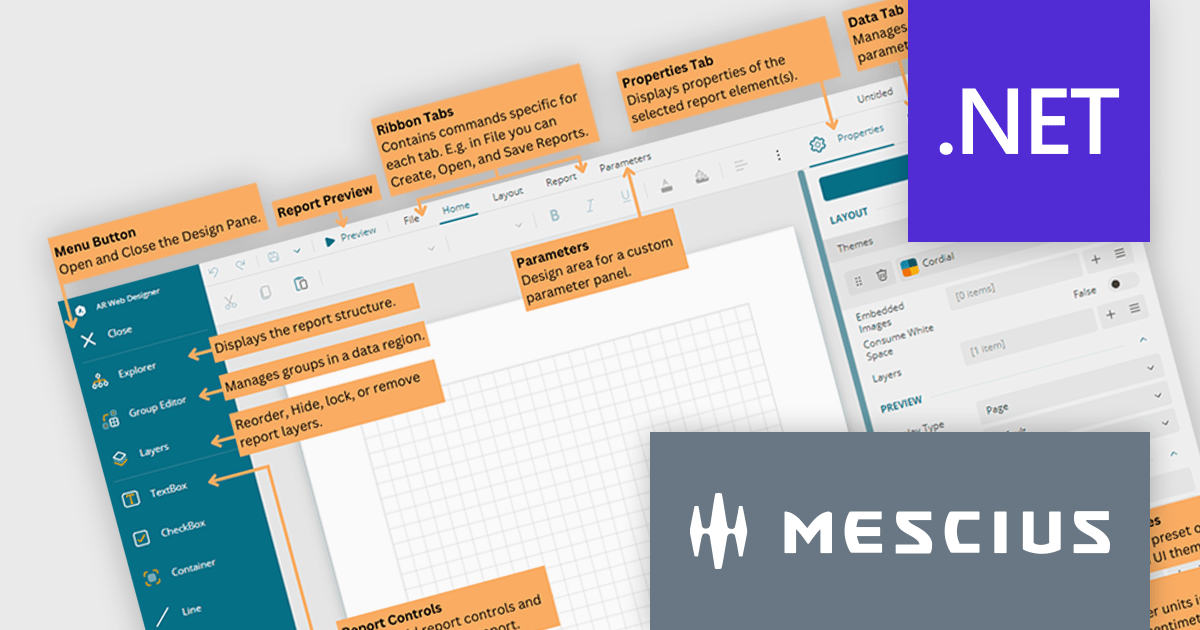
In this blog post, MESCIUS Product Marketing Specialist Mason Schaffer dives into the ActiveReports.NET Web Designer. Learn how to equip your web users with the ability to create custom reports on their own, all thanks to a user-friendly drag-and-drop interface. Features include:
Read the complete blog to learn the essentials of the ActiveReports.NET End-User Report Designer and start creating impactful reports more quickly.
ActiveReports.NET is licensed per developer and is available with or without a 12 month support and maintenance subscription. See our ActiveReports.NET licensing page for full details.
For more information, visit our ActiveReports.NET product page.
ActiveReports.NET is a reporting tool that allows developers to design and deliver reports with intuitive, reliable, and user-friendly report designers and controls. Features include the ability to create reports in a variety of formats, such as PDF, Excel, and HTML. ActiveReports.NET is also highly customizable, with an extensive API and advanced feature library.
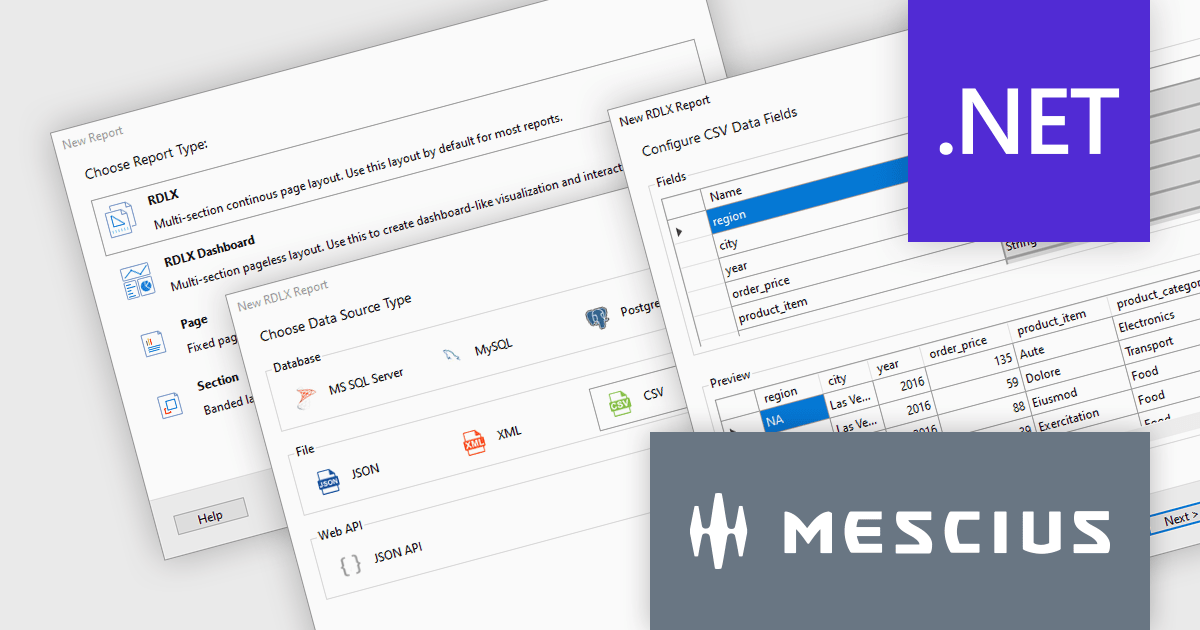
ActiveReports.NET v18 introduces a powerful Report Wizard to streamline the creation of RDLX, Page, and Dashboard reports. This intuitive wizard expertly guides you through the entire report design process, from initial configuration to seamless data binding. Whether you're crafting detailed financial reports, visually rich data dashboards, or any other type of document-based presentation, the wizard ensures a smooth experience. This new feature helps you transform raw data into clear, actionable insights with ease.
To see a full list of what's new in version 18, see our release notes.
ActiveReports.NET is licensed per developer and is available with or without a 12 month support and maintenance subscription. See our ActiveReports.NET licensing page for full details.
For more information, visit our ActiveReports.NET product page.
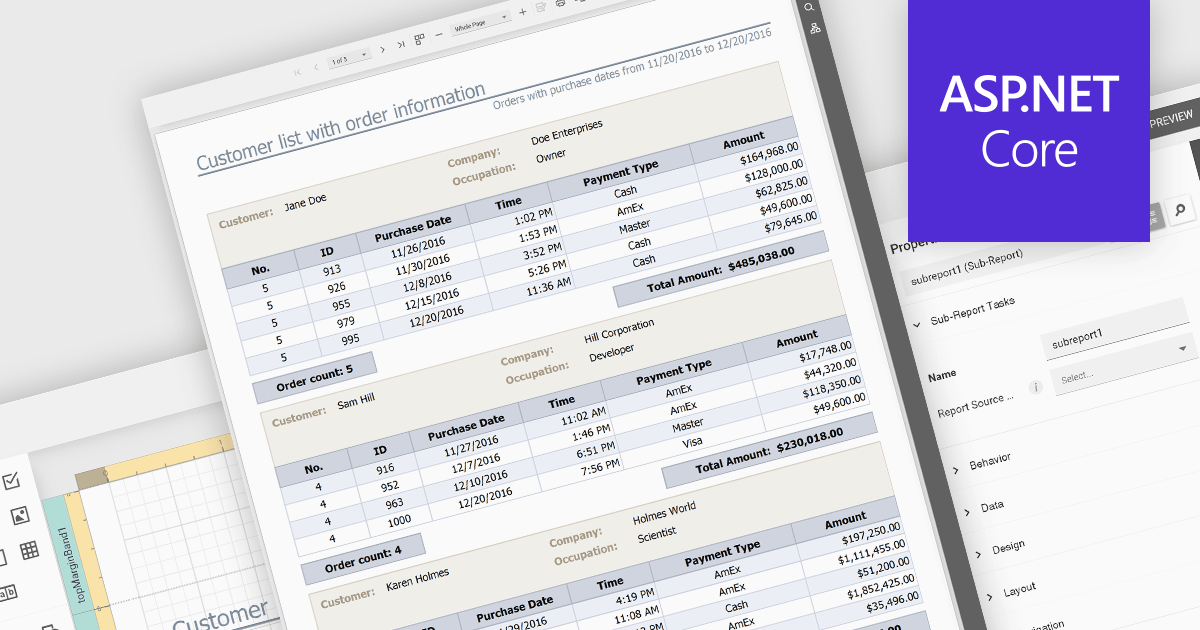
Subreports let you combine smaller reports into one, allowing you to present hierarchical or related data in a structured manner. They effectively function as modular components within a larger report, enhancing data organization and clarity. Subreports are useful for displaying detailed information associated with a main report's record, such as order items within an invoice or the sales history of a specific customer.
Several ASP.NET Core reporting controls offer support for subreports including:
For an in-depth analysis of features and price, visit our ASP.NET Core reporting controls comparison.
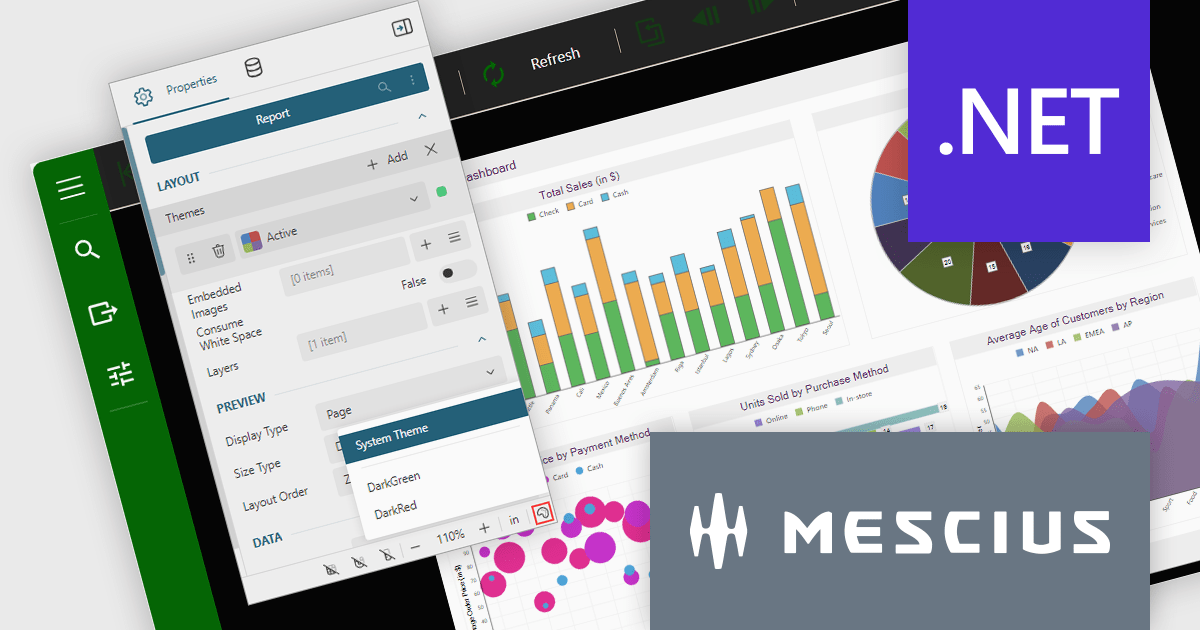
ActiveReports.NET is a reporting tool that allows developers to design and deliver reports with intuitive, reliable, and user-friendly report designers and controls. Features include the ability to create reports in a variety of formats, such as PDF, Excel, and HTML. ActiveReports.NET is also highly customizable, with an extensive API and advanced feature library.
ActiveReports.NET v18 brings robust theme support to its JS Viewer and Web Designer components, granting you extensive control over the user interface. Choose from a diverse selection of built-in UI themes for instant customization, or exercise fine-grained control by creating your own theme. This allows you to precisely match the components' appearance with your application's unique branding, ensuring a visually cohesive and professional user experience.
To see a full list of what's new in version 18, see our release notes.
ActiveReports.NET is licensed per developer and is available with or without a 12 month support and maintenance subscription. See our ActiveReports.NET licensing page for full details.
For more information, visit our ActiveReports.NET product page.





Tel: (888) 850 9911
Fax: +1 770 250 6199


