Click for more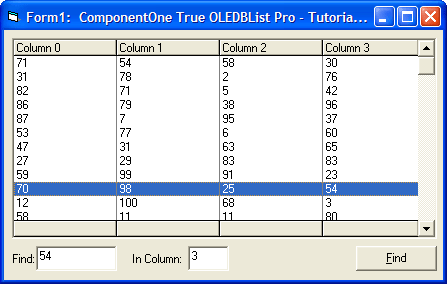
Click for more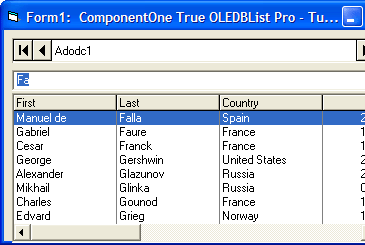
Search and Auto Complete
Add Incremental Search and Auto Completion. the control receives focus, any keys the user types are concatenated into a search argument, and the list portion of the control instantly highlights the next matching entry, if found. You can also enable the AutoCompletion property to cause the remainder of the matching entry to be appended to the combo's text box.
Click for more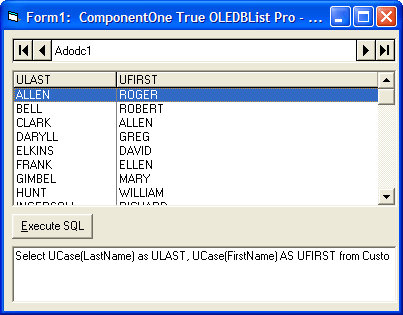
SQL Query Results
Use True DBList with SQL Query Results. Automatically sense changes to the database at run time. Display the results of ad-hoc SQL queries.
Click for more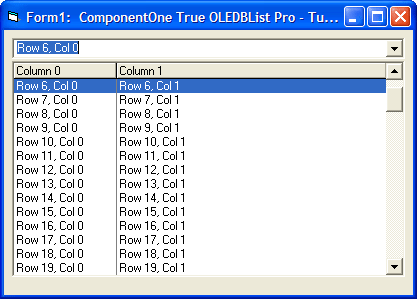
Display Array Data
A variety of modes are available: Unbound Mode, Unbound Extended Mode, Unbound Application Mode and Unbound Storage Mode.
Click for more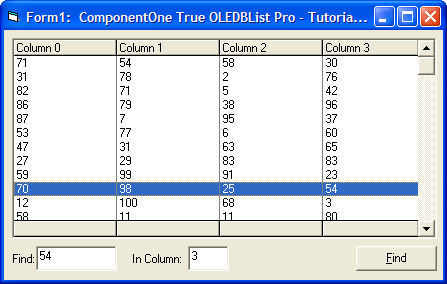
Sorting and Searching
Use the sorting and searching features of the XArrayDB object. The QuickSort method sorts a range of rows in an XArrayDB object according to one or more columns (up to ten). The Find method searches for a specified value within a column of an XArrayDB object, starting at a particular row.
Click for more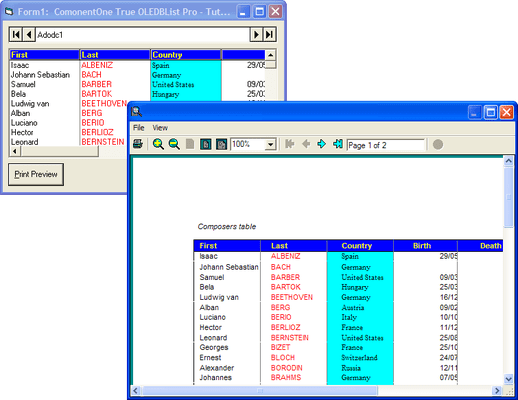
Printing, Print Preview, and Export
True DBList can provide printing and exporting capabilities to your applications lists.
Click for more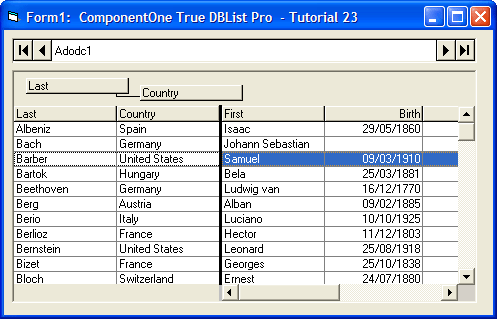
Outlook-Style Grouping
Perform Outlook-Style Grouping,allowing you to move list columns into a new split for enhanced data display capabilities. When in Group mode, a "grouping area" is added to the list, providing an intuitive interface for creating a columns group.




