Click for more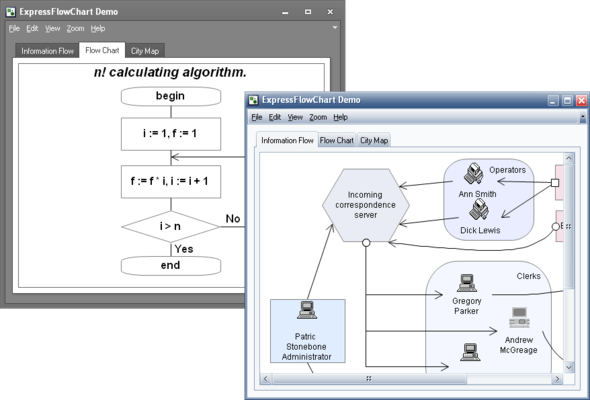
Click for more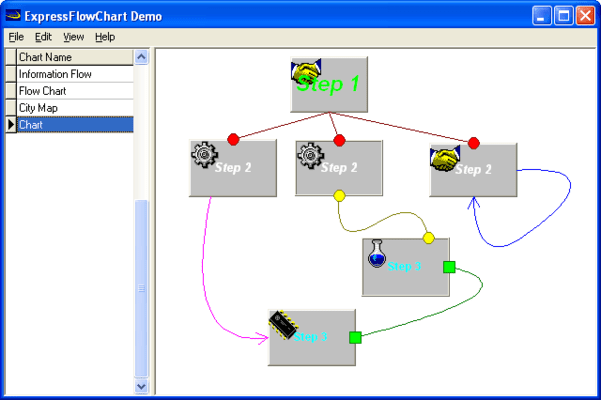
Flowchart Styles
A block within a flow chart control is called an object. Objects may be of different shapes and may be drawn with different colors. Every object can contain text as well as an image. Object provides different layouts of text and image within the object area.
Click for more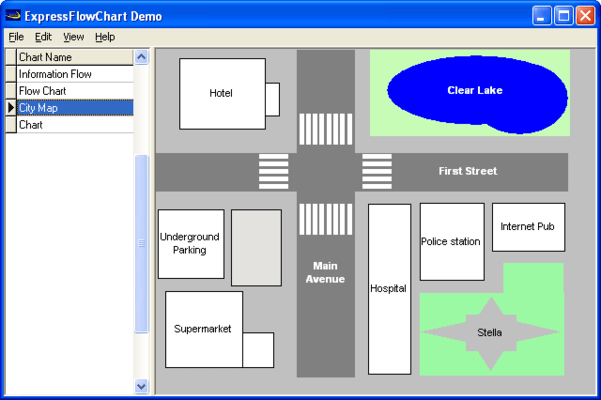
Map Styles
Flow chart objects are linked via connections. Connection either links two objects or 'hangs'; that is, it is linked only to one object or has no linked objects. It may be drawn in different ways; for instance, two points may be linked via a straight or curved line, or via horizontal and vertical line. Like objects, connections may include associated text that appears as a caption next to the line.
Click for more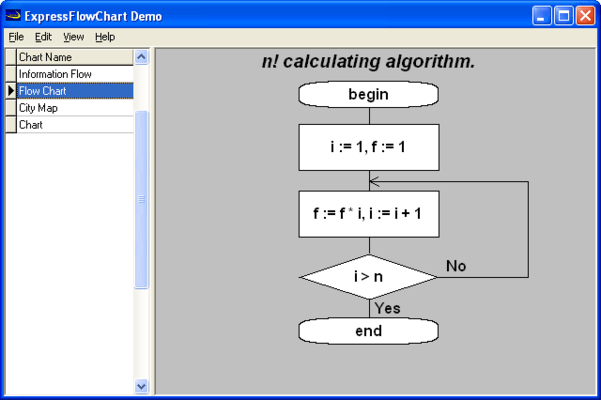
Math Styles
An object can be united (grouped) into a union. If the main Object of the union moves, all other objects move accordingly. Though you can move several objects if you select them all, union makes the same movement easier for end users. For instance, assume you construct a plan of several hotel rooms. If you unite a room and all its contents, you need not select several objects in order to move them to another location within your scheme; All you must do
Click for more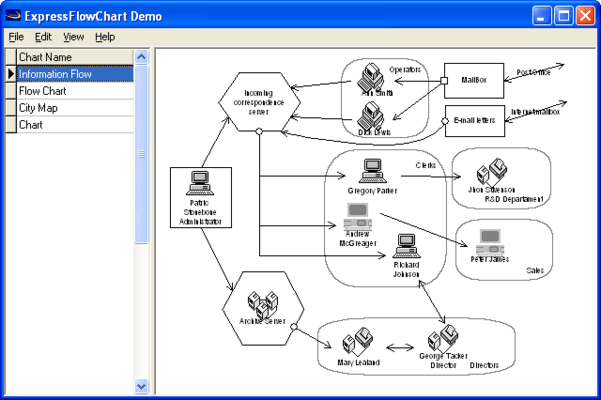
Shapes
Shapes of each individual node object (Rectangle, Rounded Rect, Ellipse, Diamond).




